After creating a new Performance Max campaign and running it for a few days, the backend shows impressions, but the overseas headphone brand can't determine which specific ad the users actually saw. The problem usually isn't "not having videos," but rather not providing actively controlled video assets. Google can generate or adjust videos based on existing materials; however, if the brand only provides a product image and a single landscape video, automated creative solutions are likely to break down the core selling points, composition, and relationship with the landing page.
Build a Coordinated Asset Group for PMax
Headphone brands often treat a single campaign as a "release of an advertisement." However, Performance Max combines assets across different channels and contexts; the video is just one part of the asset group. Search users may be interested in noise cancellation, commuters care about wearing comfort, and comparison shoppers will look at call quality and connectivity. If an asset group mixes these three intentions into a single generic video (brand film), the system has options to serve it, but the creative lacks clear shot objectives.
First, group products and user problems: commuting noise cancellation, sports stability, and home calls can be three different story angles; each set should have its own product close-ups, usage scenarios, copy, and landing pages. Don't use "the headphones sound great" to cover all needs. Instead of abstract acoustic parameters, show how the headphones perform in real-world scenarios like blocking out subway noise, keeping meeting voices clear, or preventing runners from having to constantly adjust their headphones. This way, users can understand how it relates to them.
Design Horizontal, Vertical, and Square Versions for Different Viewing Tasks
Google recommends horizontal 16:9, vertical 9:16, and square 1:1 videos for Performance Max. Its video-asset guidance specifies a vertical video of 10–60 seconds for Shorts eligibility. It also explains that Google may generate videos from existing images, text, and Merchant Center information when no video is supplied. Shooting three native compositions helps the brand control the opening frame, person placement, and product proportions.
Horizontal videos are suitable for establishing an emotional space: commuters exiting the subway, leaving the city noise behind; vertical videos can use a 1 second visual hook to present a "noisy" scene and then quickly switch to wearing and facial expressions; square videos can simultaneously display the product, gestures, and a core benefit in the feed. Directly converting horizontal videos to vertical often cuts off parts like headphones, hands, or subtitles, resulting in something that is neither high-quality nor clear.
First, develop a core concept (big idea), then design three sets of opening sequences.
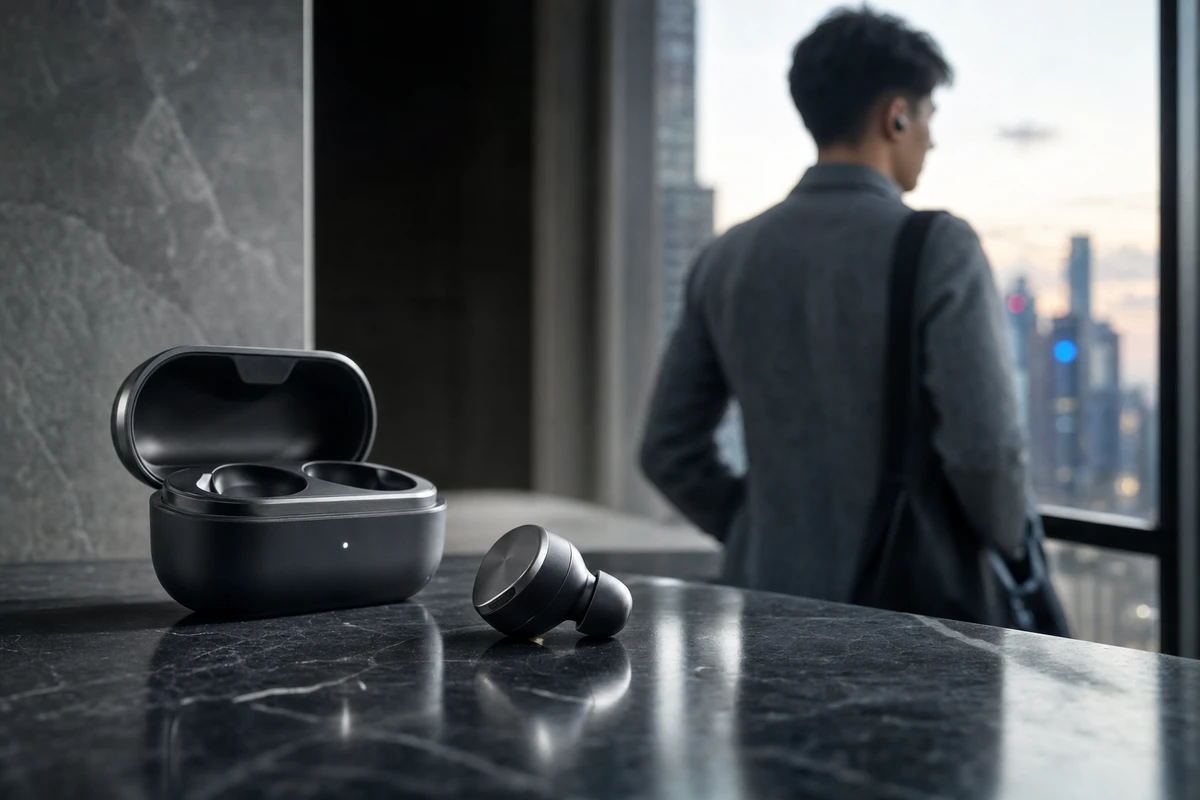
The key idea for headphones isn't just "immersive sound," but rather "providing commuters with a controllable quiet space." The same concept can be gradually established in horizontal videos, while in vertical videos, it must directly start from the train car, coffee machine, or street noise. In square videos, it can be achieved through actions like taking out the charging case, wearing them, and stepping away from the source of noise. Brand recognition should appear early, but not before user insights.
Each version can use the same structure: environmental pressure, product intervention, visible change, usage result, and a CTA with a clear direction. Think with Google’s ABCD framework covers Attention, Branding, Connection, and Direction; it is a useful action-oriented principle. It is not a template, but it reminds the team not to shoot only beautiful B-roll and not to leave users wondering why they should click next.
Create the version matrix on set, rather than trying to fix it in post-production.
The shot list for the shooting day should serve the aspect ratio. At least two sets of compositions (horizontal and vertical) should be filmed for elements such as commuters walking towards the camera, picking up the charging case, putting in the earbuds, subtle facial expressions, macro shots of the product, and reactions to urban sounds. Avoid cropping people out of the frame, and mark subtitle areas and logo areas in the monitor beforehand. The hero shot should feature the product, but it doesn't mean every shot needs to fill the entire screen with the product.
Also, leave plenty of footage without music, without subtitles, and with different lengths of pauses. Post-production needs room for localization, promotions, dynamic text, or AIGC supplementary versions, but music, narration, and product promises must be reviewed by the brand team. The asset library should record the aspect ratio, story angle, benefits, language, landing page, and target audience so that marketers don't direct a video about "clear call quality" to a page only focused on noise cancellation.
Automation is not about letting go; asset groups must have clear boundaries.
Organize assets by theme, provide a useful variety of material, and allow a learning period before deciding what to replace. Google’s asset-group best practices recommends grouping assets by themes such as products, language, or audience. Putting every SKU, audience, and promotion into one group makes it harder to judge whether the creative fits the intended buying task.
When you want to avoid uncontrolled automatic videos, proactively upload three versions in native aspect ratios and review whether generated or enhanced clips maintain the correct product, copy, and landing page relationship. Automation can expand cutdowns, but it cannot replace the analysis of product selling points, nor can it substitute for a judgment of the safe zone and audio experience.
When reviewing a project, first look at the assets, then review the budget.
Allow time for learning after launch, then compare the story angles in asset reports: which openings generate useful clicks, which scenes support add-to-cart actions, and which formats attract only brief viewing. Do not delete an asset solely because it receives a “Low” rating. Test another hook aimed at the same user intent, then examine how the combined results change. Use reporting to decide what new creative is needed.
ONCE VISUAL reviews creative fatigue alongside comments, questions, search terms, and landing-page data. If a commuting video’s CTR declines, test an opening that reaches the noisy scene faster or shows a more specific product response. If clicks are high but additions to cart are low, check whether a noise-cancellation promise leads to a page about call quality. Each revision should test a clearly defined variable.
Common pitfalls for headphone video ads in PMax.
Several choices make automated creative hard to control: providing only a horizontal master file and letting the system fill the other aspect ratios; pairing a product with the wrong landing-page SKU; packing noise cancellation, call quality, wearing comfort, and battery life into one 15-second video; and looking only at total ROAS without considering creative assets or asset groups. A sustainable approach combines ONCE VISUAL’s video marketing method with a clear understanding of the user, guides the campaign with that understanding, and gives each screen and intent a message that can stand alone. This way, content assets work for the brand instead of getting lost in automation.
Production examples and next steps
Use the TVC brief to connect the selling point, performance and product presentation. The Red Devils × Tencent Games commercial is a finished-film reference.
Review TVC and commercial production and Red Devils × Tencent Games: A Passionate Competitive TVC for Young Players. To discuss your project, send the script, storyboard, required formats and approval dates through the English project enquiry form.