A polished golf-rangefinder film on a Shopify product page may explain only what the product looks like. When media buyers later ask for new-audience, gifting, and retargeting versions, missing demonstrations, course-distance views, or vertical compositions become a problem. Plan one location shoot as a set of useful shots, each answering a different buying question.
Define Three Groups of Buyers
Beginners want to know whether the product is easy to use. More experienced golfers care about how it fits the pace of their decisions. Gift buyers need to understand its size, finish, and use. A rangefinder, training aid, or storage accessory means something different to each group. Start the brief with who needs a reason to buy and in what situation.
Use three buying-situation cards: hesitation before a first round, a decision at a crucial hole, and cleaning and storage after play. Give each card one emotional benefit and one visible product result. A shot without an assigned question may become attractive B-roll with little use in the planned versions.
Translate Selling Points into Shot Tasks
Fast readings, easy carrying, and a professional appearance are benefits to explain; they still need specific shot tasks. Show the weight as someone lifts the product from its box with one hand, the hand’s response while aiming at the flag, the route into a golf bag’s side pocket, and the material against grass after rain. Editors, media buyers, and store operators should understand which question each shot answers, which page it serves, and which version depends on it.
A product team can list ten features without showing how a golfer will use them during the next round. Before reshooting, identify the missing action or context. A recognizable visual motif can be a repeated aiming or storage movement; it does not need to be exaggerated to make the product memorable.
Let the Master Film Follow the Buyer’s Decision
For the Shopify product-page film, move from a scene hook through actual use and key evidence, then return the product to the golfer’s wider equipment and routine. Open on the course, use close-ups for the core function, and end with the golf bag, travel, or time with friends. Shopify’s product-demo guide explains how demonstrations help shoppers assess functions and suitability. Give each shot a role in that decision.
Schedule the Shoot Around Reusable Footage
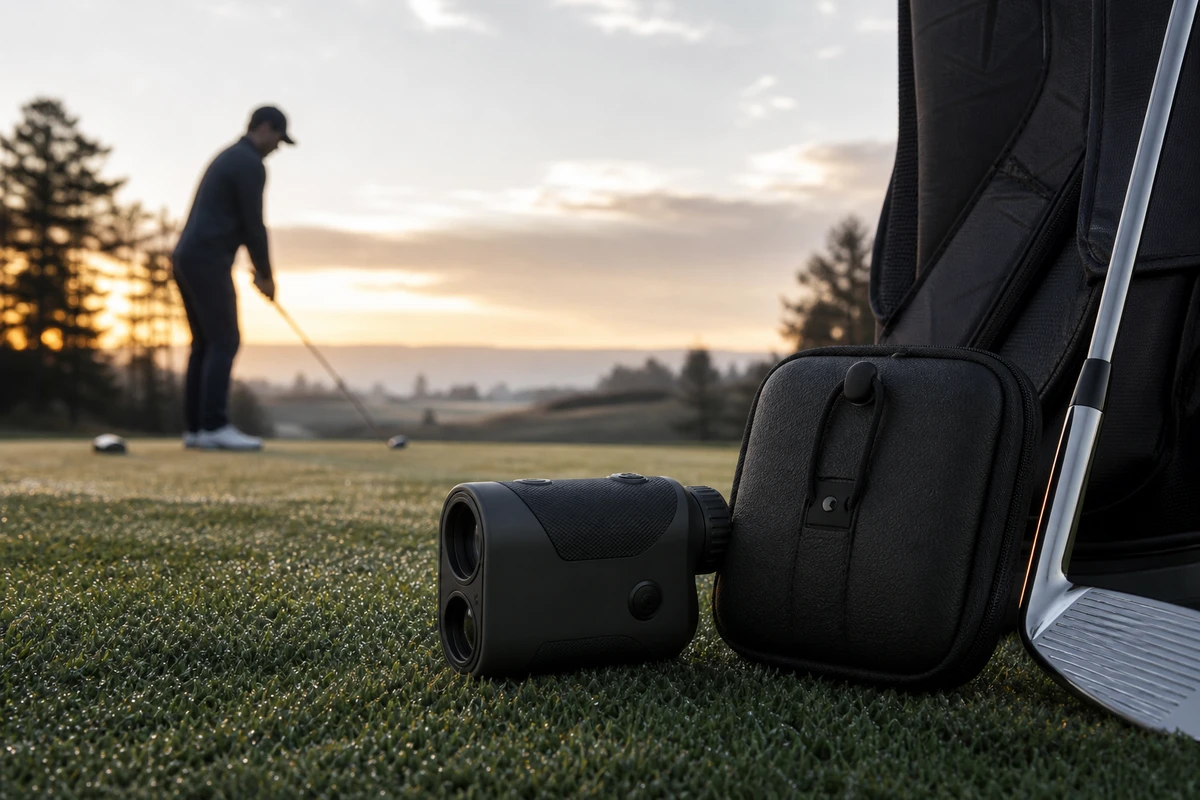
ONCE VISUAL marks the call sheet for a hero frame, product-page master, vertical hook, piece to camera in a UGC style, still-life KV, and a looping action for an email GIF. For a tee shot in morning mist, begin wide, then cover the hands, display, golf bag, and interactions between players. Film the action in both landscape and portrait compositions, leaving safe areas in each. Editors can then build versions from planned coverage instead of forcing crops from a single 60-second film.
Prepare at least three groups of versions: immediate usability for new buyers, an uninterrupted routine for more experienced golfers, and the feel and presentation of a worthwhile gift. Match the hook, evidence, and CTA to the audience, giving each version a purpose beyond a different end card.
Plan Platform Adaptation in the Storyboard
Google recommends videos with different messages and orientations because viewers and devices can respond differently. Use its video-optimization guidance when planning which benefits remain clear on mute, which spoken passages can be removed, and which hero frames can be cropped safely to 9:16.
Course-wide views, a product held in the hand, and a distance reading each have a different visual center. Leave room for the relevant action and platform UI overlays when composing the shot. The version plan should be shared by camera, editing, and media-buying teams before the files reach export.
Use Campaign Results to Plan the Next Shoot
After launch, tag assets by first use, course demonstrations, gift presentation, and storage or carrying. Review completion rate, landing-page dwell time, add-to-cart actions, and retargeting frequency by version. If beginners click but do not add to cart, check for missing operation evidence on the product page. If the gift version has short visits, check whether its opening shows the product’s finish clearly. Google’s Demand Gen creative guide recommends reviewing asset performance and reporting by ad format. Use those findings to inform the next shot list.
Explore the ONCE VISUAL video-marketing articles when building a production plan for an overseas golf brand. One location shoot can supply fresh material for product pages, campaigns, email, and later creative tests when reuse is considered in the brief and shot list.