Briefing01 / 06
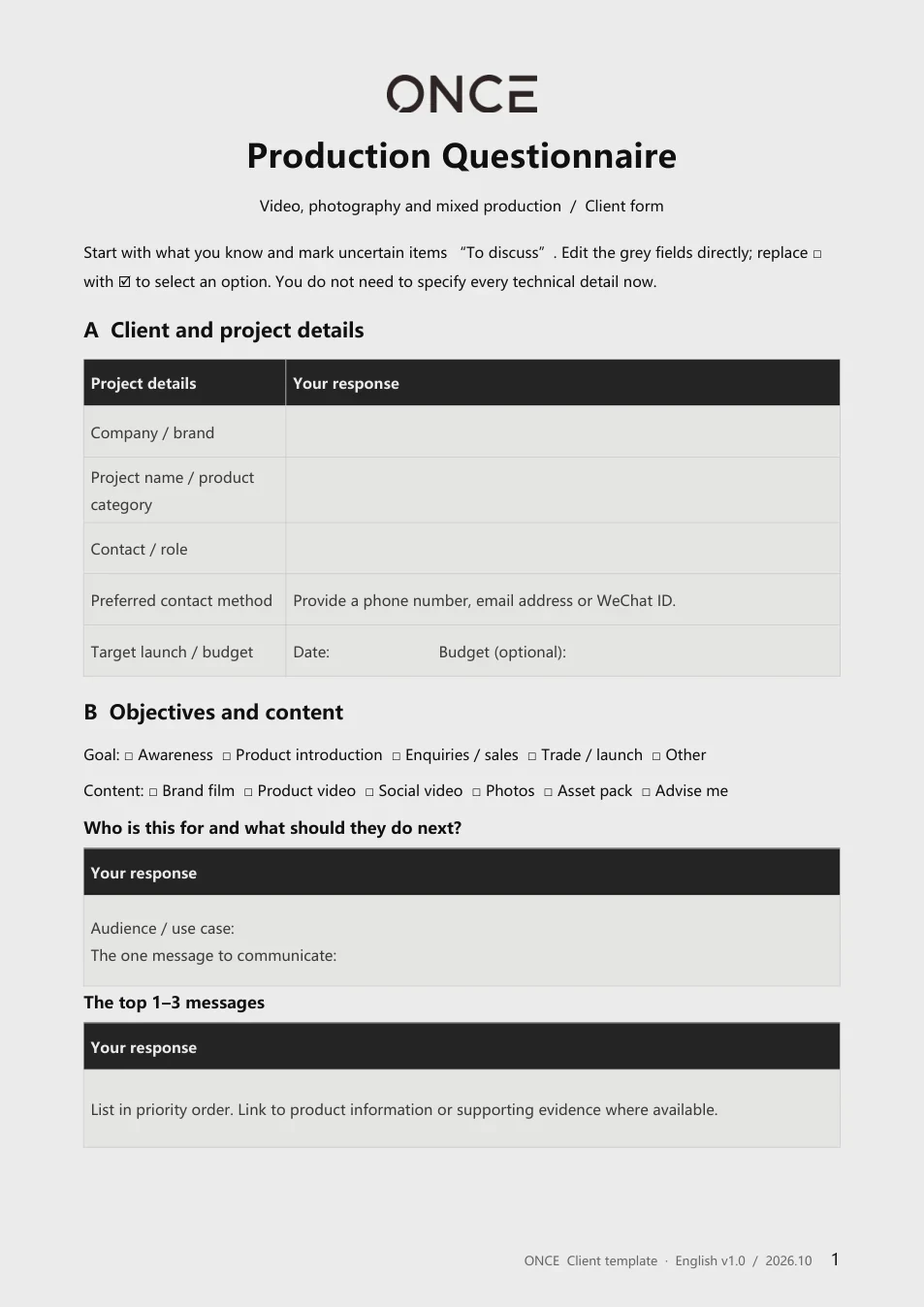
Production Questionnaire
Bring the information you already have to your first project conversation.
- Objectives and audience
- Creative references
- Budget, schedule and deliverables
For: Brands and project leads
ONCE RESOURCES
From the first brief to every shot.
Put your ideas, requirements and production details in order.
Start with editable templates built for project conversations.
Start at the stage
your project has reached.
THE LIBRARY
Choose the file you need now.
Each includes an editable version and a PDF preview.
Briefing01 / 06
Bring the information you already have to your first project conversation.
For: Brands and project leads
Briefing02 / 06
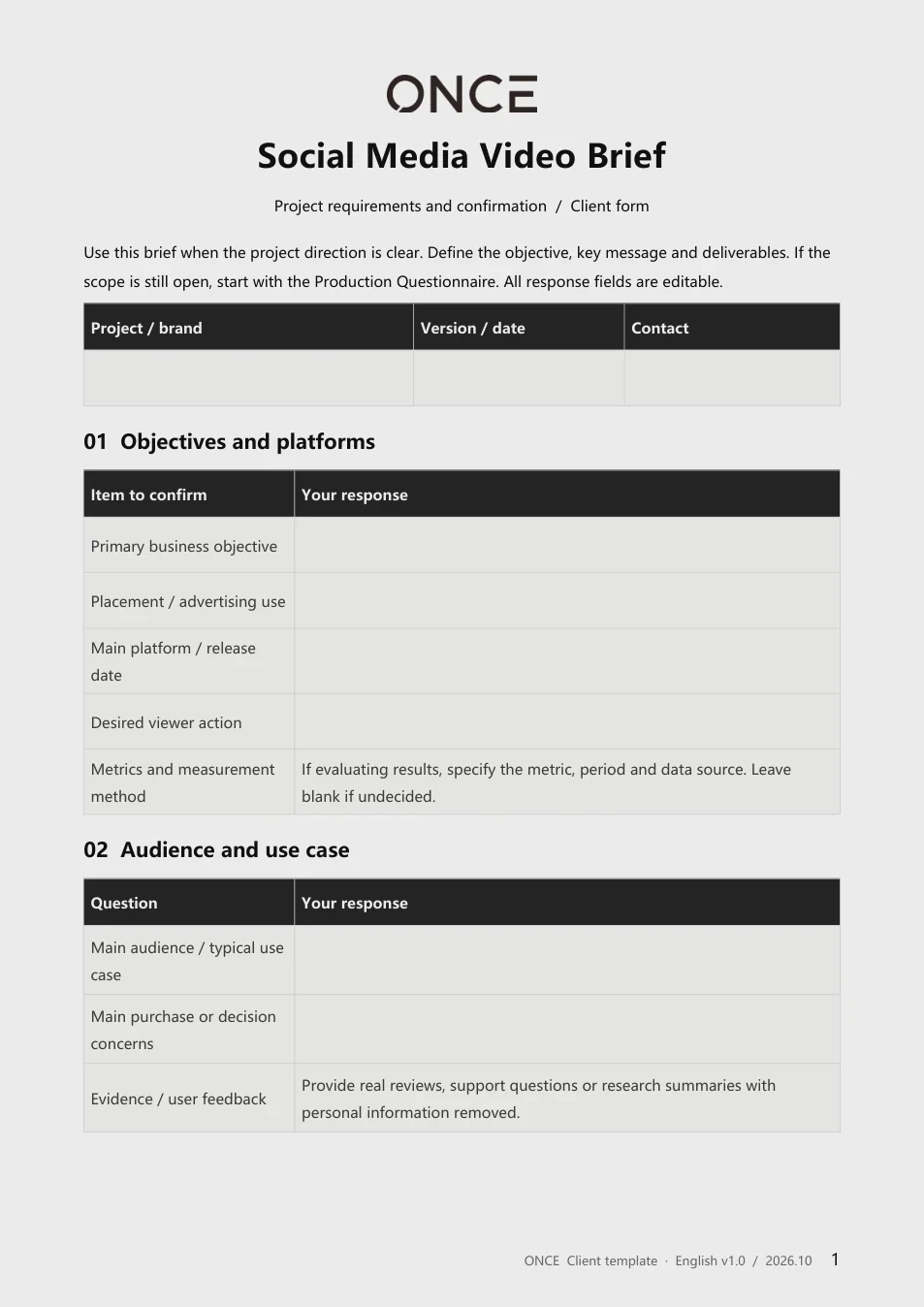
Turn your audience, objective and platform needs into a clear production brief.
For: Marketing and social teams
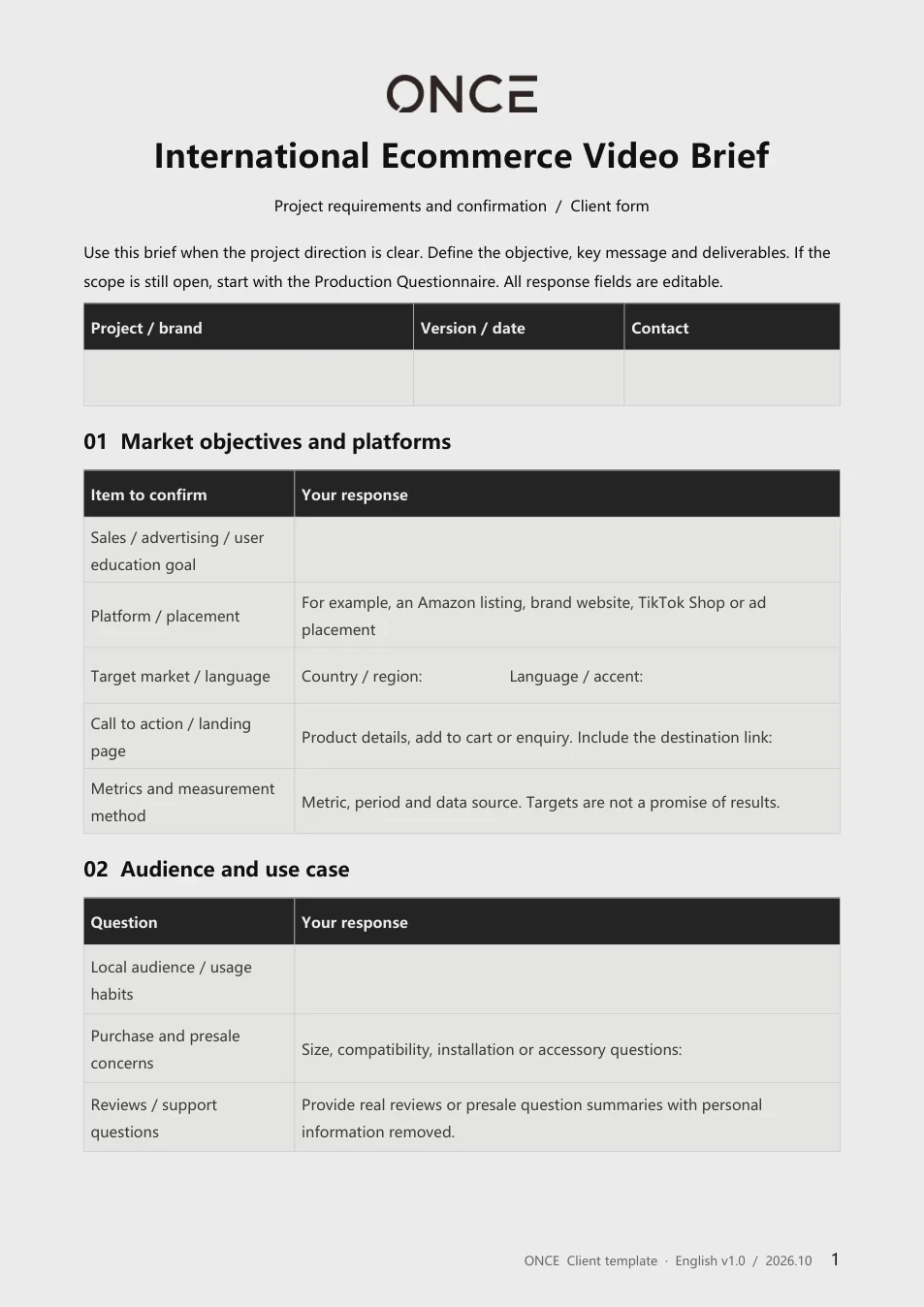
Briefing03 / 06
Define the target market, product demonstration and questions buyers need answered.
For: Ecommerce and international teams
Creative proposal04 / 06
Organise the creative idea, visual references and production approach for review.
For: Creative and production teams
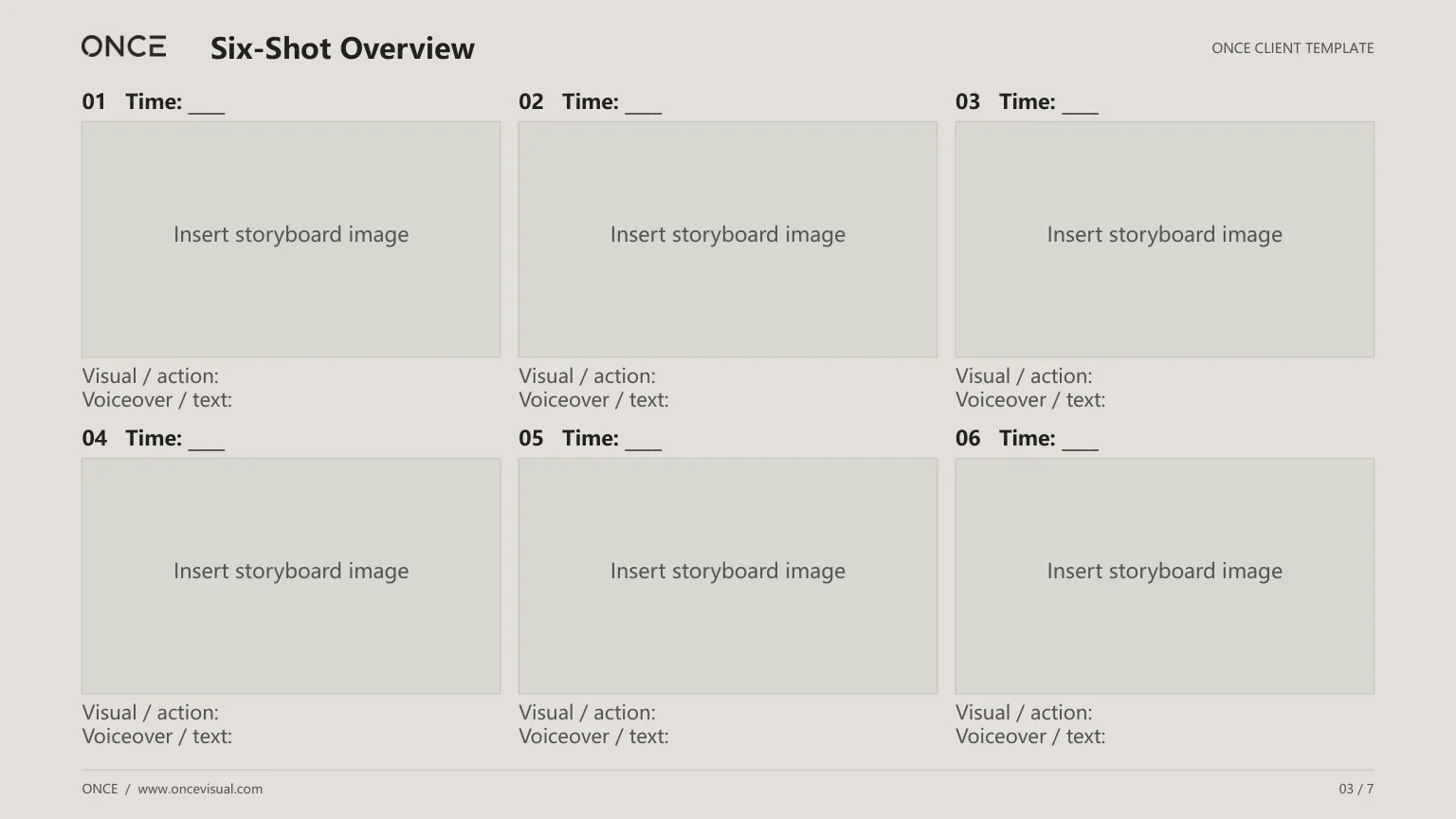
Storyboard review05 / 06
Confirm each shot’s image, action, sound and duration.
For: Directors, producers and clients
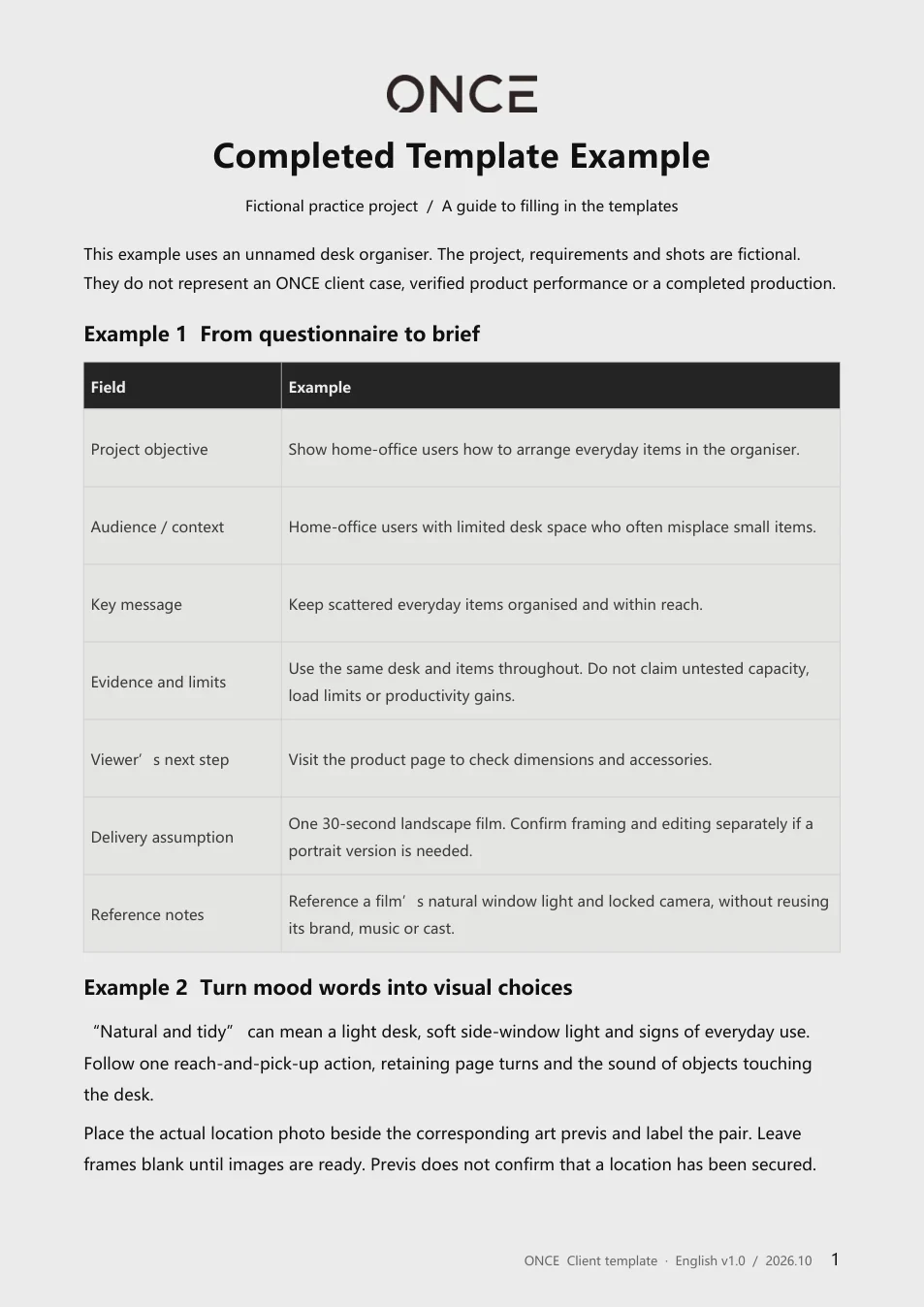
Example06 / 06
Follow a fictional desk-organiser project from the brief to a 30-second storyboard.
For: Anyone filling in a template for the first time
A FILLED-IN EXAMPLE
Follow a fictional desk-organiser project
from its objective to its shot sequence.
A fictional practice project.
Not a client case or a verified product claim.
Show how the organiser holds everyday items, then direct viewers to the product page.
Give scattered items a consistent place, keeping the desk organised.
Start with a cluttered desk, show the placement actions, then compare the same desk before and after.
BEFORE YOU START
Use the templates to frame the conversation.
Agree the project details together.
Use the questionnaire for an initial conversation. Fill in what is known and leave open items blank or mark them “To discuss”. The brief then defines the objective, audience, key message, scope and deliverables for creative and production discussions.
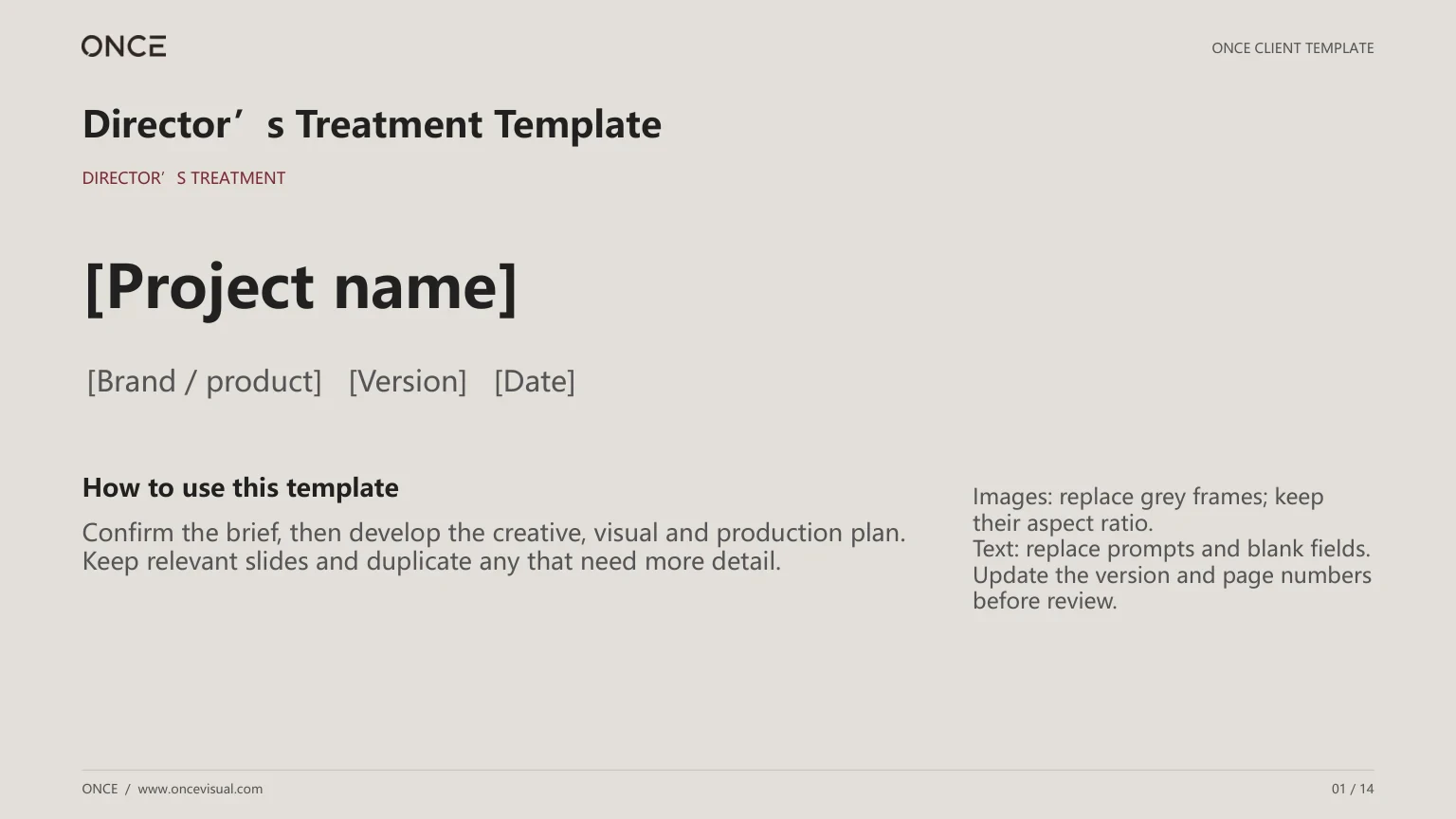
Usually, the Treatment comes first to explain the idea, visual direction and production approach. The storyboard then details each shot’s image, action, sound and duration. Both can evolve as the project is discussed.
The questionnaire, two briefs and worked example are Word documents. The Treatment and storyboard are PowerPoint decks. Unzip the downloaded file first. Text and tables are editable, and image frames can be replaced. PDFs are for reading and printing, not interactive forms. Layout may vary slightly between office applications.
No. Start with the questionnaire if the scope is open, or use the relevant brief if the objective is clear. The creative or production team usually develops the Treatment and storyboard, with the brand reviewing the direction and details.
The Treatment and storyboard contain image placeholders. Label actual location photos and corresponding art previs separately. The worked example is a fictional text exercise. Replace it with your project information and confirm the permitted use of all images, music and other assets.
Share the project through our contact page, or email your completed template to Teng at tengkangsg@gmail.com. We will discuss the budget, schedule and deliverables for the specific project.
GOOD WORK STARTS WITH A CONVERSATION.
Bring a completed brief or an early idea.
Let’s work out the next step together.
