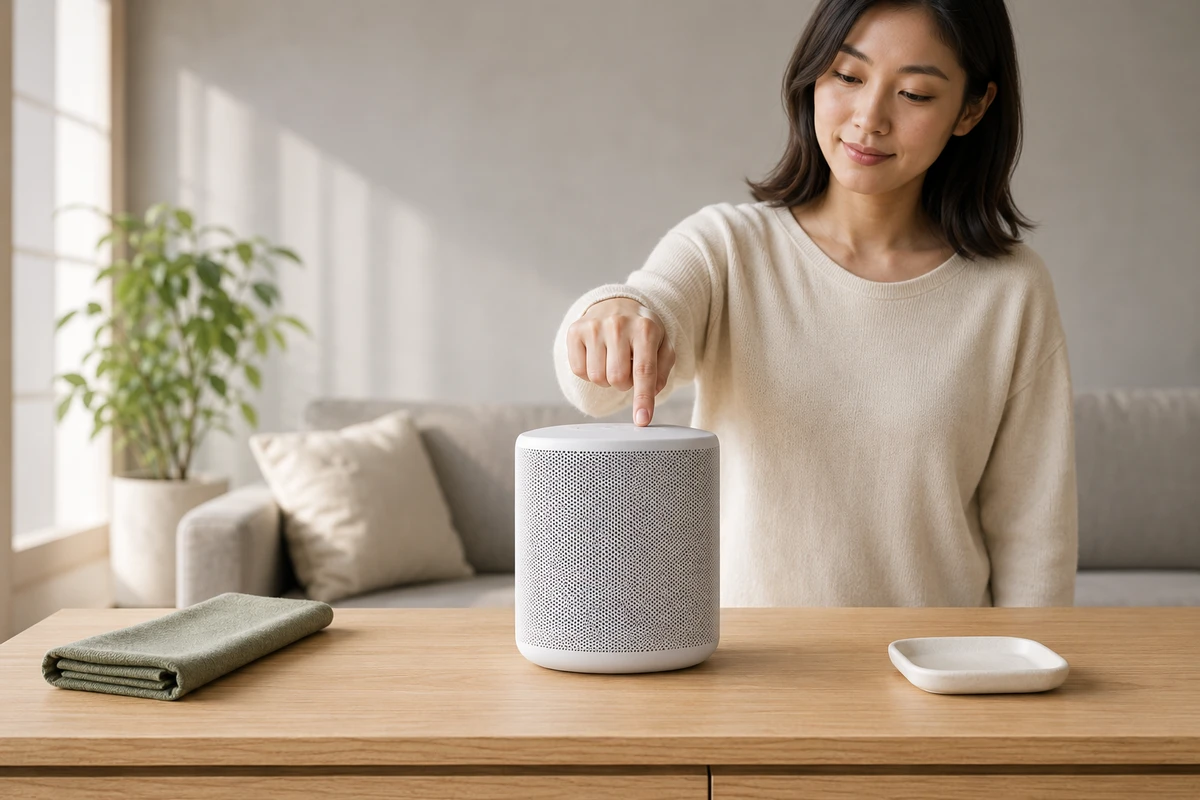
On Amazon search results, users are not there to admire a brand film; they are looking for an answer to a product question. The key to an effective Amazon Sponsored Brands Video is not merely shortening a hero film to 15 seconds. Use the first two seconds to show the product, its result, and one believable benefit at the same time, then use the remaining seconds to give users a reason to click through to the product page. For cross-border sellers, this is a high-intent creative path that should be filmed as selling-point versions rather than as one complete story.
Understand the Viewing Context of Sponsored Brands Video
Amazon Ads describes Sponsored Brands Video placements in desktop and mobile shopping results and on product detail pages. Videos autoplay with sound off, and can lead to a Brand Store or a product detail page, depending on the campaign goal. The official creative specifications and guidelines also say to keep important information out of the lower-right corner. In other words, viewers are not sitting down to listen to your brand history; they are scrolling through search results and trying to determine if "this product solves my problem."
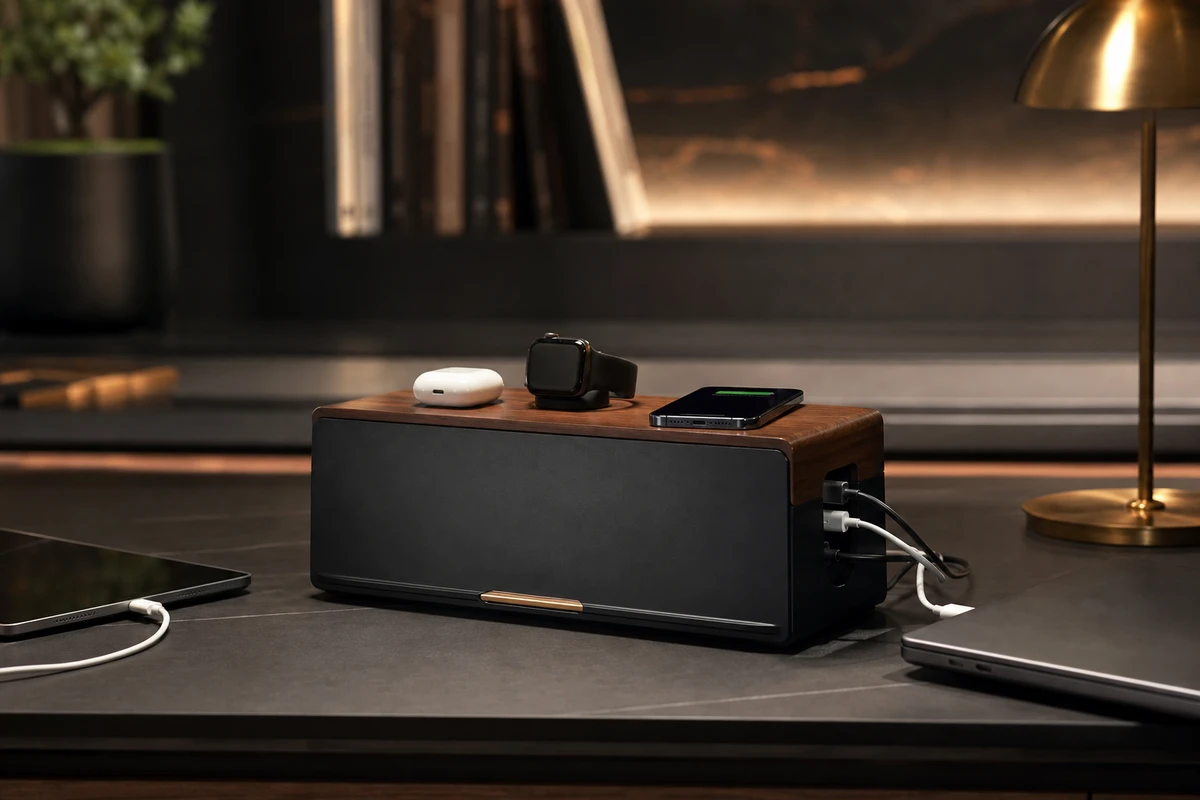
Therefore, the task of the first shot is very simple: the product should be large, the result clear, and the problem instantly recognizable. For example, for a cable management product, don't start with an empty shot of a clean desk; instead, show someone putting tangled charging cables into the organizer, and then immediately show the desk restored to order. This visual hook is faster than simply saying "multi-functional storage." Let the product complete an immediately understandable action before introducing the brand logo; place brand recognition in a later hero frame.
Create Four Single-Benefit Versions of One Product
Many sellers only submit one product demonstration, run the ad for a few days, and then see click-through rates start to decline, but they don't know what to change. ONCE VISUAL suggests breaking down the same brief into four different selling point versions: problem-solving, usage process, detail and quality, and scenario results. The problem-solving version starts with a chaotic or inconvenient situation; the usage process shows hands installing, organizing, or switching; the detail and quality version uses macro shots to showcase interfaces, materials, and structure; and the scenario-result version shows viewers the final state of a desk, travel bag, or car interior.
This is not just about creating more content; it's about providing different matching opportunities for keywords, audiences, and landing pages. Each version should have its own unique hook, a clear benefit, and a concluding hero frame. It shouldn't simply involve replacing a single line of text. A key question to ask on set is: if a shot cannot independently answer a purchase question, then it should not be considered a testable version.
A 15-Second Script: Problem, Action, Evidence and Close
A practical script for a 15-second video can be structured as follows: show the product and the problem at 0–2 seconds, complete the key action at 2–6 seconds, provide two sets of evidence shots at 6–11 seconds, and close with a stable hero frame and CTA at 11–15 seconds. Amazon’s Sponsored Brands Video guide advises showing the product in the first two seconds and a feature within the first five seconds. The guide also notes that these videos autoplay muted and recommends captions so the message remains understandable without sound.
However, subtitles are not a cure-all. The main information should be conveyed through the visuals: cables being organized into slots, a phone starting to charge, available space on the desk, and the product blending seamlessly into the living space. Subtitles should only supplement this by providing model numbers, compatibility ranges, or CTA, and they must remain within the safe area. When shooting, each action should be performed at least twice: once for the main landscape composition and once for a close-up that can be cropped vertically; don't wait until post-production to discover that hands or parts of the product have been cut out.
Build the Search-Term and Benefit Version Matrix on Set
In the call sheet, write search intents as shot tasks: "desk from messy to organized" for storage needs, "multiple devices simultaneously in place" for efficiency needs, "wood grain, metal, and tactile textures of interfaces" for material needs, and "a clean space with a hero frame" for gift-giving needs. For each scene of the same product, shoot four types of shots: hero shot, hand demonstration, macro shot, and negative space. This way, the editor can replace the middle section based on search terms and campaign performance without having to re-edit everything from scratch each time.
Amazon’s Sponsored Products video also allows multiple product feature videos for a single ASIN, showing shoppers features that are more relevant to their context. Its official guide highlights shoppers’ interest in key product details under real-world conditions. For content teams, the implication is practical: shoot assets that can be shared across ads, product detail pages, product videos, Brand Stores, and the next round of search creative, rather than serving only one ad.
Use Production Quality to Make the Product Clearer
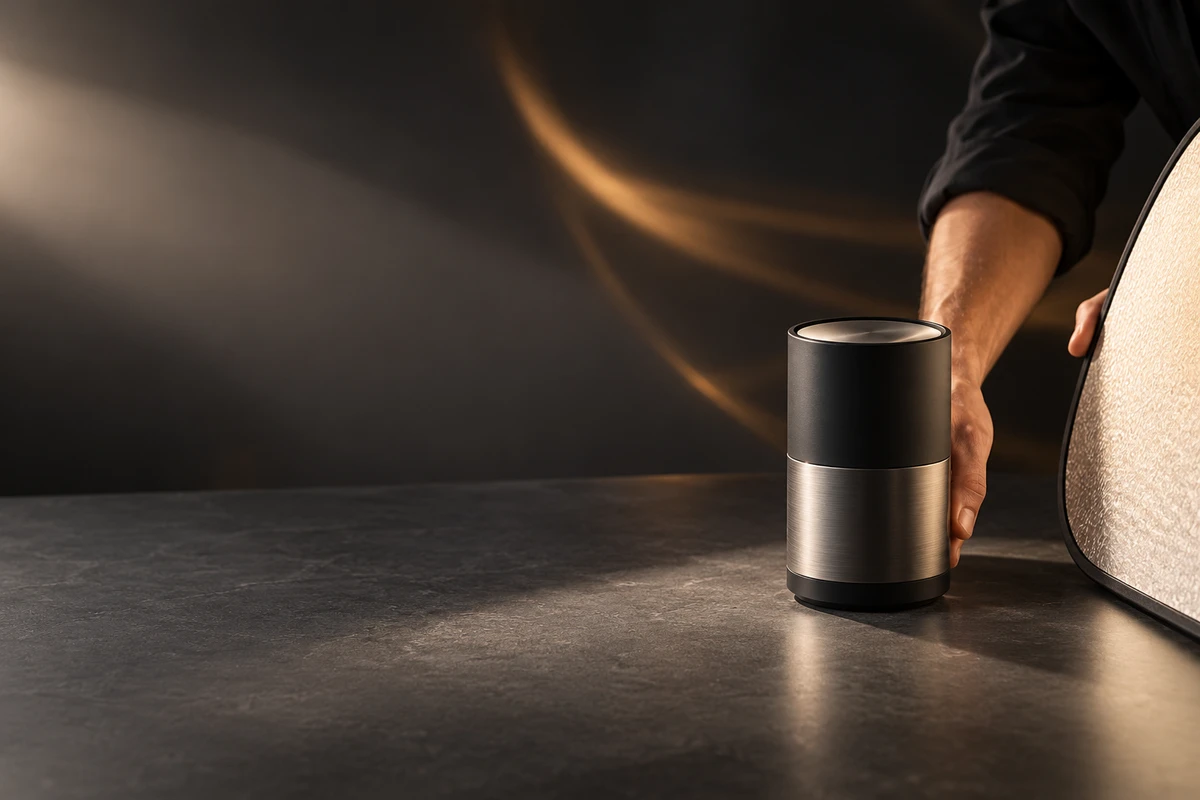
A common mistake in Amazon videos is a lifestyle film with no clear product focus: the lighting looks beautiful, but the product appears only briefly. While commercial quality is important, it should serve the purpose of highlighting key selling points. Dark backgrounds can emphasize outlines, shallow depth of field can highlight interfaces, and side backlighting can make materials appear more believable; however, the subject must always be large enough and the actions clearly visible. Product advertising is not a photography competition; user comprehension speed is more important than flashy camera work.
For ONCE VISUAL, the hero frame should be an image that can be explained further on the product page: the product in a complete usage situation, with clean negative space for text overlays in different markets and without filters that distort material or structure. If AIGC is used for multilingual or background extensions, first lock the physical structure, interface locations, proportions, and realistic reflections. AI can accelerate version iteration, but it cannot serve as proof of the product’s performance.
Feed Campaign Results Into the Next Shoot
First, analyze click-through rates, product page dwell time, add-to-cart actions, and new-customer purchases for each version. Then, examine the performance of each video during the first two seconds. If a problem-based hook has a high click-through rate but a low add-to-cart rate, a strong promise with insufficient supporting product-page evidence is one common explanation. If a detail-focused video has a high completion rate but few clicks, its benefit may not connect with the viewer’s search intent. Avoid using a single, comprehensive ROAS metric to evaluate all aspects of the video; instead, identify combinations of H (opening problem), D (demonstration/proof), and E (ending hero frame) variables.
Finally, record the data in the asset tags: which benefits fit which keywords, which shots are too small on mobile, and which text-free versions are most reusable across markets. For a broader content system for Amazon videos, see the ONCE VISUAL video marketing section. This turns Amazon Sponsored Brands Video from a one-time upload into a product-video system that cross-border brands can continuously test and learn from.
Production examples and next steps
Separate product explanation from the requirements of each Amazon placement. The CHiQ refrigerator film shows a product and installation setting; the portfolio page does not establish Amazon ad performance.
Review Amazon product video production and CHiQ Built-in Black Refrigerator Product Video: Use Alignment and Door Opening to Illustrate Space Adaptation. To discuss your project, send the product page, approved claims, placement and caption requirements through the English project enquiry form.