Amazon product video production
Help buyers understand before they decide.
A listing video has little time for a slow introduction. We bring the key action, difference and result forward, so buyers quickly understand the product and have a reason to keep watching.
Published work includes Amazon product content for PETLIBRO, GIOTOHUN and CATLINK.
Three jobs the content should do
More traffic or sales cannot be promised by a film alone. What the production can do is make it easier for the right people to stop, understand the product, assess what they see and decide whether to take the next step.
A clearer first impression
Answer the buyer’s first question immediately, without spending their attention on atmosphere that adds little.
Benefits buyers can verify
Show the action, conditions and result behind each feature name.
More use from each shoot
Listing videos, detail-page sections and advertising cutdowns share the same product facts and footage.
Amazon has plenty of products. Make the reason to choose yours clear.
Good-looking footage is the starting point. Size, setup, operation, feedback and everyday use need to read clearly on a small screen, helping buyers move from browsing to comparison.
Explore the work behind the names.
These are projects already featured in ONCE’s public portfolio. Explore the creative approach, the production and the finished work, from brand films and product demonstrations to campaign content and platform versions.
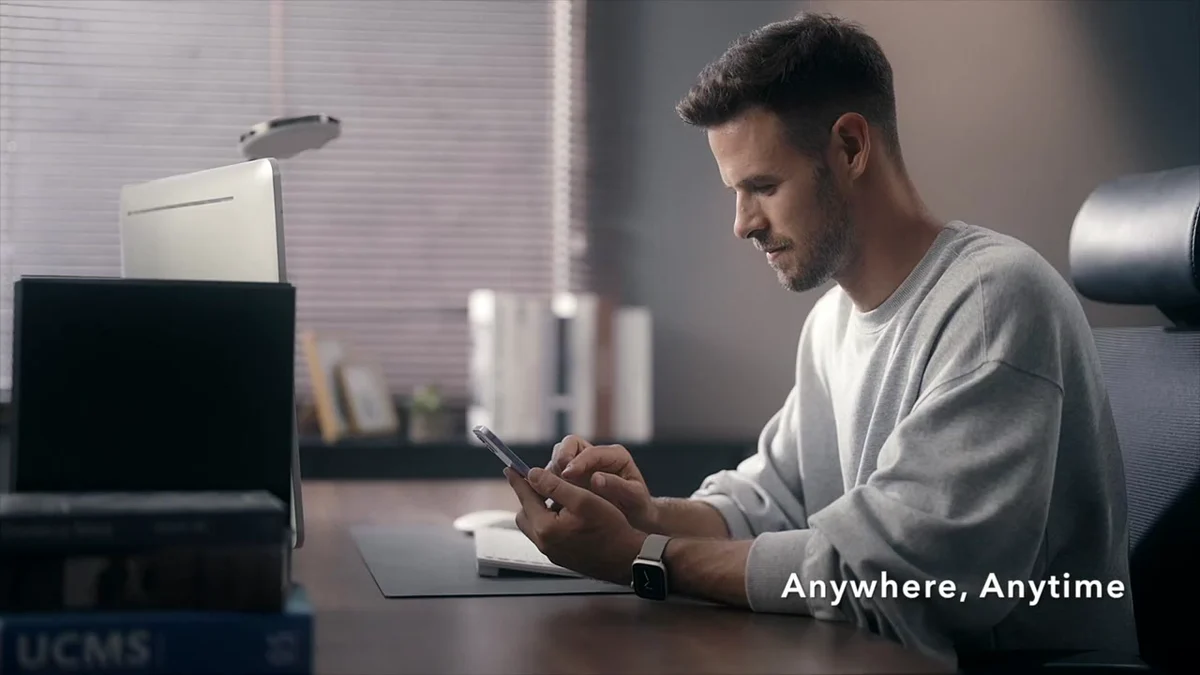
PETLIBRO Granary: Automatic Pet Feeder Listing Video
Connect automatic feeding, the home and the pet relationship in a clear product story.
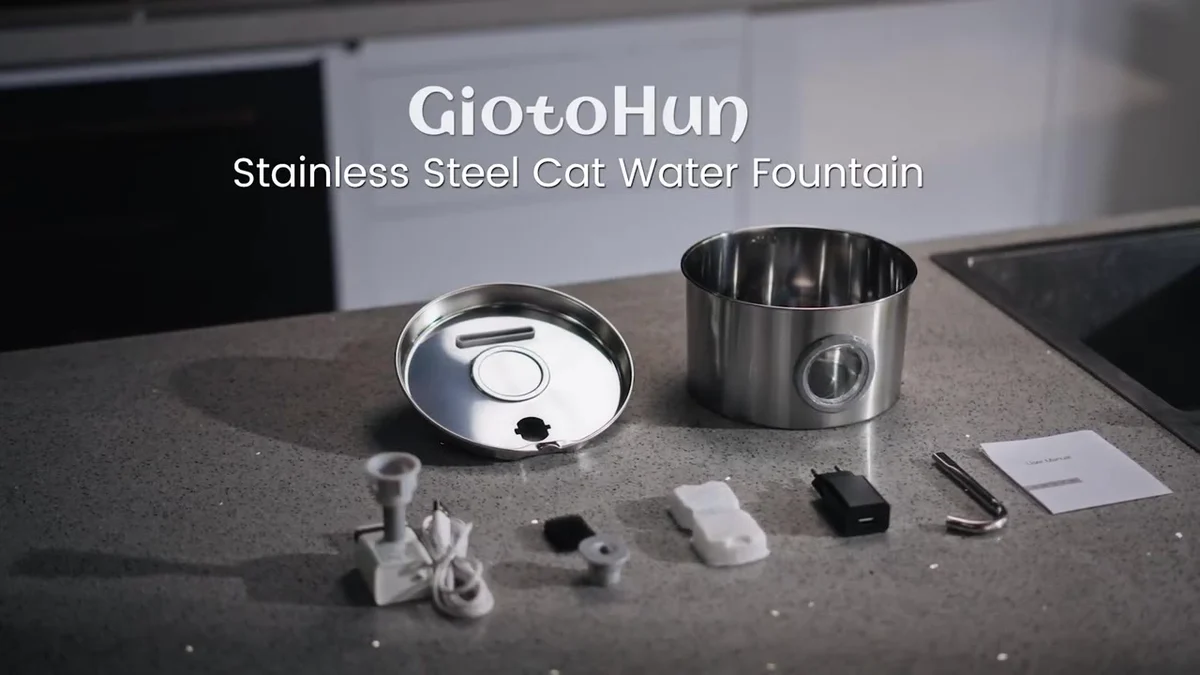
GIOTOHUN: Stainless Steel Pet Water Fountain Listing Video
Make the stainless steel finish, drinking action and cleaning experience clear on mobile.

CATLINK Open-X: Automatic Litter Box Listing Video
Show a continuous sequence from operation to result to explain complex smart features.
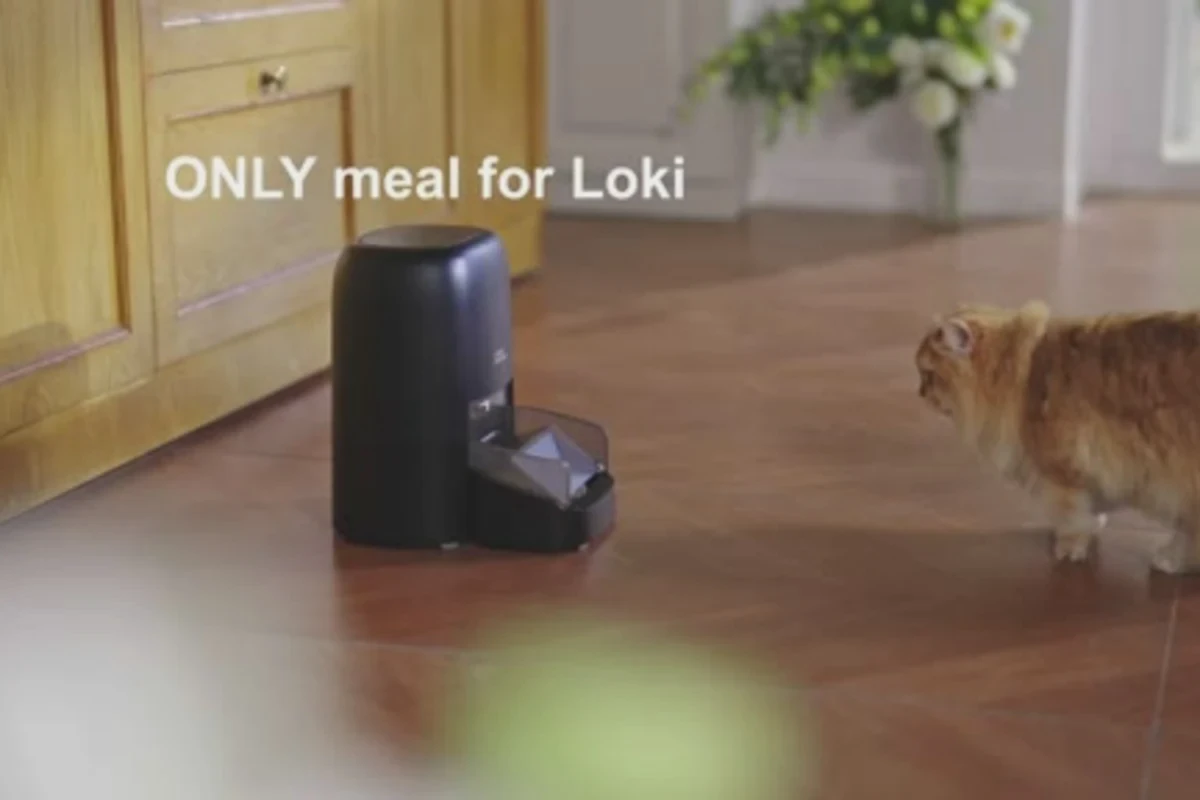
HONEY GUARDIAN: Pet Identification and Multi-Pet Feeding
Connect pet identification, feeding and multi-pet interactions into a clear product demonstration.
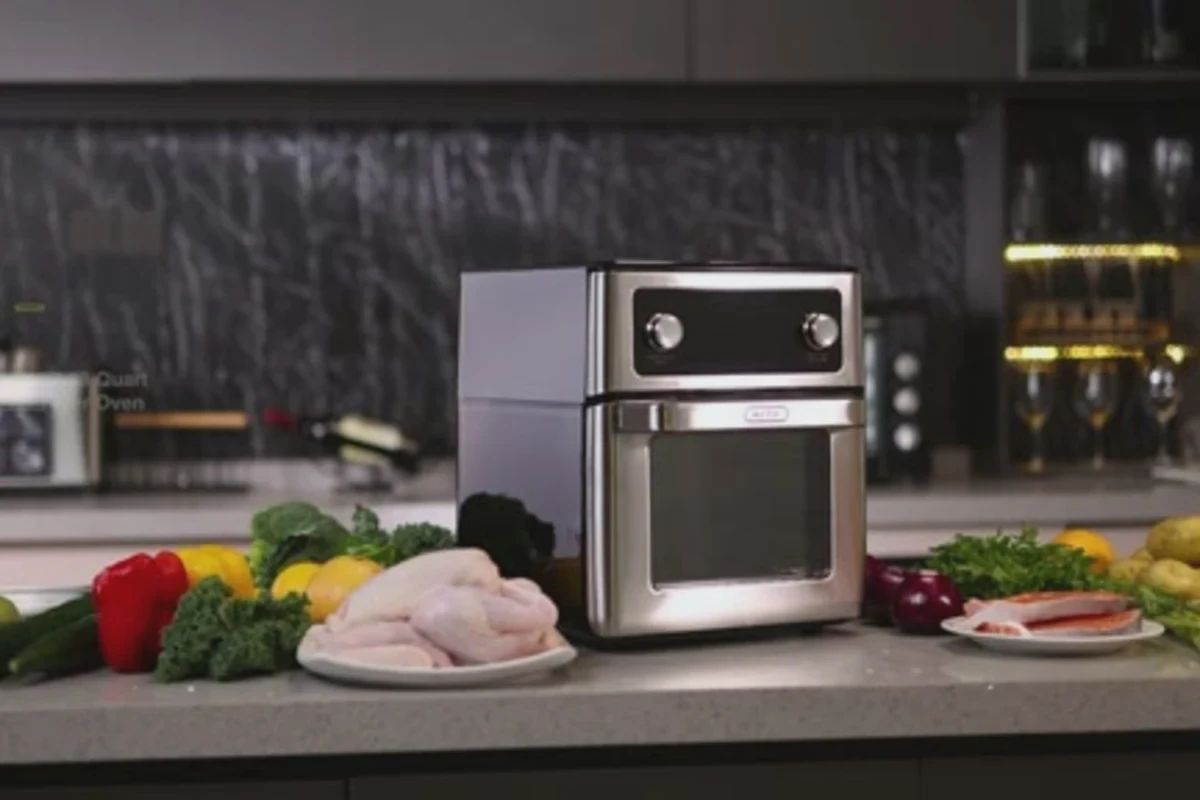
FO12B Air Fryer: Dual-Zone Cooking Demonstration
Explain cooking efficiency through the two zones, different ingredients and finished results, alongside food close-ups.
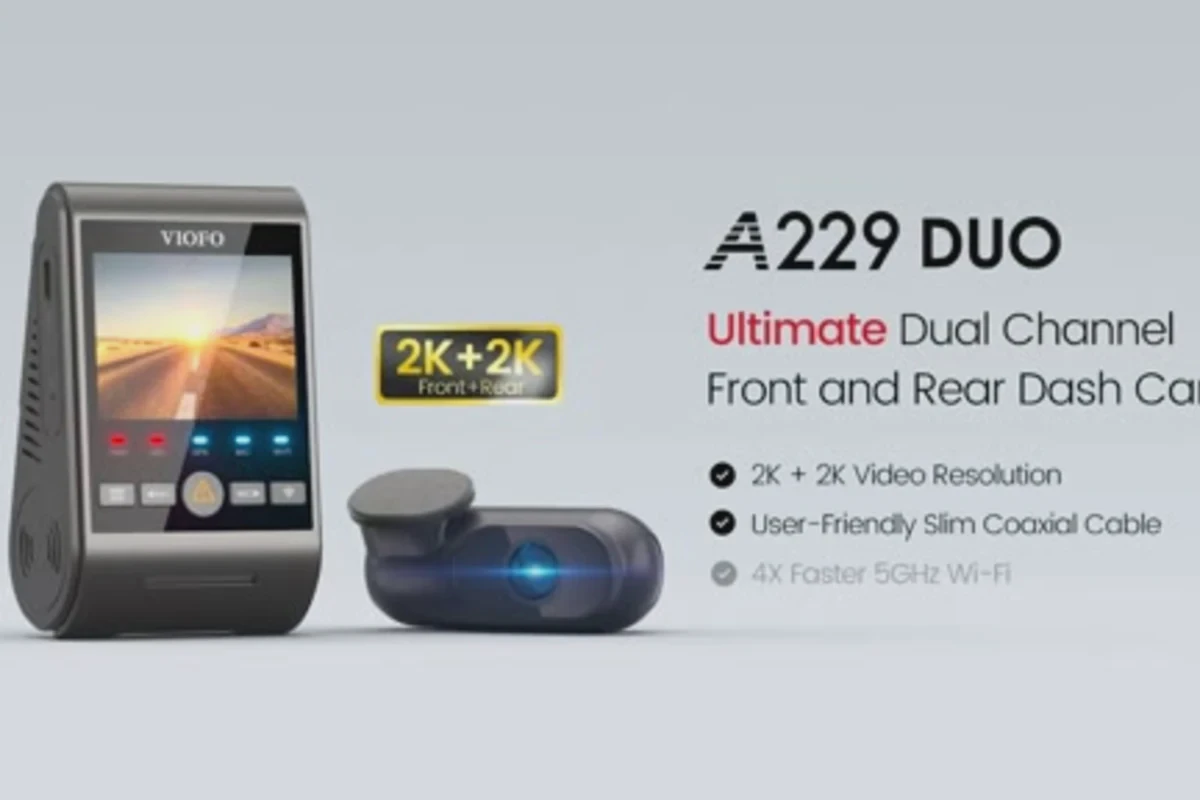
VIOFO A229 Duo: Dual-Channel Dash Camera Product Video
Bring front and rear recording, road use and device feedback into one clear demonstration.
From published work to your production brief
Make interfaces and physical assembly easy to follow
Product-page video can answer a specific question about use. These feeder and fountain films offer two different approaches: connecting a phone screen to the device, and assembling physical components.
PETLIBRO Granary: phone, feeder and pet
In the published filmPhone-interface views alternate with the feeder and cat. Close shots of the body, dispensing area and bowl return the screen information to a physical product.
For your productionConfirm the interface version that can be filmed. Pair one on-screen operation with its corresponding device action so the demonstration has a clear sequence.
View the full case: PETLIBRO Granary: phone, feeder and petGIOTOHUN: components become a complete device
In the published filmThe cover, body, connectors and cables appear separately on a table. Hand movements assemble them before the film returns to flowing water and pet use.
For your productionList assembly steps and connection points as shots. Keep essential actions continuous, and verify structural references before commissioning an internal animation.
View the full case: GIOTOHUN: components become a complete deviceConfirm the actions before filming
Confirm the demonstration sample, approved interface and component list before filming. Screen actions should match the device response; assembly shots should show hands, connections and the completed state. Define product-page demonstrations and Sponsored Brands ads separately, then check the current requirements for each use.
Know where your project stands.
Each stage should have a clear decision, an agreed output and someone responsible for it. When the scope changes, we discuss the effect before deciding what to do next.
- 01
Start with the business
Clarify the product, audience, launch moment and action the content should support. The format can follow; the objective should not remain vague.
- 02
Decide what is worth filming
Bring the benefits, supporting demonstrations, creative idea and channels together before choosing the shots.
- 03
Make the production visible
Confirm the script, storyboards, schedule, budget, shoot and post-production in stages. Know what the budget covers and what needs approval next. See the sets and equipment at U-STUDIO, our Shenzhen studio, when planning the shoot.
- 04
Plan for reuse
Alongside the hero film, plan cutdowns, horizontal and vertical versions, subtitles and key images so one production can serve more real applications.
What can one production deliver?
We do not start by forcing the project into a standard package. First define who needs the content; then put the hero film, shorter versions, formats and future use into the same delivery plan.
A good fit for
- Brands preparing an Amazon product launch
- Listings with outdated or unclear videos
- Teams creating a consistent look across multiple SKUs
Deliverables can include
- Amazon listing video
- Feature sections for the listing
- Product operation and detail footage
- Cutdowns for off-Amazon advertising
- Subtitled and sound-off versions
The final selection is agreed for the project; these items are not automatically included in every engagement.
Separate the listing film from the advertising brief
A listing video helps someone examine the product. A Sponsored Brands video ad needs an opening that earns attention and a clear connection to its landing page. Shared footage can support both, but the edit and export list should identify each placement.
Prove what the buyer will receive
Confirm the exact SKU, dimensions, finish, included accessories and demonstrated actions. Have the brand approve claims and supply their supporting information. Mark prototype limitations before filming so the finished video does not suggest a feature the product cannot yet deliver.
Write an export list for each placement
List the master edit, placement-specific cutdowns, on-screen language, clean version, captions or voiceover, and usage terms. Check the current requirements for the target marketplace and campaign with the person uploading the assets before final export.
Set the sample and approval dates
Agree when the production sample is ready, which shots can share lighting with still photography, and when an overseas approver must respond. If a listing is not live, use approved product information and the planned page layout. A new sample or changed feature may require a revised scope.
Sample preparation checklist · Full product video production · Plan the wider product launch · Check Amazon’s current Sponsored Brands video requirements
Let’s make something worth watching.
Share the product, the audience and what you want the work to achieve. We will help turn those expectations into a practical creative and production plan.
How long should an Amazon listing video be?
There is no single length for every category. Answer the core question quickly and allow the feature demonstration to complete. We agree the length around the page placement, product category and purpose.
Do we need international talent and lifestyle sets?
It depends on whether the benefit needs human interaction, a sense of scale or a use context. Some products can be explained with hands alone; others need a lifestyle setting to show their value.
Can you film several SKUs together?
Yes. We establish common camera positions, lighting, actions and caption rules, then plan replacement shots for differences in colour, accessories and features.
What should we prepare for the first conversation?
Product or brand information, the intended audience, channels and launch timing, existing content and an indicative budget. Incomplete information is fine; we can begin with the most important question.
Why is duration alone not enough for a quote?
Two 30-second films may require very different talent, locations, shoot days, art direction, effects, licences and version counts. A useful quote corresponds to a defined scope, not just a number of seconds.
One central idea. More ways to use the content.
Brand, product, corporate and social content do not always need separate shoots. Start with the most important commercial task, then identify the people, sets, products and footage that can be planned together.
Give a good product a clear first impression.
Send your listing, sample availability and the questions buyers ask most. ONCE will help identify the main content task.
Review your Amazon videoBrand and project names on this page refer to work already featured in ONCE’s public portfolio. The content is intended to support understanding, trust and the opportunity to act. Traffic and sales also depend on the product, pricing, channels, media activity and market conditions.
