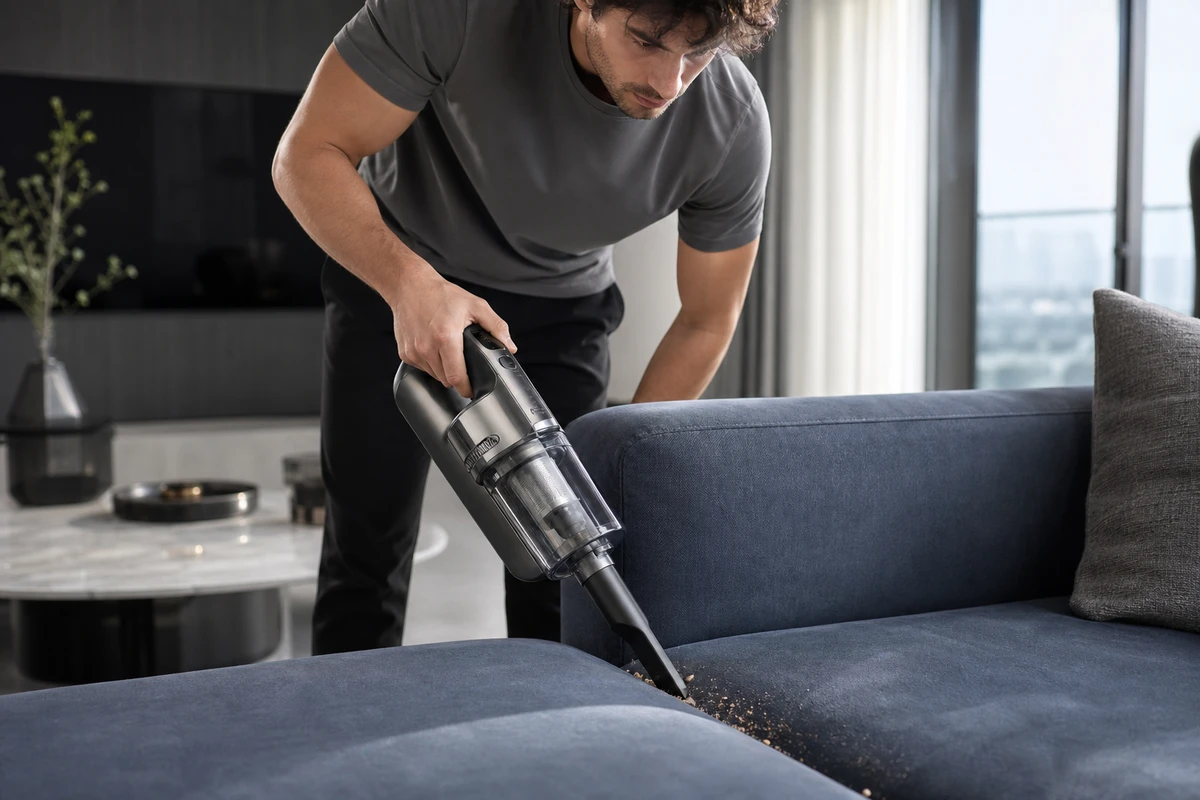
A home fitness brand can make new equipment look impressive yet leave buyers unsure whether they can use it at first, fit it into their home, or keep using it after three weeks. Video assets for home fitness brands on Shopify should support more than launch day: they should address beginners’ concerns, help existing users build habits, and keep the advertising team supplied with testable hooks. The footage should make a promise viewers can picture: “I can start, and I can stick with it.”
Put Beginners’ Hesitations in the Brief
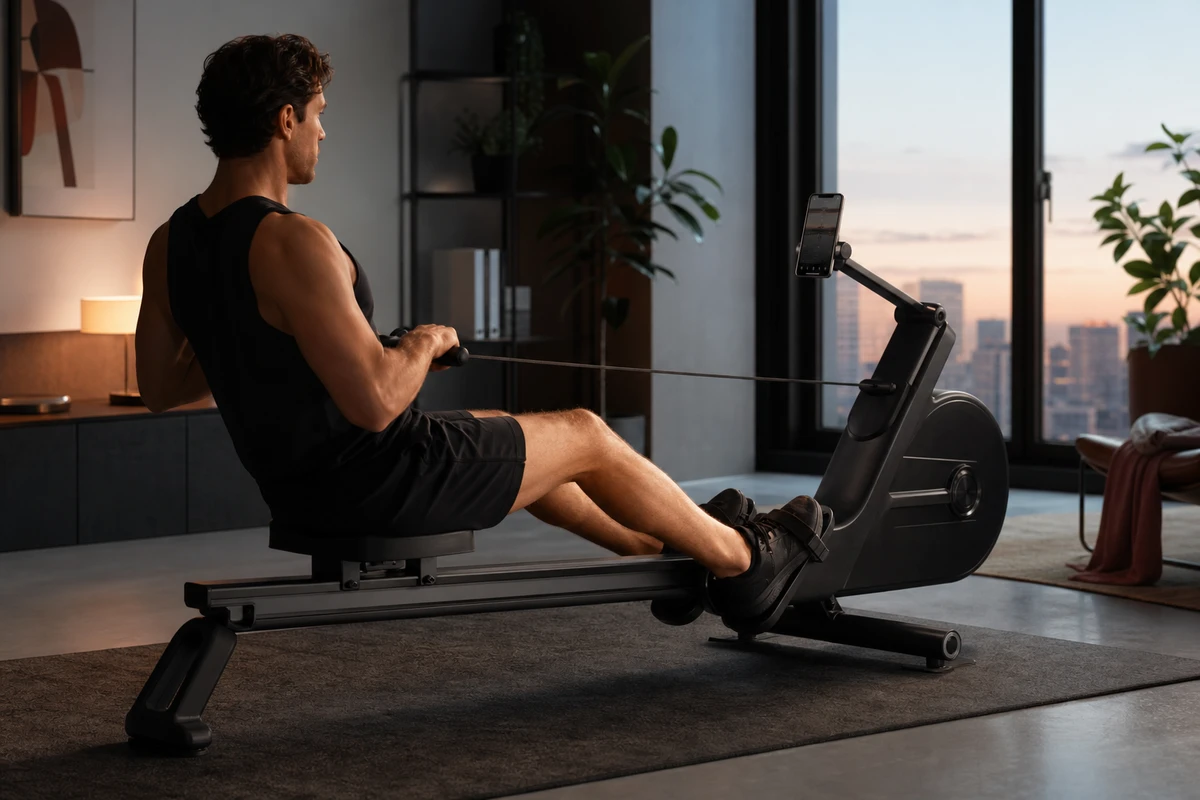
Home fitness concerns are specific: getting a movement wrong, making too much noise, taking up space, or buying equipment that becomes a clothes rack. If the brief only asks to “show professional strength,” the result will probably resemble a gym studio shoot. It may supply a strong key visual (KV), but it may not move viewers toward a purchase. A useful story angle starts on the user’s first day: where the equipment goes after unboxing, how the body follows that first pulling movement, and how the room looks once training is over. Before explaining resistance settings, help viewers see that they can actually use the product.
During planning, ONCE VISUAL turns each question into a shot task: a folding action proves storage, a side medium shot proves the footprint, a real user’s pace on the first attempt demonstrates ease of use, and drinking water or opening a laptop after training shows how the equipment fits into daily life. Do not film “home” as a sterile showroom; a towel beside the rug, a beam of morning light, and a natural pause can build more trust with overseas users than ten equipment close-ups.
Organize Assets Around First Use, Progression and Habit
The first layer is first-use content for the product page and cold-start ads: explain setup, adjustment, and the first completed movement within 30 seconds, with enough spatial reference and hand interaction in frame. The second layer is progression content for retargeting: show the same equipment serving different training goals, such as morning cardio, after-work stress relief, and rainy-day alternatives to outdoor exercise, giving users a reason to keep using it. The third layer is habit content for email, social media, and repeat-purchase outreach: show training records, family members sharing the equipment, and the lived-in scene after it has been put away. The emphasis is on keeping the product in everyday life.
The advantage of this framework is that each shooting session produces a main film, as well as a set of truly reusable shorter clips. Don't put all your energy into the opening spectacle; instead, create separate story units for beginners, intermediate learners, and regular users, so that your footage doesn't run out after just three days. The most valuable thing to capture on set is the pause, adjustment, and restart between getting an action right and getting it wrong – that's the information that new learners will truly benefit from.
Use Shopify Product Pages to Turn Understanding Into Confidence
Shopify treats videos, images, and 3D models as product media whose purpose is to help customers understand features and dimensions. The official product-media description makes that logic clear. For home fitness equipment, the product-page video should not be only one embedded hero film; break it into questions such as how to store it, how to adjust it for different heights, what it sounds like, and where a movement begins. Users can stop at the section they care about instead of being forced to watch an advertisement from start to finish.
Product detail pages in the Shop app also support video and shoppable-video modules. Shopify’s page-module documentation explains that video can link directly to products, collections, or external links. For the team, this means treating footage as configurable components: a first-use demonstration, a training scene, and user feedback, rather than delivering one inseparable finished video. Clearly defined assets make store content placement and regional adaptation easier.
Capture Four Types of Interchangeable Assets for Media Buyers
The first category is the opening hook. Cover four angles: worries about space, the first movement, how users feel after training, and body-type concerns or time pressure. The second is the visual hook: folding, the path of a pulling movement, resistance changes, and the phone’s training interface. Capture a clean, text-free version of each. The third is translating a selling point into a user benefit: instead of simply displaying “magnetic resistance,” show the practical result of a morning workout that does not wake the family, where the actual product supports that claim. The fourth is the hero frame before the CTA. Compose the product, person, and surrounding space so that the shot can be cropped horizontally or vertically, with safe areas for Meta, TikTok, and Google.
Google Ads creative guidance recommends horizontal, vertical, and square versions within the same ad group, and checks attributes such as brand presence, video length, and voice-over. Its official creative guidance can serve as a version delivery checklist. Don't wait until the media plan is finalized to create different aspect ratios. The windows, doors, mirrors, and character movement in the initial scenes will determine whether a vertical version is even feasible.
Use AIGC to Extend Versions While Keeping Training Evidence Real
This type of project suits a “live-action base plus AIGC extension” workflow. Live action first locks the equipment’s proportions, materials, movement, light source, and spatial perspective. AIGC can then extend backgrounds for homes in different cities, create text-free key visuals, extend selected parts of a scene, and leave multilingual blank space. That speeds up campaign adaptation across markets without handing equipment structure or human movement to uncertain generated results.
However, there are two key boundaries to incorporate into the production process: any claims regarding load-bearing capacity, resistance, quiet operation, or training effectiveness must be based on real products and real scenarios; generated visuals with unnatural character movements or illogical equipment structures must not be included in product demonstrations. Users may forgive a stylized image, but they will immediately lose trust in a video that "doesn't look right." It's a more reliable workflow to shoot the physical base first and then expand on the assets.
Find Effective Combinations in the Campaign Review
One week after launch, label each version as three numbered sections: “hook – selling point – CTA.” H1 is space anxiety, H2 is the first successful movement; P1 is folding and storage, P2 is quiet training; C1 is “view details,” and C2 is “start training.” Compare three-second views, landing-page dwell time, add-to-cart actions, and purchases across combinations instead of letting one ROAS figure decide the creative’s fate. TikTok’s official creative methods also emphasize continuously testing and iterating hooks, subtitles, and formats, treating testing as part of creative strategy.
Record each winning shot task and failure reason in the next brief: users may not dislike a sense of power; they may simply not have seen that they can really start at home. For version matrices and paid-media asset planning, see the ONCE VISUAL video marketing section. When production, editing, and campaign review share this asset table, Shopify home-fitness video can grow from a one-time product shoot into a content system for acquisition, repeat purchases, and multi-platform overseas growth.