“We need an SBV video” can start two very different conversations. An Amazon marketer may mean a Sponsored Brands Video ad. An editor may be asking for a .sbv caption file. One request concerns footage and an advertising edit; the other concerns timed text. Expand the name before discussing a script or a delivery date.
An Amazon SBV video brief should identify the advertising product, its destination and the files you expect to receive. That gives your media, production and editing teams a shared starting point. For benefit-led shooting and testing, see our Sponsored Brands Video production guide; this article addresses the earlier handoff problem of defining the requested asset.
Distinguish the ad name from the caption extension
In an Amazon advertising conversation, SBV commonly means Sponsored Brands Video. The Amazon Ads specifications page describes campaigns leading to a product detail page or a Brand Store and lists MP4 and MOV video formats. You are commissioning an advertising film; the abbreviation does not name a file format.
The extension .sbv identifies a SubViewer caption file. YouTube’s official caption documentation lists it alongside .srt as a supported basic format. It contains text and display times, rather than photographed footage. Renaming that file cannot turn it into an ad. Ask which of these assets the requester means before assigning work.
| Request | Asset being discussed | First clarification |
|---|---|---|
| Amazon SBV video | Sponsored Brands Video advertising edit | Which marketplace and destination? |
| .sbv captions | Timed-text file | Which locked video and caption platform? |
| Captioned SBV ad | Advertising video with visible text | Which text is burned in, and are separate captions needed? |
Attach the actual campaign entry point
Provide the exact advertising product name or a screenshot with account details removed. Add the marketplace, product or range, landing page and one benefit the viewer should understand. A film intended to introduce a collection may need a different product relationship and ending from a film leading to one item.
A product-page video, a Store video and a video ad can share source footage while requiring separate outputs. Ask the media owner to confirm the creative entry point and its current requirements before the production team plans the edit. A reference film’s runtime alone cannot define your deliverable.
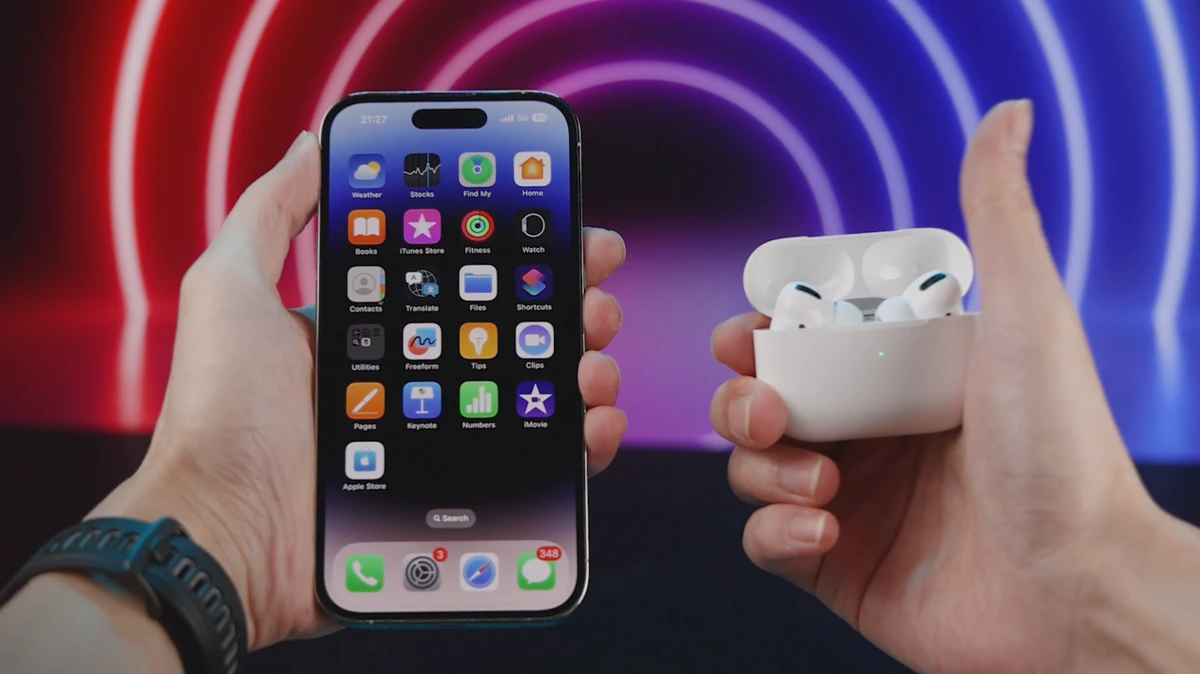
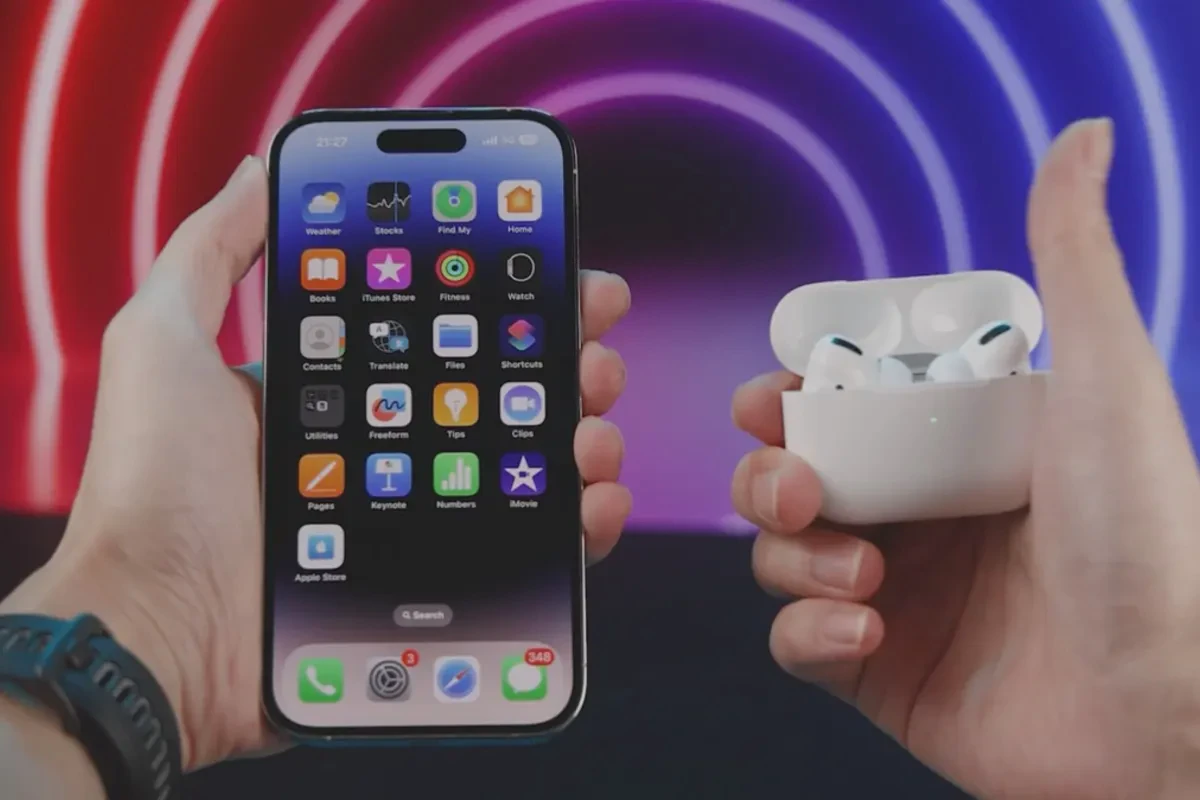
The ONCE public 3C gift-box portfolio entry offers a visual reference. Its cover groups a phone and earbuds. When sharing that reference, specify whether your own film concerns one item or a bundle. A portfolio image helps discuss presentation; your actual campaign and product still define the required ad.
Separate visible text from downloadable captions
Amazon’s specifications describe a sound-off start, and its moderation guide recommends understandable demonstrations and on-screen information. Decide what a silent viewer must understand, then plan the necessary labels, disclosures or dialogue text. The ad abbreviation does not require a caption file with the same letters.
Burned-in text becomes part of the video image. Changing it usually requires another video export. A matching text-free edit supports later language versions. A separate .srt or .sbv file serves a caption-enabled platform or an agreed editing workflow; it does not replace information that must already be visible within the ad.
If the footage will also become YouTube content, list its captions separately and identify the matching edit. Removing an opening, changing a shot’s length or rearranging narration can invalidate the previous timing. Request files for real publishing needs; a dialogue-free demonstration does not need an empty caption file simply to make the package look complete.
Give production and caption work their own inputs
You do not need a complete script for the first inquiry. You do need to identify the work. Use this table with the media and production owners before estimating versions or scheduling the shoot.
| Brief item | Advertising production | Caption-only work |
|---|---|---|
| Use | Ad name, marketplace and destination | Caption platform and format |
| Inputs | Product facts, sample status and references | Locked video and approved text |
| Content | Benefit, demonstration and approved wording | Transcription, translation and terminology |
| Outputs | Specified video, with or without visible text | Named .srt or .sbv files |
| Acceptance | Picture, audio, text and campaign preview | Successful loading, accuracy and synchronization |
A hypothetical brief might read: “Produce a US Amazon Sponsored Brands Video leading to the specified product page. Burn English benefit text into the ad and deliver a matching text-free edit. Confirm separate captions for the YouTube version.” Replace those choices with your actual campaign requirements; they are a starting example, not a universal package.
Review each file for the job it performs
For the ad, check the message without sound, then listen for conflicts between narration and visible text. Have the media owner preview it in the actual creative entry point. For a caption file, load it against the agreed video and inspect the beginning, middle and end for timing, terminology and readable breaks.
If captions drift, first ask whether the edit changed. If a burned-in word is wrong, return to the video’s text layer and export. Identify the affected asset so the caption supplier is not asked to fix an image without a video source, and the camera team is not expected to solve a format problem by renaming a file.
Send ONCE the advertising entry point, product information, destination and target languages to define the scope through our Amazon product video service, or share your project brief. Agree on the meaning of SBV and the deliverables before moving into scripts, filming and versions.
Common SBV handoff questions
Is Amazon SBV the same as a .sbv caption file?
They identify different work. In an Amazon context, SBV is shorthand for Sponsored Brands Video; .sbv is a SubViewer caption extension. State the full name, intended use and file format.
Can a .sbv file become an ad by changing its extension to .mp4?
No. Timed text contains no video footage. Produce and export a video; if captions must be burned in, render the text layer into that export.
Does English on-screen text require a separate .sbv file?
That depends on the other publishing or editing needs. List the texted edit, text-free edit and platform-specific captions separately before confirming the package.