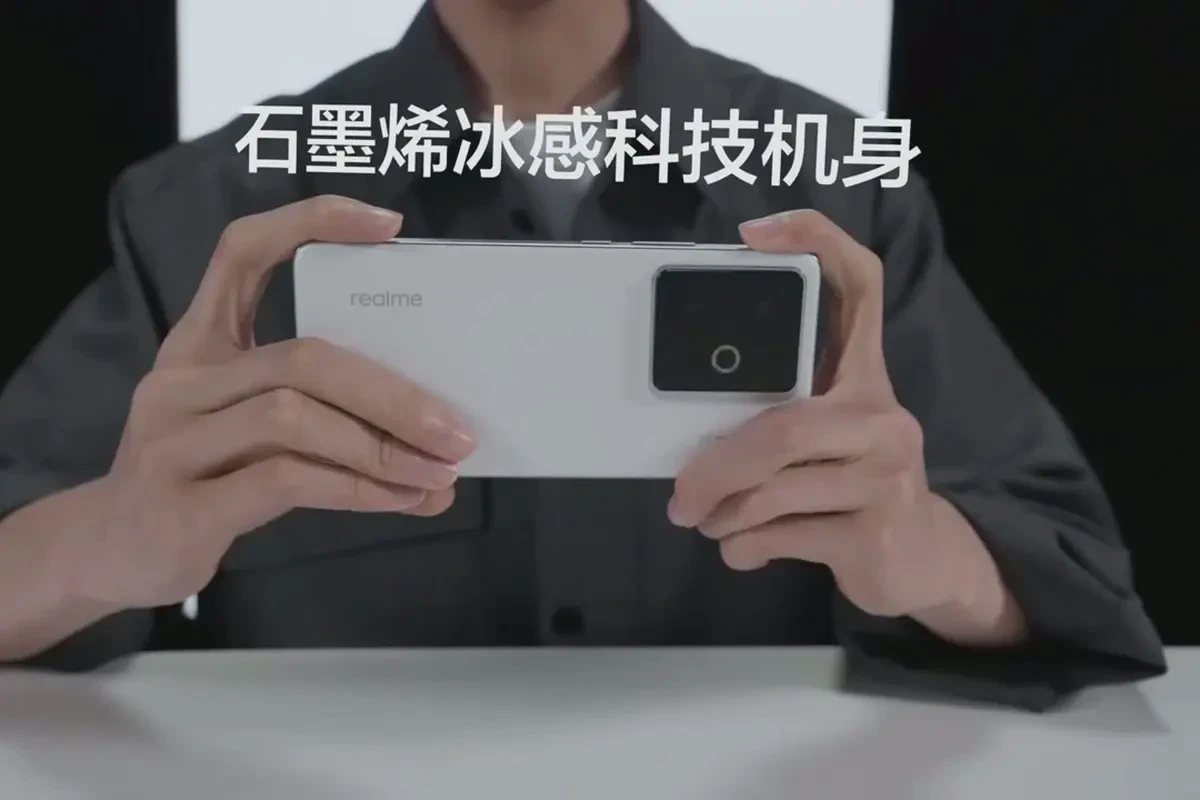
A supplier says the “3D product model” is ready. Can the video team start? Only after everyone agrees what the model must do. A beauty turntable, an exploded view and an engineering revision need different information. Blender being able to import a file extension does not guarantee usable scale, surfaces, separable parts or an editable source project.
This handoff guide is for brand teams, engineers and producers receiving a product model for a commercial. Define the shot, choose an exchange file, then reopen the actual delivery in the agreed Blender environment. For models generated by AI, our separate topology, material and licensing checklist covers a different starting point. Here the question is what a supplier should hand over and how to accept it.
Start with the shot, not a list of extensions
Ask which side of the product the camera sees, what has to move independently, and whether the final delivery is a video or also an editable model. A static exterior may need a faithful shape and textures. An exploded view needs distinct named parts and clear movement axes. Future engineering changes may require the original design file, which an exchange mesh is not designed to replace. Write the intended use down before asking someone to export “whatever Blender accepts.”
| File received | Useful first check | Handoff question |
|---|---|---|
| .glb / .gltf | Can the receiving team see the exterior, meshes, materials and hierarchy? | Does a .gltf package include its external images and buffers? Is a source project needed too? |
| .fbx | Does the scene or sample animation import as intended? | Which exporter, units, axes and animation takes were used? |
| .obj | Is the static geometry usable? | Are the matching .mtl and textures supplied? Who will rebuild part relationships? |
| STEP or other CAD master | What is the authoritative engineering shape and size? | Which parts may be exposed, and who creates an approved production mesh? |
| .blend | Can the agreed working project be reopened? | Which Blender version, linked assets, caches and plug-ins are required? |
Blender’s official pipeline overview lists glTF, OBJ and FBX among its 3D exchange formats. That is a compatibility starting point, not approval of every individual model.
GLB is convenient to transfer; it is not your whole authoring project
The Khronos glTF 2.0 specification describes .gltf files that can reference external data, and the .glb container that can package commonly used data together. It also distinguishes delivery for runtime use from rich authoring formats. A GLB can be an efficient visual review copy, while a request for ongoing design edits may call for the original project and a clearly stated editable scope.
Do not approve a model merely because its preview has color. Put it under a representative close-up light and compare coatings, glass, metal and key brand colors with an approved product reference. An imported material is not automatically an approved final render material.
Use FBX and OBJ for the information they actually carry
The Blender FBX import guide covers scale, geometry, materials, animation and armature options. If a supplier has a moving assembly, FBX may be a candidate. Request a short sample move and verify each part in the target Blender version. The extension alone cannot prove that this specific export retained the desired motion or hierarchy.
The Blender OBJ guide describes basic geometry and material support and says armatures, lights, cameras and parenting are not supported. A matching .mtl can bring in material information. That makes OBJ a reasonable static shape input, but a poor promise of a ready-made exploded animation. If OBJ is the only deliverable, assign the extra work of separating and naming parts before scheduling animation.
When CAD is all you have, keep the master and approve a production copy
Do not send a complete engineering package just because someone needs an image of the product. Have the engineering owner mark public exterior surfaces, concealed structures and the parts that must move. A CAD-capable artist or specialist can then export or rebuild an approved mesh copy for the shot, while the engineering master remains the dimensional reference. The exact conversion route depends on the source CAD application, plug-ins and the file itself; do not assume a suffix guarantees a direct import path.
Also agree how revisions travel. If the enclosure changes after a test frame is approved, who flags the affected parts, produces the updated mesh and identifies shots that need another review? That answer often matters more than the initial conversion.
Reopen the delivery and sign off six concrete checks
- Environment: Record file name, source exporter and versions; import in the Blender version the receiving team actually uses.
- Scale and axes: Compare one known physical dimension, orientation and origin. A visually plausible viewport is not a measurement.
- Parts: Select, hide and move each piece needed for the shot. Check names, missing geometry, overlaps and movement axes.
- Surfaces: Check missing textures, UV placement, critical colors and transparent details against an approved product reference.
- Motion: If animation was promised, inspect its beginning, middle and end for travel, sequence, timing and parent relationships.
- Reopen: Save a test scene, reopen it in a clean session and return screenshots plus a named issue owner to the sender.
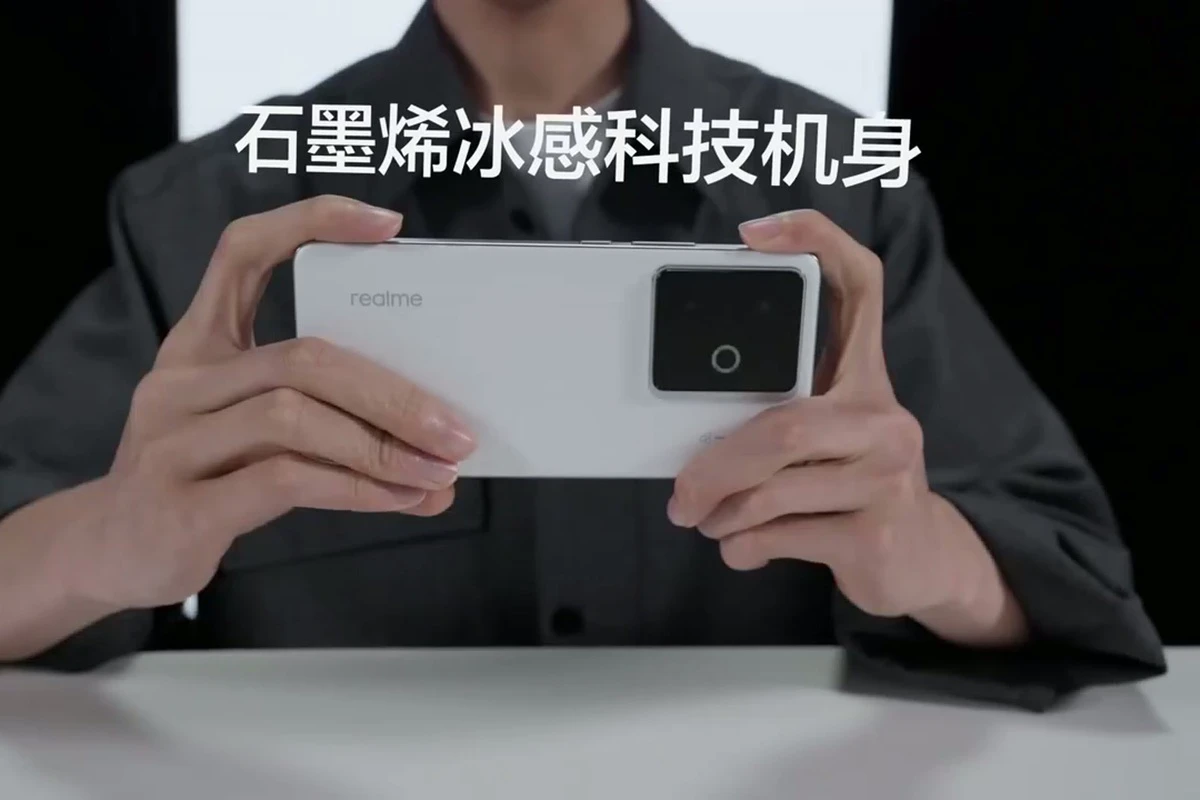
For a phone, the camera island, rear finish and edge profile are good examples of details a brand owner can compare against a model test frame. The public still illustrates a reference-checking method, not a claimed 3D workflow behind that campaign.
A short handoff request you can adapt
“We plan a 15-second exploded product demonstration. Please supply the exterior approved for public use and a list of parts that must move independently. Include one known physical measurement, front and rear references, and approved color and finish references. For a GLB, FBX or OBJ export, state the source application, version, units, axes, linked textures and whether animation is included. Keep the CAD master with its engineering owner. We will reopen the file in the agreed Blender version and review one short motion test plus a close-up frame before confirming production scope.”
This is a hypothetical brief, not a client case or a universal file prescription. If you are planning a real product video, send the intended use, approved visibility boundaries, existing file types and physical references through the ONCE project contact page so modeling, filming and animation can be scoped separately.
Product model handoff questions
If Blender opens my GLB, is it ready for a commercial?
Opening the file is the first check. Verify scale, materials, required moving parts, close-up quality and the intended shot before accepting it for production.
Can an OBJ become an exploded product animation?
Its static geometry can be an input, but part separation, naming and movement relationships may need to be created. Do not treat the OBJ as a delivered animation rig.
Must I hand over both STEP and .blend?
That depends on the job and permissions. The engineering owner may retain the CAD master while the video team gets an approved public production copy. Agree separately on whether an editable Blender project and its dependencies are deliverables.
Production examples and next steps
Compare the proposed live-action, CGI and AIGC tasks with a finished animation reference. Ancient Myth is a CGI portfolio example, not proof of any particular software or AI workflow.
Review AIGC commercial production and "Ancient Myth": A Three-dimensional Fantasy Adventure of Panda Companions. To discuss your project, send the shot list, source assets, editable-delivery needs and review criteria through the English project enquiry form.