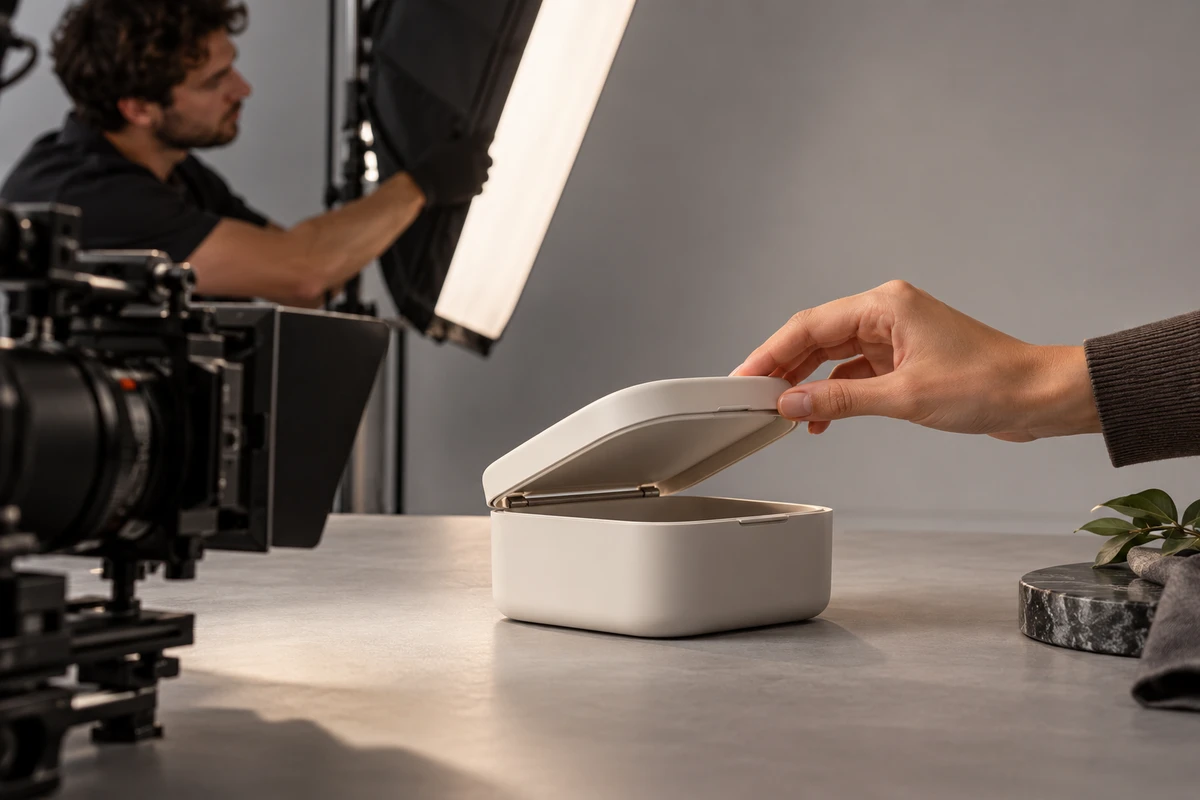
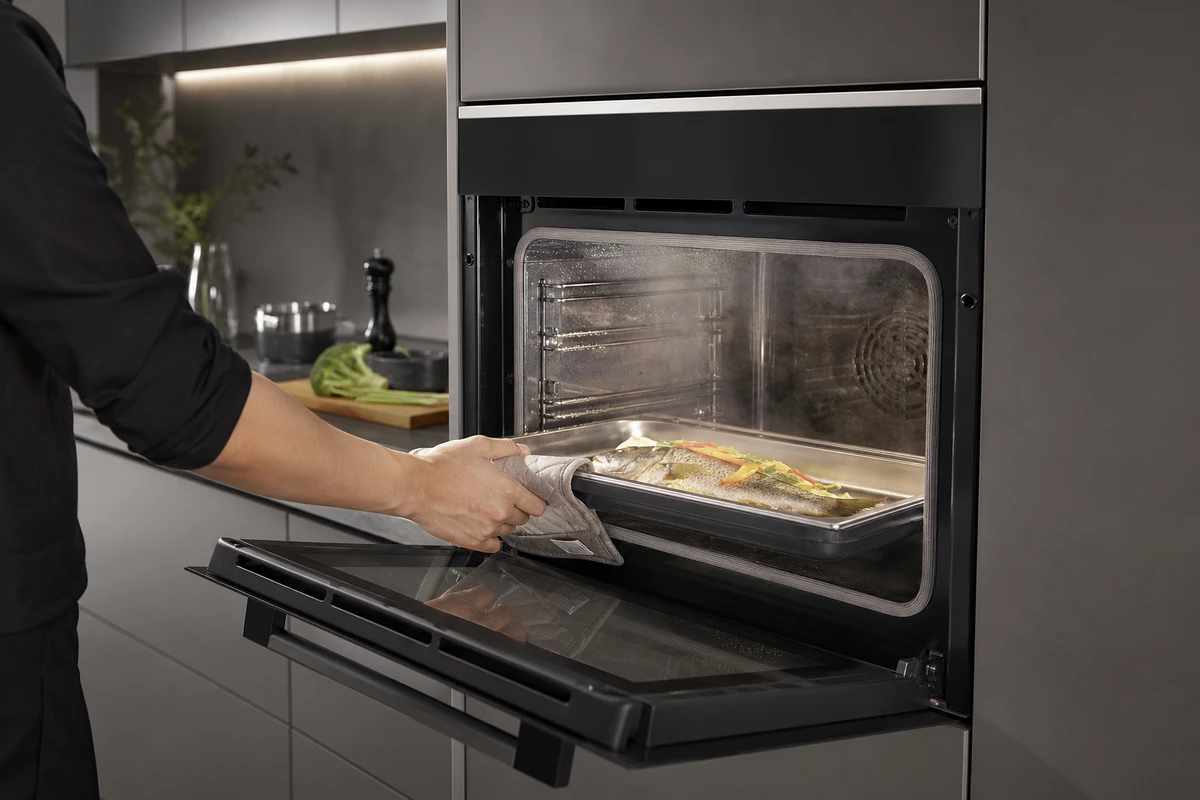
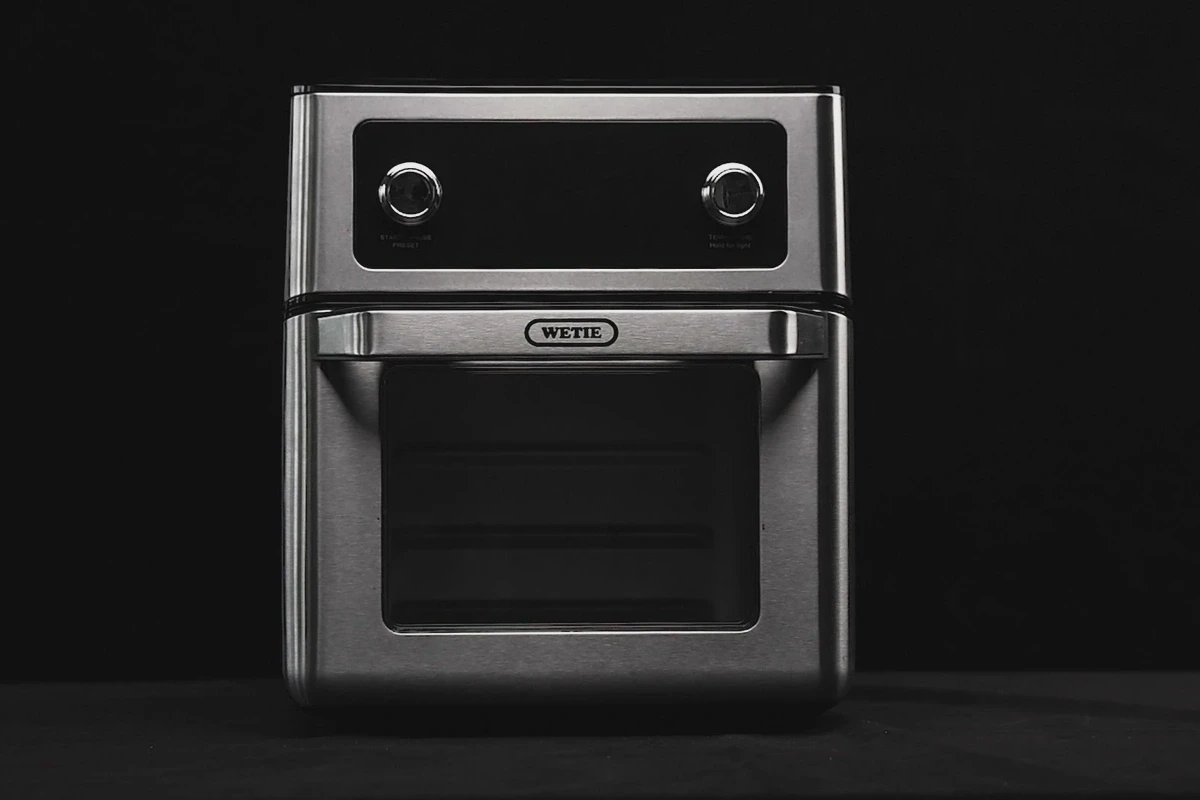
On a studio shoot, the assets most likely to be cut are often the ones that “do not look much like advertising”: colour charts, empty plates, material close-ups, turntable rotations, and action references. They are inconspicuous in the finished film, but become the most valuable assets once AI generation begins. The real question is not whether one hero image can be expanded into ten clips; it is whether the source material contains enough evidence to keep the product from being redrawn.
If a Shenzhen product-video shoot is meant to support AIGC, the call sheet should add a set of authenticity anchors: structure, materials, actions, lighting, colour, and sound. These are not behind-the-scenes extras; they are master references for every later generation, restoration, and composite. Cross-border e-commerce teams and global brands should also tag aspect ratio, safe area, and functional evidence for Shopify, Amazon, and TikTok use.
1. Structural Anchors: Build a Product Identity from Neutral Views
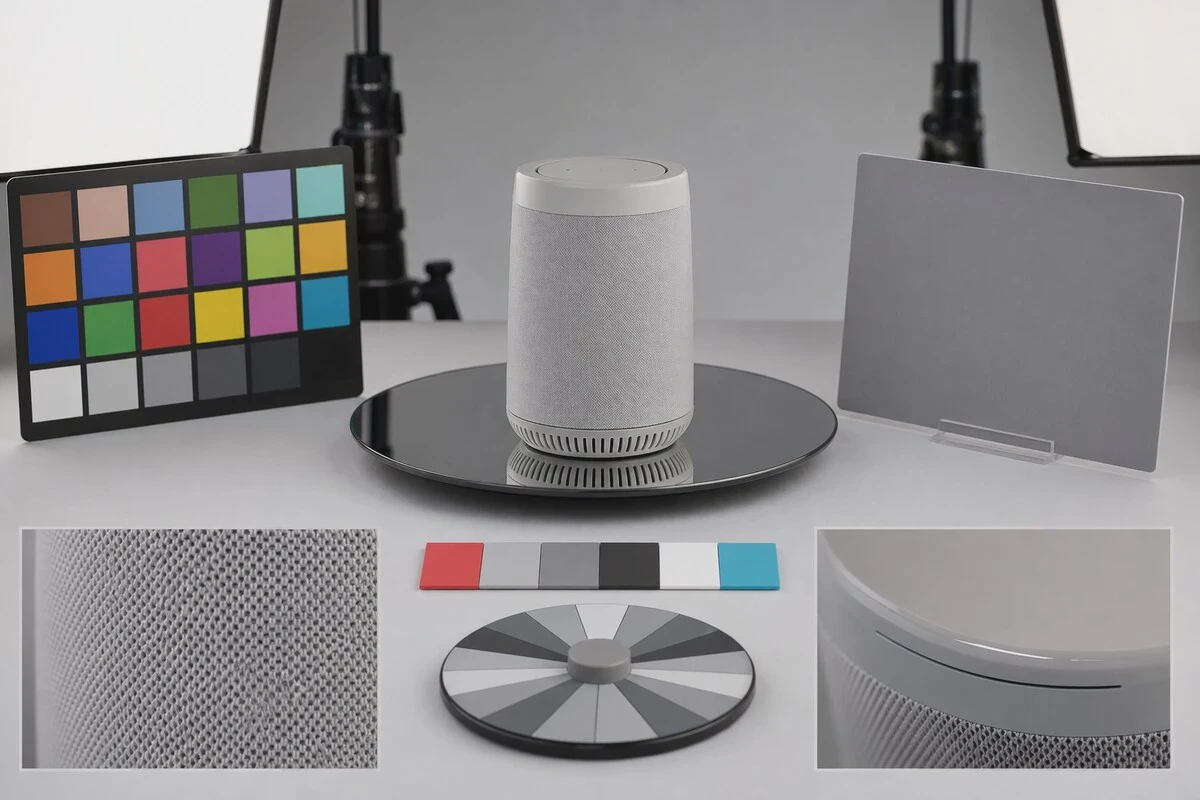
First, capture front, back, left, right, top, bottom, and two 45-degree angles, then ports, buttons, seams, textures, labels, and moving parts. Use a medium-to-long focal length and relatively flat lighting, keep camera height level with the product's centre, and avoid exaggerated perspective. Every image should answer, “Which detail must the model not alter?”
Record a turntable rotation at a constant speed, leaving two extra seconds of stillness at the start and finish. If the product opens, folds, or comes apart, record the closed, transitional, and completed states separately; do not capture only the final pose.
2. Material Anchors: Let Specular Highlights Speak for the Material
Capture metal, glass, leather, fabric, and sandblasted plastic at least once under a large soft source and once under a narrow strip light. The lens should record more than colour: highlight width, edge fall-off, reflection clarity, transmission, and contact shadow all matter. Macro shots should retain real scratches, weave, and machining marks; those details do more than “8K photorealism” to prevent a plastic-looking result.
If a sample has fingerprints, dust, or engineering-unit flaws, distinguish between real texture that should remain and temporary marks that post-production should remove. Otherwise, the generation artist may treat a stain as product structure.
3. Action Anchors: Record Physics Before Chasing Rhythm
When filming actions such as pressing, turning, pushing, pulling, folding, pouring, spraying, or suction, use a wide shot to record spatial relationships, a close-up for contact points, and slow motion for changes in speed. Each action reference should include the starting state, point of force, resistance feedback, and ending state. If you provide only a photo of a hand touching the product, the model has little basis for knowing what happens next.
Each action should do one thing only. Trying to open a lid, remove an accessory, assemble, and start the product in one shot sends both generation and editing out of control. Split the evidence into four shots instead, then connect them with rhythm in post-production.
4. Lighting and Colour Anchors: Write Monitoring Decisions into the Files
For every lighting setup, capture a grey card, colour chart, chrome ball, and grey ball, and record colour temperature, lighting diagram, contrast ratio, exposure, and monitoring LUT. ARRI’s Look File workflow guide recommends testing the colour pipeline end to end. The same applies to AIGC hybrid production: generation, live action, grading, and delivery need aligned display conditions and colour spaces from the outset.
Resources from camera systems such as FUJIFILM X can help teams check in-camera colour and lens-recording practices, but the priority is to preserve RAW or high-quality masters plus the white-balance and exposure rationale, not merely JPEGs with a look applied.
5. Sound Anchors: Free Tactility from the Image
Record button clicks, mechanical slides, fan starts, lids closing, packaging friction, and room tone separately. Capture each sound at least three times with different force, then record 30 seconds of silence. Even when generated video gets the action right, it will feel weightless without the corresponding sound.
Name sound files as product ID_action_force_sequence, and record the microphone, distance, and location. When extending a sequence with AI, sound can become a time anchor for the action’s rhythm.
6. The Minimum Deliverable Package for a One-Day Shoot
- At least 12 structural photographs and one full turntable rotation.
- Two lighting treatments for each key material, with one set of macro shots for each.
- A wide shot, close-up, and slow-motion clip for every functional action.
- A grey card, colour chart, chrome ball, grey ball, and lighting diagram for every setup.
- RAW or master files, proxies, and lens and exposure records.
- Separate sound effects, room tone, and one consolidated asset list.
This capture package fits the U-STUDIO product-shooting and AIGC asset workflow. Capture all authenticity anchors in the studio first, and later landscape, portrait, scene-replacement, and multilingual versions will have a reliable master.
Before wrapping, conduct a “generation-readiness spot check”: take one set each of structural, material, and action assets on set, export neutral reference frames, and have the generation artist complete a short test clip. If a port is redrawn, metal turns into plastic, or an action’s starting point is unclear, the team can reshoot while the sample, lighting, and camera are still in place. This ten-minute check saves more time than renting the studio again, rebuilding camera positions, and waiting for the sample after the project ends. It also lets the photography and generation teams align their acceptance criteria on the same day. Archive the approved test clip with its parameters.
Get the Product AI Reference Asset Shot List
Production examples and next steps
Show installation, handling and usable space in the product story. The CHiQ built-in refrigerator film provides a home-appliance reference.
Review Ecommerce product video production in China. and CHiQ Built-in Black Refrigerator Product Video: Use Alignment and Door Opening to Illustrate Space Adaptation. To discuss your project, send the appliance sample, installation conditions, use sequence and approved claims through the English project enquiry form.
Compare the real home and kitchen settings at U-STUDIO in Shenzhen before planning the product plates and presenter footage for an AIGC-assisted video.