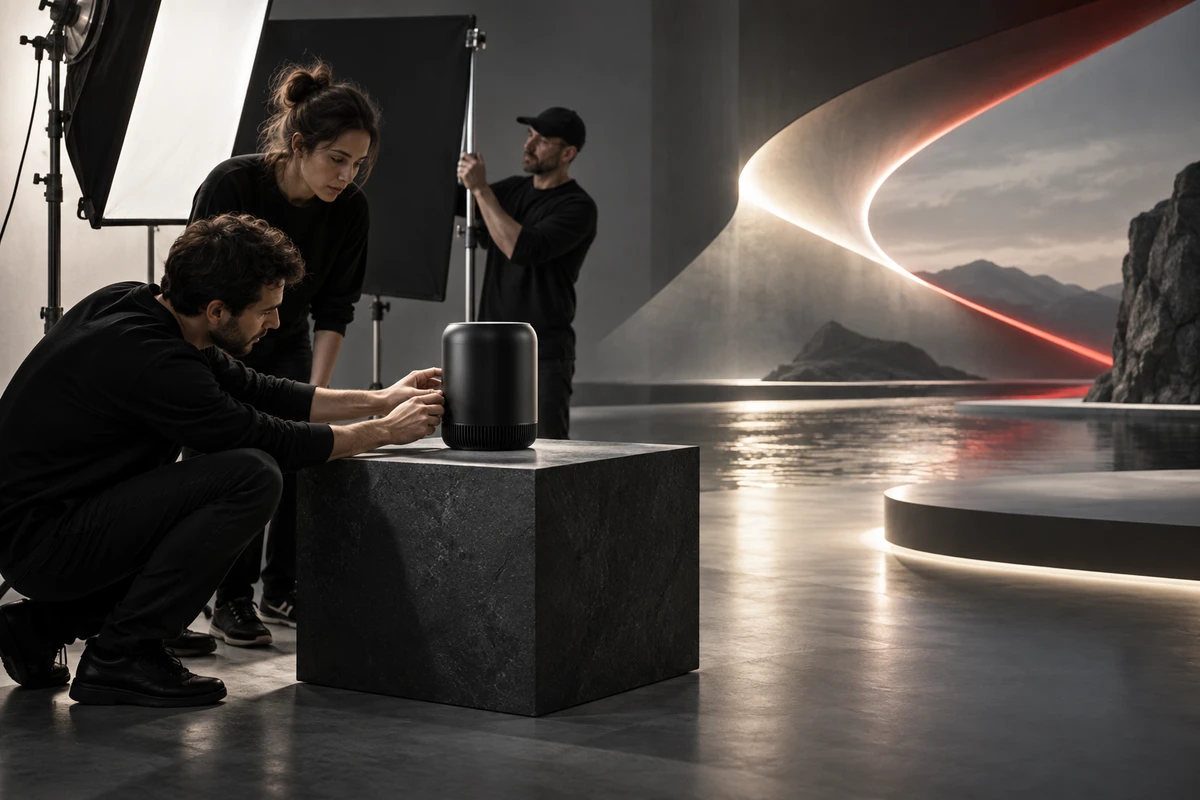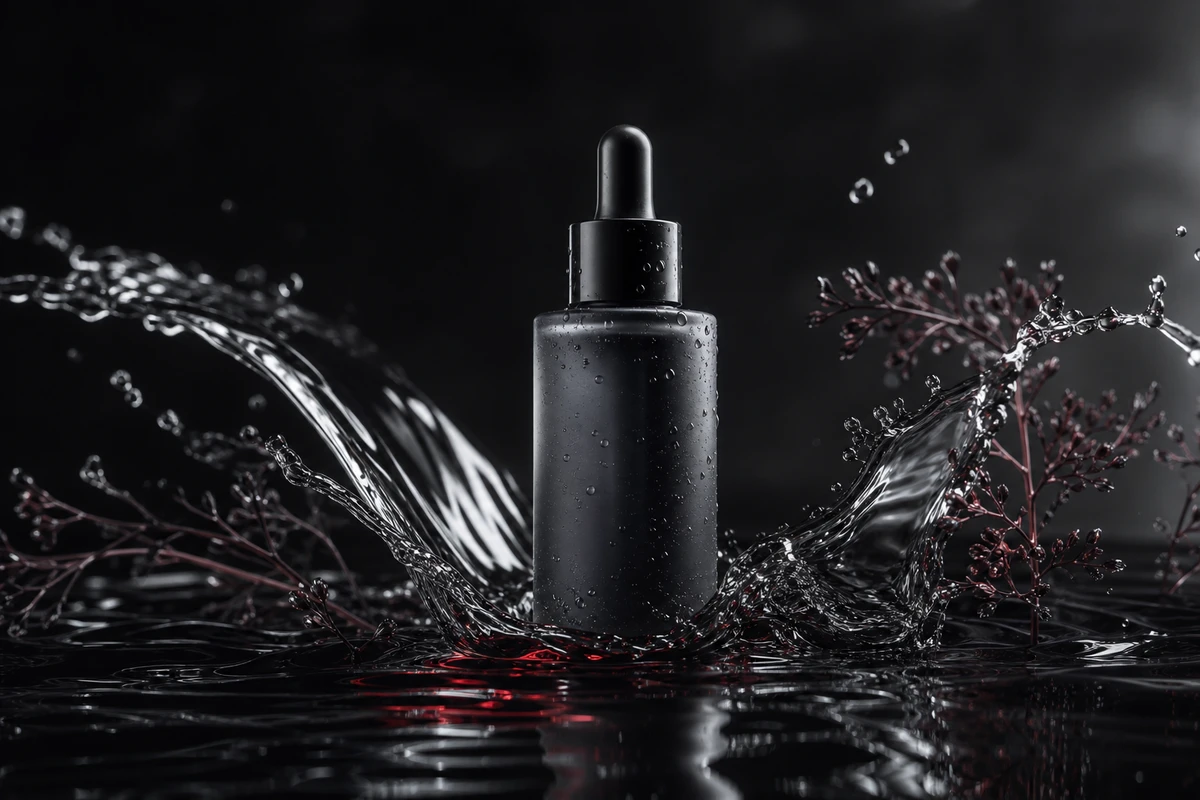
“Lightweight,” “water-resistant” and “easy to use” are selling points, not storyboards. AI can create a downpour, a futuristic studio, or a device that looks close to the product in your brief. The more a shot resembles a real product demonstration, the more likely viewers are to treat it as evidence. Start by writing down what viewers should believe after seeing the frame. Then decide how to make it.
That does not mean keeping AI out of product video. A more useful approach is to translate each selling point into a verifiable visual task. Approved product information, live action or reviewed CGI should support claims about appearance, function and results. Generative visuals can explore environments and atmosphere when they do not carry the burden of proving a product fact.
Ask what a viewer could infer from the frame
A frame presents more than an object; it can imply a promise. A product shown in rain, near flames, after a fall, running for a long time or in a specific human interaction may lead viewers to infer that it works under those conditions. The implication can be present even when the copy never says it.
Rewrite each selling point as a buyer question. “Easy to carry” could mean weight, grip, or whether the product fits in a bag. Each question needs different proof. A generated commuting scene may establish a mood. If the shot needs to show that the real product fits a particular space or can be handled in a particular way, use approved product references, dimensions or a verified action.
Before filming or generating a shot, fill in five fields:
- Buyer question: What uncertainty does this frame resolve?
- Approved fact: Which product document, approved sample, packaging file, dimension sheet or test record supports the claim?
- Visual proof: What action, component or outcome must the viewer actually see?
- Allowed changes: What may change in the setting, light or composition? Which product details, actions or outcomes must remain fixed?
- Acceptance test: Who checks the shot against which reference, and what specific difference means it should be revised?
This five-part card is an editorial method for a production team, not an industry standard or a product test. Its purpose is to separate “looks good” from “proves the selling point.”
Assign live action, CGI and generated footage by proof task
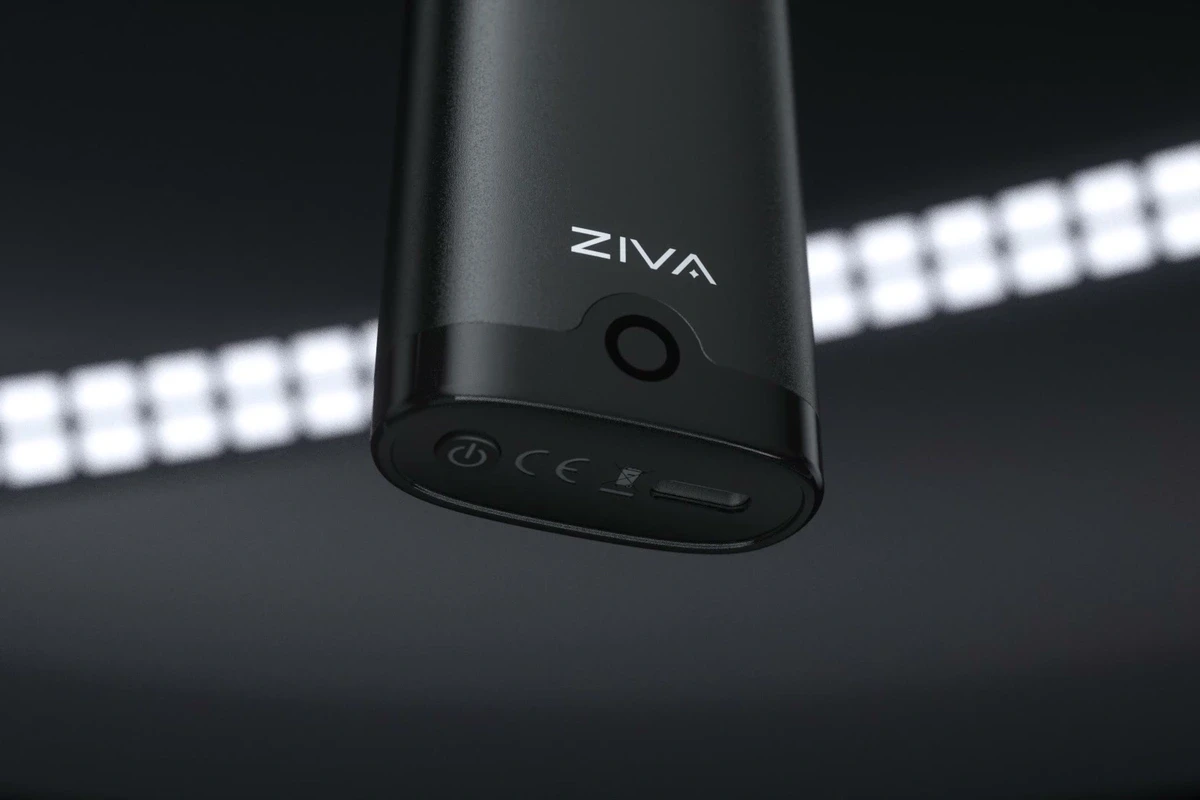
If a frame helps buyers judge a product fact, begin with a real source. Button placement, ports, packaging text, material, folding parts and hand movements can all affect how a product is understood. Film an approved sample where possible. When a real camera cannot show an internal component, microscopic detail or a difficult angle, reviewed 3D may help. CGI still needs approval from the product team: an accurate model does not verify the use outcome shown in the scene.
Generative video is better suited to parts that are open to interpretation. That might include an environment that does not claim to be a real store or actual use result, an abstract transition, color exploration or a supporting backdrop. If the product appears in a generated clip, treat it as a subject that needs review. Check its silhouette, components, marks, text, material reflections and the action across frames. Do not approve only the prettiest still.
A 2025 report by The Verge quoted the team behind a Microsoft product ad: they kept intricate hand movements in live action and considered generative tools for quick cuts or shots with limited motion. (The report describes one production case, not an industry rule.) It suggests a useful briefing question: as an action becomes more complex or depends more on a convincing physical feel, should a camera or reviewed 3D carry it?
Current tools offer some control inputs, but controls are not accuracy guarantees. Adobe’s Firefly video documentation describes using first or last frame images to guide a clip, and using a reference video to guide camera motion. These are inputs and workflow options; they do not verify product facts in the finished video. (Keyframe guidance; camera-motion reference)
A 2025 T2VTextBench study on arXiv asked reviewers to assess how ten text-to-video systems handled on-screen text in complex scenes. The authors reported that most of the tested systems struggled to keep text legible and consistent. That finding applies to the systems tested at the time, not every current model. It is still a useful production reminder: do not rely on a prompt to render package copy, button labels or model names correctly. Use approved graphics or add text in post, then check the final export.
Review the sequence and every delivery ratio
Watch the cut once without sound, then check these points frame by frame: does the product’s appearance drift; does the action match the real operation; does the scene imply a result beyond the approved facts; and are brand, model and captions accurate and legible? When a product appears from several angles, compare its shape and key parts across the cut. Editing should not turn several plausible stills into an impossible action.
Then inspect each intended placement. Google Ads’ current video specifications list recommended horizontal 16:9, vertical 9:16 and square 1:1 ratios, and provide safe-zone guidance for ads. Choose the primary placement first. Keep identifying product details and essential copy within the relevant safe area, then check whether other versions need reframing. A simple crop or scale can shift the viewer’s attention.
If realistic-looking generated footage will appear on YouTube, check its AI disclosure requirements during upload. YouTube requires creators to disclose realistic AI-generated or meaningfully altered content; non-realistic scenes and some minor edits are treated differently. Check the platform rules that apply when you publish. This is a description of YouTube’s creator policy, not a universal legal rule for every platform or region.
Put one complete example in the brief
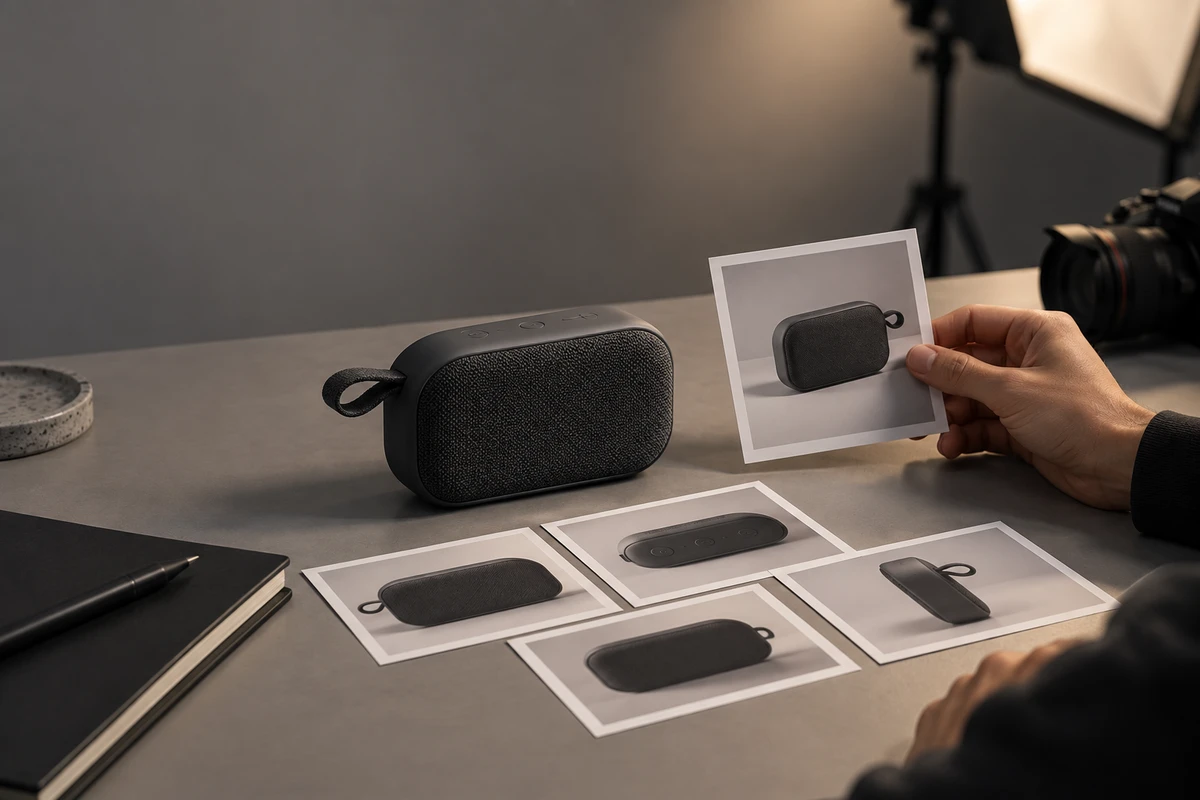
Imagine a video for an unnamed portable speaker. This is a hypothetical planning example, not an ONCE client project or product test. Instead of writing “highlight water resistance and portability,” ask the team to fill in:
- Selling point and buyer question: Under which approved conditions is the product portable? Which wording has the brand approved?
- Evidence: Which product document, sample, package or test record supports the claim? Mark anything unverified as “to be confirmed.”
- Shot task: Should the frame show actual handling and construction, or only establish an outdoor mood?
- Production method: Film real product actions; consider reviewed CGI for approved visual extensions; explore generated backgrounds only when they will not be read as performance proof.
- Limits and acceptance: Do not imply conditions the evidence does not support. Name the reviewer, required aspect ratios and revision criteria.
A Marketing Brew industry report describes some advertising teams using generative video for early creative experiments and visual variations, while keeping brand quality and professional judgment with the team. These are observations from interviewed practitioners, not universal efficiency data or a performance guarantee. The useful lesson is not to hand every shot to AI. It is to explore creative directions sooner while keeping product facts in a verifiable chain.
Product video does not require a choice between live action and generated imagery. First decide what viewers should believe, and which shot supports that belief. Put product facts, visual tasks and acceptance references in the same brief. Then decide whether each shot belongs to the camera, the 3D team or a generative tool. That gives the creative room to move while keeping product claims checkable.
If you are planning a product video that combines AI and live action, prepare the approved product information, core selling points, intended placements and prohibited implications before briefing the production team. ONCE’s product-video and AIGC projects begin with that fact sheet.
Production examples and next steps
Define which images are exploratory and which must preserve a verified product. The AIGC off-road motorcycle concept film is a concept-work reference.
Review AIGC commercial production and Chasing Speed Through the Wild: An AIGC Off-Road Motorcycle Concept Commercial. To discuss your project, send the product references, proposed shots, review criteria and required outputs through the English project enquiry form.