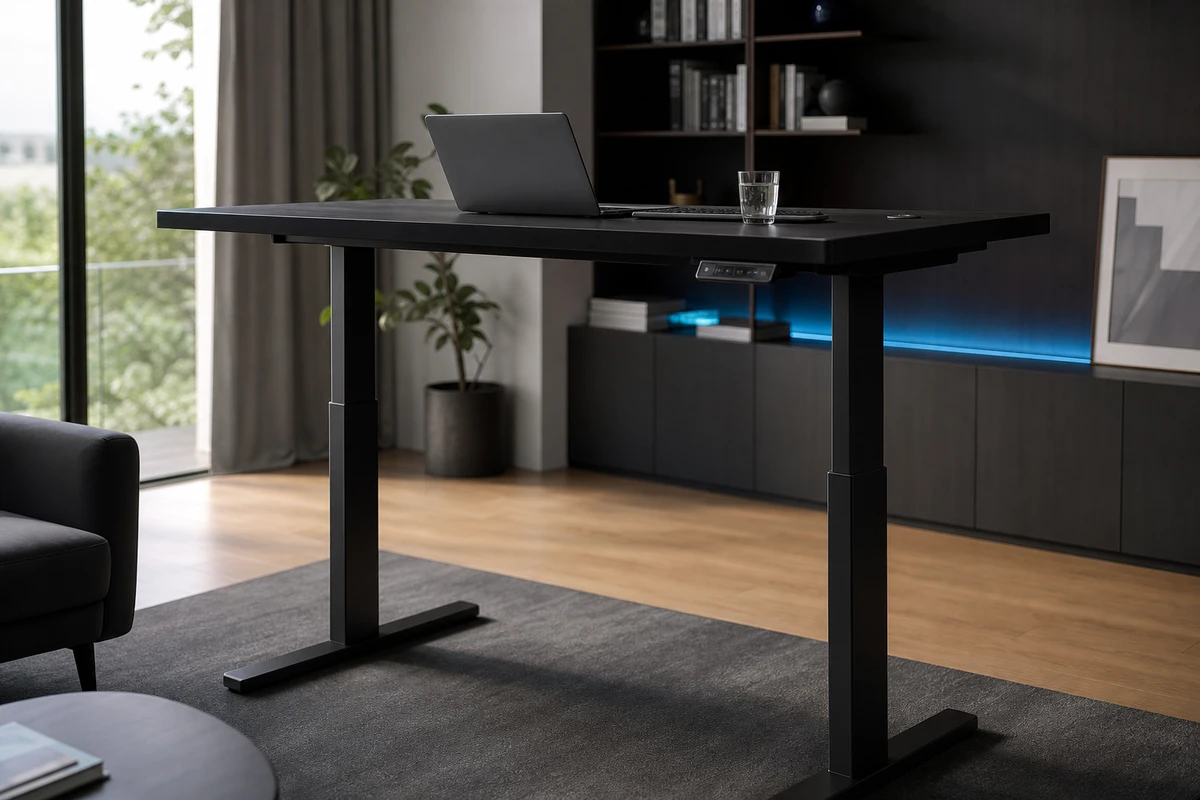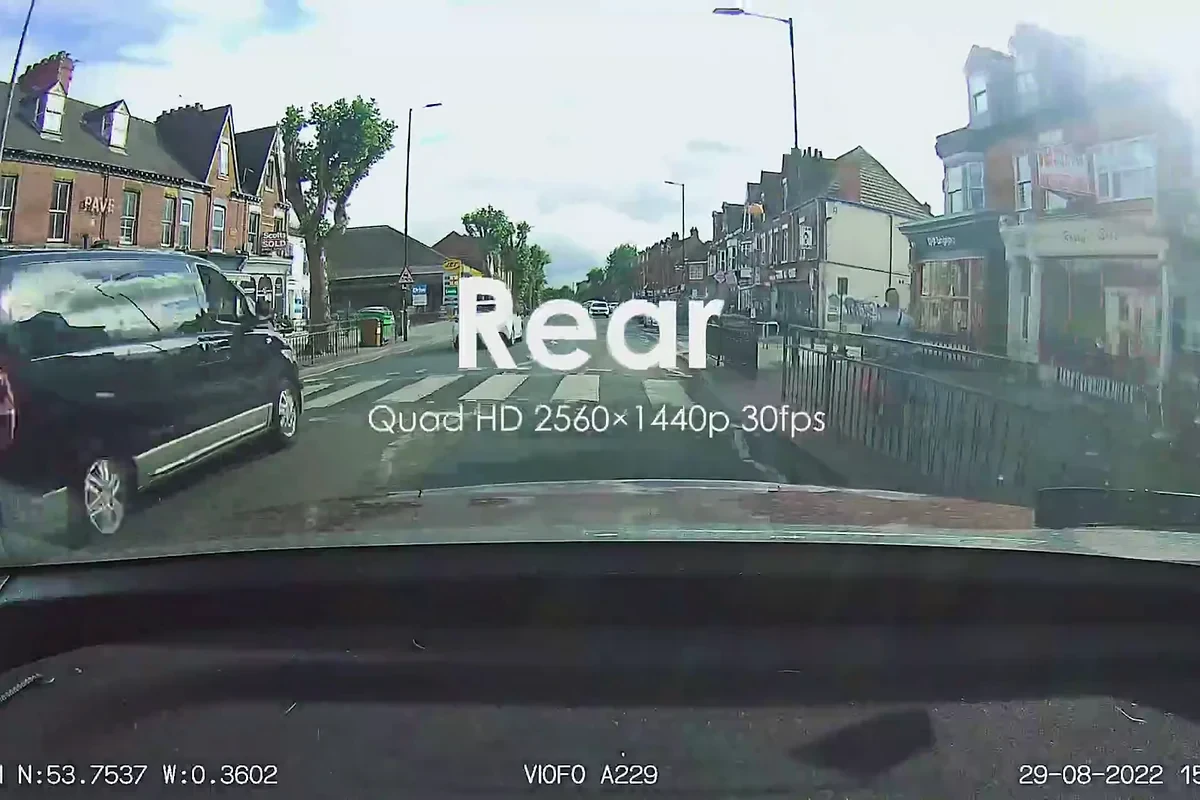
Before launching product videos for cross-border e-commerce, the most important thing to consider isn't just "how good it looks," but whether it can help unfamiliar users quickly understand the product, believe in its selling points, and be willing to continue watching. Shifting from "choosing shots" to "checking conversion paths" during review can significantly reduce post-launch rework.
Define the Job of the Whole Video Before Reviewing It
Even before the video plays, the team often speaks three different languages: branding wants quality, marketing wants clicks, and sales wants to explain all the features. Before reviewing, prioritize these three things: Is this a Shopify product page explanation video, an Amazon selling point demonstration, or cold-start material for overseas campaigns? They can use the same assets, but they shouldn't share the same rhythm.
During review, ONCE VISUAL labels each sequence by its task: capture attention with a hook, demonstrate product evidence, show a use situation, or strengthen trust before the CTA. A clear task helps the team distinguish attractive atmosphere from footage that answers a buying question.
The opening screen isn’t just an intro; it’s the reason why users will continue watching.
For this review, aim to establish a visible problem or result within 3 seconds: whether installation is difficult, whether the size fits, or what changes in use. The opening does not need every specification. It needs to show why the video relates to the viewer’s current concern.
Review the opening on mute and at a glance. Can the viewer identify the product and its main benefit? If not, strengthen the product key visual, action, or on-screen explanation. The Google Ads video-format guide explains how formats reach people in different viewing situations. Make the first shot useful before spending time on a longer introduction.
Selling points need to be transformed from slogans into visual evidence.
"High performance," "more convenient," and "enhanced experience" are just words; they're not evidence. What truly stops overseas users and makes them want to learn more is often hand movements, interface connections, structural details, before-and-after comparisons, or real-world usage results. When reviewing the video, create an evidence table for each key selling point: Which action proves it? Is there a close-up shot? Is there a context that's easy to understand? Does it still work when the sound is turned off?
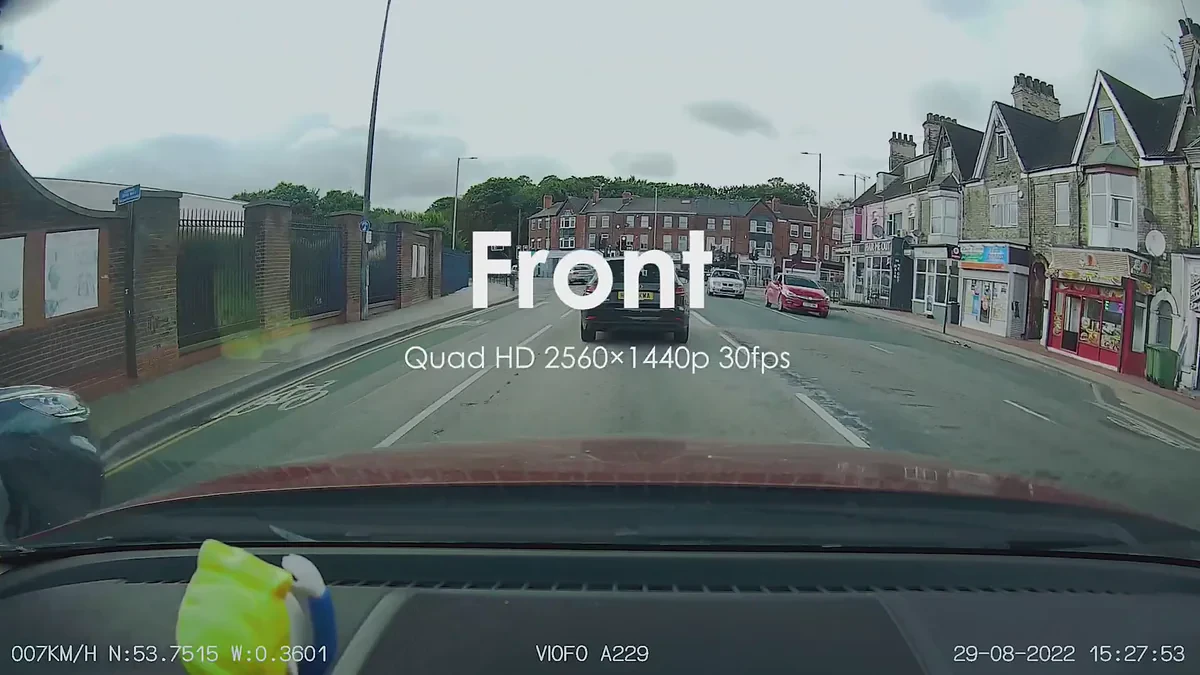
ONCE VISUAL breaks the selling-point script into individual shots during storyboarding. Post-production is not where logic is added to the product; it is where filmed evidence is edited into a smoother viewing experience. For further planning, see the cross-border e-commerce product-video production service description.
Check Image Clarity, Subtitles, and Safe Zones
When reviewing footage, don't just focus on color correction. Whether the edges of the product are clear, whether the screen information is readable, whether reflections obscure critical structures, and whether transitions interrupt operational steps all directly impact credibility. For products with UI markings, scales, accessories, or installation instructions, it's recommended to review them once on a desktop device and once on a mobile device; what looks perfect on an editing monitor might be too small in a vertical information stream.
For distribution versions, understandability is fundamental. Google Ads video-ad requirements emphasize clear, recognizable advertising information and identifiable products or brands. Put this on the review checklist so the creative idea remains legible to users.
Delivering a single main video isn’t enough; the version matrix needs to be reviewed.
A delivery set may include a horizontal master, a product-page loop, a 15-second selling-point cutdown, a 9:16 vertical version, and a retargeting explanation. They can share footage, but each needs its own editing logic. Ask who each version addresses, where it appears, and which aspect ratios are missing. Shopify’s product-media documentation treats video as part of the product experience, so check the product-page version alongside images, text, and variant information before launch.
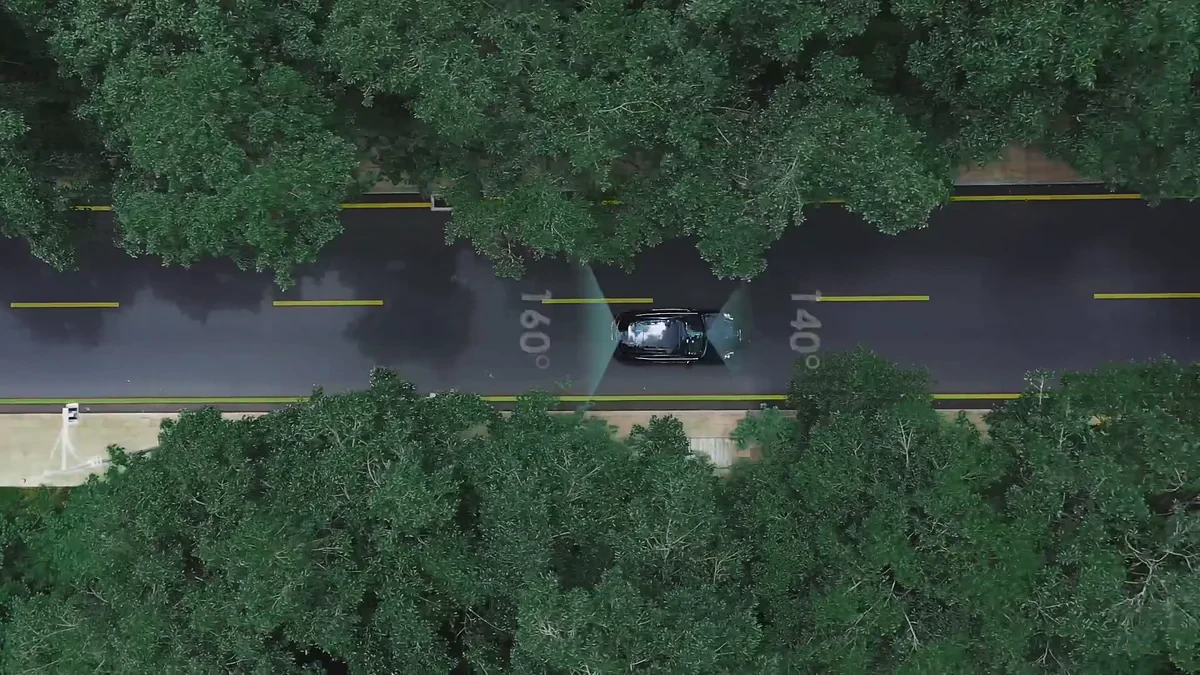
Turn the review process into an inventory of content assets for future use.
The most effective video review sessions result in a "shot asset list" that can be passed on: this list specifies where the existing key visuals, feature close-ups, operation steps, scene results, character reactions, subtitle versions, and establishing shots are located, as well as what is still missing for the next campaign. This way, operations staff receive not just a video link, but a set of assets that can be further broken down, tested, and reused.
If an independent site is being redesigned, combine the Shopify product-page video conversion sequence with the review: are the initial promise, demonstration evidence, and trust-building shots all present?
In the final 10 minutes before launch: a checklist for the team.
- Within the first 3 seconds, is the product, problem, or result immediately visible?
- Does each main selling point have an action, detail, or visible result to support it?
- Are subtitles, UI information, and the CTA clear on a phone? Are there black borders or transitions that interrupt the action?
- Are there appropriate versions for Shopify, Amazon, landing pages, and vertical information streams?
- Are project files, subtitles, text-free versions, and key footage clearly archived?
Bring creativity and delivery together in the same review form.
A good video needs emotion and rhythm, while its product claims must hold up on product pages, in ad campaigns, and when customers ask questions. Begin the review during selling-point development, storyboard timing, and delivery planning, while those decisions can still be improved. ONCE VISUAL can help teams planning a launch bring product evidence, filming, and assets for multiple platforms into the same production plan.