When an electric shaver sells slowly on Shopify, review what its videos actually explain. A polished unboxing alone may leave buyers unsure how the head follows facial contours, how easily the shaver cleans, whether it travels well, or how to replace its head later. Organize these questions into shot tasks for the first purchase, daily use, and replacement-part purchases. The footage can then serve as a reusable content library beyond the product launch.
Map the Purchase Journey Before Planning the Main Film
Before writing an electric shaver brief, distinguish three groups: people replacing their shaver for the first time who worry about getting a close shave, commuters who need a quick routine, and existing customers who need cleaning and replacement-head information. Each group needs a different story angle. Shooting everything in one attractive bathroom can leave product pages, emails, and retargeting repeating the same message. Map the journey first, then decide whether the hero shot shows a morning routine in one take or a quick retrieval from a travel bag.
Use the First Screen to Show Who the Shaver Suits
The first-screen visual hook on the brand’s website should make the product and its intended user easy to recognize. Show the grip, facial contours, head contact, and the user’s expression after shaving without exaggerated before-and-after comparisons. Use changing angles and the path across the face to explain contour following. Where the product supports rinsing, show the real sequence of rinsing, removing parts, and air-drying. Turn specifications into visible results that buyers can understand instead of covering the frame with floating numbers.
Plan Shots for Trust, Operation and Lifestyle
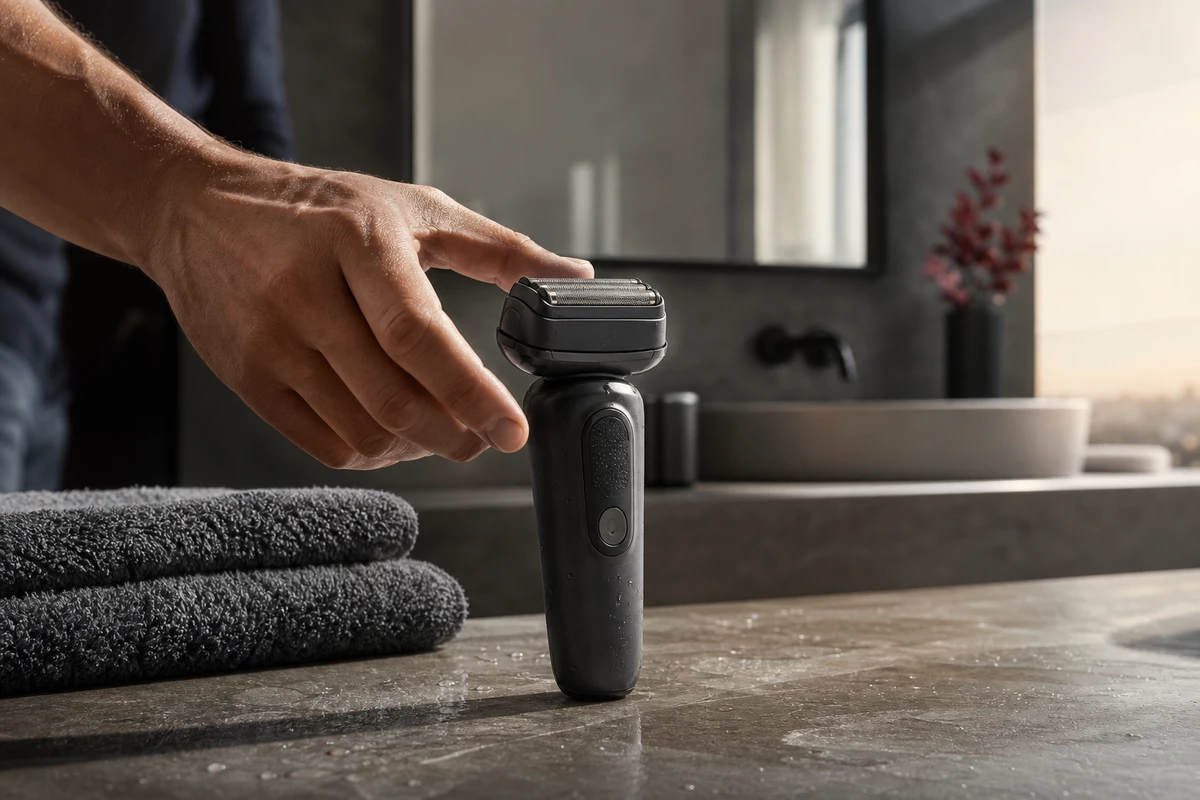
Build trust with details of the shaving foil, buttons, charging port, storage design, and actual materials. Demonstrate operation as a continuous sequence: take out the shaver, switch it on, shave, clean it, and put it away. Show its place in life through getting ready in the morning, washing after the gym, and short weekend trips. Capture close-ups, medium shots, and environmental coverage for each layer within the same setting. A recurring visual motif, such as a dark shaver against a stone countertop in morning light, helps the cutdowns belong to one campaign.
Give Shopify Product Pages and the Shop App Distinct Roles
Shopify supports product media including video to help customers understand an item’s functions and size. A product-page main film can therefore explain the full operating sequence, rather than relying only on an atmospheric montage. Separately, Shop product detail pages support full-width video and shoppable video with tagged products; these blocks appear below Ratings and Reviews and are managed separately from the online store theme. During scripting, check whether the product stays central, each action makes sense on its own, and the footage remains clear without sound. Plan suitable compositions instead of cropping one desktop film into every placement.
Deliver Five Types of Content From One Shoot Day
First, plan a 45–60-second product-page main film covering contour following, cleaning, and storage. Second, deliver a 15-second paid cutdown with one hook and one action that supports the claim. Third, capture a 6–10-second feature loop for page modules, email, or retargeting. Fourth, make after-sales explainers for replacement heads and cleaning to answer recurring customer questions. Fifth, record the founder or design team speaking to camera, using verifiable facts and clearly distinguishing personal experience from measured data. Label each asset by source shot, use, aspect ratio, language, and version so the library is still usable three months later.
Plan Platform Versions in the Composition
Plan footage for Meta Reels, YouTube, Google, and the brand’s website within the same production. Google’s video-ad optimization guidance recommends videos in square, vertical, and horizontal formats with different messages. Meta’s Reels advertising guidance emphasizes 9:16 video, sound, and safe zones. Mark landscape, portrait, and square compositions in the storyboard so faces and products work in each frame and key information stays clear of UI overlays.
Use Creative Fatigue to Plan the Next Shoot
Review more than ROAS. Compare the four story angles—morning contour following, cleaning, travel storage, and replacement heads—against attention, product-page viewing, add-to-cart actions, and purchase contribution. If the unboxing version shows fatigue first, try a new hook before replacing the entire visual approach. The same principle applies on set: isolate the variable before reshooting. A clear version matrix lets the next shoot fill gaps in the evidence instead of producing another polished main film that cannot be reused. For a starting framework, see ONCE VISUAL’s Shopify content-asset shot system.