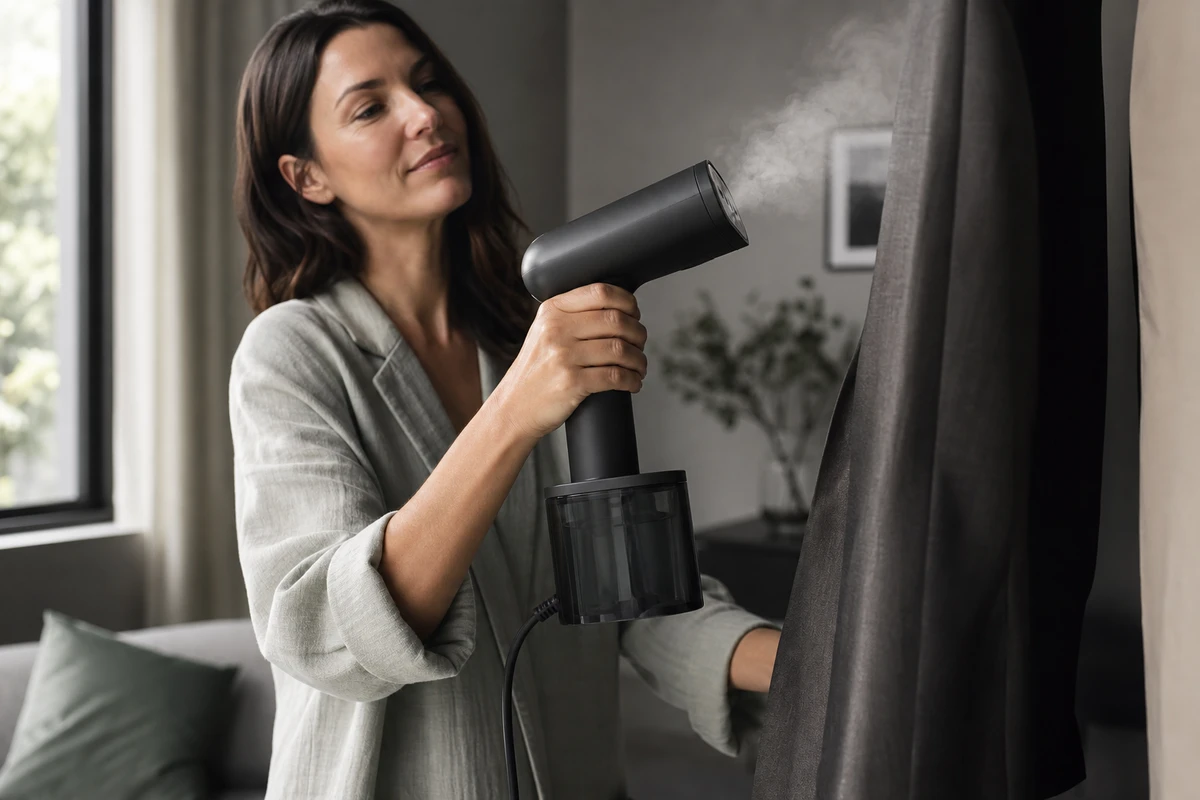
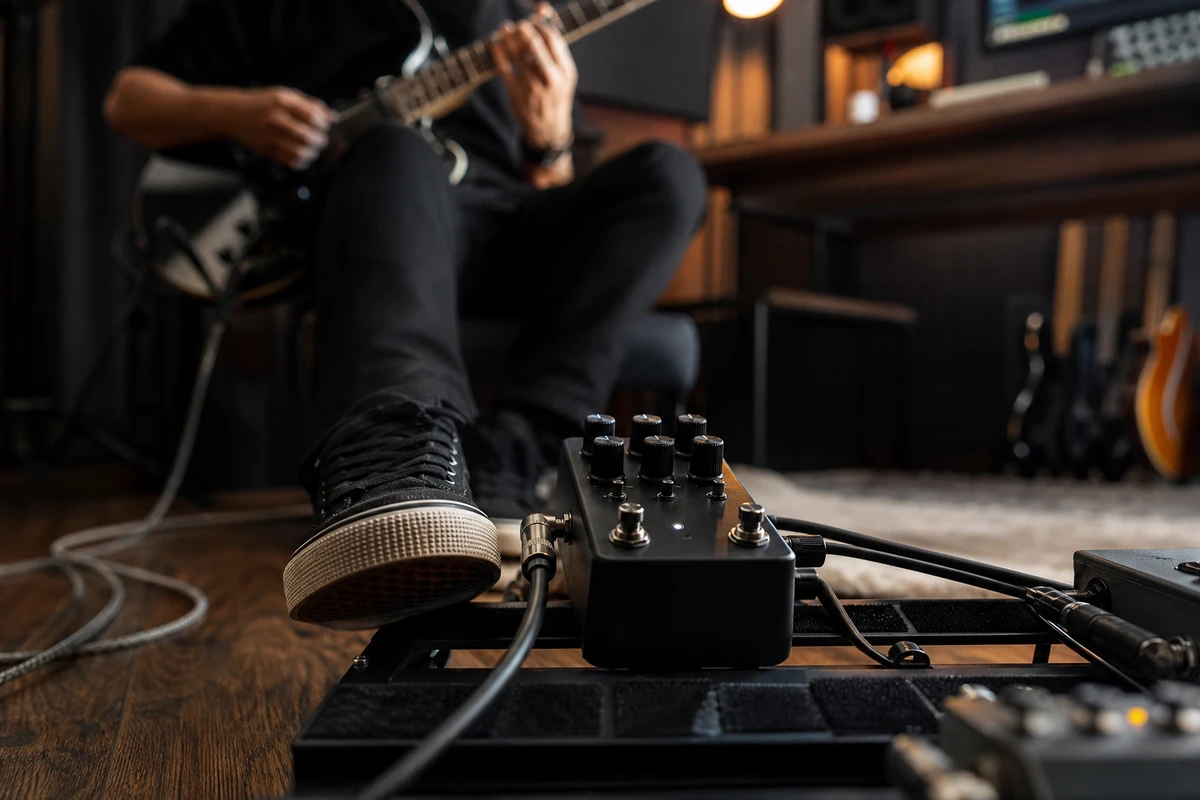
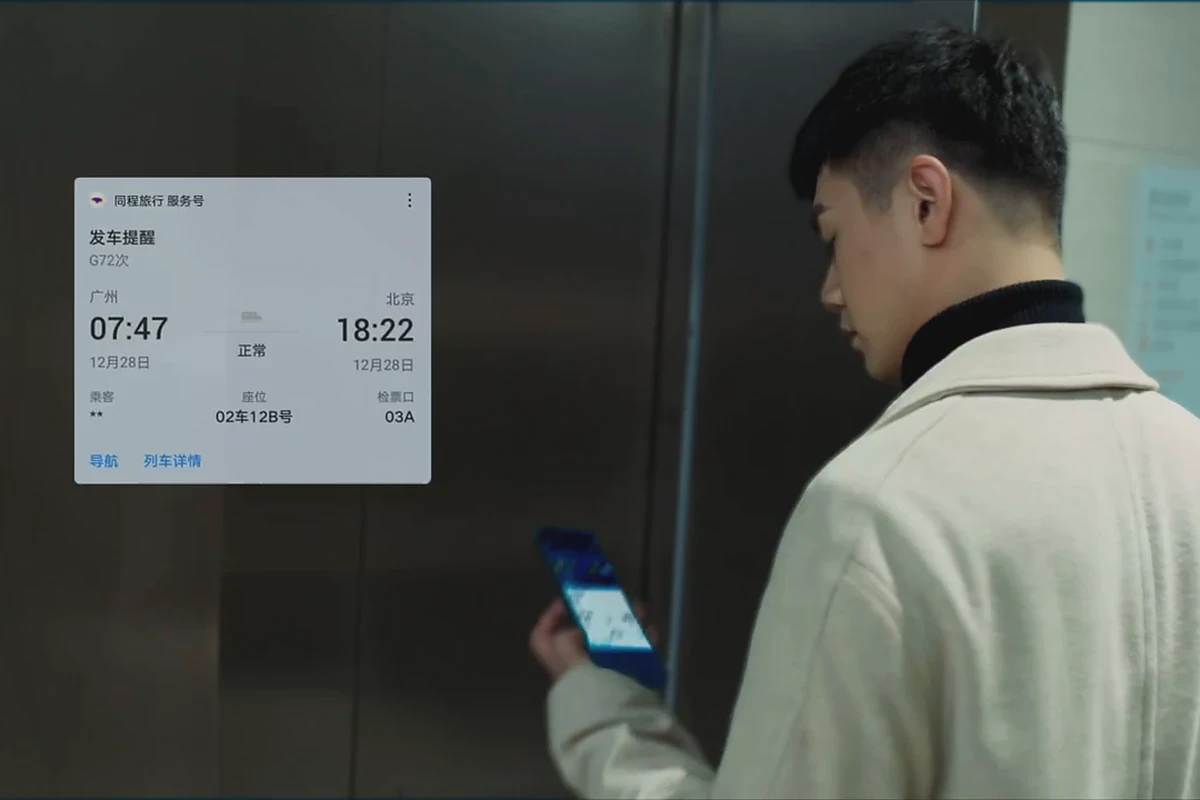
A familiar problem after an Amazon Live broadcast is that the host explained the selling points, but few people watch the replay and the media team starts searching for footage again. Treat the livestream as a concentrated demonstration shoot instead. Plan the main product story, then capture questions, operations and reactions that can become cutdowns for product pages, Sponsored Products Video and overseas social channels. Plan for reusable content as well as the live event.
Treat Amazon Live as Shopping Guidance
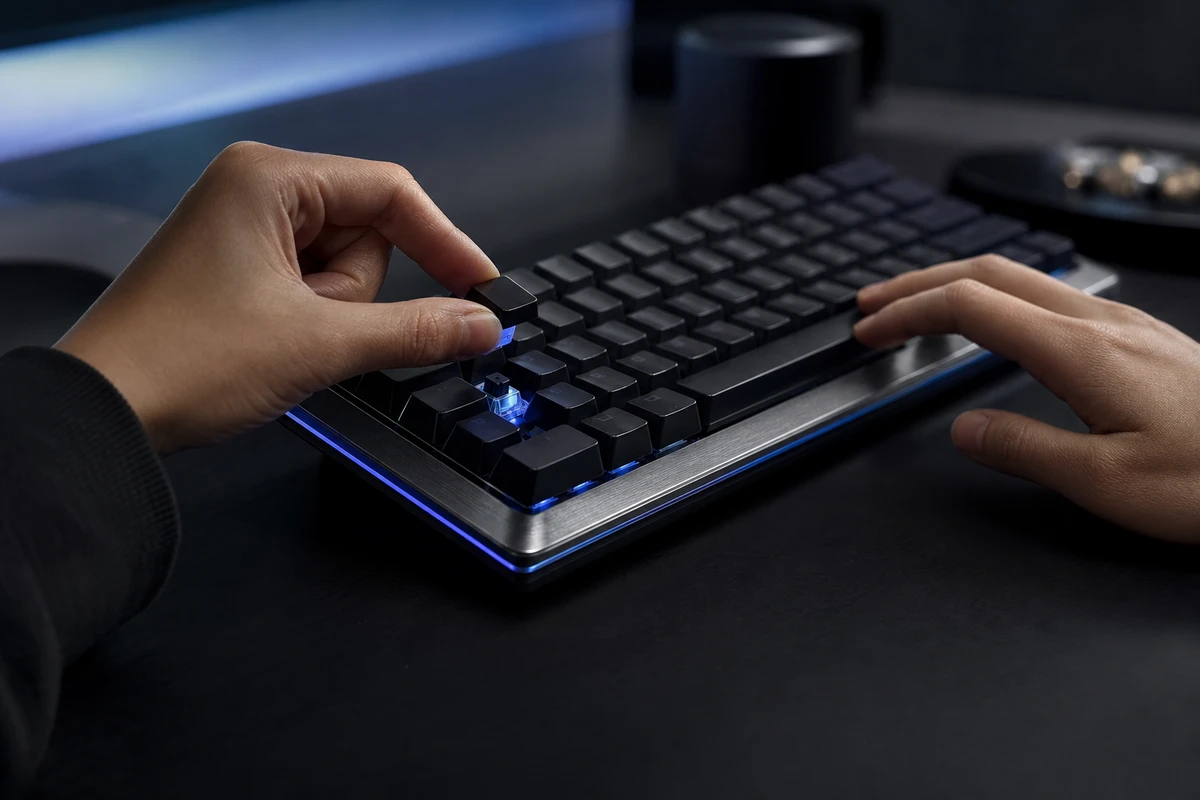
Where Amazon Live is available on Amazon’s website or app, viewers can shop from the product carousel without leaving the video, and the host can answer questions live. Start by deciding which choice the broadcast will help them make. For a mechanical keyboard, that might be quieter keys or stronger tactile feedback, a full-size or compact layout, and the right option for an office, gaming desk or mobile work setup.
Amazon Ads describes shopping through a product carousel within the viewing experience. That gives the livestream’s big idea a practical task: help people choose. Each product change, keypress close-up and answer should address a clear purchase question. Start with the official Amazon Live page when planning the product sequence and how the broadcast will be delivered.
Build the Run of Show Around Questions, Demos and Choices
An outline of opening, introduction, offers and closing leaves the demonstration underspecified. ONCE VISUAL recommends dividing the run of show by question: section 1 introduces the product and audience; section 2 demonstrates a core function; section 3 compares two options; section 4 answers frequent questions; and section 5 returns to the offer and CTA. Reserve a hero frame that can stand alone and a clean ending action for every section.
A keyboard demonstration needs more than its sound. Show the keycaps, switches, desk footprint, connection process and storage actions. Match each claim to observable evidence: demonstrate response timing when discussing low latency, and show device switching separately to explain workflow continuity. Pressing a palm onto the keyboard can show how solid it feels; it does not establish an aluminum-alloy material claim, which needs product documentation. Breaking down selling points early makes the live sequence easier to plan.
Plan Coverage for Both the Livestream and the Ads
The livestream needs a clear view of the presenter and product; ad cutdowns need a more immediate visual hook. Capture at least a set of clean product close-ups, hand operations, lifestyle scenes, landscape still-life shots and portrait reactions. The host can explain an action live, but a later cutdown may be watched without sound. Each important action therefore needs to make sense visually.
Livestream coverage does not always supply every ad shot. Spontaneous reactions are valuable, but comments, gestures or framing can obscure an operation. Schedule a 20-minute pickup window in the same location to restage the hooks that proved useful during the broadcast as controlled hero frames. This can preserve a natural feel while making ad delivery less dependent on chance coverage.
Build Six Types of Content from One Livestream
First, a 45–90-second product-page demonstration that answers one core question. Second, a 15–20-second feature cut for search or product ads. Third, a 6-second hook showing the most distinctive action. Fourth, question-and-answer highlights that address common concerns. Fifth, social testimonial cuts that retain genuine reactions. Sixth, a delivery matrix of landscape, portrait and square versions. These are planning lengths; check each destination’s specifications before delivery. Every version needs its own title, first frame and CTA, rather than a live recording divided mechanically into nine pieces.
Amazon’s Sponsored Products Video guidance centers the product’s features and real use, and allows multiple videos covering different functions. The Amazon Ads product feature video specifications support planning several selling-point cuts for the same product.
Adapt Each Version to Its Platform
For Amazon product ads, establish the product and function clearly. YouTube or Google video ads may give a fuller story angle room to develop, while TikTok and Reels openings benefit from action and a human reaction in the first second. These are creative choices shaped by how people encounter the content, beyond aspect ratio alone. Media buyers should not have to ask for a portrait version after delivery. Creative, directing and post-production teams should agree on the deliverable list in the brief.
Google Ads’ guidance covers multiple video orientations and assets for different placements. Capture safe landscape, square and portrait compositions on set, and use the Google Demand Gen video asset specifications to check aspect ratios and placement eligibility. To bring livestreams, product films and ad cutdowns into one workflow, review ONCE VISUAL’s solutions and define the goals and boundaries of the asset package.
Turn Audience Questions into the Next Script
Review more than total views. Record recurring chat questions, the moments that prompt product clicks, drop-off points and words that reveal hesitation before purchase. They provide useful input for the next script. A rise in clicks after a keycap close-up may suggest that the shot answered a need. If a specification is explained three times and viewers still ask about it, revisit whether the demonstration makes the result clear. These observations suggest questions to test, rather than proving cause on their own.
Tag questions as product understanding, purchase barriers or fit with a use scenario. Then decide which answers belong on the product page and which should become retargeting footage. Campaign reviews should lead to changes in the brief, shot tasks and footage pool.
Avoid Three Problems After the Broadcast
First, the host explains well but the product remains hard to see. Second, the team saves only a long replay, with no clean cutdowns ready for ads. Third, promotional claims promise effects the footage cannot substantiate. A livestream’s immediacy still needs production standards: clear selling points, visible operation and claims that meet the applicable rules.
Before the next broadcast, write each product segment as a question to answer, an action to capture and the versions it should support. That lets an Amazon Live session supply a continuing content system for Amazon, an online store and overseas social channels.