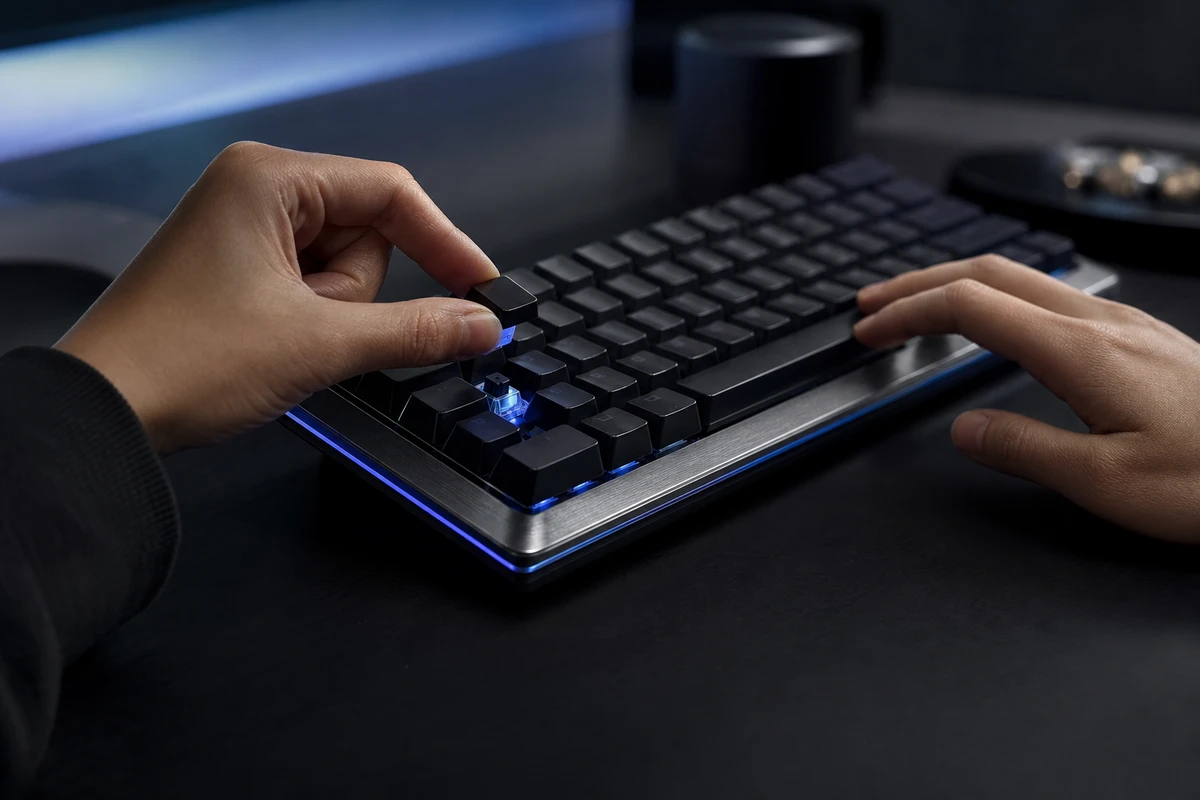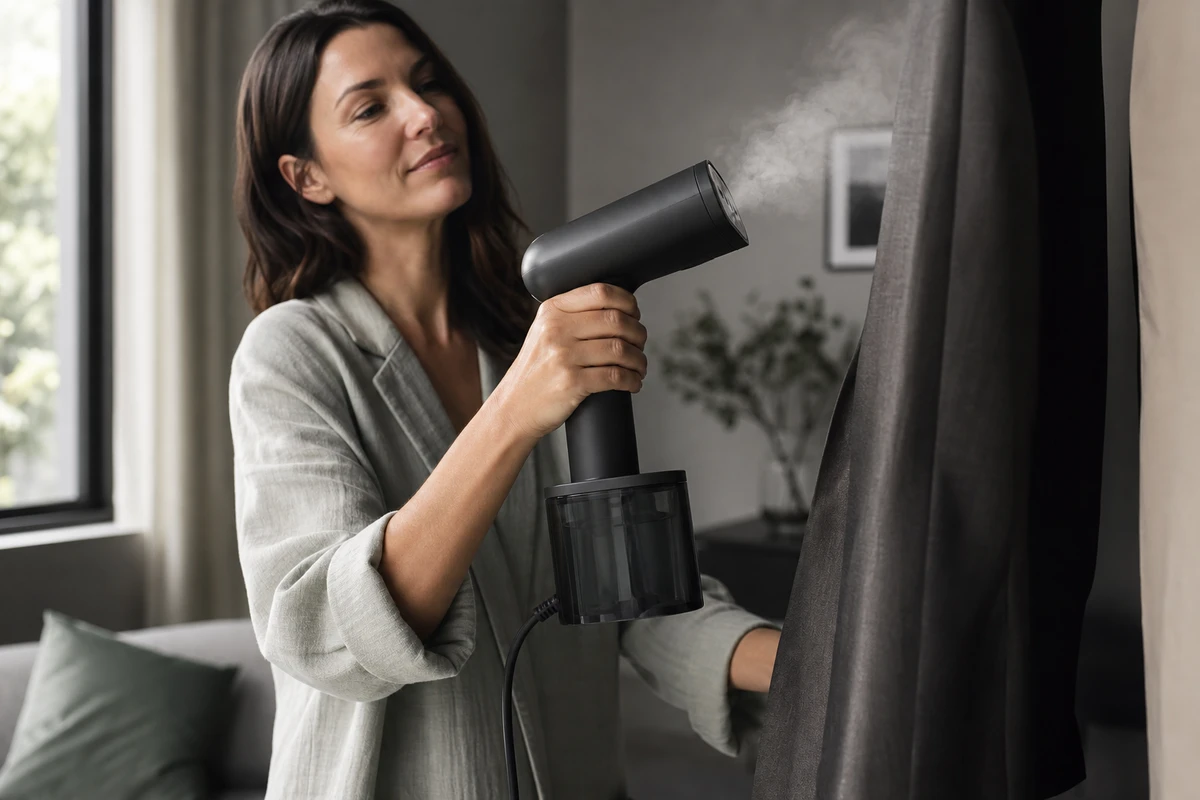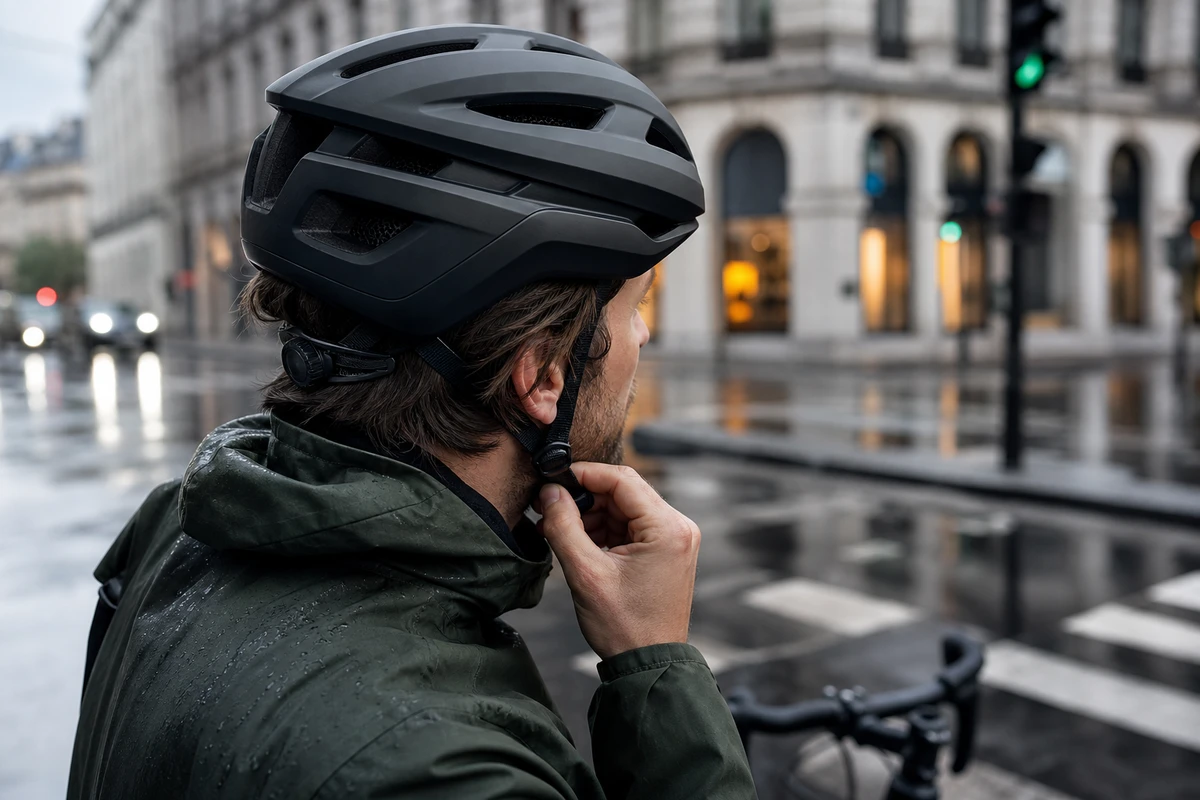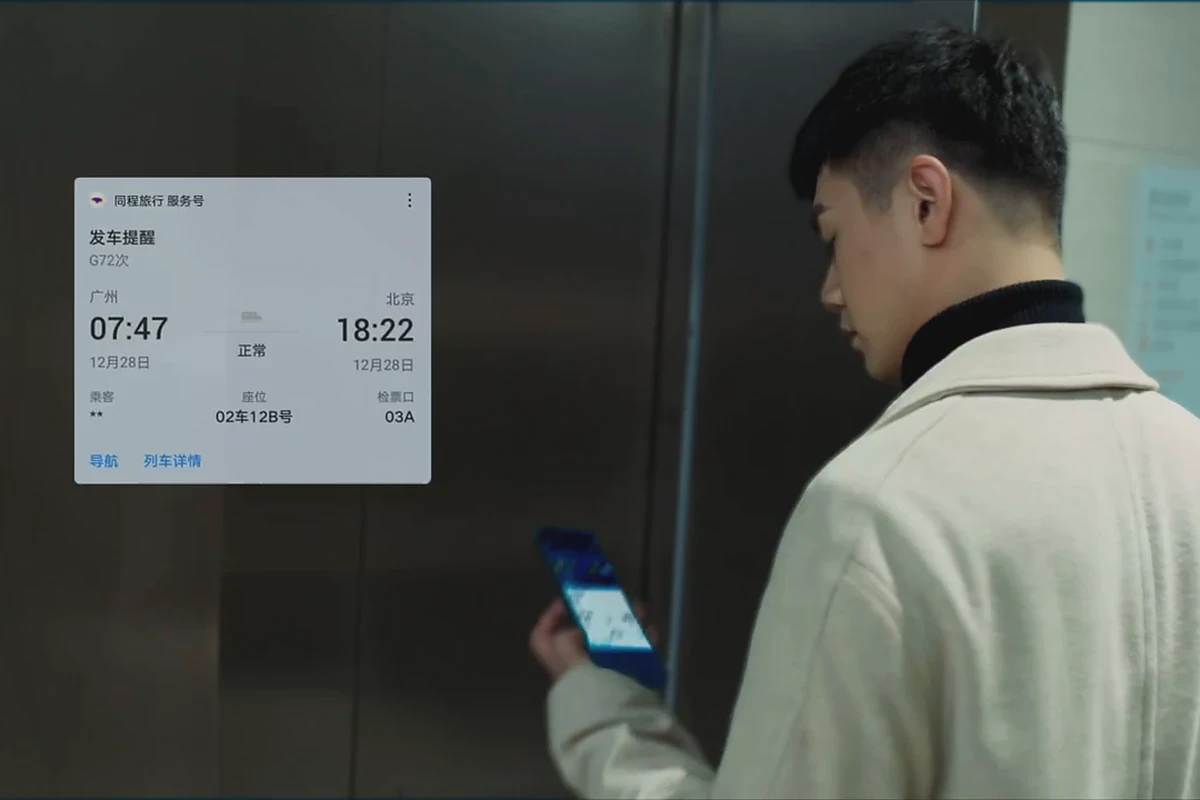
A narrative short for an app entering overseas markets does not need to explain every feature. Start with a small problem the user is facing, then show how the user addresses it with the product. Let the master establish what the app means to users and let cutdowns serve different campaigns. This gives viewers a clearer path toward downloading, making an inquiry or learning more.
Decide Who Needs to Understand the App
The same feature answers different questions for different people. A new user asks what it has to do with them. Someone comparing options asks whether it saves time or reduces mistakes. An existing user wants it to fit their habits. In the initial brief, ONCE VISUAL separates these three viewing states before choosing the main character. The script can then open with a familiar moment rather than a product manager’s feature list: a last-minute change of plans, missing information, a need to coordinate with a companion or a journey that could be easier to organize.
Translate Features into Needs, Actions and Results
Opening with a pile of interface recordings can make a service difficult to understand. We use a shot-task table instead: the first column names the user’s need, the second an action that can be filmed, and the third the result the product helps deliver. A concern about staying in touch while traveling can become preparations before leaving, a search during the journey and a confirmation after arrival. Show the interface where it moves the story forward. That gives the selling point a hook and leaves room for viewers to recognize their own situation.
Storyboard the First 3 Seconds Around the Situation
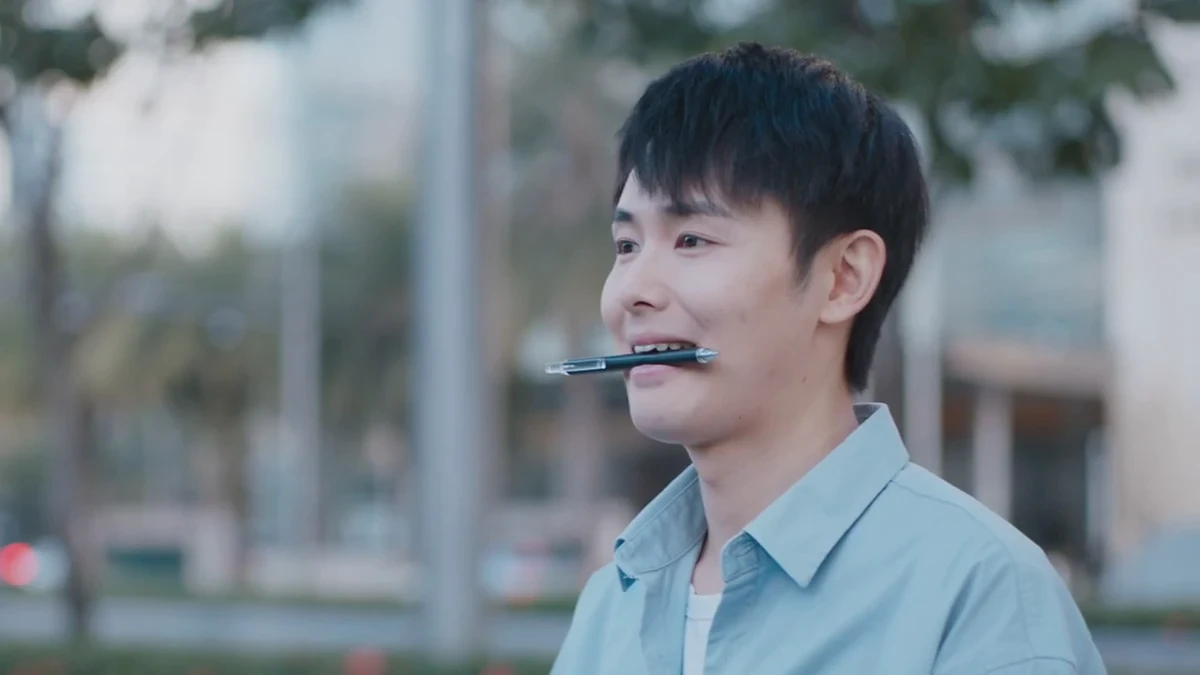
The first second does not need to contain the brand name, feature name and slogan together. Let viewers recognize the situation, then introduce the product through a clear action. On set, the key visual, the character’s eyeline, hand movement and screen content should all communicate the same point. Give each shot one question to answer. From 3 to 8 seconds, show how the feature helps; use the result and a light CTA to close the second half. This storyboard can support a landscape master while leaving safe areas for portrait cutdowns.
Plan the Shoot as a Pool of Reusable Assets
Overseas teams sometimes finish the master before discovering that the landing page needs a version without voice-over, social channels need 9:16 and performance ads need several different openings. Put these uses on the call sheet before filming. In each setting, allow for character reactions, feature close-ups, environmental cutaways, clean plates without text and several CTA endings. One shoot can then supply a 30-second narrative, a 15-second feature cut, a 6-second hook and short assets for product pages and email. Each shot should have a clear reuse destination.
Keep the Lifestyle Footage and Interface in the Same World
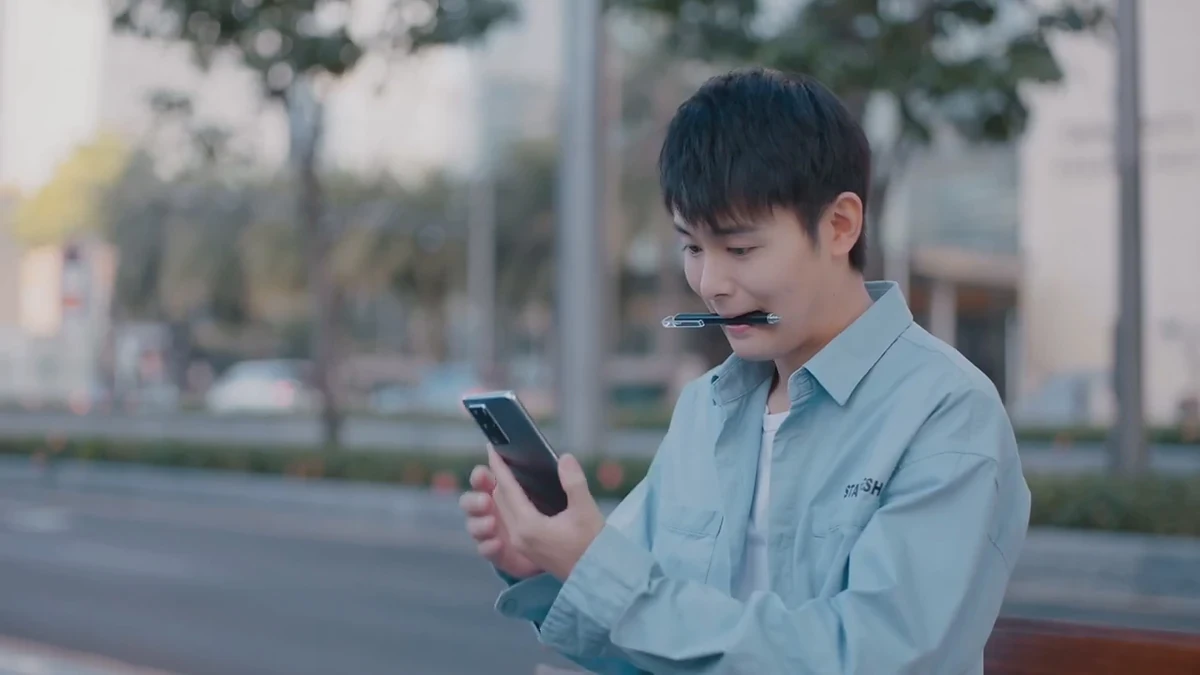
Many app videos lose credibility because lifestyle footage and interface screenshots feel disconnected. Art direction, wardrobe, props and UI animation should answer the same question: when the user opens the app, does the experience continue the emotion established by the scene? ONCE VISUAL aligns brand colors, negative space, device brightness and camera movement in advance so the interface feels like a tool the character is using. TikTok Creative Center offers a starting point for regional short-video references; keep the brand’s own user context at the center of the adaptation.
Give Each Campaign Version a Specific Action
The master establishes what the product is and why it deserves attention. A retargeting version needs less setup and can speak directly to people who have already seen the content; a product-page version supplies use steps and credible detail. Naming versions by the user’s next action communicates more than “landscape,” “portrait” or “a little shorter.” Think with Google’s video marketing resources can support a team discussion about those roles. ONCE VISUAL includes a version table, subtitle files and a shot index in delivery so media buyers and operations teams can find the content they need.
Make Reuse Part of the Delivery Checklist
Delivery of an app narrative short should include more than one finished export. List landscape and portrait versions, a master without subtitles, subtitles in other languages, cover frames, music rights, the version of the interface recording used and replaceable CTAs. When a feature changes, a new market opens or fresh creative is needed, the team has material to work from rather than starting the shoot again. For more narrative and social examples, browse ONCE VISUAL’s social video case studies or its video marketing content for references relevant to the current growth stage.
If you need to turn abstract app features into stories people want to finish, bring the target market, key use scenarios and existing material to the discussion. We can start with a shot-task table to map how the master, cutdowns and campaign assets will be reused.