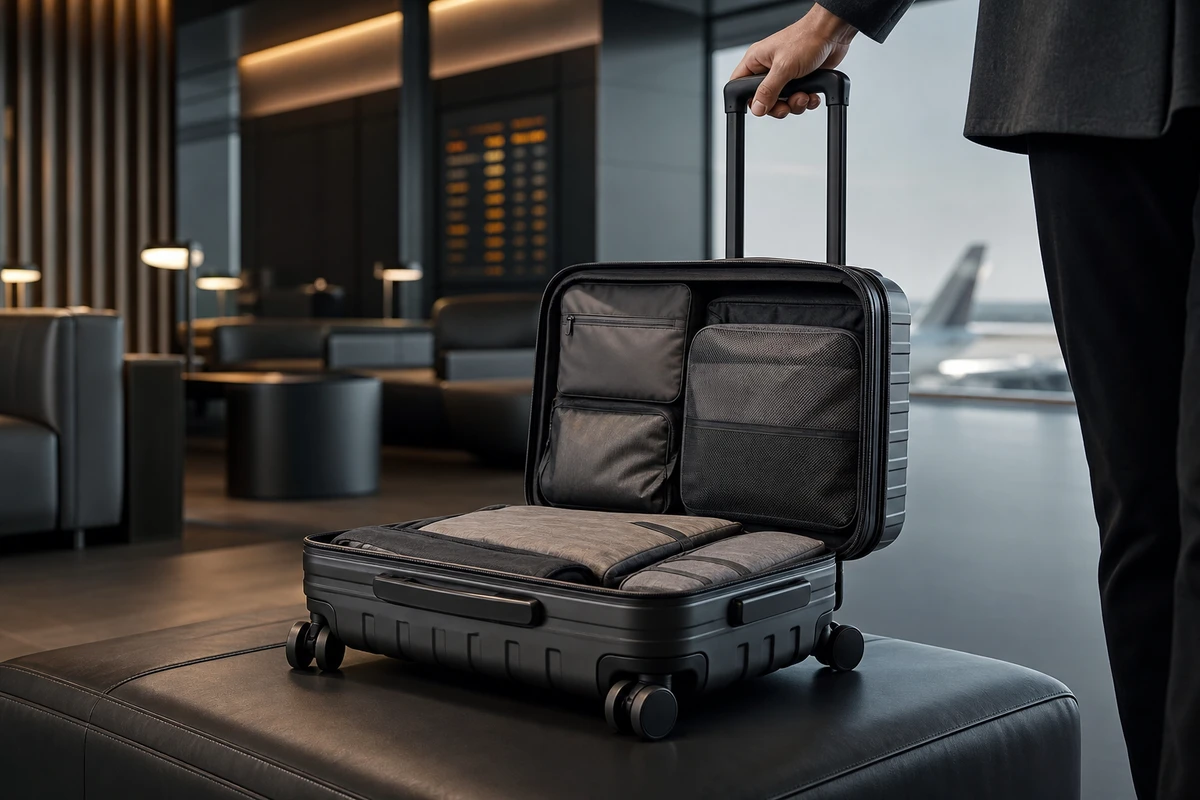
A few days into a campaign, a massage gun video may be getting clicks while visitors to the product page place no orders. Before changing the visual style, check whether viewers can understand what happens when they use the device. Show intensity settings, grip, perceived noise and the rhythm of operation clearly enough for buyers to assess them. The same footage can then serve Shopify, Amazon and overseas ads, giving the master a useful role within a wider set of assets.
Explain Intensity Through Post-Workout Use
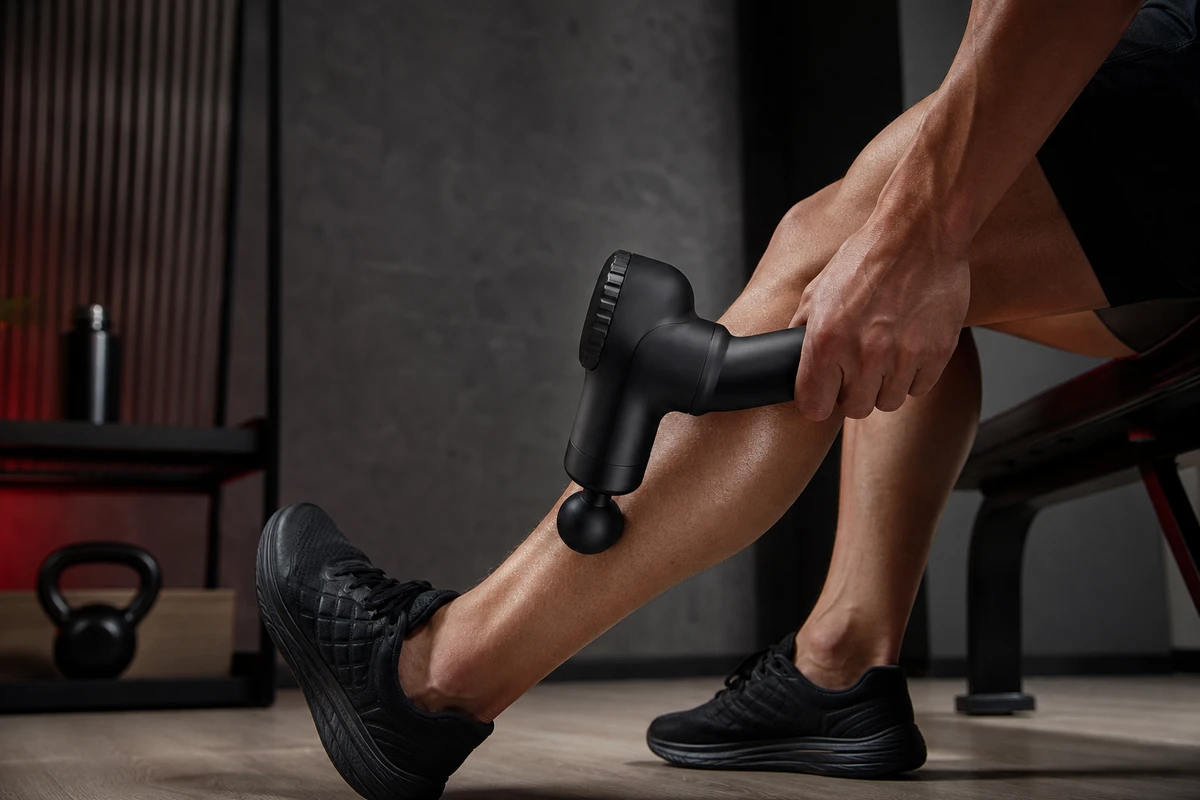
A brief full of settings, speeds and amplitude figures can still lead to a row of product close-ups. Find a story angle in the situations buyers recognize: tight calves after a run, stiff shoulders and back after prolonged sitting, or wanting to unwind after a business trip. For each of these three concerns, choose an everyday action such as sitting down to change shoes, reaching for a bag or getting up to walk on. Use those scenes to explain the product in context. Do not present daily comfort as medical treatment, or use an acted before-and-after change as proof of a health benefit.
Show the Product, Body Area and Action in the Opening
The first three seconds do not need a slow-motion flourish. A strong hero frame might show the massage gun in contact with a runner’s calf after a run, with the product outline, contact point and use action visible together. Viewers should immediately understand what it is, where it is used and why to keep watching. Before a reshoot, check the variables: is the product large enough in frame, does the hand hide a key feature, and is intensity explained only by subtitles? The cover makes a promise that the first shot of the master should fulfill.
Capture Three Types of Product Evidence
Functional footage should show changing massage heads, changing settings with the buttons, adjusting the grip angle and putting the device away, so operation is quick to understand. Material footage should show the matte body, connections, carrying case and charging details in close-up; oversharpened CG should not stand in for build quality. Scenario footage should include enough coverage for a cutdown in each setting: after exercise, at the office and in a hotel while traveling. Amazon’s Sponsored Products video guidance also emphasizes real use and clear feature demonstrations. Give each clip a focused product feature instead of relying on one long demonstration to carry every selling point.
Plan Shot Tasks Before Choosing Camera Positions
In pre-production, ONCE breaks the brief into shot tasks: which buying question each function answers, which side of the product needs to be visible, whether both landscape and portrait versions have safe space, and how many hooks the editor can build. “Grip” involves four connected actions: taking the device out, holding it, adjusting it and making contact. This lets the camera, lighting and production teams reserve time for each action. Editors can then reuse the footage in product-page demonstrations, animated KV assets and retargeting versions.
Plan Three Groups of Versions from One Shoot
The Shopify product-page master should explain the full sequence: setting, operation, detail, storage and CTA. Shopify’s product media guidance confirms that product pages can include video, with theme support, making this a useful place for the complete use sequence. An Amazon search cutdown should focus on one claim and one demonstration. Meta, TikTok and Google ad cutdowns can test different hooks, rather than all beginning with the same brand introduction. Mark safe compositions for at least 16:9, 9:16 and 1:1 when planning the footage; do not leave portrait cropping until delivery day.
Include Claims and Editing Requirements in the Brief
A massage gun film can go wrong by turning subjective feelings into unsupported therapeutic promises or making on-screen text explain everything. Show real operation in appropriate settings and follow the product instructions. Check that the narration, subtitles, selling-point list and landing page are consistent. A statement in a manual does not by itself substantiate a health benefit: such advertising claims need appropriate scientific support. Sound also needs care. Motor noise alone should not imply power, and the use sequence must remain understandable without it. Include versions led by narration, captioned versions and versions that work without sound in the campaign delivery list.
Review Creative Variables to Plan the Next Shoot
After launch, tag assets by hook, setting, product feature and aspect ratio. If the post-run calf version holds attention but draws few clicks, check the CTA and product-page handoff. If travel and storage footage earns more clicks, add shots of a carry-on bag, charging and the device’s physical size. Google Ads’ creative guidance identifies brand, duration, voice-over and aspect ratio as creative attributes to check. A judgment about the prettiest master is not enough: the next shoot should contain fewer unhelpful shots and one more variable the team can verify. To turn selling points into an executable shot list, see ONCE’s cross-border product video storyboard method.