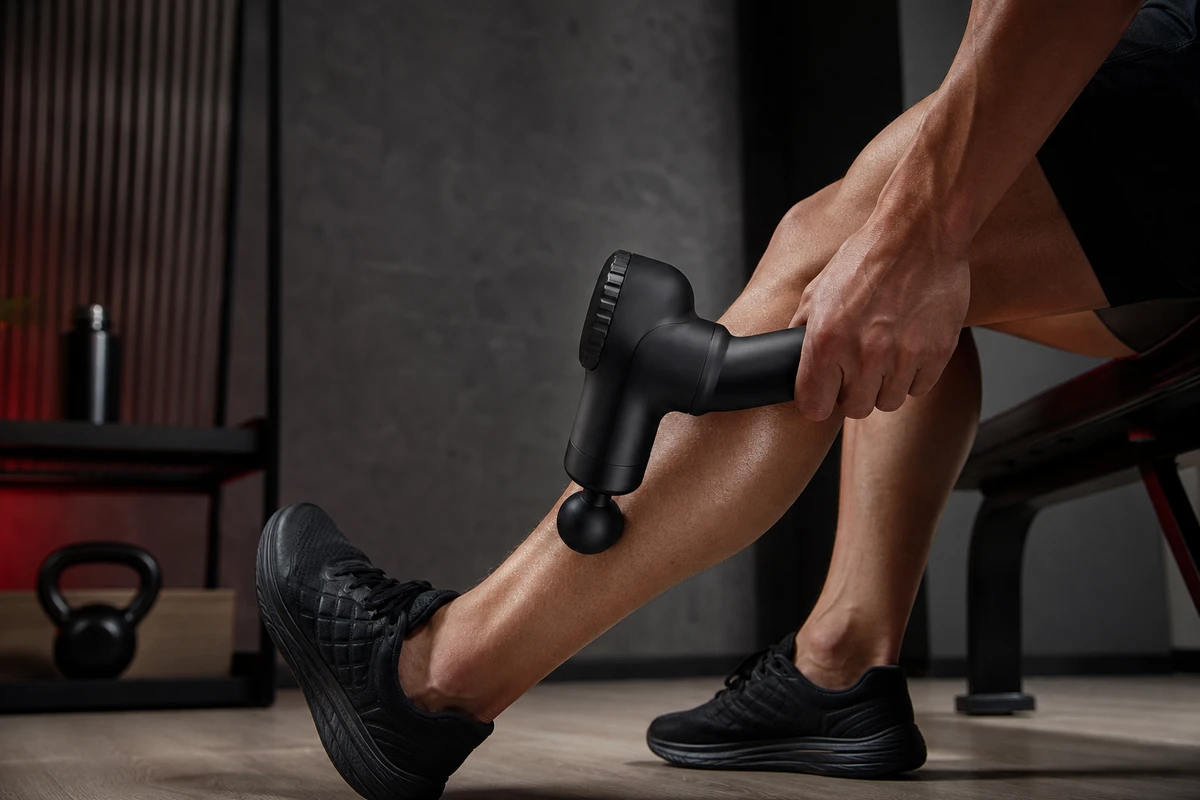
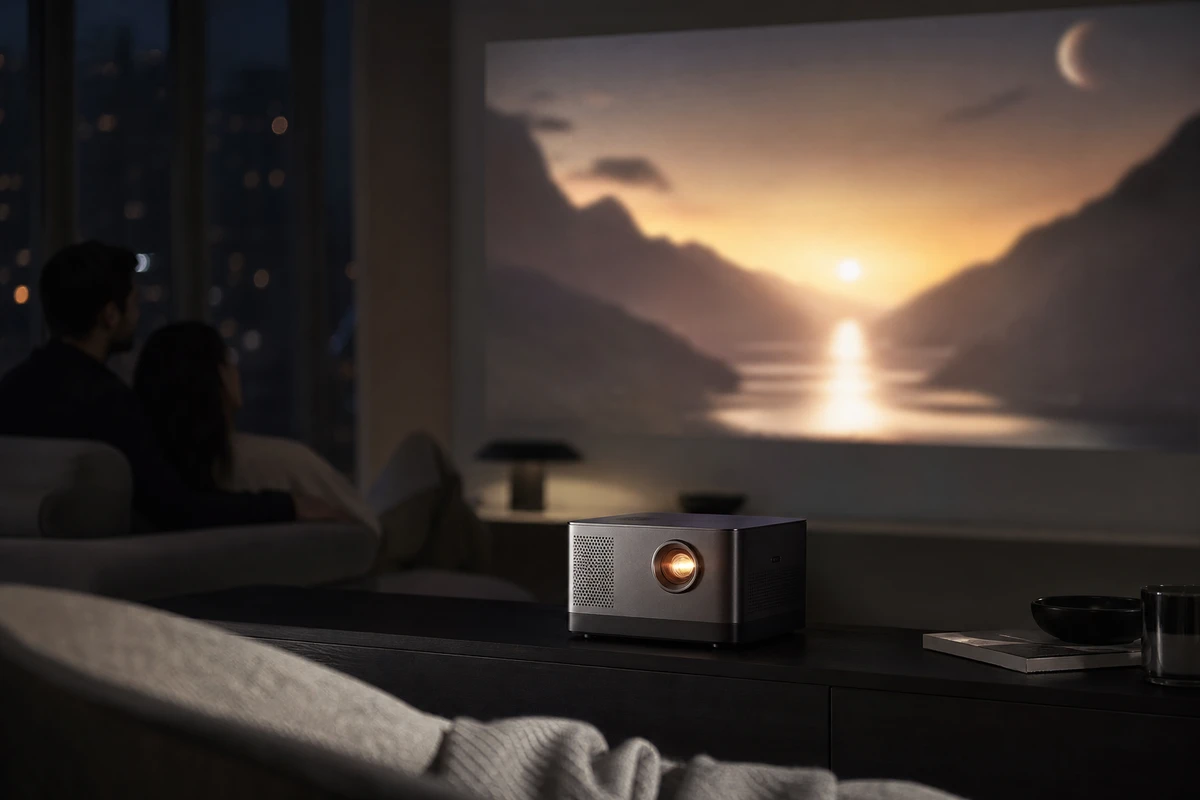
When a brand brings a stroller and asks for a more polished film, first consider whether overseas parents will believe it is easy to push, easy to fold, and steady over uneven ground. Turn those concerns into continuous, visible actions: one-button folding, lifting with one hand, checking the brake, rolling over a threshold, and placing it in a car trunk. Plan an attractive main film together with clear product evidence that can work on Shopify, Amazon, and in overseas advertising.
Build Confidence Through Visible Product Actions
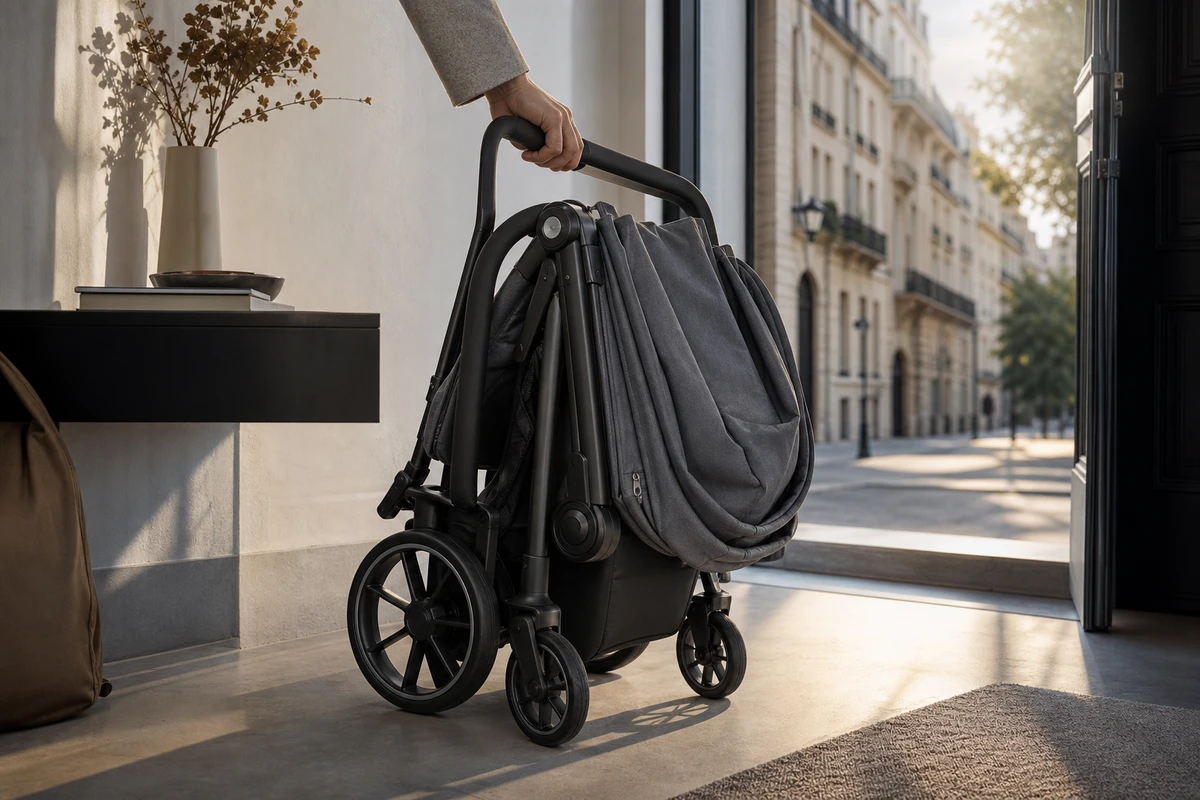
Listing ‘safe, comfortable, lightweight’ in subtitles leaves the production team without specific shot tasks. Rewrite the brief around four questions: how does the stroller open and fold, who operates it in which setting, what can the footage show as the surface changes, and how does the folded stroller fit into the family’s routine? Give each question one clear hero frame instead of asking a single shot to carry five selling points.
Shopify’s product media guidance groups video with images and 3D models as product media. The main film should therefore work with information about size, material, accessories, and after-sales support. First show how the stroller fits into everyday life, then build the emotional connection.
Prioritize the Shot Tasks Before Planning the Shoot
ONCE VISUAL often structures the script as action, result, and setting. Start with the folding visual hook: film unlocking, folding, and lifting continuously, keeping the difficult part of the action visible instead of hiding it in a jump cut. Next, show passage through real spaces such as an elevator, entryway, car trunk, or coffee-shop entrance to establish scale. Then cover seating comfort, the sun canopy, and storage details. Before arranging a reshoot, distinguish an unclear folding action from a camera angle that fails to show the result; they need different fixes.
For claims about regulatory requirements, load capacity, or suspension, film only the use confirmed by the brand and supported by verified information. Actors cannot replace test reports. If the brief tries to put every specification into 30 seconds, leave readable specifications on the product page and give the main film the two demonstrations that best address buying concerns.
Build an Editable Footage Library
On the call sheet, mark each selling point’s uses across the main film, cutdown, KV, and product page. Film folding from at least front and side views, a threshold crossing from a low angle and a following shot, and storage through a wide view of the result plus hand details. This gives the editor suitable coverage for 9:16 and 16:9 and helps keep important mechanisms from being hidden by people. The clear silhouette immediately after folding can be a visual motif that explains the function.
Keep the sounds of real use: a buckle clicking into place, wheels rolling across a surface, and the rhythm of the trunk closing. These scene assets can make the film feel less like a studio demonstration. Short subtitles should also support silent viewing. Keep important text and product details clear of placement overlays, including the lower-right mute-control area in Amazon Sponsored Brands video.
Give Each Delivered Version a Clear Role
A product-page main film can explain the usage context and key evidence in 30–45 seconds. A 6–12-second ad cutdown can keep one hook, such as ‘Can you fold it with one hand, then put it straight in the trunk?’ A retargeting version can address storage or everyday passage for people who have already visited the page. Amazon Ads’ Sponsored Brands video guidance recommends showing the product or an interesting visual within the first few seconds and keeping the video brief and easy to understand. Use that principle while checking each placement’s own requirements.
The main film, vertical version, and square version can share a story angle while using different compositions. A horizontal frame can explain the family’s space; a vertical frame should show the folded result near the center of its opening mobile frame; a square version can focus on the wheels, latches, or storage bag. The media buyer can then test which answered question helps a viewer continue after clicking, instead of treating an aspect-ratio change as the entire version strategy.
Review Understanding Alongside Completion Rate
Google Ads’ ABCD video framework organizes creative checks around Attention, Branding, Connection, and Direction. For a stroller campaign, review whether the product and its action are visible in the first three seconds, whether viewers can understand the problem that action solves, whether the landing page repeats the same benefit, and whether the CTA leads to the appropriate model or color. Compare which shot leaves unfamiliar buyers with fewer unanswered questions, alongside completion and other campaign results.
Turn the Brief Into a Delivery Checklist
Before filming, the brand confirms the functional boundaries, target markets, and model numbers that must appear. The creative team turns them into shot tasks. Production rehearses continuous folding, lifting, threshold-crossing, and storage actions. Post-production builds a clearly named footage library for each platform. After launch, the media buyer runs small tests by hook, setting, and benefit. Treat the cover as the first-screen promise: it should preview what this stroller helps people do in real life.
Avoid using exaggerated slow motion as a substitute for functional evidence, or treating children as props to attract views. Clear stroller videos combine verifiable actions, restrained scripts, and reusable footage. To turn the selling points into a practical shot list, see ONCE VISUAL’s cross-border product-video storyboard method.