First, define the boundary between brand videos and product videos during the project initiation phase.
The primary goal of a tech company brand video is to help viewers quickly understand what problem the product solves and why it is trustworthy. In a brand video, the product demo serves to build understanding, not to replace a user manual. During project initiation, three questions must be answered first: who is the target audience, which use case do they care about most, and can this scenario be visually represented? If the product is backend software or a data service, demo visuals often require abstraction, such as screen recordings, data visualization, or UI motion graphics. If the product is hardware, the demo can more closely resemble actual operation. The success criterion is whether viewers can articulate the core problem the product solves after watching, rather than recalling every specification. A key risk is turning the brand video into a feature list, causing viewers to lose interest. An exception applies when the product is highly complex and targets professional clients; in such cases, functional demo time may be extended but must be integrated into a narrative thread. During initiation, the brand should prepare a product white paper, a list of core selling points, target audience personas, and three competitor reference videos, as these materials determine the subsequent script direction. The production team must confirm whether the product is stable enough for demonstration; if it is still in development, they must evaluate whether to use CGI or AIGC pre-visualization instead of live-action filming.
Three Narrative Structures for Building Understanding Through Product Demos
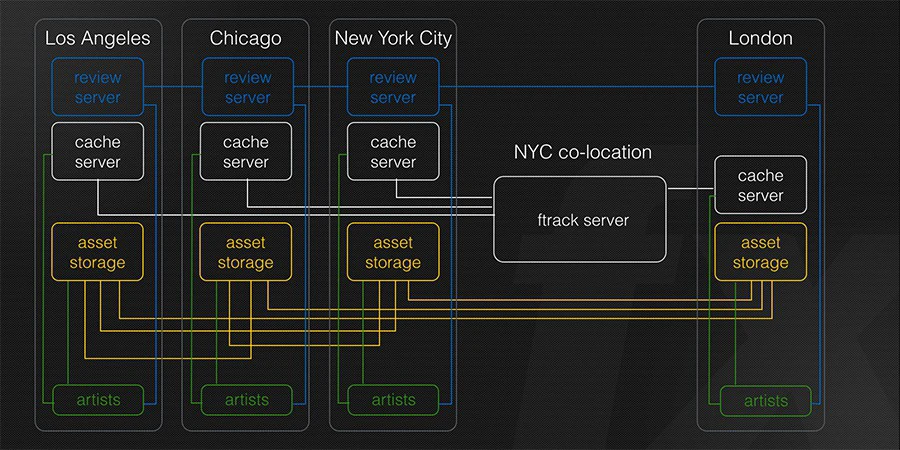
The first is a problem-driven structure that presents user pain points before demonstrating how the product solves them. This approach suits efficiency tools or workflow management software, with visuals highlighting before-and-after comparisons. The second is an immersive scenario structure that places the product demonstration in real work environments, such as labs, production lines, or client offices, showing the product in context. This format fits hardware or environment-dependent software. The third is a data narrative structure using screen recordings, charts, and interface interactions to showcase capabilities, ideal for data analytics platforms or AI services. Structure selection depends on whether the core value lies in process improvement, scenario adaptation, or data insights. Choosing the wrong structure makes the demo feel forced; for example, applying data narratives to hardware lacks visual tangibility. An exception applies when products combine hardware and software attributes, allowing hybrid structures provided the main narrative remains clear. During scripting, teams must map the narrative arc and mark entry and exit points for each demo segment to prevent isolated showcases.
Mandatory Product Demo Rehearsals Before Filming
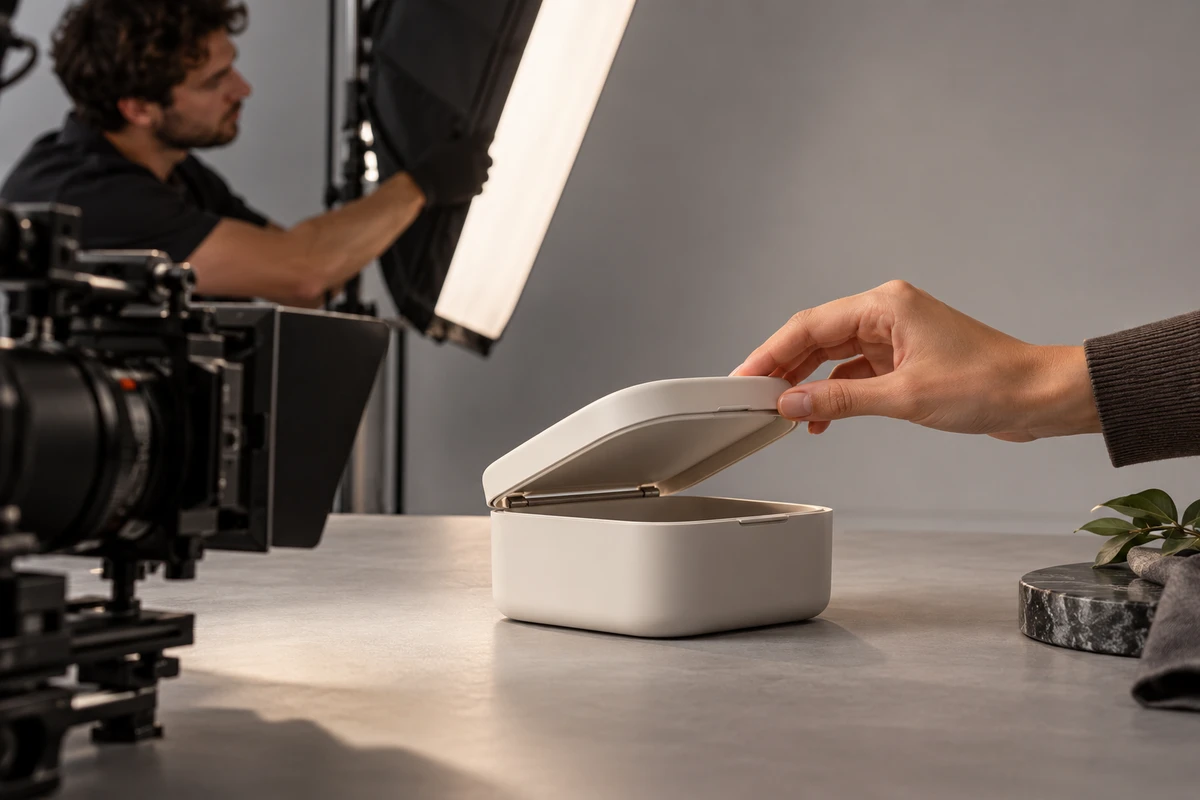
Product demos differ from standard acting by requiring authentic workflows, making rehearsals essential for efficiency. Rehearsals must verify stable product performance, operator proficiency, shot composition for screen captures or live footage, and alignment between demo duration and script pacing. Brands should involve product managers or engineers to provide operational guidance and ensure actions reflect actual usage. Production teams should prepare dual-camera setups—one capturing the operator or full product view, another focusing on screen close-ups or details—to maximize editing options. Rehearsals must also assess lighting glare on screens, using lens hoods or angle adjustments as needed. A rehearsal passes only if the demo completes three consecutive times without major errors, framing remains stable, and hand movements do not obscure key information. Insufficient rehearsal risks costly retakes during principal photography. If the demo relies entirely on post-production compositing like UI animation or data visualization, rehearsals should focus on timeline alignment and animation timing rather than live operation.
Maintaining Visual Credibility During Demo Filming
Credibility stems from authentic details. Operators’ hand movements must appear natural, not staged; screen content must remain legible without blur or glare; and indicator lights or audio feedback should be preserved to enhance realism. Actors require prior workflow training to develop natural muscle memory. Using real employees reduces training costs but may introduce camera shyness. Backup equipment must be available on set to prevent interruptions from malfunctions. Lighting must balance product textures and screen visibility, avoiding highlights that overexpose display content. If operational sounds like keystrokes or mechanical movements accompany the demo, record them separately for post-production mixing. Footage qualifies only if every shot has a clear beginning, middle, and end that conveys operational intent. Prioritizing aesthetics over authenticity—such as over-stylizing interfaces or speeding up actions—risks alienating professional viewers. For purely virtual products like SaaS, screen recordings with motion graphics are acceptable, provided mouse trajectories and transitions remain fluid.
Integrating Product Demos with Narrative Flow in Post-Production
Editing must embed demo segments within the narrative rather than letting them dominate. Each segment should serve a narrative beat, such as problem resolution, efficiency gains, or outcome presentation. Sequencing should follow cognitive logic: establish context, show the action, then reveal results or data. Use restrained transitions to avoid distracting effects. Text overlays or icons must never obscure critical interface areas. Color grading must preserve accurate screen colors despite overall stylistic choices. Amplify operational sound effects appropriately without overpowering voiceovers or background music. Subtitles should accurately label product names and key steps without appearing on every line to avoid distraction. A successful edit allows viewers to understand the product’s value even without audio. Risks include pacing that is too fast to discern details or too slow to maintain engagement. For complex workflows, split-screen or picture-in-picture can simultaneously show actions and results, but use these techniques sparingly to avoid visual clutter.
Distinguishing Demo Accuracy from Final Video Quality During Review
Acceptance reviews must evaluate demo accuracy, operational authenticity, and information clarity beyond overall aesthetics. Brands should use a checklist verifying that demo steps match actual functionality, interface text is spelled correctly, data is accurate, actions reflect real usage, and duration is reasonable. Production teams must deliver the final video, master file, source files, subtitle files, music licenses, and asset lists for respective review stages. Demo footage requires frame-by-frame inspection, especially screen recordings, to detect stuttering or dropped frames. Audio review must balance voiceover, sound effects, and music levels while checking for noise. Subtitle review must verify textual accuracy and sync. Acceptance requires no critical errors and shared understanding of demo content between brand and production teams. Overlooking details for overall polish risks eroding trust if users find discrepancies post-launch. If product updates occur after filming necessitate re-recording, change protocols and cost responsibilities must be predefined.
Identifying When Corporate Videos Are Unsuitable for Product Demos
Not all tech company brand videos are suitable for product demonstrations. When a product is in the concept stage or not yet in mass production, demo footage may mislead viewers; in such cases, brand philosophy or team stories are better for building understanding. When product features are too complex to present briefly, forced demonstrations can confuse viewers, making metaphors or abstract visuals preferable for conveying core value. When the target audience is general consumers rather than professional users, product demos may seem overly technical, so usage scenarios and emotional resonance should be prioritized. The criterion for determining unsuitability is whether the demo can be understood by the target audience within 30 seconds or if the visuals match the actual product state; if not, abandon the demonstration. The risk lies in forcing a demo to satisfy creative needs, which often backfires. An exception applies when a product features disruptive innovation; even if complex, simplified demo steps can reduce cognitive load, provided the content remains authentic. Brands must define the boundaries of product demos during project initiation to avoid rework. Production teams should proactively inquire about product maturity during the proposal phase and offer alternatives, such as animation or data visualization, to illustrate product logic.
The next step is to start with a minimum viable clip.
If a brand is planning a corporate video project, it is advisable to avoid jumping straight into full production and instead select a core product demo scene to create a 30- to 60-second minimum viable clip. This clip can be used to test audience comprehension internally and serve as a reference for the final script. Producing this clip should follow the rehearsal, filming, and acceptance processes outlined here, focusing on verifying visual clarity, operational authenticity, and information accuracy. Upon completion, invite internal staff or target audiences to view it, gather feedback, and adjust the plan accordingly. This approach reduces production risks and prevents excessive budget allocation in the wrong direction. If the clip performs well, proceed to full-scale production. If issues arise, narrative structure or demonstration methods can be adjusted promptly. This step requires minimal additional cost but significantly increases the success rate of the final video. Production teams can also use this clip to establish alignment with the brand, laying the foundation for long-term collaboration.
If you are preparing a corporate video project, first organize your brief, visual references, product or company materials, delivery platforms, and licensing scope before reviewing theCorporate Video Services pageto translate abstract preferences into actionable production parameters.
Production examples and next steps
Plan the product demonstration around what viewers need to understand. The realme GT7 film provides a reference for product detail and use scenes.
Review Ecommerce product video production in China. and realme GT7: Graphene Ice-Cooling Body Product Demo. To discuss your project, send the product sample, approved claims, use scenes and required formats through the English project enquiry form.