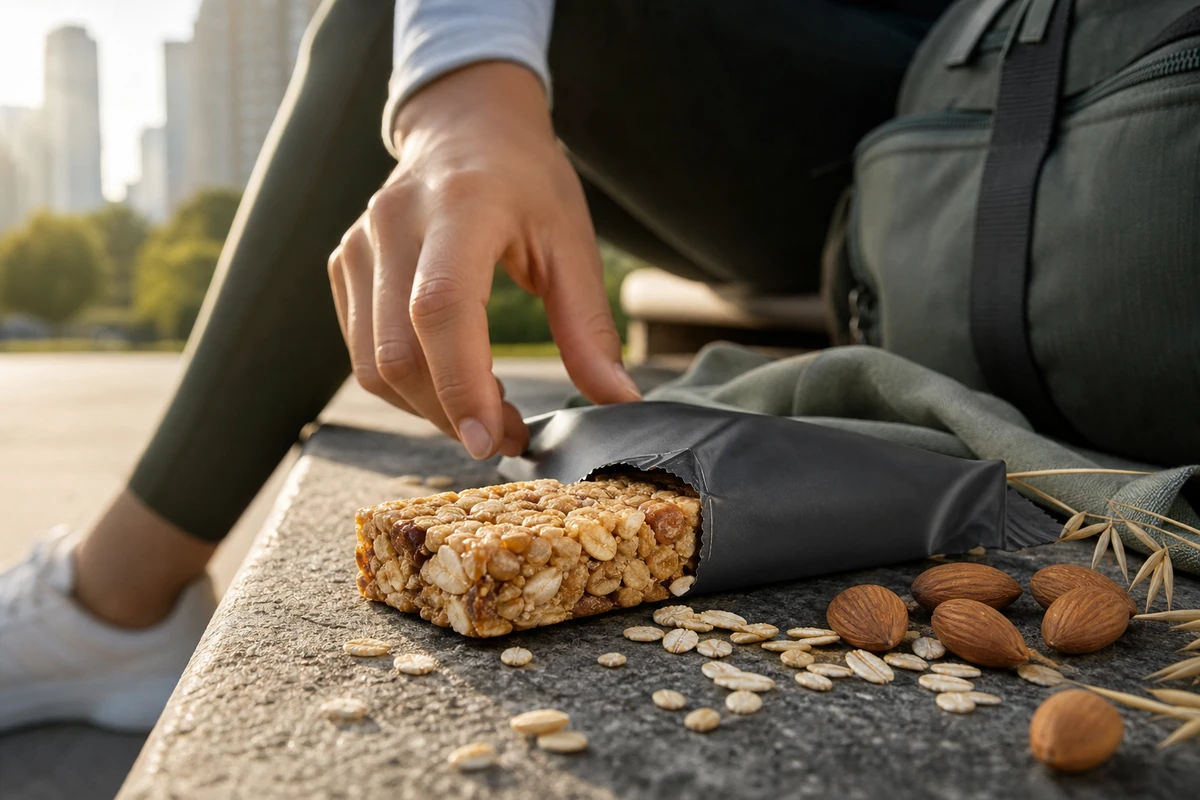
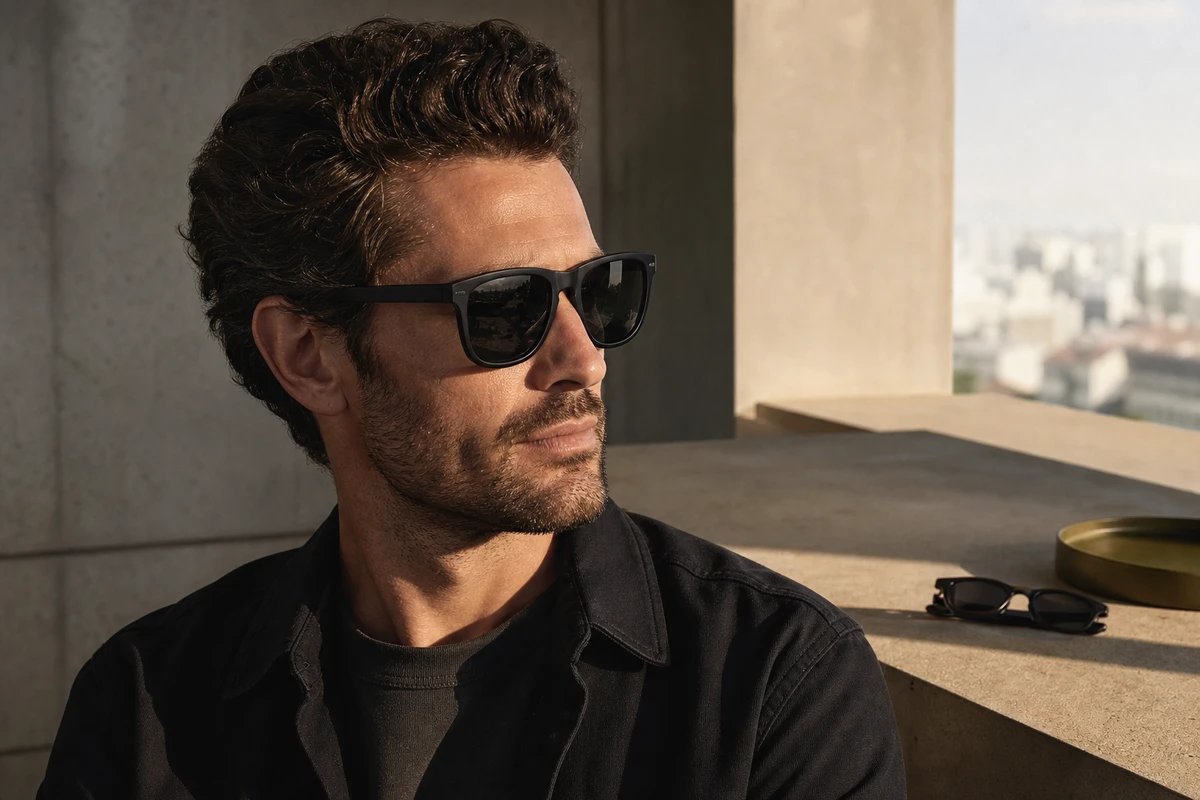
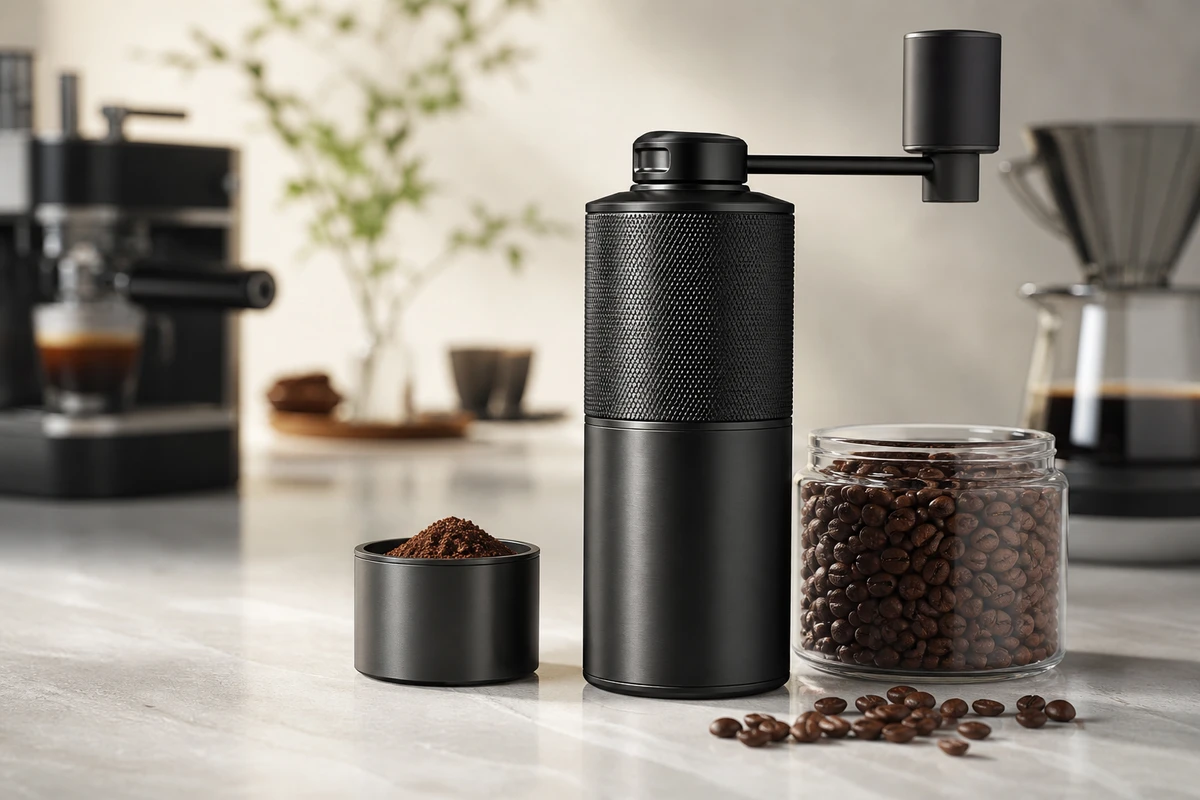
A personal-care launch may need both a creator-led experience video and a product film. The first helps viewers recognise a routine or concern; the second explains the device, controls and use sequence clearly. Give them distinct jobs before combining material into a Shopify page or social campaign.
Separate experience from product explanation
Creator-led footage can explore why someone makes room for a product in a daily routine, what they notice while handling it and what they find convenient or awkward. Use genuine experience where you claim a testimonial. A performer demonstrating a scripted routine should not be presented as an independent customer giving an unsolicited review.
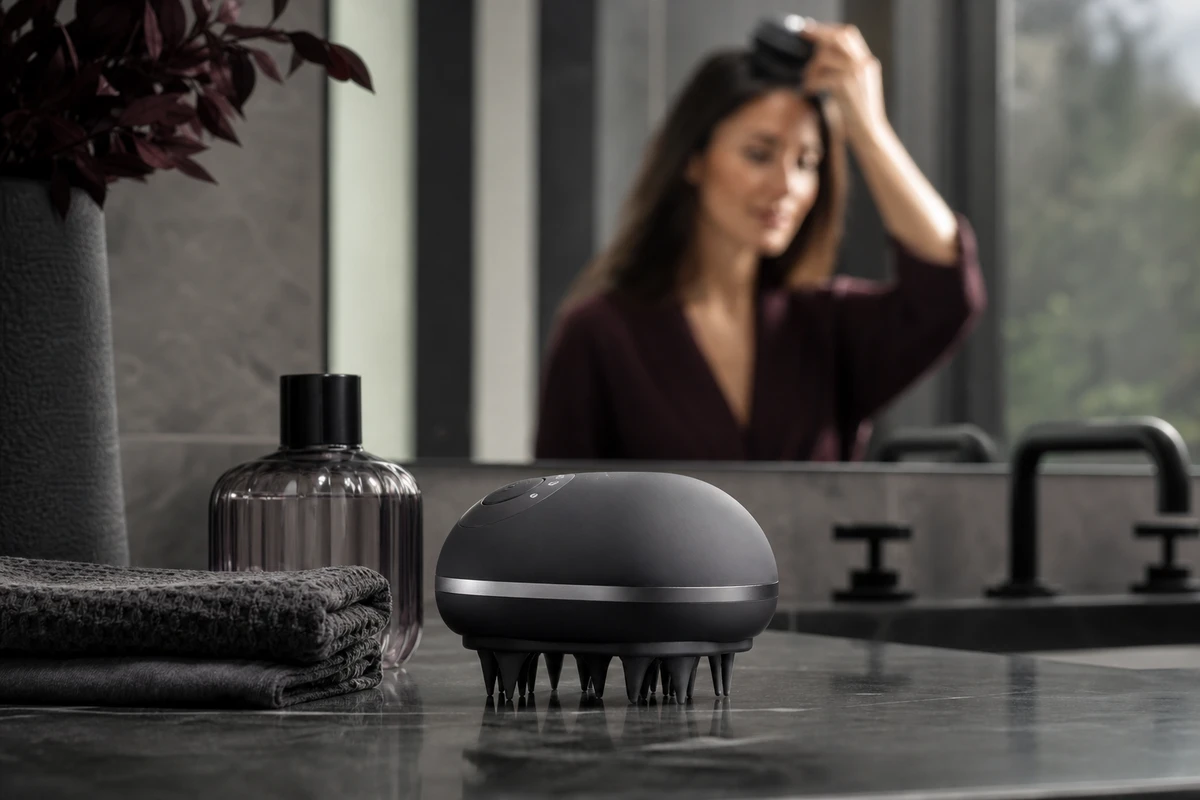
The product film needs clean views of the device, attachments, controls and approved operating steps. It can use a controlled lighting setup and closer camera positions than a conversational video. Neither format should claim a medical, cosmetic or therapeutic result beyond the product's approved information.
Write the brief around a moment in the routine
Choose a specific use context: taking the device from storage, selecting an attachment, preparing to use it or cleaning it afterwards. For each moment, list the practical question, the permitted action and the product detail the camera needs to see. Confirm where the device may be used; a bathroom setting does not establish that a product is waterproof.
An example creative prompt might be “Where would this fit in your evening routine?” Let a real user answer in their own words. Avoid directing them to repeat a promised result. If the scene is scripted, write it as a demonstration and keep claims tied to the approved product instructions.
Give the two shoots different coverage
- Creator-led sequence: a relevant opening situation, a clear view of the person handling the product and a specific observation they can truthfully make.
- Product sequence: overall shape, controls, attachment changes, the approved use action, and cleaning or storage.
- Shared material: neutral product close-ups and clean compositions with room for captions, so the editor can connect the formats without hiding essential steps.
Keep the device configuration and continuity consistent between the two sequences. Check hand placement, labels and displayed settings. A flattering close-up should still let the viewer identify what is being used.
Place each film where it answers a question
On a Shopify product page, a concise overview can help visitors recognise the product, while a separate use demonstration can explain setup and handling. Creator material can sit alongside that explanation where it adds genuine context. It should not displace written instructions, product limitations or purchase information.
Shopify supports uploaded videos and YouTube or Vimeo links, with theme support required for the media presentation. Test the actual theme on a phone: cover image, controls, cropping and loading all affect whether a visitor can use the film.
Agree on permission and versions before filming
Confirm who appears, how the material may be edited, where it may run and for how long. Record whether paid advertising use, translation, voiceover changes and future cutdowns are included. Music and third-party material need their own permissions. Keep these decisions with the delivery list rather than assuming one approval covers every later use.
For social versions, select a single routine or question per edit and frame the person and product for the intended placement. Agree on caption language, clean versions and file naming. After launch, compare responses to different openings or explanations; treat observed performance as a result to investigate, not a promise made before production.
See ONCE product-video production for the main film, and the U-STUDIO spaces for the proposed setting. The supplier-selection guide helps organise the combined scope.
Plan a personal-care content shoot with the product, intended placement, target market and required versions.