Mac Studio can be a viable node for local AI video processing, especially for teams needing to reduce large uploads, repetitive proxy generation, or handling of sensitive footage. Whether it is worth purchasing depends on whether your primary software can leverage Apple Silicon’s CPU, GPU, Neural Engine, and media engines. Chip specifications alone cannot replace short-sample testing, and final outputs still require manual review.
Evaluate the Full Specification Set
The 2025 Mac Studio offers M4 Max and M3 Ultra configurations. Apple’s official specs integrate the CPU, GPU, Neural Engine, unified memory, media encode/decode capabilities, and Thunderbolt 5 into a single device. For video workflows, focus on the following factors.
- Whether unified memory can accommodate common models, footage, and concurrent applications
- Whether the media engines support H.264, HEVC, ProRes, or other formats commonly used by the team
- Whether software provides stable support for Apple Silicon and the current macOS version
- Does high-speed storage and backup via Thunderbolt 5 meet daily throughput needs?
Official specifications describe hardware capabilities, but actual speeds also depend on software implementation, media complexity, and concurrent tasks. Before purchasing, cross-reference your software list and support documentation item by item.
What can local processing solve?
Local computing reduces large file uploads and downloads while keeping media on team-controlled storage. It is suitable for proxy generation, legacy footage restoration, partial preprocessing, and internal rough cuts. For projects where clients require media to remain in a designated environment, local nodes also simplify compliance with access and backup policies.
Local machines still have limits. Model compatibility, supported input formats, memory sufficiency, and batch task stability must all be verified in the target software. Licensing, media backups, versioning, and manual review are not automated simply because compute is local.
The Topaz tests cited in archival reports reflect only the software, media, and hardware configurations used at that time. They can inform your testing approach but should not be taken as your own performance benchmarks.
Run a short pilot before purchasing
Prepare a set of media matching your daily workflow and test in the following order.
- First, check import, preview, and export using native resolution and codecs.
- Then load commonly used models and record memory usage during startup, inference, and batch processing.
- Run one video task alongside an image or proxy task to check for stability issues.
- Import the processed results back into your standard editing or compositing software to verify color, timeline, and audio-video sync.
- Finally, verify that local storage, external backups, and permission settings can keep pace with growing media assets.
Short tests need not cover every model at once; first validate one or two common workflows before finalizing your configuration. When comparing against cloud services or existing workstations, log total time, wait times, manual corrections, and data transfer counts—these metrics are more useful than individual chip specifications.
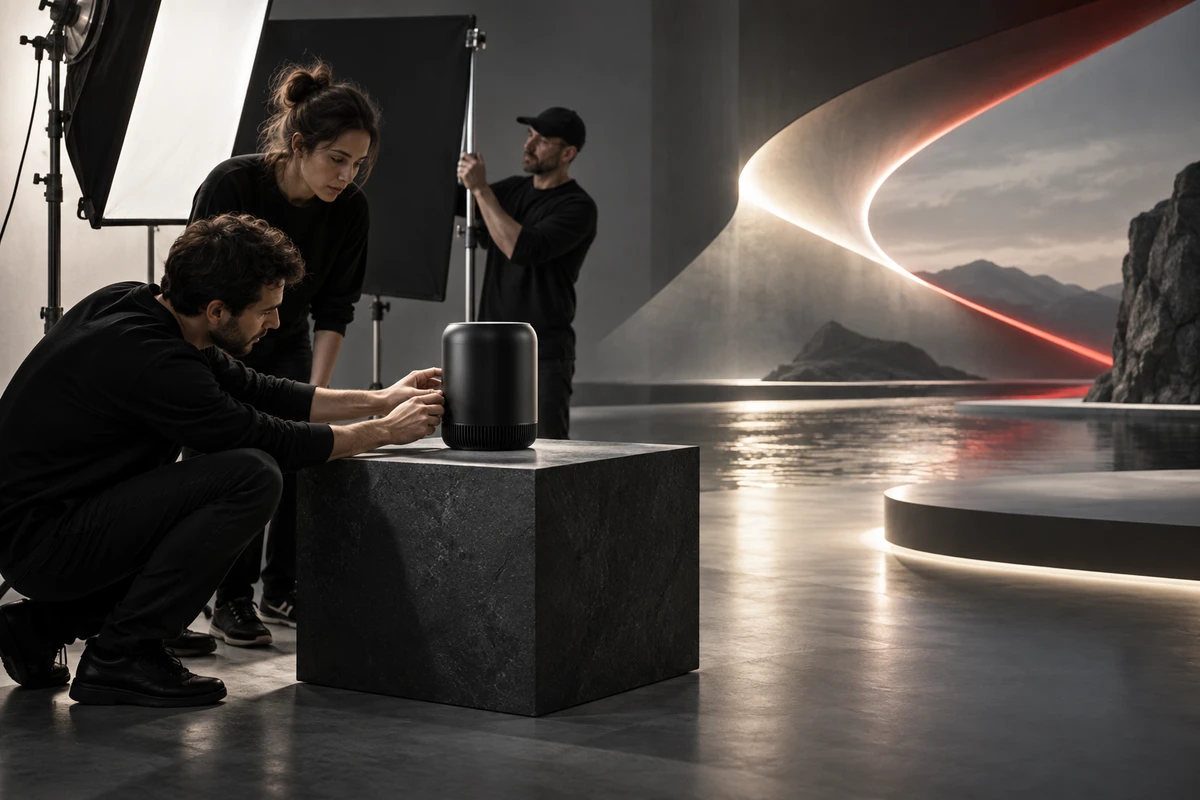
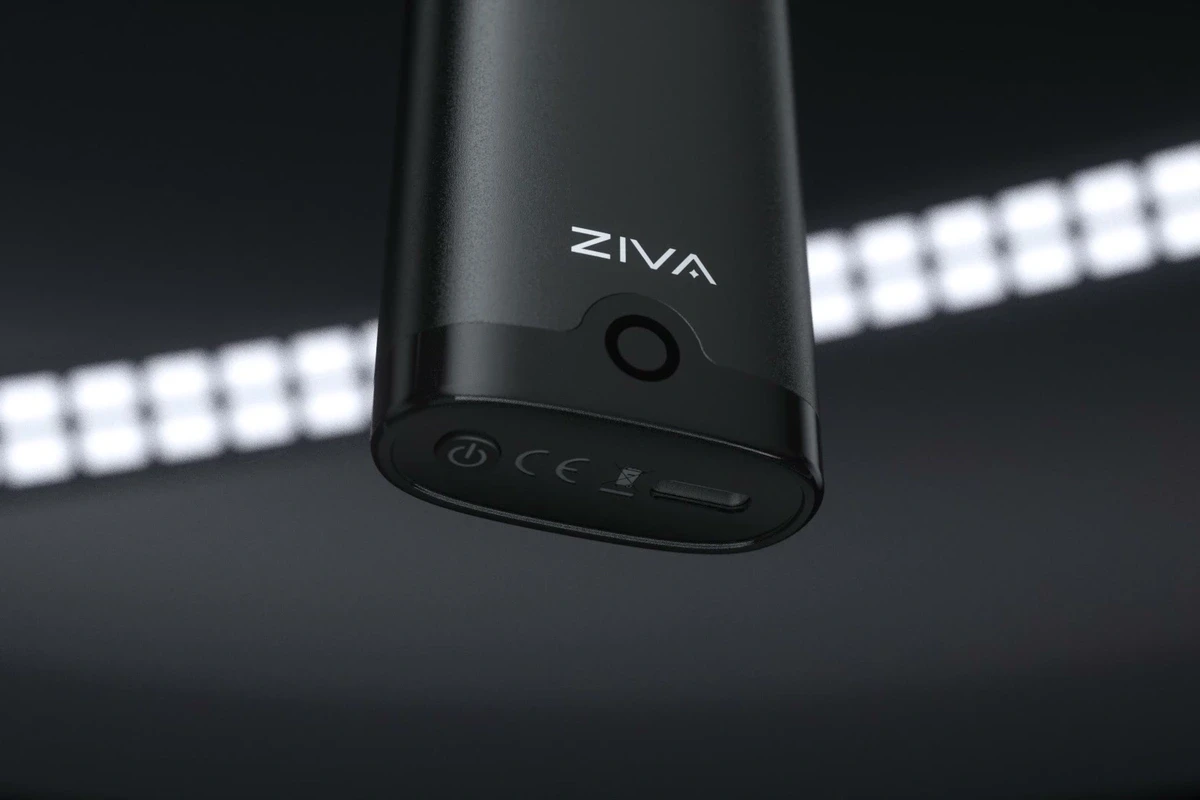
The ONCE product visual frames shown here illustrate the content production context and do not represent actual Mac Studio test results.

Purchasing decisions should be based on actual workload.
If your team's main challenges are media transfer, proxy generation, or archival restoration, a local Mac Studio deserves consideration. If core software relies on a specific GPU platform or model support on macOS is incomplete, prioritize compatibility and fallback options first. Maintain backup paths via cloud or other workstations before integrating local machines into formal delivery pipelines.
Reference Check
- Apple Mac Studio technical specifications
- Apple Mac Studio 2025 support specs
- Apple Mac Studio launch
- Research Seed 0912 Mac Studio and local AI
Production examples and next steps
Define which images are exploratory and which must preserve a verified product. The AIGC off-road motorcycle concept film is a concept-work reference.
Review AIGC commercial production and Chasing Speed Through the Wild: An AIGC Off-Road Motorcycle Concept Commercial. To discuss your project, send the product references, proposed shots, review criteria and required outputs through the English project enquiry form.