Flame's Inference node fits best within a replaceable experimental post-production branch. It loads ONNX models or Flame inference files and routes model outputs back into the node graph. Teams must prepare their own models and validate results, as the node provides no default plug-and-play models. Key usage principles focus on traceable inputs, versions, and outputs.
First, verify the model and platform.
Current documentation notes that model initialization may take several minutes. macOS supports CPU processing, while Rocky Linux can utilize either CPU or GPU depending on configuration. Platforms, software versions, and model files are not interchangeable; verify your installed version and model requirements before starting.
Flame 2026.2 machine learning documentation lists model categories including Morph, Timewarp, Upscale, and AutoMatte. Availability depends on specific version and platform documentation; these names should not be interpreted as universally available built-in features. If a model fails to load, first check file paths and version compatibility before considering a platform switch.
Place the model in a revertible branch.
Duplicate a short clip and create independent input preprocessing and Inference branches downstream from the original footage. Maintain separate versions of source media, preprocessing results, model files, node parameters, and outputs to facilitate before-and-after comparisons. This approach allows reversion to traditional nodes if results are unsatisfactory without compromising the original project.
During preprocessing, record frame size, cropping, color processing, and frame range. During inference, verify that output channels connect to the correct downstream nodes. If input size or color settings change, revalidation is required; previous results cannot be reused.
Check four items first for short clips
Before batch processing, use representative short clips to check the following.
- Check edges for breaks, jitter, or unnatural softening.
- Verify texture and detail stability across consecutive frames.
- Check full playback for flickering, jumps, or temporal misalignment.
- Confirm identical inputs and outputs after reopening the project.
A clean single frame does not guarantee a deliverable sequence. Review source footage, model output, and manual corrections on the same timeline before scaling to more shots. Document reasons for corrected frames to maintain reference when switching models or versions.
Case studies cannot replace current validation
The personal de-aging experiments in archived articles are exploratory cases from 2020 using older versions, data, and manual adjustments. They illustrate integrating machine learning into Flame but do not serve as current unified output standards. Rely on local test clips and official documentation for current projects.
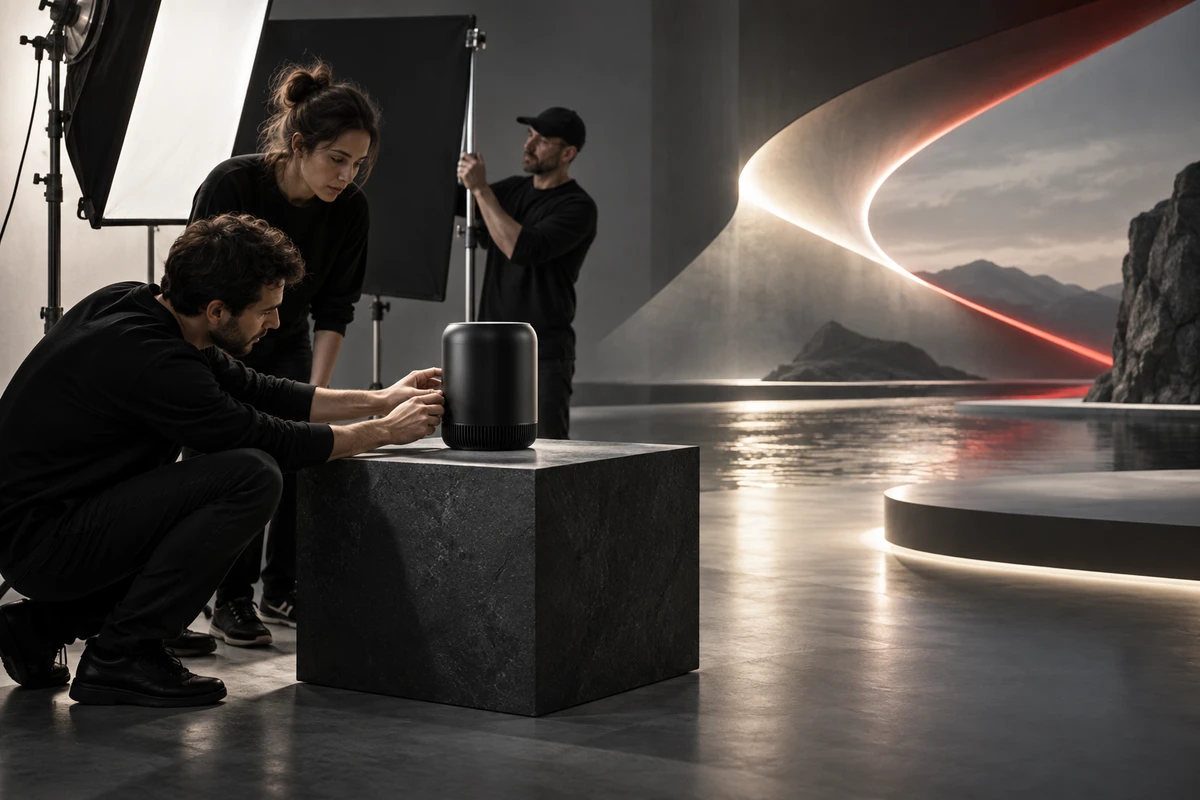
Footage from ONCE's in-house studio is shown here to illustrate collaboration and review workflows, not the output of Flame ML nodes.

What to Retain Before Batch Processing
Retain at least the original footage, model files, version information, input preprocessing, node parameters, test clips, manual corrections, and final outputs. Measure model initialization time, platform differences, and driver requirements on local machines. Machine learning nodes should only enter the formal shot pipeline when results are stable, projects are reproducible, and a manual fallback path is maintained.
Asset Verification
- Autodesk Inference node
- Autodesk Flame 2026.2 configuration and ML support
- Autodesk Flame help
- Research Seed 0930 Machine learning in Flame
Production examples and next steps
Define which images are exploratory and which must preserve a verified product. The AIGC off-road motorcycle concept film is a concept-work reference.
Review AIGC commercial production and Chasing Speed Through the Wild: An AIGC Off-Road Motorcycle Concept Commercial. To discuss your project, send the product references, proposed shots, review criteria and required outputs through the English project enquiry form.