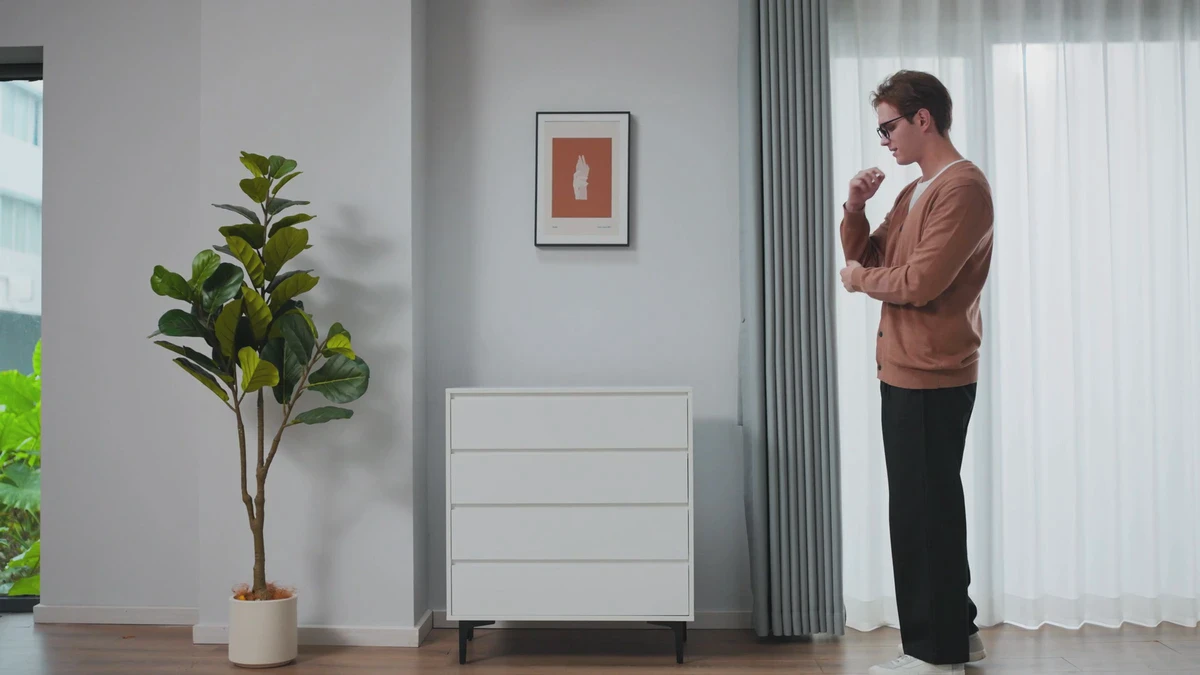
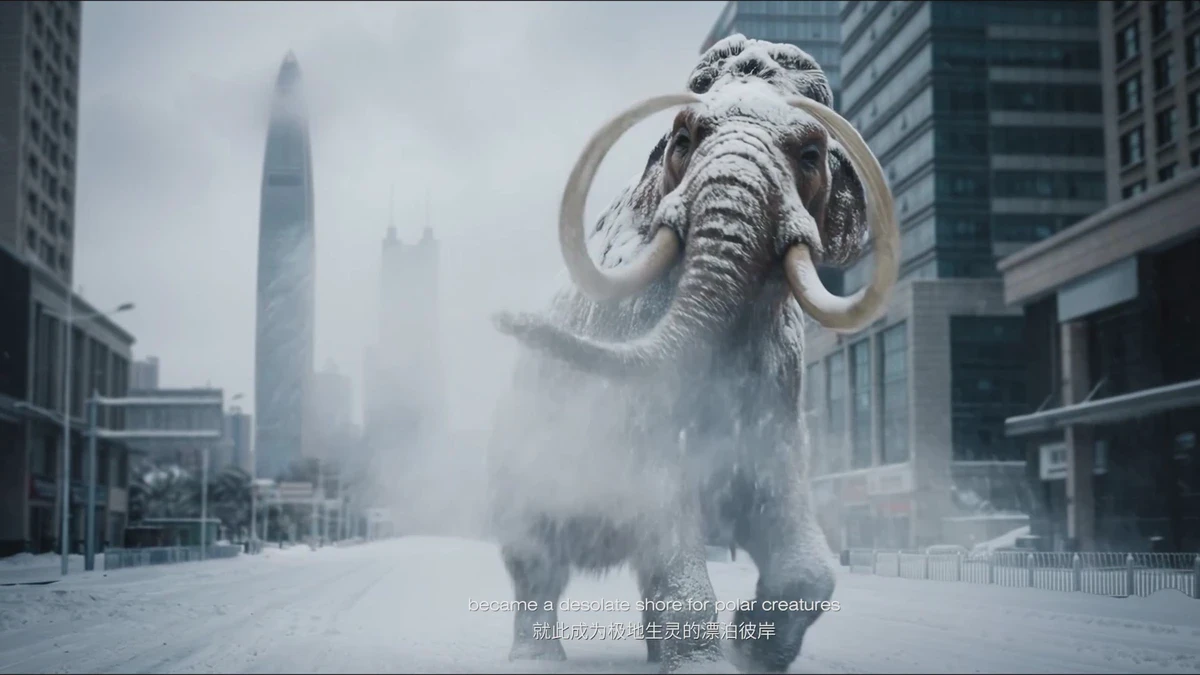
Before a virtual production shoot, the DP and brand shouldn't start by discussing screen size. Without clear answers on camera movement, product-environment interaction, which lighting must be done on set, and what can be left to post-production, the more complex the stage, the more likely the crew will be led astray by equipment.
Define Shot Tasks Clearly First
For each shot, first document camera position, focal length, movement range, depth of field, and final aspect ratio. Whether talent or products need to navigate real props, if significant background parallax is required, and whether car paint or glass will reflect the screen all determine how extensive the digital set must be and how much practical set is needed on stage.
The DP must also confirm with the brand which elements must be physical. Tabletops, floors, door frames, and product contact surfaces are often worth shooting practically, while distant buildings, skies, or extended spaces can be handled by real-time environments. Defining this boundary early simplifies the division of labor for lighting, tracking, and compositing.
Use a Unified Language for Focal Lengths, Tracking, and Calibration
The virtual camera must track the real camera's position, orientation, and lens status. Epic’s current documentation integrates lens calibration, Live Link, and virtual camera mapping into a single workflow. Brands don’t need to memorize plugin names but should require the team to conduct a full test with actual lenses.
Testing should include at least push, pull, pan, and orbit movements. Verify stability in distant building edges, ground vanishing points, and product reflections, then check for lens distortion, focus breathing, and tracking latency. A beautiful static frame cannot replace acceptance testing for moving shots.
Color and depth of field parameters must be defined in advance.
LED walls, cameras, and on-set lights each have specific color and brightness ranges. The brand must prioritize product color, skin tone, and background before selecting on-set monitoring references. Without proper color calibration, the red seen on set may differ from the final delivered red.
Depth of field must also be specified in the shot list. Virtual objects on screen and real foreground elements may exist at different distances, and focus shifts can reveal issues in the blur transition between them. For shots requiring shallow depth of field, test both the physical lens and screen distance together.
Shutter speed, refresh rate, and reflections require practical testing.
High-speed motion, low-angle shots, and large bright screens easily reveal scan lines, moiré, or brightness fluctuations. The DP should bring the final shutter speed, frame rate, and lenses to shoot an on-set test covering talent, product, and screen details.
The image below is from ONCE's studio footage, illustrating how crew, camera, and communication are evaluated within the frame. It does not indicate that LED virtual production was used for this project.
Have the brand answer six questions before shooting begins.
- Which shots require seeing the final environment and reflections on set?
- Who builds and maintains the contact surface between products, actors, and the ground?
- Who calibrates the cameras, lenses, tracking systems, and display systems?
- What reference footage is used to validate color, depth of field, shutter speed, and screen refresh rate?
- Who confirms versioning and rollback plans when temporary changes are made to digital scenes?
- If the real-time system becomes unstable, which shots can be switched to live action or post-production compositing?
Only when these issues are addressed in the brief can the DP refocus on lighting, framing, and performance. If project requirements are still being defined, start with the ONCE Project Brief Portal to begin discussions.
Reference Verification
- Research Seed 0881 Virtual Production for DOPs
- Epic Games Camera Lens Calibration Overview
- Epic Games Camera Color Calibration for In-Camera VFX
- Epic Games In-Camera VFX Best Practices
Production examples and next steps
Compare the proposed live-action, CGI and AIGC tasks with a finished animation reference. Ancient Myth is a CGI portfolio example, not proof of any particular software or AI workflow.
Review AIGC commercial production and "Ancient Myth": A Three-dimensional Fantasy Adventure of Panda Companions. To discuss your project, send the shot list, source assets, editable-delivery needs and review criteria through the English project enquiry form.