A fan sits at the center of a product film as blue streamlines run from its outlet to the other side of a room. The viewer quickly understands that air is moving, but may also interpret the length, shape and extent of those lines as an actual result achieved by that device.
Airflow animation can serve two different purposes: explaining a principle or showing a product's performance under specific conditions. A film can contain both, but should make clear which one the viewer is seeing. A fictional desk fan illustrates the choices below; it is not a product test.
Decide what the lines answer
To explain where air enters and leaves, a simple path can help viewers understand the construction. The line is then an explanatory diagram, not a measurement. If a film suggests how far air travels or that it covers an entire room, the placement may create a specific performance impression. The brand needs reliable support and relevant conditions first.
Before storyboarding, ask the product team which structures and directions are confirmed and which are simplifications for explanation. Designers can choose stylized arrows, colors or paths, but should not invent an unconfirmed internal route. Different models and settings should not automatically share one animation.
Place the diagram between product and environment
A film might establish the outlet on the real device, move to a cutaway illustration consistent with its construction, then return to the person and device in the room. Viewers can distinguish the machine from the graphic created to explain it. A clear label can identify an illustration, but it cannot cancel a specific unsupported performance impression created elsewhere in the same image.
If lines fill a room and seem to suggest uniform coverage in every corner, the whole presentation needs another look even when a small “illustration” label is present. Limit the lines to explaining direction, or obtain support for the device, settings and situation before depicting a range. Advertising judgments depend on the target market and full context.
Make the filmed action and graphic agree
Imagine the fictional fan can change direction. As a person turns it, the animation can follow the confirmed outlet direction. If the actual product moves only through a particular angle, the arrows should not freely rotate toward the ceiling. Switches, settings and product state should also match the action on screen.
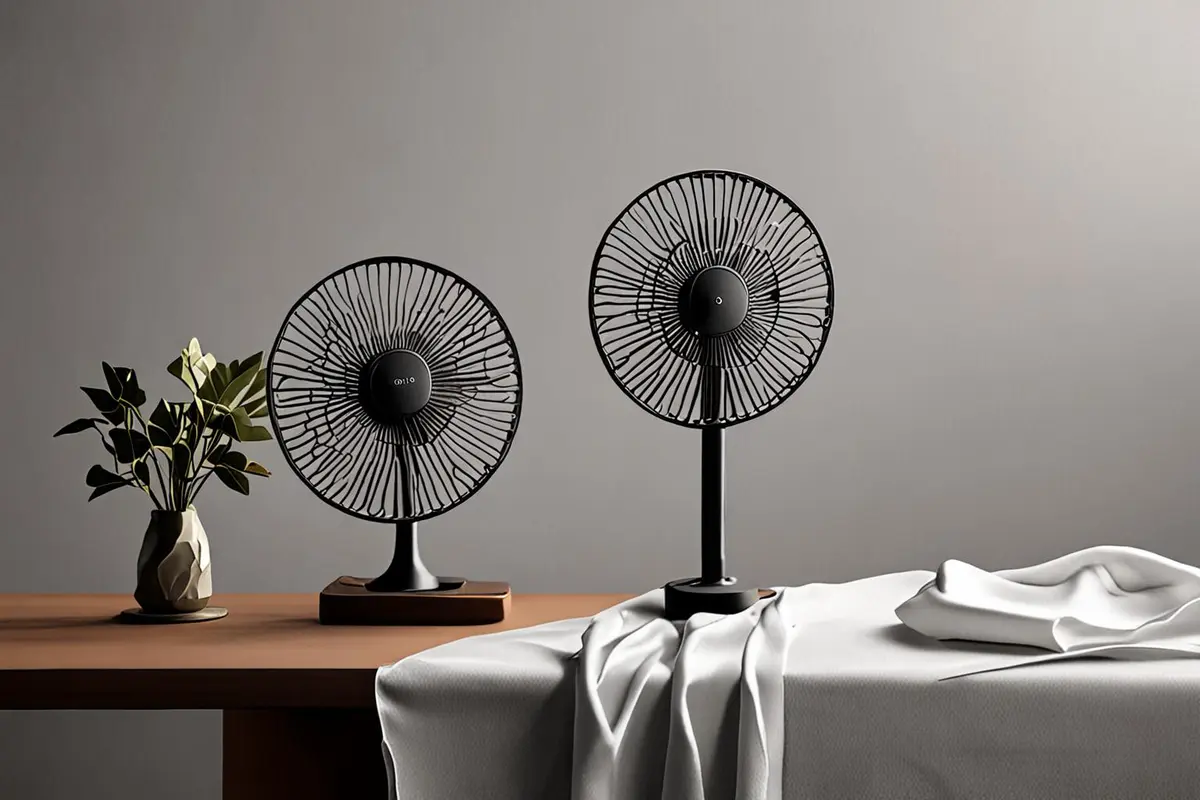
Paper or fabric can make movement visible, but distinguish an atmospheric prop from something offered as support for a performance claim. An extra fan, hidden support or enhancement may serve a conceptual shot; it should not be edited to imply that the product alone produced the same result. Explore ONCE video marketing insights for related creative approaches.
Choose a style and retain its limits
Streamlines and arrows can communicate direction quickly. Translucent shapes can explain a structure but may be easier to mistake for precise coverage. If using measurements or simulation, confirm the source, model, conditions and intended presentation, and involve qualified reviewers. A result for one set of conditions should not be extended to every environment.
Generative imagery can help explore line style, color and composition, but cannot verify an airflow path on its own. Even a plausible image needs to be checked against confirmed product information. Keep unsupported ranges and effects clearly conceptual, or remove the implied claim.
Ask viewers to explain it back
After a rough cut, ask people unfamiliar with the project whether a line explains direction or shows a measured result, what the product did, and whether they inferred it from image, narration or text. If they repeatedly see an unsupported capability, revisit the extent of the graphic, narration and label.
A small preview can reveal misunderstanding; it cannot prove ad effectiveness or product performance. Separating diagrams from actual demonstrations can still leave room for an elegant, engaging film while giving the brand, product team and viewer a shared question to discuss.
If you are planning a visualization for an appliance, smart device or another product, contact ONCE to discuss live action, diagrams and creative scripts.