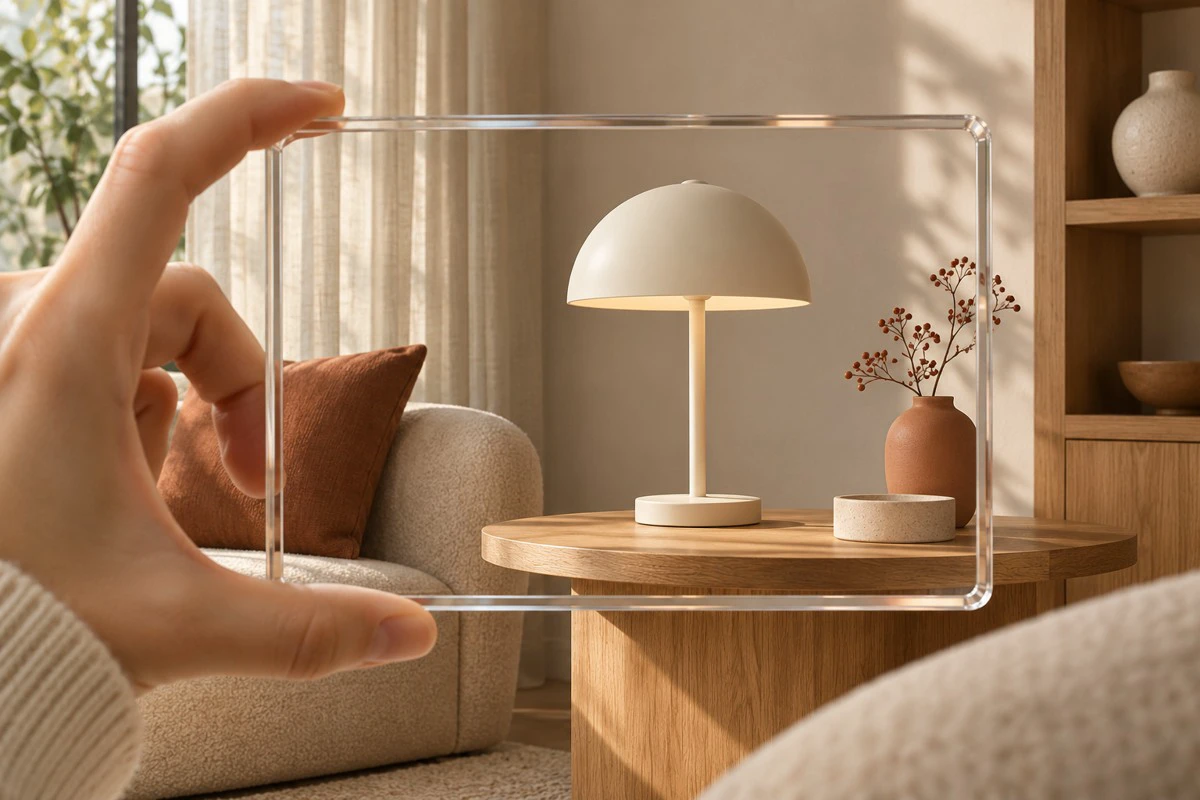
Your production partner has delivered an attractive interactive lamp model. On the product page, shoppers can rotate it, open a hotspot explaining the controls and follow a link to accessories. But when a customer launches the mobile “view in your space” experience, which of those elements are still present?
This is a hypothetical buying scenario, not an ONCE client incident. For overseas brands developing content with China-based manufacturers and studios, the useful acceptance unit is the shopper’s task in each viewing environment. A finished model and a finished browser interface do not automatically establish that the mobile experience is complete.
The interface needs its own handoff
The Google-maintained <model-viewer> Augmented Reality examples, checked November 8, 2026, explain that webpage DOM content can function in WebXR but does not transfer directly into the native Scene Viewer or Quick Look applications. This describes the component’s handoff, not a universal inability to display information in AR.
Apple’s AR Quick Look gallery, checked on the same date, demonstrates custom actions and banners. The purchasing question is therefore whether your existing browser interface needs a separate implementation for the viewer customers actually enter. Neither page is treated here as a newly announced feature; no publication date was established.
The model carries object content such as geometry and materials. Product explanations, language controls and purchase links may also depend on webpage or application code. Ask the implementation team to identify those dependencies. A desktop recording cannot verify every mobile route.
ONCE’s three-stage information review
Before entry, define the promise. State which product configuration is represented and what the AR preview is intended to help the shopper judge. If it is a placement preview rather than an operating tutorial, make that clear. Essential specifications and compatibility conditions should not depend solely on an unverified hotspot.
Inside the viewer, complete the agreed task. Enter through the actual test product page on the target phone. Record the device, operating system, browser, viewer route and content revision. Check required explanations for visibility, readability and interaction. For each missing element, choose a supported implementation, a different agreed viewing route or a narrower promise for that route.
After exit, preserve a useful next step. Check the return to the relevant product information, access to explanations not available inside AR, and the path to configuration or purchase. A placement-only experience can reasonably send shoppers back to the product page to buy. Functional parity everywhere is a design choice to evaluate, not an automatic requirement.
ONCE proposes an information handoff sheet. Each row names a fact the shopper needs, where it appears before entry, how it is presented during viewing, where it remains available afterward and who maintains it. Information does not need to be repeated at every stage. It does need an intentional home along the actual customer journey.
A lamp brief that separates placement from instruction
Imagine a desk lamp whose approved product information describes a particular dimming method. The webpage explains it through a hotspot, while the AR model shows appearance and placement. This example contains no assumed performance specification or completed usability test.
If the purpose is placement, a clear entry message and a real operating video on the product page may be sufficient. If the brief requires shoppers to learn the controls interactively inside AR, specify that as a separate feature, identify the supported routes and test the implementation there. Completing a browser hotspot does not finish that work.
A simulated lighting effect also should not be presented as evidence of real illumination performance without an appropriate basis. This review concerns the continuity of information and interaction. Dimensions, materials, performance and installation still require their own product checks.
For a global team, keep approved manufacturer facts separate from the presentation instructions for each environment. That makes it easier to update a translation without accidentally changing the product claim, or to revise a native presentation without replacing an otherwise valid model. ONCE’s video production insights cover related ways to divide product explanation across media.
Buy supported experiences, then maintain their dependencies
Request separate scope for model creation, webpage interaction, any native adaptation, target-device acceptance and fallback explanatory media. Shared modeling work should not be charged again merely because the asset has another destination. Conversely, genuinely separate interface development and testing should not disappear under an ambiguous “AR-ready model” line.
With a limited budget, a clearly scoped placement preview plus dependable product-page information may be a better starting point than complex interaction across every environment. Compare the actual implementation, testing, translation and maintenance work before expanding the promise. This is ONCE’s procurement analysis, not a quoted industry price or a conversion forecast.
For a studio moving toward recurring content services, the handoff sheet can connect model revisions, approved copy and device checks. A changed product explanation then reveals which presentations need updating. Whether that improves margin depends on observed delivery effort and the commercial agreement; a document alone does not establish savings.
For the next acceptance review, request the entire journey: product page, mobile spatial preview and return. Mark each agreed route as passed, requiring adaptation or unverified. Approve the tasks shoppers can complete before treating the file list as the finished service.