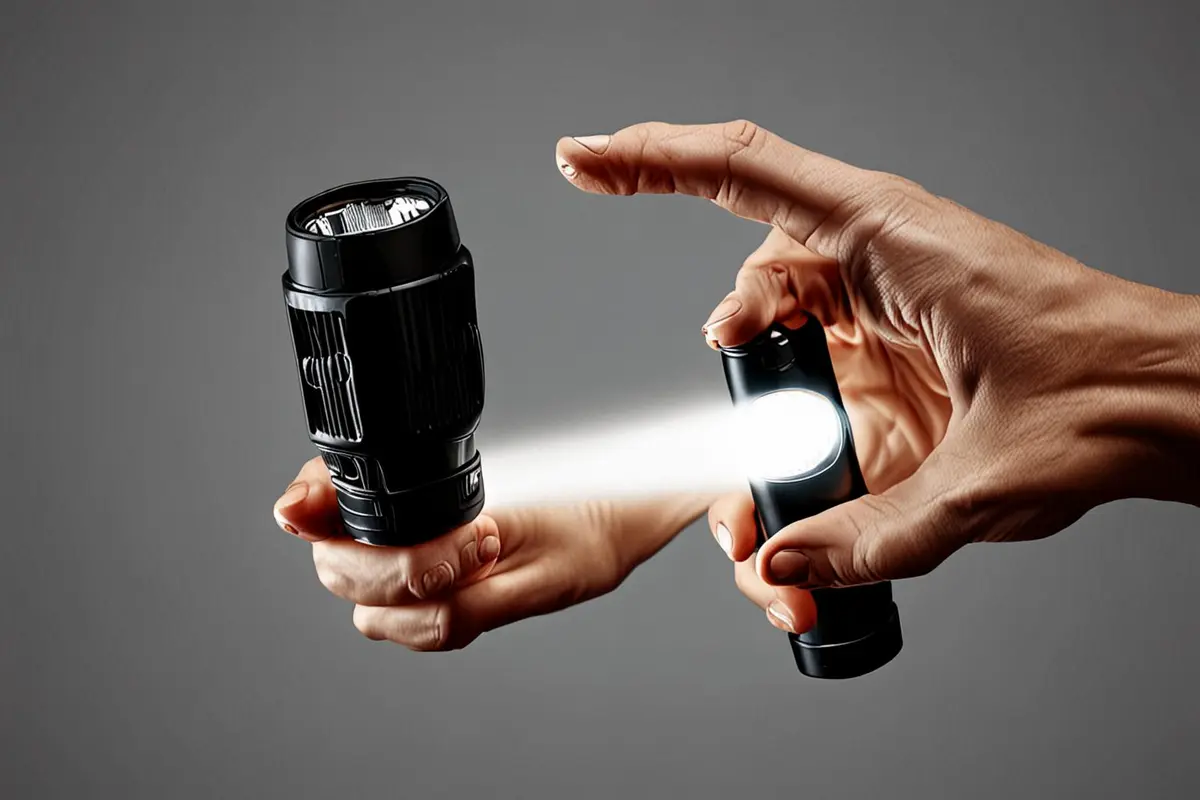
In a product ad, a person picks up a tool with their right hand, places a thumb naturally on the switch and completes the action smoothly. The film does not say the product is right-handed, yet a viewer may use the shot to imagine their own grip. If the two sides are different, switching hands can change access to the button, cable port or support.
Handedness need not be a label in every product video. It is a condition the director, brand and production team can discuss in advance: does this shot show one real way to use the product, or does the film imply an operation is universal? A fictional handheld light illustrates the questions below; actual instructions and samples remain authoritative.
Observe how the product meets the hand
Imagine a handheld light with a switch on one side of the grip and a port on the other. In a right-handed grip, the thumb might sit near the switch. With the left hand, someone might use an index finger or adjust their grip first. These are not claims about a particular product; they are differences worth observing with the real sample before filming.
Ask people with different usage habits to complete the same task safely: pick up, switch on, adjust the direction and put the light down. Watch for regripping, which hand stabilizes the product and whether the palm covers the port. Do not assume a left-handed user must mirror a right-handed action, or ask anyone to adopt an uncomfortable pose for the camera.
When are two grips useful?
If a brand story simply shows someone using a symmetrical object, one natural action may be enough. If the film is explaining switch access, one-handed operation, wearing orientation or control layout, the choice of hand can affect what the viewer understands. Recording the other hand performing the real action may reveal an obstruction or extra movement the team missed.
That does not mean every ad needs equal time for both hands. Identify the specific promise first, then decide which uses it warrants showing. If a brand wants to claim a product suits both left- and right-handed users, its product team should provide the applicable conditions and support. A demonstration does not replace product testing or guarantee the same experience for everyone.
Keep the actual construction when changing hands
To keep screen direction consistent, an editor may consider flipping a shot horizontally. This also reverses lettering, port positions and asymmetrical shapes. In a demonstration meant to explain the product, first rearrange the camera and action: have the operator change hands and film the switch, grip and result again instead of flipping existing footage.
If the new angle makes the object harder to recognize, establish a real reference such as a cap, cable port or marking before cutting to the button. The installation video orientation guide considers how to find a part across camera changes; here the question is whether grip and accessible controls change with the hand.
Leave room for the person using it
An attractive grip is not always a natural one. Let the performer complete the task first, then adjust the shot: move the camera toward the side of the fingers to preserve the switch and fingertip, or add a clean product close-up without changing the real operation. Avoid making fingers hover or holding a wrist in an uncomfortable position just to expose every mark.
When an action needs both hands, give the stabilizing hand a plausible place as well. If only the pressing hand remains on screen while the other provides essential support out of frame, viewers may think the whole action can be done one-handed. Depending on the film's purpose, show both hands together or restore the support relationship in a neighboring shot.
Check what a small screen communicates
Edit a short sample of each grip and ask people unfamiliar with the project to identify the contact point, the product's response and the role of the other hand. If one version is clear and the other causes hesitation, check for a covered button, a skipped action or an abrupt change in screen direction. A few preview viewers can expose communication problems; they cannot establish the preferences of every left- or right-handed user.
Hand size, ability, context and product version can all affect use. An ad need not prescribe one movement for everyone. It should accurately show the operation being filmed and return to product facts before making a wider promise. For a related view of clear performance, explore ONCE video production insights.
If you are preparing a product demonstration or international campaign, contact ONCE to discuss real use, performance and camera design.