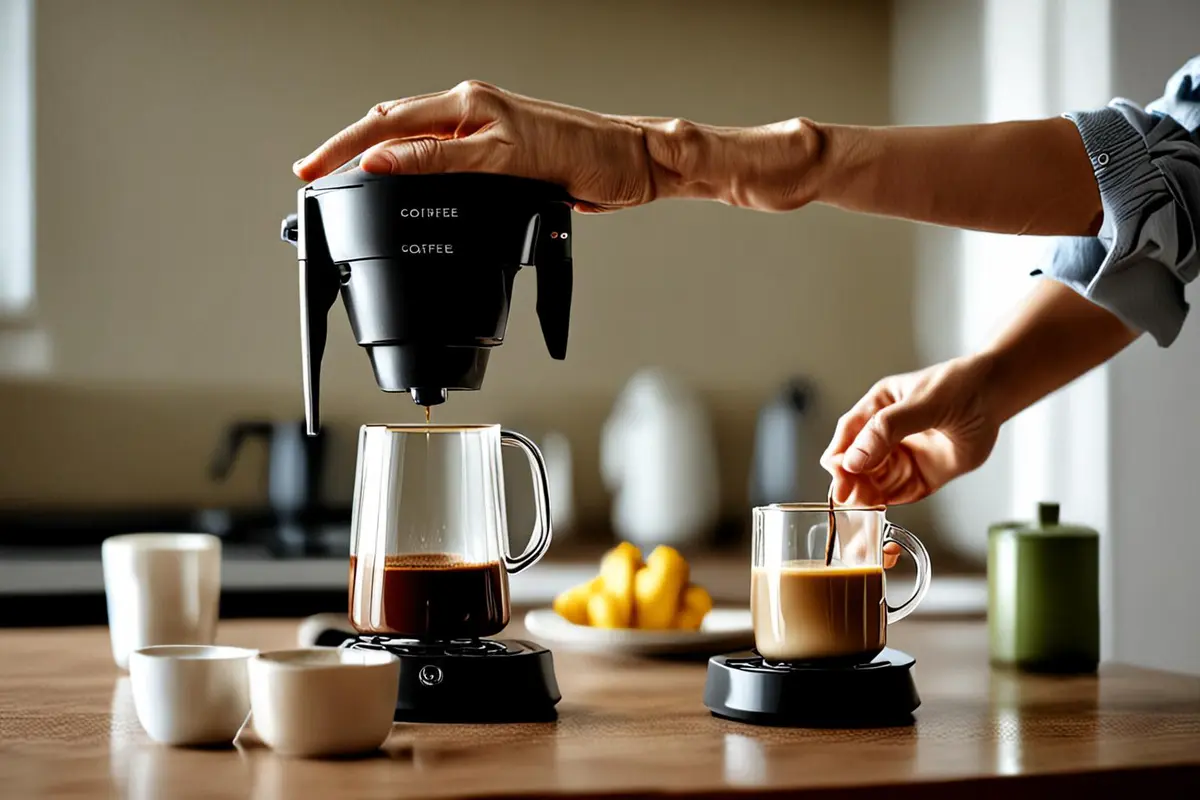
Someone unboxes a portable coffee maker and wants to make their first cup. The product film showed the design, modes, and details. Now they need to know where the water goes, where to place the cup, and what response tells them they can continue. A first-use video helps people complete the task in front of them and feel ready to try the next one.
Make the first cup the destination
Imagine a coffee maker filled by hand. Instead of introducing every button in the order it appears in the manual, show the finished cup, then return to preparing the surface, checking the available parts, adding water, and starting the machine. The result gives viewers a destination. The actions in this example illustrate a storytelling approach; actual steps and safety guidance must come from the product documentation.
Keep the first goal small. Completing one basic task is usually easier to organize than mastering every mode at once. If cleaning, charging, or assembly is necessary first, show those prerequisites rather than cutting them out for a brisker edit. More complex settings can have their own follow-up video, with a clear route from the introductory piece.
Leave time to recognize what happened
A beginner needs to see more than a moving hand: the starting state, the direction of the action, and the feedback that follows all matter. A medium shot can establish the product on the work surface; a close-up can reveal the connector or fill mark. Once the hand moves away, hold long enough to show the result. If a real step involves waiting, explain the wait and its normal feedback. You can shorten the footage, but the edit should not imply the machine finishes faster than it actually does.
Equally, one continuous take is not always the answer. Preserve continuity where the cause and result must be understood together; compress repeated preparation where it adds little. A brief visual cue or narration can explain what has been omitted. Before filming, confirm the physical product version, sequence, and approved demonstration with the product team.
Give hesitant viewers a way forward
A pause does not always mean something is broken. A person may simply be unsure which way a part faces or whether an indicator is normal. At points where users are likely to hesitate, offer an observable confirmation such as “check that the tank is seated securely,” rather than the vague “install correctly.” For electricity, hot water, or other hazards, follow the manufacturer's reviewed safety guidance. Do not improvise troubleshooting instructions for procedures that cannot safely be shown.
End with a clear next step: a more advanced feature or an official support page for the relevant model. The introductory video need not contain every possible fault. Keeping those questions separate helps people stay oriented and lets support content be maintained independently. Our discussion of first-person product shots also explores when an outside view makes an action easier to see.
Make it easy to find and follow
A complete tutorial works for someone learning from the beginning; individual short segments make it easier to return to a particular step. Both need clear titles and context, so viewers know which device they apply to. For manual YouTube chapters, the official help page says the first timestamp should begin at 00:00; check the current conditions when publishing. Chapters aid navigation, but they do not replace clear instructions in the video.
Key information should remain available through the image and readable captions when sound is off. Captions should also include sound information needed to understand the content, as the W3C Web Accessibility Initiative explains. Instead of saying only “like this,” narration can name the part and direction. Keep captions clear of the connector being demonstrated. For each language, check terminology, reading time, and placement rather than simply swapping the words.
Try it with someone new
Ask someone who did not work on the project to complete the first task independently with the corresponding production device and the video. Note where they pause, replay, or ask for help, then ask what they expect to do next. One observation cannot represent every user, but it can expose places where written instructions seem complete while the image leaves a gap. Adjust the sequence or film the missing state, then review it again using the same device version.
A good first-use video is an early collaboration between a brand and its customer: it makes the action clear and brings the product promise into daily life. If you are planning onboarding content for a launch, contact ONCE to discuss the creative approach and production.