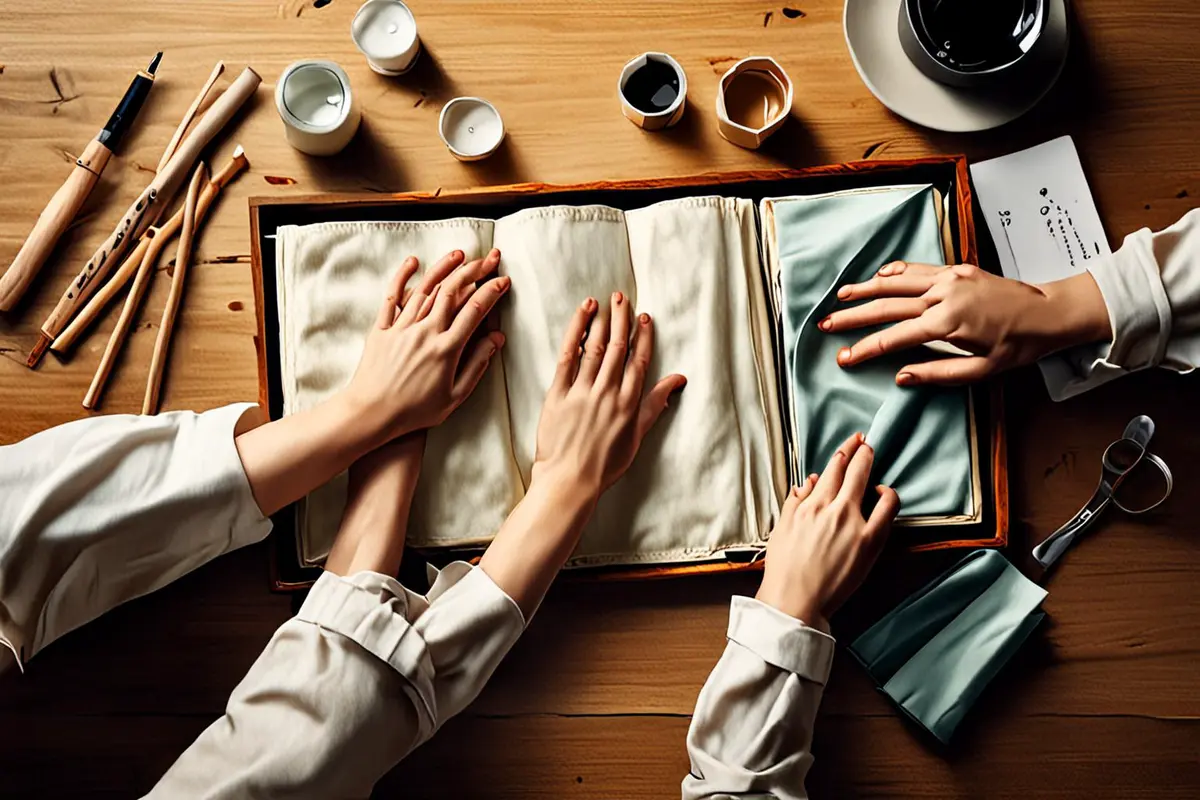
Hands open a travel organizer, place headphones inside and close the zipper. From the user's position, the viewer seems to perform the action. A first person shot can bring an audience close to a product, but if every step stays at eye level, the product's location, overall shape and the person's reaction may disappear.
What can a first person shot answer?
Adobe's guide to camera shots and angles describes a POV shot as a view from a character's perspective. It can shift an audience from watching another person to seeing what happens in front of the user. For a product involving touch, choice or a sequence of operations, that perspective places viewers where the decisions happen.
Imagine an ad for a travel organizer. From the user's view, the audience sees headphones, cables and documents scattered on a table, then watches two hands place each item in a compartment. The picture makes “where does this go?” a visible question. It explains the packing path; it cannot by itself show the bag's overall size or how it looks when carried.
Keep the action natural and the product visible
Real hands often hide important details: a palm covers a buckle, a wrist blocks a label, or an object conceals the compartment as it goes in. Rehearse naturally first, then adjust the hand or camera position so the key states remain visible. Viewers need to see the starting position, where the change happens and the result.
Do not turn a natural gesture into a rigid demonstration. A complete fastening can retain a pause and the pressure of a finger; a second angle can clarify the detail. If an edit would mislead viewers about the difficulty or duration of an operation, retain the necessary steps or explain them accurately.
Move between the user's view and an outside view
First person is useful for choices and operations. An over-the-shoulder or side view can establish the relationship between hands, product and table. A wider shot can show who is using the product and where. Adobe also identifies over-the-shoulder shots as a way to connect a person and a scene. Change the view because the audience needs different information, not simply to add coverage.
For example, establish the organizer on the table from the side, move into POV as the items go in, then return outside to watch the person place it in a backpack. Keep movement direction and object placement consistent so the cut does not suggest a different bag or a missing step. Different versions may retain different parts of that sequence.
Consider what the perspective leaves out
POV brings viewers close to an action, but makes it harder to see a person's expression, body posture or full scale at the same time. When a brand story depends on a reaction between people, the fit of a wearable, or the product's relationship to a room, another shot needs to take over. Frequent camera movement can also make viewers work to orient themselves instead of understanding the operation; restrained movement may communicate more clearly.
A POV shot does not automatically represent everyone's body or habits. Hand size, dominant hand, available space and object placement vary. Invite intended users to try the product, observe where they reach and hesitate, then decide whether another way of using it needs to be filmed. One performance is not evidence of every user's experience.
Test one complete action first
With a sample and a temporary camera position, record the entire process from opening to putting away. Watch without sound: can you tell where each item went? Did a hand cover the buckle? Does the outside view preserve the spatial relationship? Then choose what to keep for the brand film, product page or short video. A brand film may prioritize experience; a product page may need a more complete answer about operation.
Planning a product video or lifestyle campaign? Contact ONCE to turn real product use into clear, engaging images.