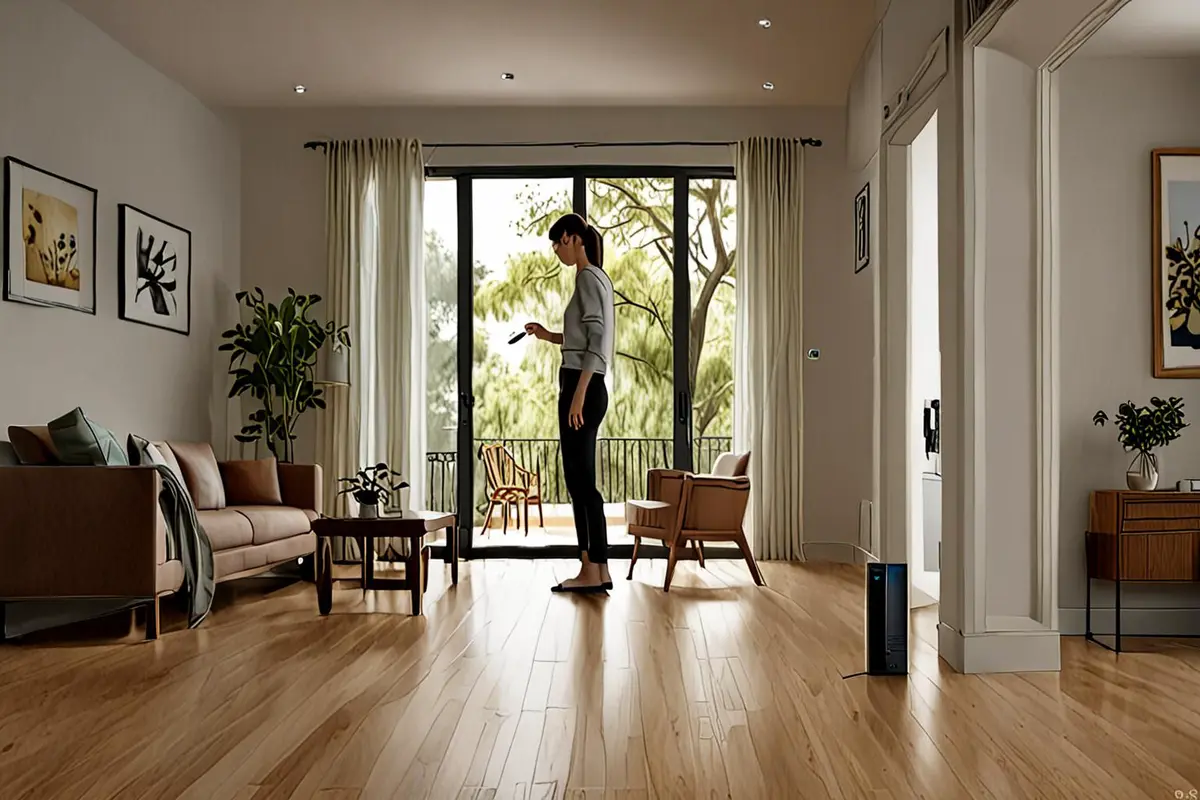
A robot vacuum starts moving and its owner walks away. A coffee machine receives a setting while someone goes to get ready. An AI system takes over repetitive processing and an employee returns to a more important decision. Many automation product ads show the machine in motion, yet fail to show the value of automation. The product runs alone in an empty frame for a few seconds. Viewers can see the function, but not necessarily the burden it removed or the time it returned.
“Does not require constant attention” is not established by a line of copy, or by simply cutting away from the operator. It needs two timelines that advance together. One belongs to the product and shows the task continuing without continuous input. The other belongs to the person and shows attention moving to something more worthwhile. When those timelines meet again, the audience can understand that the product did more than perform a mechanical action. It changed how time and effort were allocated.
Automation value begins after input ends
Conventional demonstrations often concentrate on activation: a button press, a swipe, a selected mode, then a cut to the result. For an automation product, activation is only the threshold. The more important question is whether the system follows a legible process after the person stops operating it.
That is why “one tap, then success” often feels like an editing trick. The viewer never experiences the duration of independent work and cannot tell whether someone is still intervening off-screen. An ad does not need to reproduce the full running time, but it should establish three facts: the task has started, the person’s attention has moved elsewhere, and the result develops during that period of absence.
Consider an automated cleaning device. A start-up close-up proves only that the device can turn on. When the person leaves the room and the film retains evidence of route changes, obstacle handling, or continued coverage, the product begins to look capable of taking over the task. Cutting to the person making breakfast, caring for a child, exercising, or preparing to leave reveals the time that has been released. Returning to the changed surface or completed state closes the cause-and-effect loop.
Build two timelines instead of a string of feature shots
An automation product ad can be organised around four connected actions: handoff, departure, parallel activity, and return.
Handoff: show who gives the task to whom
The handoff shot should contain both human intent and product response. A person loads material, selects an objective, defines an area, or confirms a task. The product provides clear feedback without turning the scene into an interface tutorial. The purpose is to let viewers understand what the system has been asked to do.
If the product requires setup, show the relevant condition honestly. Adding water, positioning a consumable, confirming a safe area, or performing a calibration should not disappear behind a jump cut. Automation can reduce continuous operation without pretending that preparation does not exist.
Departure: prove that attention has moved
A departure needs direction. Closing a door, picking up a jacket, moving one’s gaze from a display to a colleague, or leaving a work zone is more persuasive than a generic cutaway. The film should show that the person has stopped managing the task, rather than merely appearing in another shot.
After the departure, keep one continuous anchor: an operating sound, status light, mechanical rhythm, progress change, or movement through space. The anchor tells the audience that the task did not stop when the person left.
Parallel activity: show what the person receives
Returned time must be specific. A household product may let someone prepare breakfast, spend time with family, exercise, or rest. Office automation may shift an employee from repetitive entry to judgment, communication, or creative work. Cleaning, warehouse, and manufacturing systems may allow people to handle another task within appropriate safety conditions.
The common mistake is to turn “free time” into a generic smile. A person drinking coffee by a window looks relaxed, but the scene does not explain how that moment relates to the product’s task. Stronger parallel editing preserves a temporal relationship: the product completes one stage while the person completes another action; the system crosses a visible state while the human timeline advances too. The timelines measure each other, making the value perceptible.
Return: match the result to the original task
When the person returns, the result should answer the task established before departure. If the starting point was a defined dirty area, the film should reveal the same area’s changed state. If it was a queue of files, the result should be a verifiable completion state. If material entered a machine, the output should correspond to that input.
A return does not need a celebration. A natural confirmation—glancing at status, collecting the result, or continuing with the next step—often communicates routine reliability better than exaggerated surprise.
Less monitoring still requires visible state
Human-factors research offers a useful caution. Automation trust and attention allocation in multitasking workspace examined visual attention, workload, and trust around imperfect automation. Near-Perfect Automation: Investigating Performance, Trust, and Visual Attention Allocation examined the attentional cost of monitoring systems that are almost, but not completely, reliable. These studies do not prove that a particular advertising shot will increase sales. They help distinguish two ideas: reducing constant monitoring and removing all situation awareness are not the same thing.
An ad that shows a person walking away while hiding every product state can turn ease into blind faith. A more credible story lets viewers understand how the system remains legible: a simple progress cue, visible state change, necessary notification, or clear completion signal. The more a product touches safety, property, health, or complex work, the more clearly the film should show when the system informs a person and when intervention remains necessary.
This defines the role of interface shots. The interface is not the hero. It establishes the task, status, and exceptions. If the entire film follows phone taps, automation becomes remote control. If it shows no status at all, the product becomes an opaque black box. A useful balance is one human handoff, continuous product action, limited state confirmation, and a result grounded in the real environment.
An empty frame needs progress
The image can become quiet after the person leaves, but the story cannot stop. A machine repeating the same motion in an empty room merely extends the running time. The frame needs readable progress: position changes, material diminishes, a surface changes, a mechanism enters another stage, or environmental light marks elapsed time.
Repeated composition is an effective comparison tool. Before departure, shoot a medium view that includes the starting condition. During operation, return to a similar position and let the change occur in the same space. When the person returns, use that composition again so the audience can compare states without explanatory copy. For moving devices, a doorway, table edge, or fixed foreground element can provide spatial reference and stop every cut from feeling like a new location.
Sound carries continuity too. The operating sound does not need to remain loud, but it can retain a recognisable rhythm or state change. When the person moves into another space, the sound may recede while still signalling that the task continues. A real stop, notification, or mechanical reset can then close the sequence. Ease sounds like stable persistence rather than sudden silence.
Different products require different distances from the operator
Household appliances: let life continue
Cleaning, laundry, cooking assistance, and pet-care products work well with parallel actions in the same home. The person does not have to leave the building. As soon as they stop orbiting the device, the audience can understand that attention has been released. The film should retain real preparation, operating conditions, and completion states instead of presenting a process that requires supervision as completely unattended.
Robots and smart hardware: preserve spatial relationships
Moving devices need clear routes, obstacles, and safe distances between people and products. If fast montage skips the process, automation begins to look like a prearranged performance. A continuous view that contains the start point, task area, and movement result can establish capability more effectively than a collection of stylised close-ups.
AI software and B2B systems: give invisible progress a usable outcome
Software automation can easily become a wall of interface screens. A better structure shows a person defining the objective and input, then gives the waiting time back to real work: a team discussion, a customer conversation, or an on-site judgment. When the system completes its process, the result should be something that can be used, checked, or edited, rather than a generic “success” message. The film should not imply that the system replaces professional judgment where human review remains necessary.
Show automation as a changed relationship
The most persuasive value of automation is often not raw machine speed. It is that a person no longer has to remain bound to a task one-to-one. The film should show a relationship changing: continuous operation becomes a handoff, repeated checking becomes confirmation when needed, and occupied attention becomes attention available elsewhere.
Before production, draw two simple timelines. On the upper line, list the visible product states from start to completion. On the lower line, list what the person does during the same period. The lines should contain at least one handoff, one parallel section, and one reunion. If removing the human timeline does not change the selling point, the film may still be only a function demo. If removing the product timeline leaves an intact lifestyle story, the automation claim may have lost its causal support.
ONCE’s brand video production approach designs the relationship between human goals, product action, and scene time across hero films and short cutdowns, instead of treating “automation” as a caption. If you are planning a campaign for a smart appliance, robot, AI system, or automated device, use the project enquiry page to share its real operating conditions, target market, and the kind of relief the audience should recognise. We can draw the two timelines first, then decide how camera, performance, sound, and post-production should make them visible.