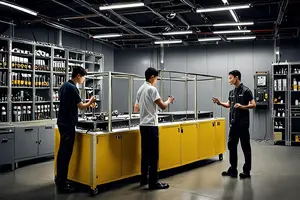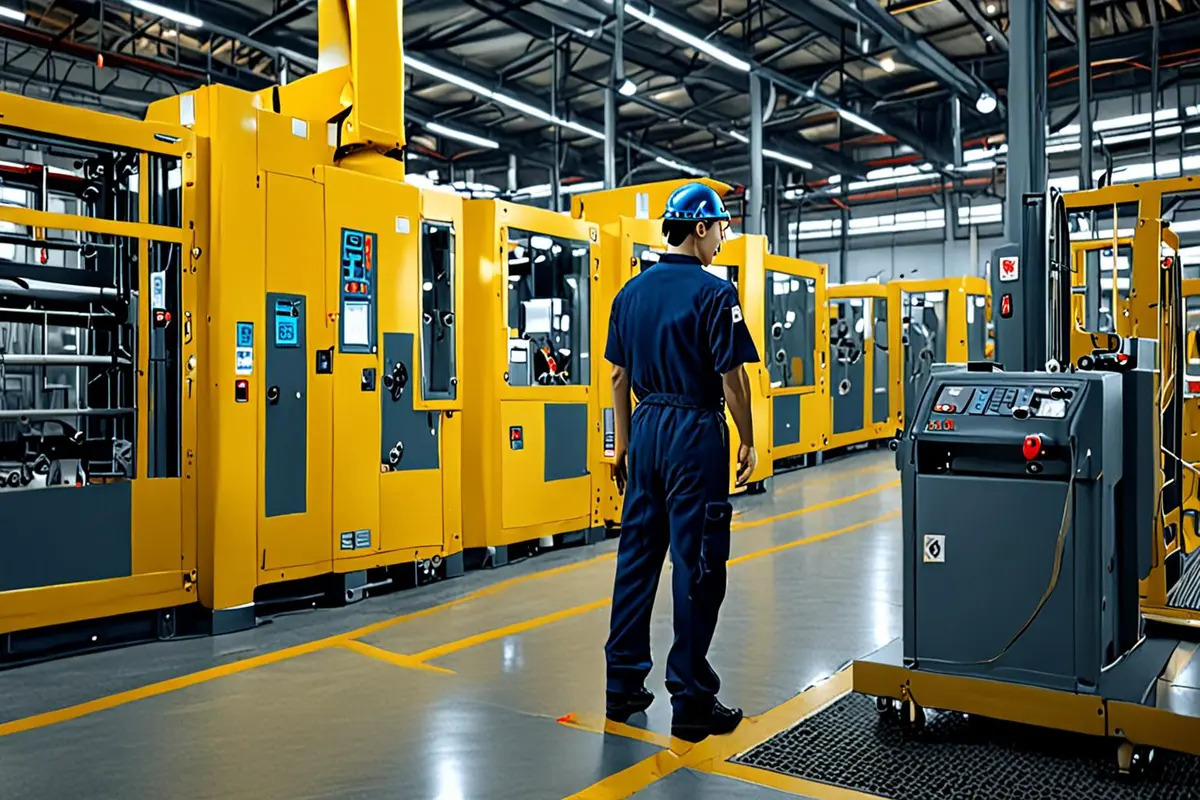
Large equipment is easy to make look impressive and surprisingly easy to film without a readable sense of scale. An ultra-wide lens stretches the nearest section. An aerial view flattens a production line. On-screen numbers state height and weight, yet the viewer still cannot tell how a person relates to the machine, how far an operator travels to reach a station, what can be touched, or where maintenance access begins.
Corporate film production needs more than a person standing beside the equipment as a static ruler. A stronger method designs one complete operator path: where the person appears, how they approach, where they pause at a threshold, what they can reach, how they operate, inspect and leave. Body movement turns abstract dimensions into spatial experience.
Scale is a bodily experience, not only a number
A locked wide shot can make a machine feel monumental, and a close ultra-wide view can exaggerate it, but the audience cannot always judge what the lens has changed. Human actions provide steadier references. Normal stride length, reaching height, bending angle and the time required to climb a platform all come from familiar bodily experience.
The person in frame should therefore do more than make the equipment look big. They help the viewer understand how it is approached, used and maintained. Walking from an aisle to a control station carries more information than standing next to the machine for three seconds. Opening a guard door, entering a work area, reaching a component and returning behind a safe line lets the audience assemble height, depth, access and working radius.
Choose a path before designing the shot list
Equipment films often begin with a checklist of wide, medium and close shots, then ask an employee to perform a few actions. The result may look complete while the images share no spatial relationship. A better starting point is one real path that can be shown publicly, filmed safely and connected to the value the film needs to explain.
Approach: establish where the equipment sits
Let the operator enter from a factory aisle, adjacent station or the far end of the machine. The first shot keeps enough environment to show floor markings, columns, rails and distance. The operator does not need to face the camera or slow down artificially. A normal walk already provides proportion.
Cross a threshold: clarify the relationship between outside and inside
Doors, platforms, steps, rails and safety barriers are natural scale points. When a person pauses, scans access, opens a door, climbs or passes through a corridor, the equipment becomes a working space with entrances, levels and rules rather than a closed shell. Preserve the beginning and end of the action instead of cutting to an isolated door-handle close-up.
Reach and operate: connect size to function
The operator reaches a control area, leans toward a chamber, uses a tool to check a component, or moves between stations. Arm extension, body rotation and eyeline show which areas belong to the working range. Close-ups should follow a locatable wide or medium shot; otherwise, an attractive hand detail becomes detached texture that could belong to any machine.
Inspect and leave: give the path a result
After the operation, show how the person confirms state and exits. Continued machine movement, a changed indicator, a component moving to its next position, or the operator returning behind the safe line can close the path. The person is no longer a one-shot ruler. They complete a spatial narrative from entry to outcome.
Wide, medium and detail shots should share an axis
Viewers connect different shot sizes into one space when direction remains consistent. If a wide shot shows the operator approaching from left to right, the medium shot should usually preserve that movement. The control-panel detail needs a hand position and eyeline that can be mapped back to the wider view. Choosing the most beautiful angle for every shot while repeatedly reversing direction makes one machine feel like several disconnected rooms.
An effective path sequence can be simple: establish equipment, aisle and operator in a wide shot; show entry or operation in a medium; then explain contact between hand and component in detail. When returning to the wide shot, the person or machine state should have changed. Each change in shot size adds information instead of repeating that a large machine exists.
Camera height often protects proportion better than a wider lens
Factory space may prevent the camera from reaching an ideal distance, which makes a wider lens tempting. Wide lenses are useful, but placing the camera near the edge of the machine stretches foreground and background relationships. A person near the frame edge may also distort.
Begin near the operator's eye or chest height so that aisles and equipment feel natural. Use a lower position selectively when vertical structure and platform access matter rather than placing every shot at floor level. A longer lens from a safe distance can compress layers and clarify levels, but it can also make a generous aisle appear narrow. The test is not whether the image looks monumental. It is whether the relationship among person, entrance and operating surface remains truthful.
Use reference objects that belong to the equipment
Doors, standard steps, rails, pallets, tool carts, bins and control screens are more credible than props introduced for scale because they already belong to the work. When people interact with them normally, viewers can infer dimensions in stages. Holding a standard rail, stepping onto a platform and moving a pallet communicates more quickly than a caption stating that the machine is three meters high.
Reference objects should not take over the story. A forklift passing the full length of a machine may establish width, but viewers may remember the vehicle instead. A crowd creates activity without necessarily explaining operation. Each reference should answer one question: height, depth, working radius or material flow. ONCE's earlier guide to craftsmanship details and manufacturing scale discusses broader relationships among wide views, detail and spatial references; this article focuses on the operator path that joins them.
Movement speed and sound also describe distance
The time required to reach the other end of a machine, the travel of a lift from bottom to top, and the difference between distant pneumatic noise and a nearby button press all shape perceived scale. An edit cut into too many fragments makes the operator teleport across the space. Keeping every movement in real time can make the film drag.
Preserve two complete path nodes, such as crossing from a safety line to a console and entering an inspection position from a platform. Connect the remaining distance with directional ellipses. Sound should also change with distance: the machine forms a stable bed from afar, while motors, controls, metal contact and alerts become clearer as the person approaches. Sound does not merely make the machine feel heavier. It locates the camera and body inside the space.
Do not distort real work for a scale performance
A person placed into the scene only for the camera often stands in the wrong area, touches the wrong component or performs at an unnatural speed. Large-equipment filming needs a path confirmed by people who know the site: where entry is allowed, which actions can be filmed during operation, and which doors or platforms require a stopped state or defined procedure.
Safety is not separate from creative language. Pausing in the correct area, confirming status and then entering looks more professional than stepping across a barrier for a dramatic shot. ONCE's recent article on maintenance moments in corporate films explains how a stopped machine can still communicate capability. Here, the concern is how movement through space makes equipment readable.
Interviews and voiceover should explain what the path cannot
Images can show approximate scale, access and operation, but they do not automatically prove capacity, precision or efficiency. Performance claims still need public company materials, interviews and accurate captions. Voiceover should not repeat that the machine is large or advanced. It can add information the path cannot show: who owns this step, why the check occurs here, and which process receives the result.
For international versions, an operator path also reduces dependence on long translation. The causal sequence of entering, operating and confirming a result travels more easily across languages than abstract adjectives. Captions carry names, conditions and facts; movement carries space and process.
CG and AIGC can add a viewpoint, not replace the real path
Some interiors cannot safely accommodate a camera, and people may not approach while the machine runs. CG can open a shell, mark a moving component or connect an internal route hidden from live action. AIGC can help explore composition and transitions before production. If generated imagery changes entrance position, rail height, control layout or human reach, however, it transforms the real equipment into another machine.
A stable hybrid approach first establishes the exterior, person scale and true access point in live action. Graphics or CG then explain invisible sections while preserving the direction of the live-action camera. Internal movement that cannot be verified should remain an explicit illustration rather than masquerading as documentary footage.
Let one path serve the master and shorter versions
The master film can preserve the full approach, entry, operation and confirmation sequence. A silent trade-show loop can select the wide equipment view and decisive action. A sales cut can isolate the path node that answers one buyer question. As long as each version retains a spatial beginning and an outcome, compression will not turn the machine into unrelated industrial imagery.
Large equipment does not need to become a spectacle. The operator's body, pace, eyeline and reach are already a credible scale language. When viewers can follow one person through the machine, they understand more than size. They understand where it lives, who uses it and how work happens.
Design the corporate film from a real operator path
If manufacturing equipment, an automated line or a large technology installation needs to become legible to international buyers, ONCE can connect site movement, performance, camera positions, sound and multi-format editing in one filmable path. Contact ONCE to discuss corporate film production.