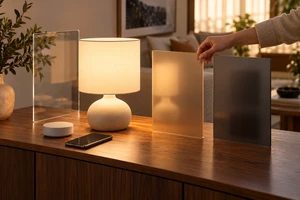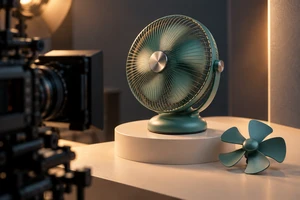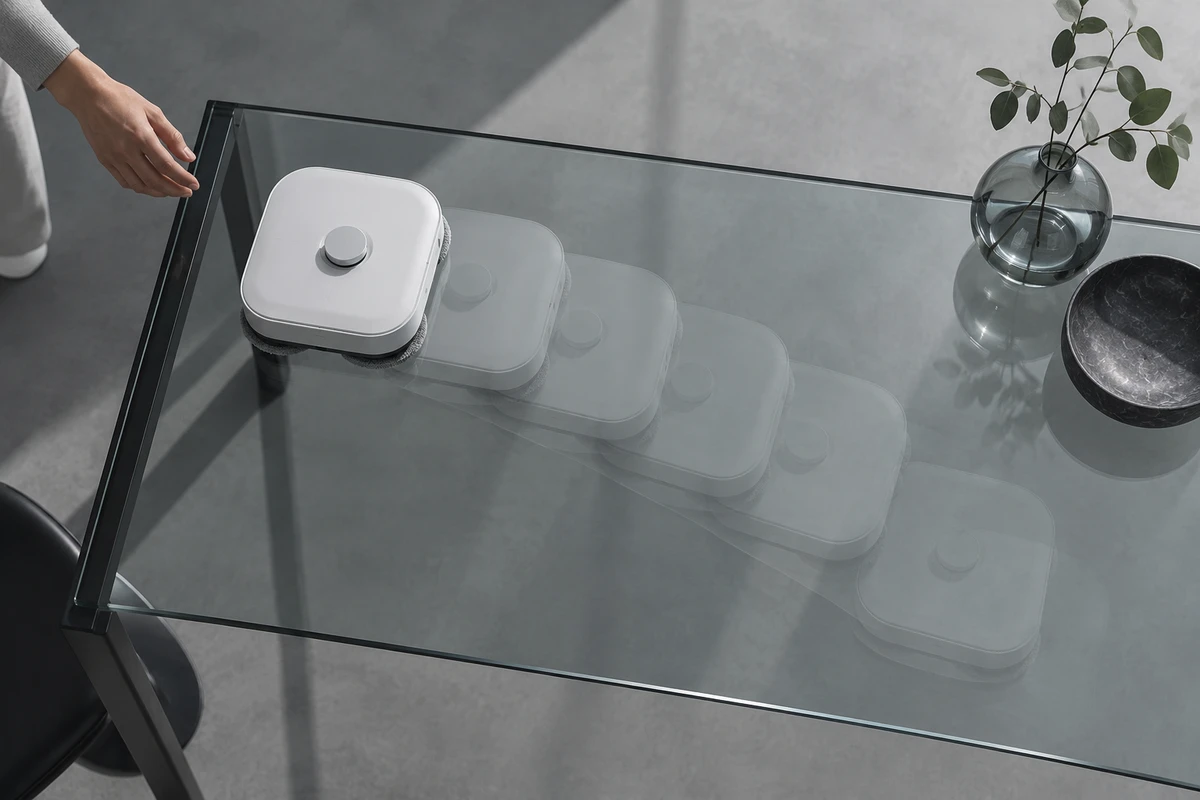
A robot cleaner starts mapping. An air fryer begins heating. A phone uploads photos. An AI application generates its first result. Each process takes time in real use, yet the waiting often disappears from a product film. Viewers see “tap, done,” and may read the pace of the edit as the speed of the product.
A product demo does not have to run for the full real-world duration. It does need to make time compression legible. The viewer should know what triggered the process, how time was compressed, what state the product entered, and under which conditions the final result applies.
Waiting is part of the product promise
Removing dead time can simply make a story efficient. When speed is itself a reason to buy, the same cut can imply performance. That implication comes from the overall impression, not only from whether the script says “fast.”
The US Federal Trade Commission’s policy on advertising substantiation says objective product claims can be express or implied and should have a reasonable basis before dissemination. This is US guidance, not a universal legal conclusion. Its creative implication is still useful for international campaigns: if a reasonable viewer would understand the film to mean that a task takes only seconds, the team should know whether that impression reflects supported performance.
Separate two jobs before scripting:
- Explain a process. Help viewers understand how an input becomes a result. Repetitive or uninformative waiting can be compressed.
- Prove speed. Help viewers judge whether completion time is an advantage. Conditions, real duration, and evidence matter.
When one campaign needs both, give them different roles. A campaign film can make the process easy to follow; a dedicated demonstration can make the timing inspectable.
Four ways to represent time
Real-time proof
Use real time when startup delay, response speed, or completion time is the claim. The entire sequence does not always need one long take, but trigger, critical feedback, and result should not be connected by an unexplained jump. Keep the device, operator, and a readable time reference in the same visual relationship, and identify the test conditions.
Real time is not automatically universal proof. Sample version, network conditions, ambient temperature, workload, and operator experience may change the outcome. A shot demonstrates only the conditions it actually shows.
Visible acceleration
Time lapse or fast motion can compress a continuous, repetitive process such as cleaning coverage, drying, curing, or a long render. Sony’s official guidance describes time lapse as capturing a series of images at set intervals and combining them into a movie. Time has been reconstructed, so the film should give viewers a cue.
A speed marker, elapsed time, clock change, changing light, or unmistakable time-lapse motion can provide that cue. Keep it close to the process and result. Otherwise, a short cutdown may retain the rapid finish while losing the evidence that time was compressed.
Explicit jump cut
A jump cut works when the missing interval does not affect the judgment. The product starts, then the film moves directly to a clearly labelled “12 minutes later” result. The before and after states must remain comparable.
If the outcome depends on manual intervention, replacement consumables, or repeated attempts, the cut cannot erase those conditions as well. Then editing has removed more than time; it has removed the assistance the product required.
Mechanism animation
CG, motion graphics, or generated visuals can explain invisible activity during a wait: heat transfer, synchronization, or the stages of a model run. They answer “what is happening.” They do not by themselves establish “how long it takes in reality.”
Keep explanatory animation distinguishable from the actual product state. A smooth data flow can sit beside a real progress screen, elapsed-time cue, or explicit simulation label. The more persuasive the visualization becomes, the more carefully it should avoid masquerading as test footage.
Preserve four nodes in the action
Any waiting sequence can be planned through four nodes: trigger, wait, state, and result.
The trigger shows where the process begins: a button press, file submission, closed lid, or placement in a defined environment. Without it, the outcome can lose its causal connection to the product.
The wait needs to feel active rather than stalled. Apple and Material Design both describe progress indicators as a way to communicate the status of an ongoing process. A film does not have to enlarge a progress bar. It does need meaningful feedback, such as remaining time, stage changes, indicator lights, sound, mechanical movement, or a change in the environment.
The state is a checkable change during the wait. A cleaning path fills in, temperature rises, an upload becomes processing, or a generation leaves the queue and begins rendering. State shots show that the process has not been replaced by an unrelated beauty shot.
The result should answer the opening question. A speed claim needs its timing conditions. A convenience claim should reveal whether the user still intervened. A quality claim needs an outcome shown at the same scale as the input.
These nodes are not a fixed four-shot formula. They can occur inside one shot or be distributed across a launch film, a feature cut, and a product-page demonstration. Every version should preserve enough time relationship to prevent “start” and “finished” from appearing magically adjacent.
A hypothetical eight-minute process in fifteen seconds
Imagine a desktop cleaning device that takes about eight minutes to scan and map a small area. The number is illustrative and does not describe a real product or ONCE client.
A fifteen-second film might show the hand placing and starting the device, keep two seconds of the real startup response, use obvious time lapse to show route coverage, and attach an “8 minutes elapsed” cue to that sequence. The result returns to the same camera position and shows the completed map and docked device. If the campaign claims eight-minute completion, the brand still needs to define area, environment, version, and test support.
An alternative cut might jump directly from start to a finished map. It is faster, but the wait becomes a black box. If the headline and rhythm also suggest an instant result, the film may imply a speed the product does not deliver. For an explanatory film, “after scanning is complete” may be sufficient. For a comparative speed claim, produce a separate, inspectable timing demonstration.
The pace of the edit can be fast. The product’s time still has to be honest.
Cues often disappear in cutdowns and localization
A clear “time-lapse demonstration” label in a master film may vanish from a six-second cut. An elapsed-time note at the right edge of a landscape frame may be cropped out vertically. Longer translated captions may cover the progress state.
Treat time cues as shot content, not as a disclaimer added at the end. Reserve a short label near the action, an elapsed-time cue inside the safe area, and any applicable condition beside the result. Recheck their relationship in every aspect ratio and language.
For silent viewing, a notification sound cannot be the only sign of progress. For localization, critical timing information should not live only in voice-over. If markets use different firmware, networks, or feature releases, complete a launch feature-state review before reusing timing claims or interface footage.
Divide the work across live action, CG, and AI
Live action is strongest for observable operation, real interfaces, and product results. CG can explain internal structure, energy, or data paths. Generative tools can previsualize environments, explore transitions, or propose visual languages for elapsed time. They can work together, but a smoother generated sequence cannot become performance evidence.
A generated visual might represent cloud synchronization as a stream moving across devices. The film should still return to the actual interface and show when synchronization starts, when it finishes, and which data becomes available. If real duration varies with network and workload, acknowledge the range or conditions instead of using one animation as proof of every case.
ONCE’s ecommerce product video production plans product-page films, demonstrations, ad cutdowns, and language versions around the same source footage. One benefit is practical: timing cues retain a place when the master is split, so an honest long version does not turn into an “instant result” ad.
Decide which part of time cannot be cut
Before filming, run the complete process once and record the true trigger, duration, state feedback, manual intervention, and outcome conditions. Then identify what the audience must judge: process, speed, convenience, or result quality. That answer determines what should stay in real time, what can accelerate, and what can be skipped.
A brand film does not need to look like laboratory footage, and viewers do not need to wait alongside the product. The useful standard is what they understand afterward: time was compressed, the product remained active during the wait, and editing did not perform the result on its behalf.
If your product story includes cleaning, heating, synchronization, generation, or another delayed process, bring ONCE the real operation footage, target markets, and planned versions. We can identify the time relationship that must survive, then design the campaign film, feature demonstration, and cutdowns around it.
Sources and limits
- Federal Trade Commission, FTC Policy Statement Regarding Advertising Substantiation, used for the US principle that objective claims may be express or implied.
- Apple Developer, Progress indicators, and Material Design 3, Progress indicators, used to verify the role of progress feedback during ongoing processes.
- Sony, Adding variety to movies with slow or quick motion and time lapses, used for the technical description of interval capture and time-lapse assembly.
- Berkeley EECS, DemoCut: Generating Concise Instructional Videos for Physical Demonstrations. The research describes fast-forward and jump cuts as ways to condense repetitive procedures and emphasizes making time manipulation visible. Its small formative study is not treated as proof of advertising performance.
This article offers creative and production judgment, not legal advice or a promise of sales results. Performance communication should be reviewed against the target market, product tests, and the brand’s approval process.