First determine which scenes truly need CGI.
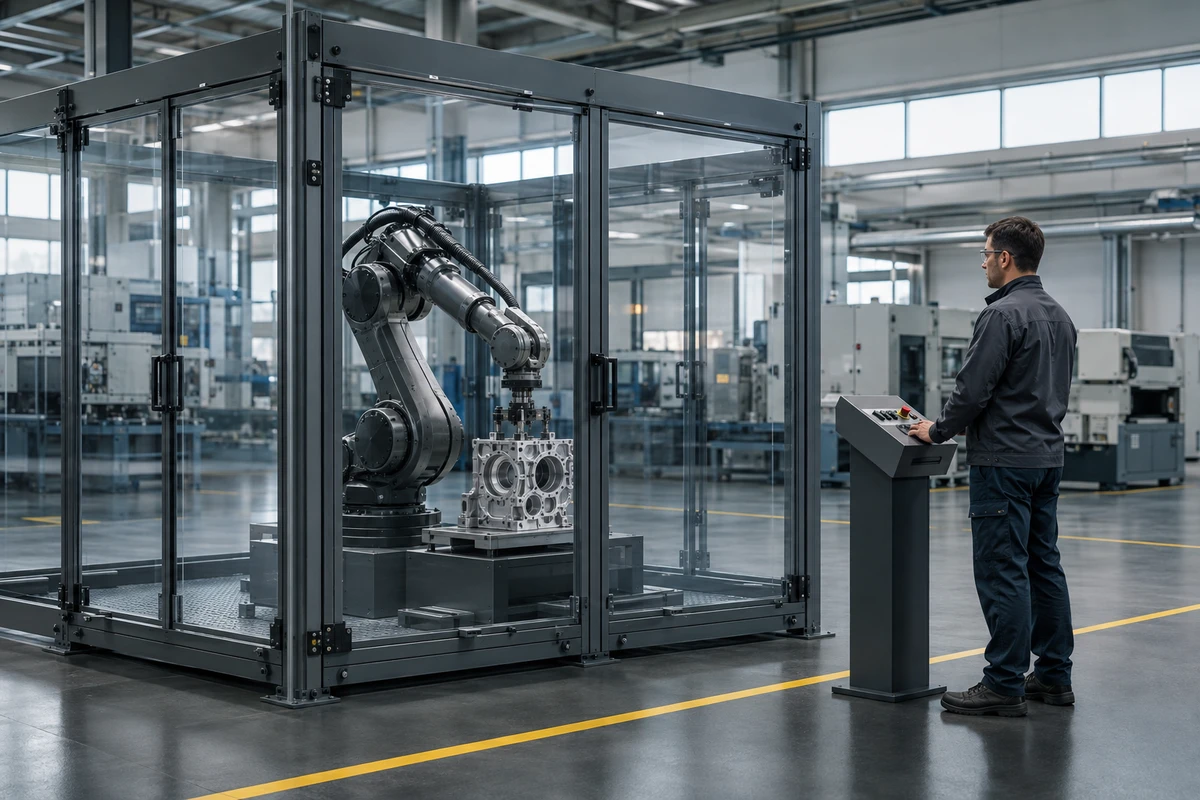
Corporate promo videos often feature scenes that are difficult to shoot, such as internal product structures, operating conditions in extreme environments, futuristic concept scenes, historical reconstructions, hazardous procedures, or microscopic physical phenomena. Forcing live-action for these would mean high costs, long schedules, significant safety risks, or even impossibility. The core value of CGI is to supplement what live-action cannot achieve. At project initiation, list all required shots and mark each with live-action feasibility, cost level, safety rating, and shooting schedule. Any shot requiring over three weeks of preparation, specialized equipment rentals, cordoning off high-risk areas, or actors performing dangerous stunts should prioritize CGI. The criteria are whether live-action costs exceed 1.5 times the CGI budget, or whether live-action risks could cause personal injury, equipment damage, or project delays. If live-action and CGI costs are comparable, choose live-action first, as live-action footage has more natural texture and authenticity. Only when live-action costs are significantly higher, risks are uncontrollable, or the visual content does not exist in reality should CGI be initiated.
Four key questions to confirm at the project initiation stage.
The first issue is the communication objective. Does the CGI shot serve the brand image, product feature demonstration, or visual impact? Different objectives lead to completely different levels of realism and stylistic directions for CGI. Brand films can be more abstract, feature demonstrations must be precise, and visual impact can be exaggerated but must be logical. The second issue is audience acceptance. CGI for professional engineers must strictly adhere to the laws of physics, while CGI for general consumers can be moderately artistic. The third issue is the core selling point. Which parameter, structure, or usage scenario the CGI should highlight determines the shot duration and detail density. The fourth issue is reference imagery. The brand needs to provide at least three to five reference images or video clips, explaining the desired style, texture, lighting, and motion. CGI projects without reference imagery have a very high rate of late-stage rework. The kickoff meeting must produce a written document, including a shot list, a CGI shot list, objective descriptions for each shot, reference asset links, and an initial draft of acceptance criteria. This document is the baseline for all subsequent stages.
List of materials the brand needs to prepare
The brand cannot just state requirements and wait for results. CGI production requires a large amount of foundational materials; the better the preparation, the smoother the later stages. You need to provide a high-precision CAD model or 3D scan data of the product. If unavailable, at least provide orthographic views, dimension drawings, material specifications, and surface treatment descriptions. You need to provide on-site photos or videos of the usage scenario, including environmental lighting, background textures, and spatial proportions. You need to provide historical footage if it involves the brand's development history or the restoration of old products. You need to provide operational data of the product under different working conditions, such as temperature range, pressure values, rotational speed, flow rate, etc. This data will affect object deformation, particle effects, and motion trajectories in the CGI. You need to provide brand visual guidelines, including logo, standard colors, fonts, and secondary graphics. You need to provide CGI clips of competitors or industry benchmarks as style references. All materials should be uniformly named, stored by shot category, and delivered before project kickoff. If materials are missing, the production team must clearly inform the brand of potential delays and additional costs, and cannot just wait silently.
CGI technical pipeline for the production team to confirm
CGI is not a one-click generation; it requires selecting the appropriate technical pipeline. 3D modeling plus rendering is suitable for product shots requiring precise control, allowing repeated adjustments to materials and lighting. Motion graphics is suitable for abstract concepts and data visualization, offering high efficiency but limited detail. Particle systems are suitable for effects like smoke, fluids, and dust, requiring high-performance render farms. Digital matte painting is suitable for background replacement and distant view extension, costing less but limiting camera movement. AIGC video generation is suitable for proof of concept and quick previews, but lacks precision and controllability, and cannot be directly used for final delivery. The production team must clarify which technical pipeline each CGI shot will use during the early stage and explain the reasoning. At the same time, they must confirm render time, hardware requirements, software versions, and file formats. If the brand requires post-production revisions, the number of revision rounds and the fee calculation method must be agreed upon in advance. After confirming the technical pipeline, the production team should create a three-to-five-second test shot to verify the overall style and feasibility. Only after the test shot passes can formal production begin. This testing stage cannot be skipped, otherwise later stages may require starting over.
How to reserve interfaces for CGI during the shooting stage
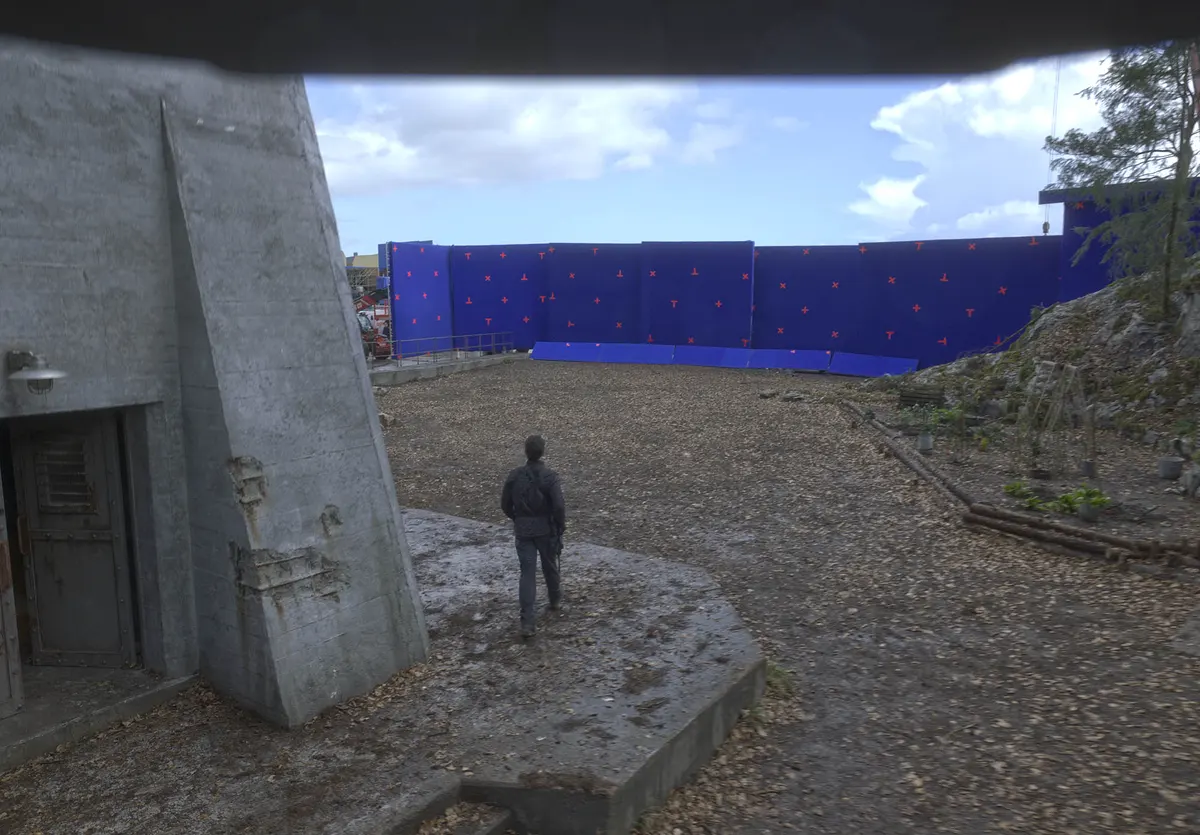
Even if the main visuals are done with CGI, the live-action portion remains crucial. During shooting, tracking points, lighting information, and spatial references must be reserved for CGI. Place markers in the live-action set, such as cross stickers or reflective balls, to facilitate later 3D tracking. Record the on-site lighting direction, color temperature, and intensity; it is best to shoot reference frames using a gray ball and color chart. When shooting background plates, leave enough blank areas for compositing CGI elements. If the product needs to interact with actors, the actors' actions must be designed in advance, and props or pantomime should be used during shooting. All live-action footage must record camera parameters, including focal length, aperture, shutter speed, and ISO. This information directly affects CGI's perspective matching and depth of field simulation. The shooting team must maintain real-time communication with the CGI team. After each day of shooting, the CGI team must check if the footage meets compositing requirements. If insufficient tracking points or missing lighting information are found, reshoots must occur the next day. Quality control during the shooting stage determines the success rate of post-production compositing.
Collaboration workflow and milestones in post-production
Post-production is not completed independently by the CGI team; the brand needs to participate in key milestone reviews. The first milestone is the rough cut, confirming shot sequence and narrative pacing. The second milestone is CGI previs, using a low-resolution preview to confirm camera movement, object form, and general visual effects. The third milestone is material and lighting testing, confirming whether the product texture, color, and lighting are accurate. The fourth milestone is final compositing, where all elements are combined to check edges, reflections, and shadows. Each milestone requires written feedback. The feedback must be specific, such as "The reflection on the wing's edge is too strong, the highlight range needs to be reduced," rather than "It doesn't feel right." The post-production team must establish version control, saving at least three versions for each shot to facilitate traceability. Render output must be layered, including the main subject layer, shadow layer, reflection layer, mask layer, and depth layer, so that modifications do not require re-rendering everything. Sound design must also proceed simultaneously; sound effects for CGI shots must be produced separately and cannot directly use live-action recordings. All post-production modifications must be documented, including the modified content, time of modification, and reason for modification.
Final film acceptance checklist and common issues
Acceptance should not only look at the final cut; it must be checked stage by stage. At the script stage, check whether all core selling points are covered. At the storyboard stage, check whether the visual language is clear. At the shooting stage, check whether the footage is complete. At the editing stage, check whether the narrative logic is smooth. At the color grading stage, check whether the colors are consistent. At the audio stage, check whether the dialogue and music are balanced. At the subtitle stage, check whether the text has errors. At the master stage, check whether the format and resolution meet delivery requirements. CGI shots should be accepted separately, checking whether the perspective is correct, lighting and shadows are consistent, object motion follows physical laws, material details are realistic, and edges are clean. Common issues include mismatched color tones between CGI objects and live-action backgrounds, inconsistent shadow directions, missing motion blur, and mismatched depth of field. These issues are easily overlooked during acceptance but will noticeably reduce the credibility of the image. During acceptance, use a 4K monitor to check frame by frame, focusing on motion shots and fast-cut shots. If an obvious disconnect is found between CGI shots and live-action shots, require the production team to recomposite or adjust. After acceptance is passed, save all project files, source files, and render layers for future modifications or derivative versions.
Cases where CGI is not applicable and alternative solutions
CGI is not a universal solution and is not suitable for some situations. When the brand's budget is extremely low and the number of shots is large, CGI may exceed the affordable range; in this case, CGI shots should be reduced and replaced with live-action shooting plus post-production color grading. When real product details need to be shown, CGI may not fully reproduce the product's tactile feel, luster, and minor flaws; in this case, macro live-action shooting should be used. When recording real production processes and employee operations is needed, CGI will lose the documentary feel; documentary-style shooting should be used. When fast delivery is required, the CGI rendering cycle is long and cannot meet urgent launch needs; in this case, consider AIGC video generation or using existing stock libraries. When the brand has no clear expectations for CGI results, it is not recommended to start hastily, as repeated revisions will consume a lot of time and budget. Alternative solutions include using live-action shooting plus post-production effects, animated infographics, live-action stock libraries, or AIGC-generated concept videos. When choosing an alternative solution, re-evaluate the communication goals and audience acceptance; do not sacrifice content quality due to technical limitations.
Next-step suggestions
If your corporate promotional video project contains shots that are difficult to film live, it is recommended to first compile a shot list, noting the difficulty of live-action shooting and cost estimates. Then have a CGI feasibility discussion with the production team, bringing reference images and product materials. During the discussion, do not rush to finalize the plan; first let the team provide test shots and a quote. After the test shots pass, proceed to formal production. If the budget is limited, you can start by trying CGI on the three most critical shots, and use live-action shooting or post-production for the rest. Remember, CGI is a tool, not an end; the ultimate goal is to make the brand message clearer and more persuasive. Keep an open mind, but also stick to acceptance standards, so that you can produce a corporate promotional video that is both efficient and high-quality.
If you are preparing a corporate promotional video project, you can first organize the brief, reference images, product or company materials, delivery platforms, and copyright scope, then checkcorporate promotional video services pageto move the discussion from abstract preferences to executable production boundaries.
Production examples and next steps
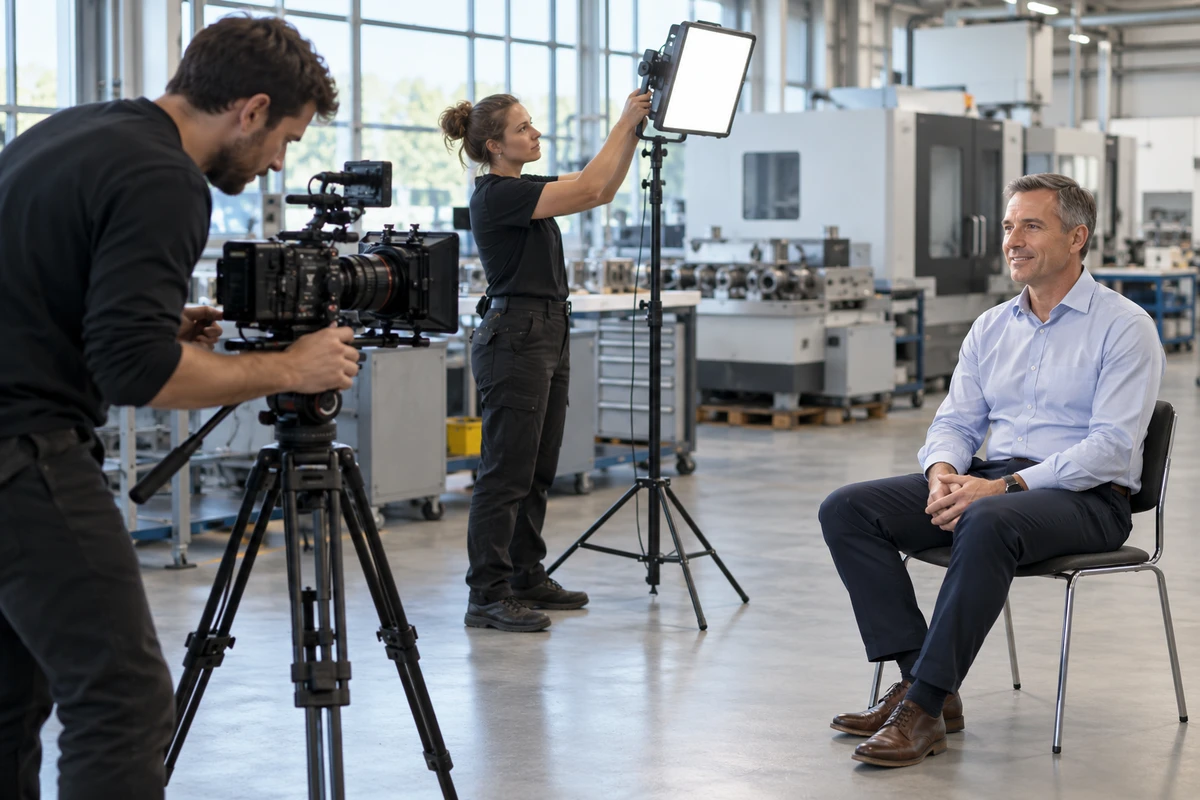
Build a factory-film brief around observable work and approved access. The Jiyang equipment and automated-manufacturing film provides an example of industrial subjects.
Review Factory and corporate video production in China and Jiyang Zhuyun: New Energy Equipment and Automated Manufacturing Corporate Film. To discuss your project, send the processes to show, filming permissions, interview roles and sales uses through the English project enquiry form.