A Shopify yoga mat page should help someone picture ten minutes of practice in a living room, bedroom, or while traveling. An overhead still may leave grip, rebound, and the space needed when unrolled unclear; an ad devoted to posing can leave the mat in the background. Film material details, movements, and the daily routine as separate useful elements, then give them roles on the product page, in social campaigns, and in retargeting.
Separate Homepage and Product-Page Shot Tasks
The homepage can establish atmosphere and brand character through morning light, negative space, and a person entering the frame. The product page needs close views of texture, thickness, edge curling, and cleaning after a sweaty session. Plan their different tasks before making one edit serve both. During the brief, write questions for four stages: first discovery, comparing materials, starting practice, and packing up to leave.
Show How the Material Responds in Use
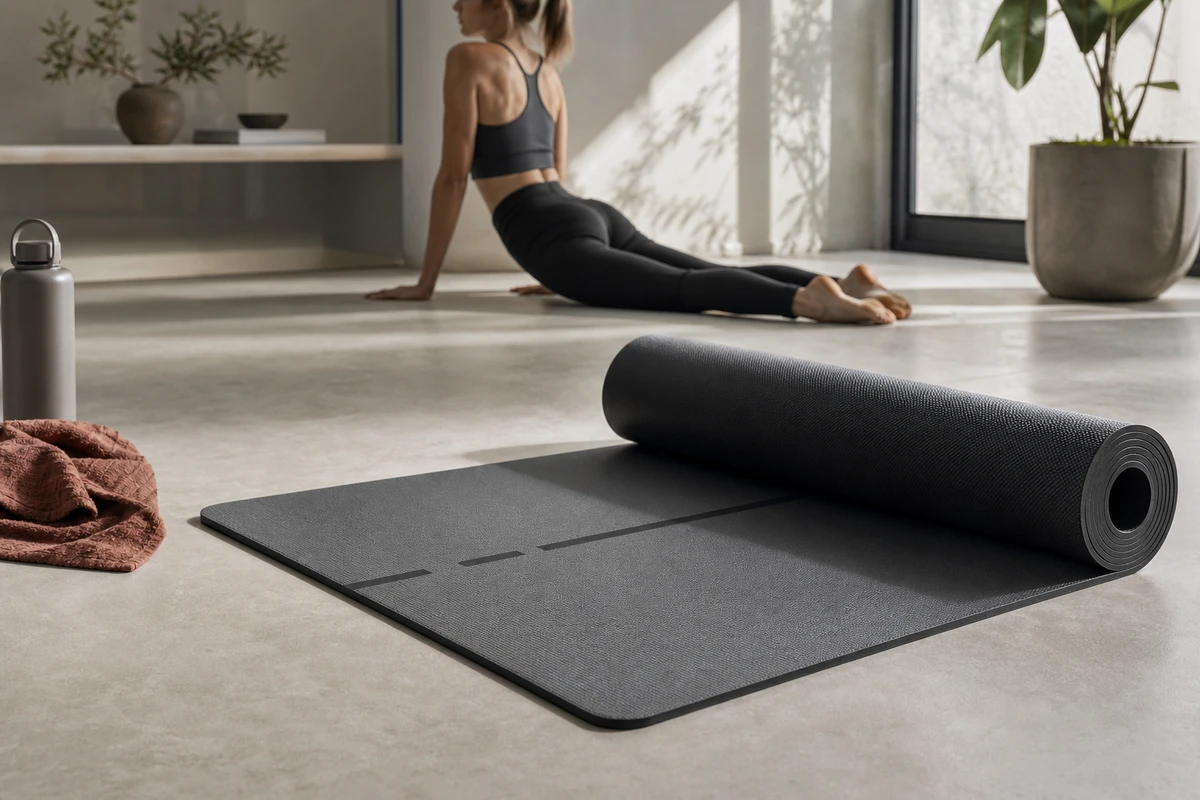
Turn terms such as high density, grip, and cushioning into visible actions under the demonstrated conditions. Show the hands during a transition from downward dog to plank; use continuous macro coverage of a knee contacting the mat, compression and rebound, and toes taking pressure. Place the mat in a real living room to explain its footprint. A person still practicing in the fifteenth minute illustrates the use scenario, while any measured comfort or performance claim needs separate product evidence. Keep the demonstration specific enough for a buyer to understand.
Capture the Basic Product and Training Coverage
The shot list should include a rolled-product hero frame, an overhead view of unrolling, texture and edge macros, full-body scale with users of different heights, pressure-point close-ups during three basic movements, hands wiping and storing the mat, and a wide view of the living space. Capture each action in horizontal, vertical, and square compositions so the editor can make cutdowns while keeping the subject clear. Add clean stills and segments without speech for email, landing pages, KV uses, and motion assets featuring the product.
Build the Main Film Around Three Narrative Threads
The functional thread covers unrolling, grip, cushioning, and cleaning. The emotional thread shows starting a session at home. The identity thread follows someone who takes their own pace seriously. Give these threads different weight for different audiences: a cold-audience hook can address a hard floor or a slipping mat; returning visitors can go straight to texture and size; post-purchase content can explain storage and care to encourage continued use. Keep the mat central to the scene.
Schedule the Hero Frame and Cutdowns Together
Instead of discovering a need for ten more cuts after delivery, mark each shot’s destinations on the call sheet: a 15-second product-page overview, a 9-second problem-solving cut, a 6-second material close-up, three looping animations, and a set of brand social shorts. Plan the lighting, location assets, and performer’s time together, and note which shots need subtitle space. Choose a cover that makes the material and demonstrated training action clear enough to invite further viewing.
Review Results by Story Angle
After release, compare the grip-focused creative with versions about a home practice ritual; they may attract different people. Review attention through the first three seconds, product-page visits, add-to-cart actions, and questions in comments. Use those observations to decide whether the next shoot needs more action, clearer dimensions, or a different hook. TikTok’s creative guidance recommends an early hook, a body that communicates value, and a clear CTA at the close. Use that sequence to assess the portrait version. A single exposure cannot settle an asset’s value; consider whether the available variables are giving the team enough to test.
Connect ONCE VISUAL’s Delivery to the Shopify Page
Shopify supports images, 3D models, and video for product media, with display depending on a compatible theme; consult Shopify’s product media documentation. For advertising, organize the library by first frame, action, person, and selling-point line, with clear version names and editing tasks. Shopify’s product demo guide can inform the demonstration plan. To coordinate the brief, storyboard, Shopify content, and advertising versions, start with ONCE VISUAL’s video marketing section.