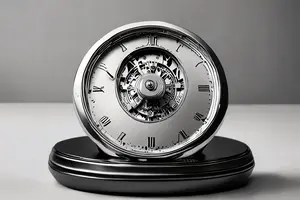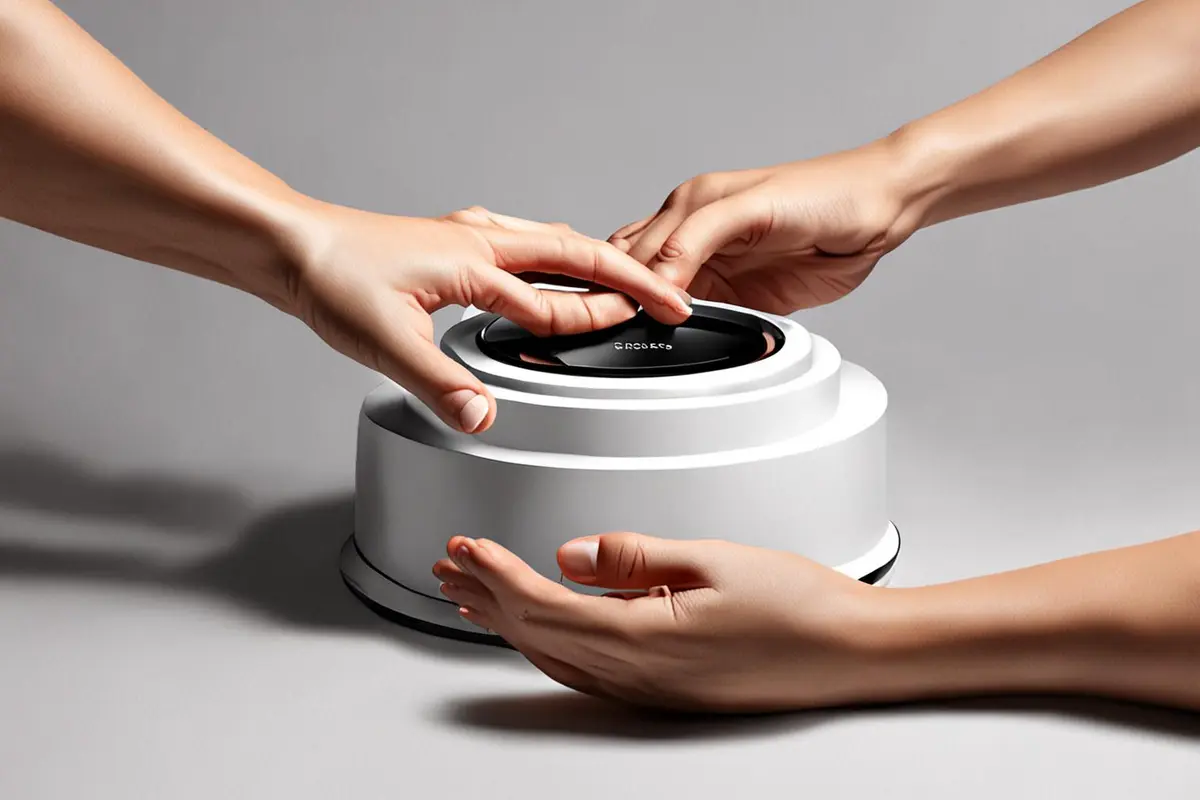
When a social video reaches its final frame and jumps back to the beginning, it technically loops. Viewers can still feel the edit. A convincing loop ending does more than hide the cut. It leaves an action, rhythm or question unfinished, so the opening frame feels like the story continuing. For a brand, the goal should also be more meaningful than earning another play. The product benefit must remain clear in every cycle, the performance needs a reason, and the technique cannot become louder than the message.
Decide why the video deserves another viewing
A loop is not an isolated visual trick. It needs a purpose: helping viewers confirm a product action, notice a missed detail or understand cause and effect on the second pass. If the first viewing has already closed every question, forcing the audience back to the beginning can feel unnecessary.
Before scripting, finish this sentence: “On the second viewing, the audience understands…” Perhaps they first notice how quickly a task is completed, then see that the product changed the space before the action began. Perhaps they focus on the result first and only later recognize that a small opening gesture caused it. This answer determines whether the loop is a narrative structure or simply a smooth transition.
The first and last frames need one unfinished state
The most reliable loops rarely depend on identical frames. Both ends share the same state of motion. A performer reaches at the end and completes the reach in the opening frame. A product moves outside the frame and enters at the start of the next cycle. A shadow travels across the subject and continues from the same direction. Viewers accept continuity of action rather than perfect pixel matching.
This means the opening cannot serve only as a hook, while the ending serves only as closure. Design them together. Treat the first frame as if it were a middle frame: if it can receive an action without a headline or voice-over, the loop has a stronger foundation.
Three structures serve different brand tasks
Action loops carry physical movement across the edit
Rotation, sliding, passing, opening and a performer's turn can all cross the boundary. Direction, speed and subject position need to match. This structure works for product form, mechanical features and usage actions, as long as the real operation is not distorted merely to create a transition.
Cause-and-effect loops return the result to its trigger
The video presents a result, reveals the process and ends on the action that caused the result. When the first frame appears again, it now means something different. This structure suits a product feature that needs a fast explanation. It can also work with brand content planning: retain the loop structure and replace one cause or result to compare which benefit is easier to understand.
Rhythm loops return sound and movement to the first beat
A tap, button press, drop or light change can become the beat. The final movement remains slightly unresolved and the first beat of the next cycle completes it. This works for concise product demonstrations, but sound and image must be designed together. Music added after the edit cannot reliably conceal a weak boundary.
Shoot enough handles for the edit
If the set records only one tightly completed action, the editor has little room to move the loop point. For every action that may cross the beginning and ending, record extra time before entry and after exit. Track the performer's starting posture, hand position, product orientation, motion speed and eye line. When the product needs to be reset, confirm that the next take returns to the same physical state.
A controlled loop does not require a locked camera. The camera can move, but the movement axis, direction and speed at both ends need to be comparable. With handheld or stabilized movement, a foreground object can briefly cover the frame and contain the cut. That cover should grow from the scene rather than appear as an unexplained black object.
Exposure, white balance and changing light can reveal the seam
Even when motion matches, a sudden brightness shift will expose the loop. Automatic exposure, automatic white balance, screen flicker and changing daylight can place the first and last frames in different visual states. Lock the essential camera settings and watch any practical source that continues to change during the take.
If changing light is part of the concept, it does not need to be removed. Make it part of the cycle. A shadow can travel from left to right, leave the frame and enter again from the left. When change has a direction, viewers read it as movement rather than a color error.
Sound reveals a restart faster than the image
Motion blur can hide a visual cut, but sound leaves a precise boundary. Room tone disappears, a musical decay is clipped, or a performer takes the same breath at the opening frame. These details make the restart feel mechanical. A more reliable approach begins with a continuous ambient bed and adds a sound action that can cross the boundary.
Transient sounds such as taps, clicks and impacts can land on the first beat of the new cycle. Sounds with a tail need room to decay or another environmental sound that receives them. Simply duplicating a music phrase at both ends often exposes repetition faster than the image does.
The product benefit must survive every cycle
A loop can look elegant while leaving viewers unsure about what changed. Start playback at any second. If someone must wait for a complete cycle before identifying the subject, action and result, the video will be fragile inside a real feed.
Give the product at least one stable point of recognition: a readable silhouette, an operation that causes the change, or a result that returns in every cycle. The loop organizes time; the product action supplies meaning. ONCE's social media video production begins by separating hero edits, cutdowns and vertical assets before deciding which actions deserve a loop.
A call to action does not have to disappear
Brand content often treats seamless looping and a clear action as competing goals. They can coexist. Complete the product result first, then let an action or sound lead the image back to the beginning. A CTA can enter briefly inside a safe area, or live in the landing page, caption or platform copy. Viewers should understand the product before they are asked to act.
If a CTA fills the final frame, an abrupt return to a performer or product will naturally break the loop. In that case, do not pretend it is seamless. Design an intentional chapter restart instead of sacrificing readability.
Review horizontal, vertical, silent and sound-on versions separately
Aspect ratio changes when a subject enters and leaves the frame. A sideways movement that works in a horizontal composition may become a sudden flash after a vertical crop. A product near the edge may disappear at the loop point. Judge the first and last frames in every delivery format rather than relying on the hero timeline.
Watch both with and without sound. In silence, does the cause-and-effect relationship remain clear? With sound, do ambience and music reveal the seam? Use ONCE's video production templates and examples to organize the required versions, then give each aspect ratio its own boundary adjustment.
Do not ask only whether the cut matches
Play the finished loop three times and ask four questions. Can the product be understood on the first pass? Does the second reveal something new? Does the third already feel repetitive? If playback begins at a random point, can the viewer still identify the reason and result? When the only strength is an invisible cut, technique has overtaken content.
A strong loop does not announce the editor's skill. It makes an action appear to continue, allows product value to become clearer on the next viewing and gives a social video its own sense of time. If you are planning a content set with horizontal, vertical and multiple short cutdowns, send ONCE your project brief to discuss shooting actions, sound design and loop versions.