An email promises to show how a product stores its accessories. Its image opens the brand homepage, where the reader has to find the product, locate the right media and start again. The video may be excellent. The campaign has simply failed to deliver the viewer to it.
For overseas brands commissioning product content from a China-based team, this is worth resolving in the brief. The first creative encounter may be a linked image in an inbox—not the first three seconds of the film. Before buying another cut, determine whether the missing work is an entrance image, a task-specific opening or the route between them.
A video block can be a link, not a player
Mailchimp’s current new-builder Video content block guide, checked October 25, 2026, describes a video link with a thumbnail. It explains that most email clients do not support embedded video, so recipients follow the image into a separate browser window. The builder allows a replacement thumbnail and descriptive alt text.
This is a specific supported workflow, not a declaration that every email client or integration behaves identically. For campaigns using it, ONCE’s inference is practical: there is an experience to approve before the video begins. An automatically retrieved thumbnail does not automatically make that experience clear.
The image must work with this email’s copy and display size. A cover designed for browsing a video channel may not explain why a subscriber should open this particular product demonstration.
ONCE’s pre-play handoff card
For one email promoting one viewing task, record four decisions:
- The promise before the click. Name the answer the recipient should expect, rather than merely inviting them to “watch our exciting video.”
- The actual destination. Identify the final page and video. Count any additional searching the person has to do.
- The first visible state after arrival. Check whether the player or viewing route is easy to find and matches the product and task promised in the email.
- The action after viewing. Make the next step relevant: specifications, further explanation or purchase, according to the content’s purpose.
This is a proposed ONCE review method, not a Mailchimp requirement or an account of a completed customer test. Review the actual email entrance, destination and opening frame together. Three screenshots can make a broken handoff apparent; they are suggested review materials, not a fixed production package or a performance study.
Keep the entrance image focused. It need not contain the full instructions. Use nearby readable copy and a clear text link, alongside descriptive image alt text. These choices do not guarantee identical rendering everywhere; inspect the message in the receiving environments relevant to the campaign.
Brief backwards from the promised answer
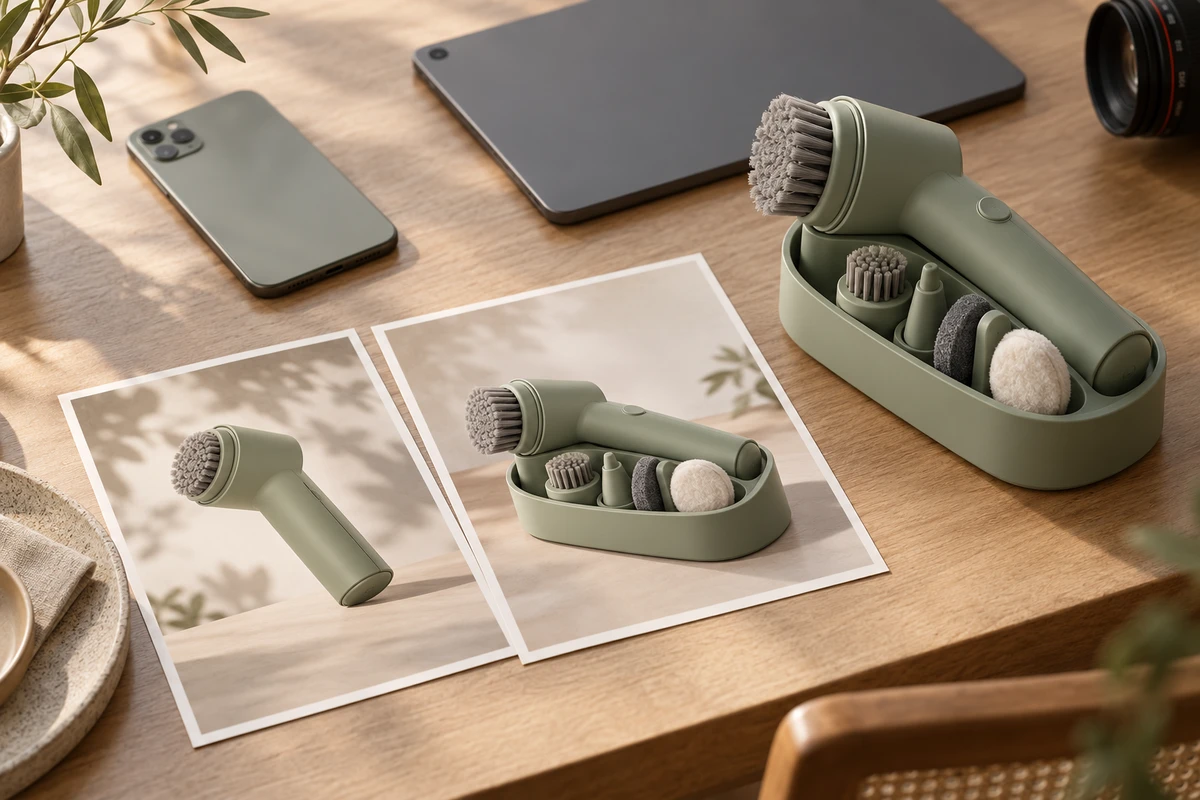
Imagine a hypothetical handheld cleaning device whose attachments fit into a storage dock. The campaign’s task is to explain that storage arrangement. No actual device specifications, customer results or testing are assumed.
Choose an entrance image where the attachments and storage positions are recognizable. A dramatic silhouette may be attractive but unhelpful for this invitation. If the existing film contains no useful still, plan a dedicated frame or a deliberate pause during production. Not every moving shot yields an effective image when frozen.
Then check the destination. On a product page, can the reader locate the storage demonstration without another search? On a video platform, does the final link open the approved language and version? Do not assume browser autoplay or disguise an external viewing journey as immediate playback inside the email.
Once the film starts, fulfil the storage promise promptly. Brand atmosphere may still belong in the work, but a long unrelated introduction asks the reader to wait again for the answer. A task-specific opening or shorter edit may be enough when the master film serves several uses. Rebuilding every scene is not the default solution.
A link click is not a video view
Mailchimp’s click-tracking troubleshooting guide explains link-interaction tracking and warns that automated activity, including security filtering, can produce clicks. That does not make every click meaningless; it makes a link event a different observation from actual playback.
Where the setup genuinely supports it, observe entrance clicks, destination arrivals, player starts and the subsequent action separately. Report only events that have been configured and checked. Mark an unobserved stage as unknown rather than substituting the previous count, and do not force records into a single journey when they cannot be reliably connected.
If clicks rise without a corresponding rise in recorded starts, inspect the destination, loading and viewing route before deciding to reshoot. Definitions, sample differences or filtering may also explain the discrepancy. These numbers alone do not establish that the creative failed. No conversion benchmark or sales guarantee is asserted here.
Buy the missing work
Scope the entrance still and surrounding explanation, the task-specific video adaptation, and the handoff review separately. Identify who maintains the email template, who owns the web destination and who approves the video version. Commissioning a production team does not automatically include building or sending an email campaign.
If the film already answers the question, improve the route first. If the essential storage action is missing, add that action. If the link points to the wrong version, correct the configuration rather than covering it with more footage. Estimate effort against the actual gap, without assuming a universal saving percentage.
Bring the current email layout, final URL, existing film and one important recipient question to ONCE’s production team. Approve how the viewer reaches the opening, then decide whether the opening itself needs more production.
Source check: October 25, 2026. The two Mailchimp help pages are current documentation; a precise publication date was not established here. The original AI cover is conceptual—not an email-client screenshot, customer campaign or analytics record.