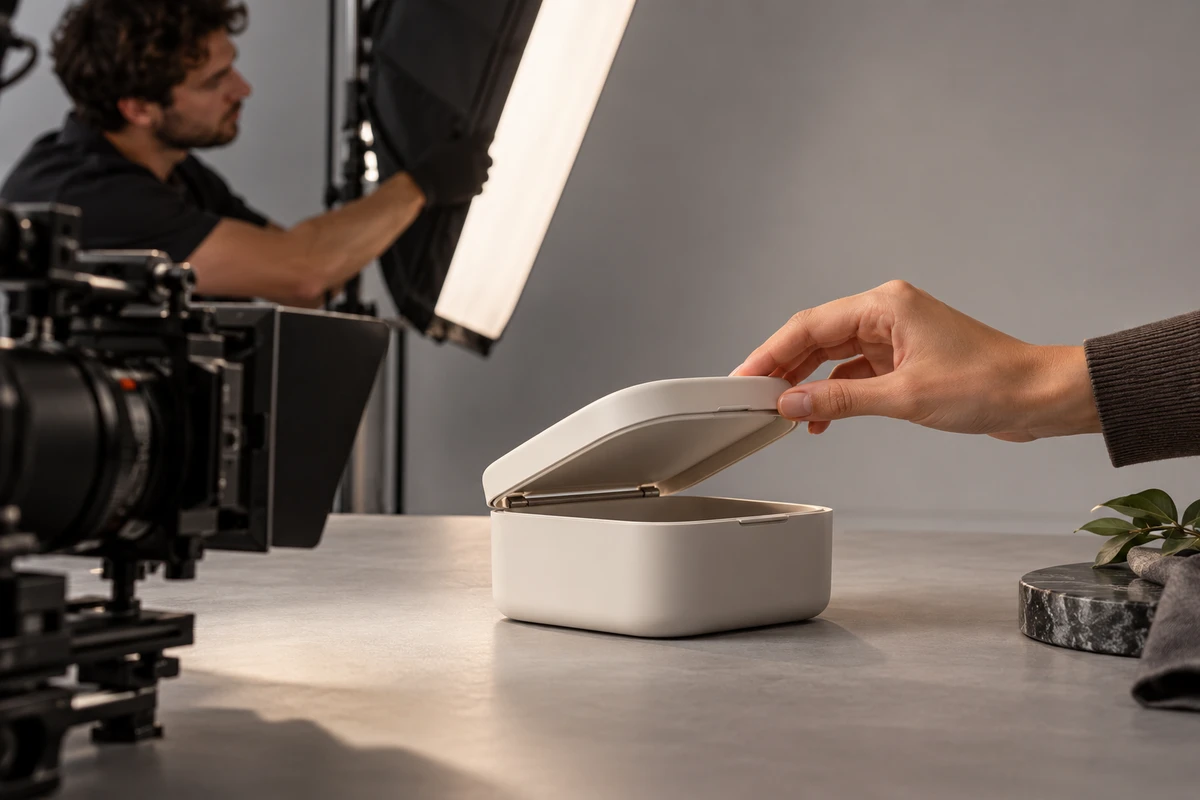
The direct answer: product video rush fees do not buy "everyone working a little faster." They buy continuous time reserved by the production team for your launch date, with photography, editing, color grading, sound, and export slots secured in advance, plus the risk of rework after tasks are run in parallel. If a quote only lists one rush percentage, the buyer still cannot tell which hours are actually being compressed.
This article is for brands and cross-border e-commerce teams whose products are ready for sampling but whose launch date has suddenly moved forward, or whose advertising windows, trade shows, or crowdfunding launches cannot be rescheduled. After reading, you can determine which waits can be removed, which steps cannot be skipped, how reviewers should respond, and what delivery results should be used to accept a rush quote.
A Rush Quote Buys Three Defined Time Windows Before a Percentage
The first is the start time: when the script, sample unit, and page tasks become production-ready. The second is the review-copy time: when the buyer sees a version that allows the information order to be judged. The third is the master-delivery time: which aspect ratios, languages, and files must be completed before launch. If these three times are not clearly stated, "delivery in two days" might mean an offline rough cut in two days, or it might mean all platform files completed in two days. The quote cannot be compared fairly.
The first table for a rush job should contain only four columns: the immovable launch time, the content that must go live, the content that can follow later, and the person responsible for each confirmation. If the main film, three short cutdowns, landscape and portrait versions, five languages, and project files are all marked as the same priority, the team can only open many unlocked tasks at once, and will most likely spend the final hours on versions that overwrite one another.
PMI's explanation of project schedule compression distinguishes adding resources from converting tasks that were originally sequential into parallel work, and notes that both approaches bring cost or rework risks. Video projects work the same way: assigning another editor is adding resources, while starting subtitle copy and an offline edit at the same time is parallel production. Both actions should be specified in the quote; "rush" alone is not enough.
For the standard production scope of a product hero film, platform cutdowns, and multilingual assets, first compare the cross-border e-commerce product video production solution. If you need to confirm how products, scenes, and people can be organized on the same day, you can also browse the product and commercial visual case studies. This article focuses only on how production scope and costs should be rearranged after the date is moved forward.
Cut Wait Time First, While Samples, Assets, and Approved Copy Still Pass Three Gates
The most suitable wait to remove in a rush job is queue time: there is no need to wait for next week's editing slot, wait for all footage to finish transferring before creating the project, or wait for the hero film's fine cut before organizing platform folders. The least suitable thing to remove is input checking. Confirm before the camera rolls that the hero sample is clean, the functional sample can repeat the action, and all accessories and consumables are complete. Otherwise, discovering after the shoot that the device batch, interface, or packaging does not match the page can turn half a day saved into a complete reshoot.
The first gate is called "content lock." Put product facts, actions that must appear, outdated packaging that must not appear, and approved copy on one page; selling points still under discussion do not enter that day's picture lock. The second gate is "asset lock." Before wrap, the script supervisor checks whether every required shot has a usable take, memory cards enter two independent backups at the same time, and then proxy files are handed to the editor. The third gate is "version lock." First confirm one aspect ratio, one language, and one end card required for launch; add the other versions after the master is established.
These gates do not need to slow the project. Sample checks can happen alongside prelighting, an editing project can be created from proxy files while the original footage continues copying, and approved subtitles can undergo terminology checks before the rough-cut rhythm is confirmed. What truly cannot run in parallel are dependent actions: creating motion graphics before product claims are settled, fully grading before shot order is locked, or batch-exporting before end-card information is approved will all invalidate later work.
If the project is still in a normal schedule, refer to the schedule for a Shopify product video from page confirmation to launch testing. That article addresses how to reserve time for a complete cycle; a rush project must identify the waits, dependencies, and checks that must remain at the same milestones.
Split Parallel Post by Dependencies, Not by Opening Five Apps at Once
A workable rush post-production process usually starts with a proxy rough cut. The editor establishes the information order using shot numbers, the motion graphics artist creates only the approved intro, parameter styling, and end-card template, and the sound team first organizes production audio, music candidates, and voice-over timing slots. Before the rough cut is locked, the colorist selects only representative shots to establish direction rather than finely tracking every shot. This can reveal mixed lighting, screen flicker, and product color differences early without wasting a full block of labor when shots are removed.
After picture lock, the work splits into three tracks: fine grading and effects conform for the picture, sound and voice-over completed to timecode, and output preparation for landscape, portrait, and platform presets. Adobe Media Encoder's official documentation shows that watch folders can automatically queue and render jobs and create multiple output instances from the same source. This reduces repetitive operations, but it does not decide the correct resolution, frame rate, or version content for the project.
Adobe's export settings reference lists configurable items such as frame rate, resolution, and audio. For rush delivery, the platform, page, and media-buying leads should first approve one output sheet before batch processing begins. Do not assume every platform can use the same file simply because encoding can be automated. Name the master, upload, review, and archive versions separately; filenames should contain at least the project, aspect ratio, language, version number, and date.
The shoot itself can also prepare for parallel post: for products with screens, capture one clean-screen take; when motion graphics require tracking, retain both marked and unmarked versions; for irreversible actions such as unboxing, consuming liquid, or removing film, complete landscape and portrait compositions in the same state; and leave space for multilingual short lines in the text area from the start. These are real actions that reduce post-production waiting, not a request for staff to stay up late recreating a shot that was never captured.
Timed Reviews Need One Entry Point, One Owner, and Three Decisions
The most common pause in a rush project is not rendering but scattered feedback from multiple people. Marketing says in the group chat that the pace is slow, the product manager changes parameters in a document, and the overseas team sends a new end card. The editor cannot tell which instruction is final. Before review, appoint one person to consolidate feedback, route every comment through the same review link, and set a deadline for each feedback round. Record late comments, added scope, and clear errors separately.
Adobe's guidance on frame-accurate comments shows that review comments can be attached to specific points in the image timeline with annotations and replies. For rush projects, the comment format should also be standardized as "timecode - observed issue - approved direction." Phrases such as "make it more premium" or "it does not feel fast enough" must be converted by the owner into executable instructions before returning to the edit.
The three decisions are content lock, picture lock, and master approval. Content lock covers only selling points, missing shots, and product facts; picture lock confirms duration, order, and subtitle placement, with no new scenes added; master approval checks only color, sound, text, end card, and output specifications. Adobe's collaboration version guidance notes that review rounds create an accessible version history, which is ideal for a rush project to retain "which version was approved, at what time, and by whom."
The owner must also commit to a response speed. If the production team delivers a rough cut at 10 a.m. but the brand does not consolidate feedback until the following evening, the project has lost not editing speed but an entire workable window. The quote can state, "Feedback will be consolidated within two hours of review delivery." If the deadline is missed, delivery moves accordingly, or both parties choose again between reducing versions and adding night-shift capacity.
Accept the Final Fee Line by Line Against Resources, Invalidated Work, and Delivery Versions
A clear rush quote should split at least five categories: personnel and equipment slots secured early, night or weekend work periods, additional hours for parallel roles, production that may become invalid because inputs were not locked, and the number of files that must be output before the deadline. It does not need to publish a universal percentage, nor should it bundle every risk into one unexplained line. Only when buyers see each item can they tell whether the budget is buying certainty of time or insurance for undecided content.
Acceptance does not end with "we received an MP4." First check the product, text, sound, and end card in the main version, then check landscape and portrait aspect ratios and languages, followed by the resolution, frame rate, audio status, and naming of every upload file. After the output queue finishes, perform a spot check: Is there a black frame at the start? Is the final frame missing? Are subtitles truncated? Is the sound on the correct channel? Finally, place the approved master, upload files, review records, and follow-up list in the same delivery directory.
If a rush project completes only the core master before the deadline, the follow-up content must still be clearly scheduled: for example, when each additional language, extra cutdown, textless version, or project archive will be delivered. This prevents "go live first" from quietly becoming "the remaining content is canceled" and allows the production team to resume normal quality checks after the high-pressure window ends.
If your product launch date is already fixed, send ONCE your existing script, sample status, versions required for launch, current assets, and reviewer list. We will first map the waits and dependencies, then confirm the shoot, edit, and output capacity that can run in parallel, and put the rush fee and deadline for each review round into the same delivery sheet.
Production examples and next steps
Plan the product demonstration around what viewers need to understand. The realme GT7 film provides a reference for product detail and use scenes.
Review Ecommerce product video production in China. and realme GT7: Graphene Ice-Cooling Body Product Demo. To discuss your project, send the product sample, approved claims, use scenes and required formats through the English project enquiry form.