If a commercial involves extensive repetitive roto keyframes, SmartRoto can serve as an acceleration node within the Nuke pipeline. It handles the repetitive tasks of keyframe propagation and deformation tracking, while decisions on shape segmentation, edge placement, and locked frames remain with the roto artist. Treating it as a reversible support tool allows both efficiency and quality to be integrated into acceptance standards.
Position the Tool Correctly First
SmartRoto operates around two types of keyframes. User-placed keyframes serve as reliable constraints, while model-generated smart keys interpolate motion between them. When deviations occur, artists can correct the current frame and have subsequent predictions reference that correction. This iterative workflow preserves traditional roto judgment while reducing the repetitive labor of adjusting splines frame by frame.
This iterative correction workflow also defines its limitations. The tool does not replace subject segmentation or make decisions regarding hair, semi-transparent materials, or complex occlusions. Projects must retain original footage, shape layers, user keyframes, and editable project structures to allow immediate reversion to manual processing.
Which Shots Are Best for Initial Tests
Start with three types of short shots. First, medium-complexity shots with clear subject motion and continuous deformation. Second, shots with relatively clean edges and minimal fine hair or semi-transparent areas. Third, shots with predictable occlusion patterns where motion relationships can be defined by a few reliable keyframes.
Increase manual inspection frequency in the following situations.
- Motion blur makes contours difficult to determine across multiple frames.
- Overlapping subjects or similar-looking individuals cause shape and identity confusion.
- Flowing hair, sheer fabrics, and reflective edges generate numerous fine-grained variations.
- When a subject reappears after full occlusion, its shape lifecycle must be redefined.
These shots can still be attempted, but include the most challenging segments in a test sample first to confirm correction costs before scaling up.
A reversible workflow sequence.
First, select a frame where the subject is fully visible with minimal occlusion, and segment shapes based on joints, clothing, and props. Then place user keyframes at points of significant motion change to provide clear guidance for the model. After generating smart keys, inspect each segment for contour alignment, deformation continuity, and occlusion relationships.
When deviations are found, correct the current shape directly and save it as a new user keyframe. Then rerun the adjacent range so the prediction incorporates this constraint. After completing each segment, save a versioned project file and a preview to prevent subsequent adjustments from overwriting traceable intermediate results.
Speed tests cited in archived reports apply only to specific versions, shots, and testers, and cannot be used to guarantee project timelines. The true benchmarks are the team's actual measured times on proprietary footage and the revision counts for identical shots under manual versus assisted workflows.
Review four key outcomes during acceptance testing.
- Editability: Output splines must remain editable and not be reduced to a locked matte.
- Correction cost: Track manual corrections per second of footage and compare against a fully manual workflow.
- Visual continuity: Inspect edges, motion blur, and occlusion transitions segment by segment to ensure no sudden shape jumps occur.
- Fallback path: Retain manual roto inputs and versions to enable quick reversion if significant deviations arise.
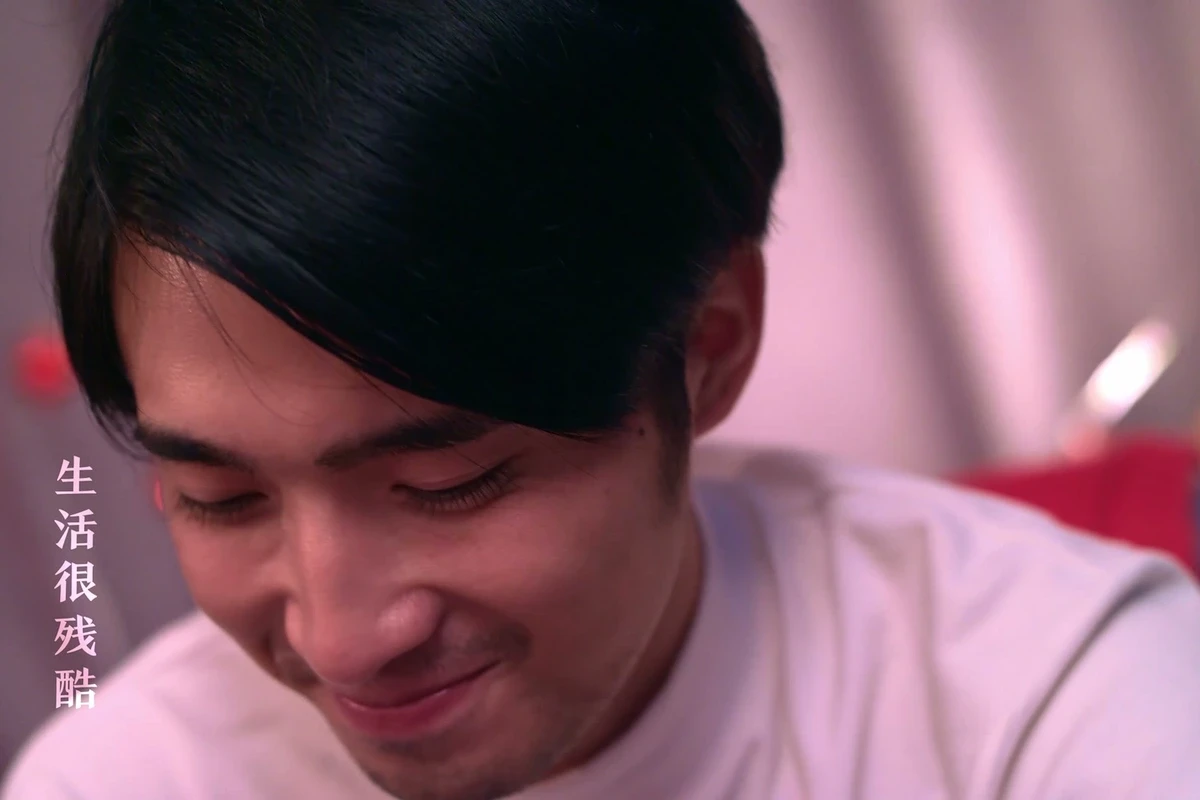
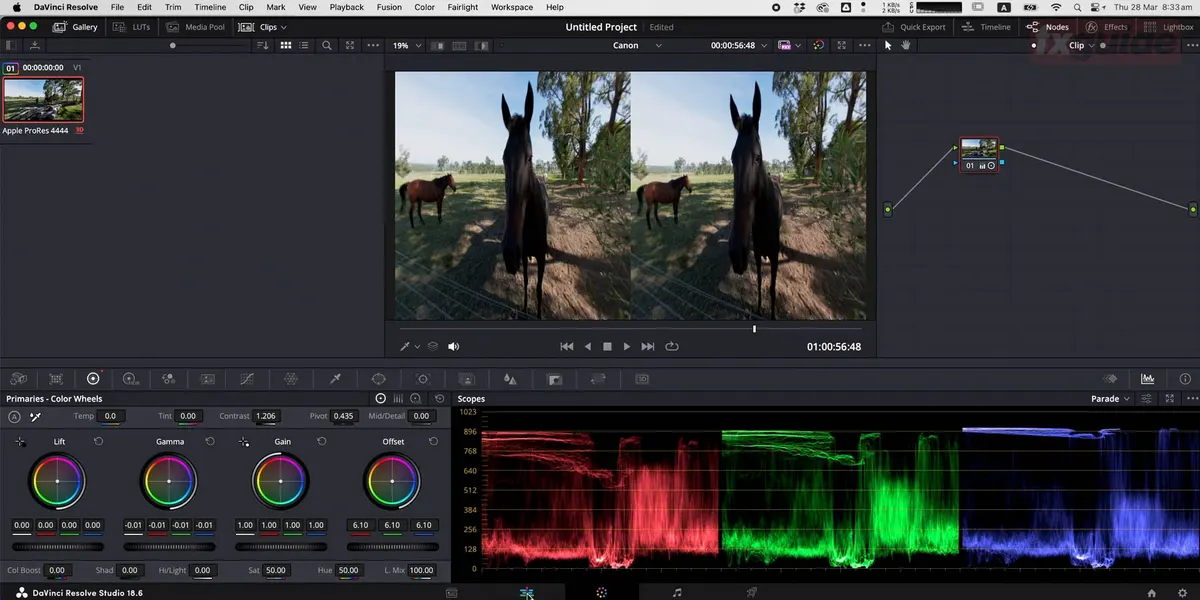
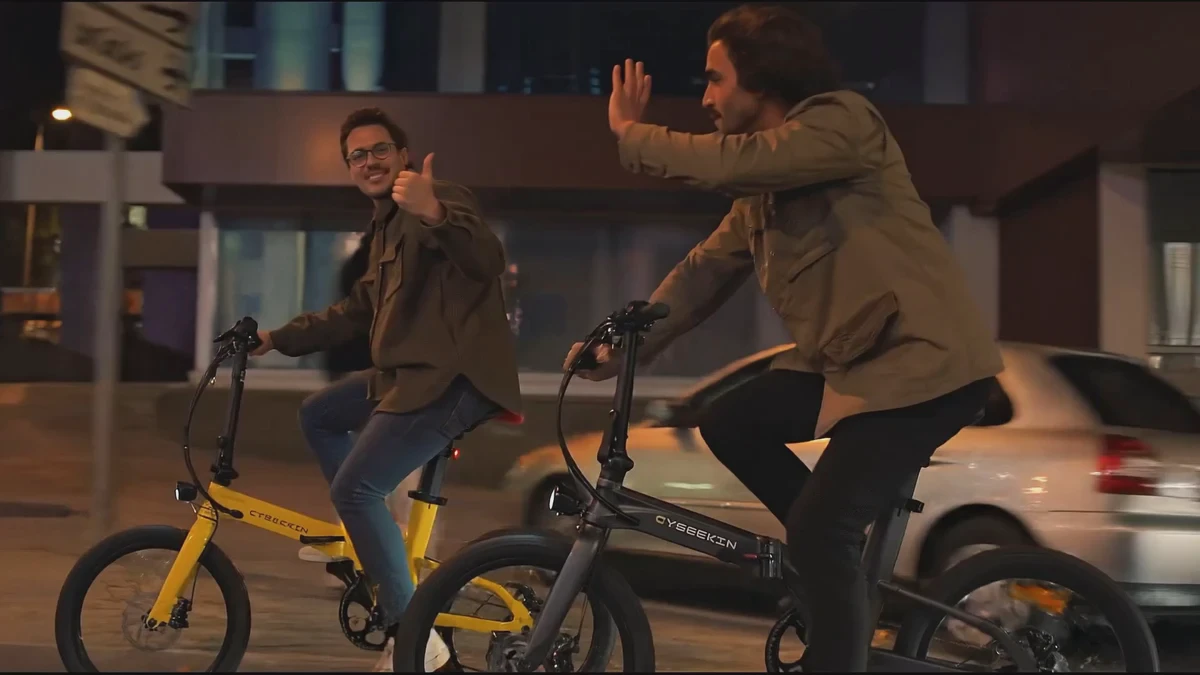
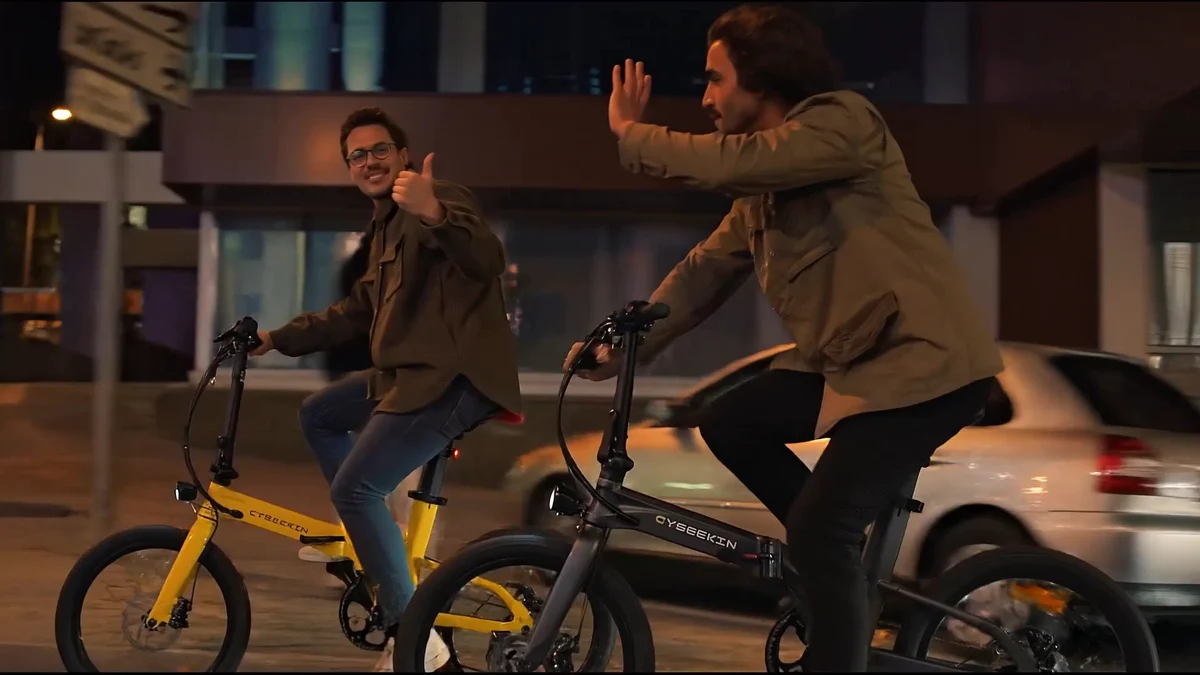
The ONCE proprietary case images shown here are for observing character motion and environmental continuity only and do not represent SmartRoto output.
When to Scale Adoption
Teams should expand SmartRoto to more shots only when tests show stable correction volumes, editable splines, and reliable fallback options. Reserve manual time for high-risk shots and re-benchmark based on actual software versions and hardware. AI assistance allows artists to focus on shape judgment and quality control, with final delivery still verified manually shot by shot.
Material Verification
- Foundry SmartRoto
- Foundry SmartRoto research note
- Foundry Nuke 17 release notes
- Research Seed 0909 Foundry's SmartRoto
Production examples and next steps
Use the TVC brief to connect the selling point, performance and product presentation. The Red Devils × Tencent Games commercial is a finished-film reference.
Review TVC and commercial production and Red Devils × Tencent Games: A Passionate Competitive TVC for Young Players. To discuss your project, send the script, storyboard, required formats and approval dates through the English project enquiry form.