Research articles from years ago often discussed image forensics and AI detection together. Today, brand teams primarily need to ensure provenance and edit history are verifiable. Adobe’s Content Credentials can record the creator, editing process, and generative AI usage, but it is not an infallible seal of authenticity.
Distinguish Detection from Documentation First
Detection tools attempt to infer whether an image has been altered based on pixel or model features. Content Credentials record information actively embedded during the creative workflow. They address different issues; possessing credentials does not guarantee absolute authenticity, nor does their absence definitively prove content is fake.
Research Seed 0935 covered early Adobe and academic research on detecting Photoshop Face-Aware Liquify. That was a limited-scope experiment and cannot be generalized as a universal detector for all current AI images. Current official Adobe documentation defines Content Credentials as provenance metadata attached during creation and editing.
Documentation Workflow for Brand Projects
First, enable Content Credentials in your creative tools to record the creator and generative or editing actions. Second, preview credentials at key delivery milestones to verify that edit history and AI usage status are accurately represented. Third, include credential-bearing exports, original project files, version hashes, and approval records in a single delivery package.
When transferring assets across software, document which steps may strip or overwrite credentials. Screenshots, recompression, platform transcoding, and re-exporting can all affect readability. If a platform does not support credentials, maintain a mapping between the original credentialed files and publicly published versions in your project documentation.
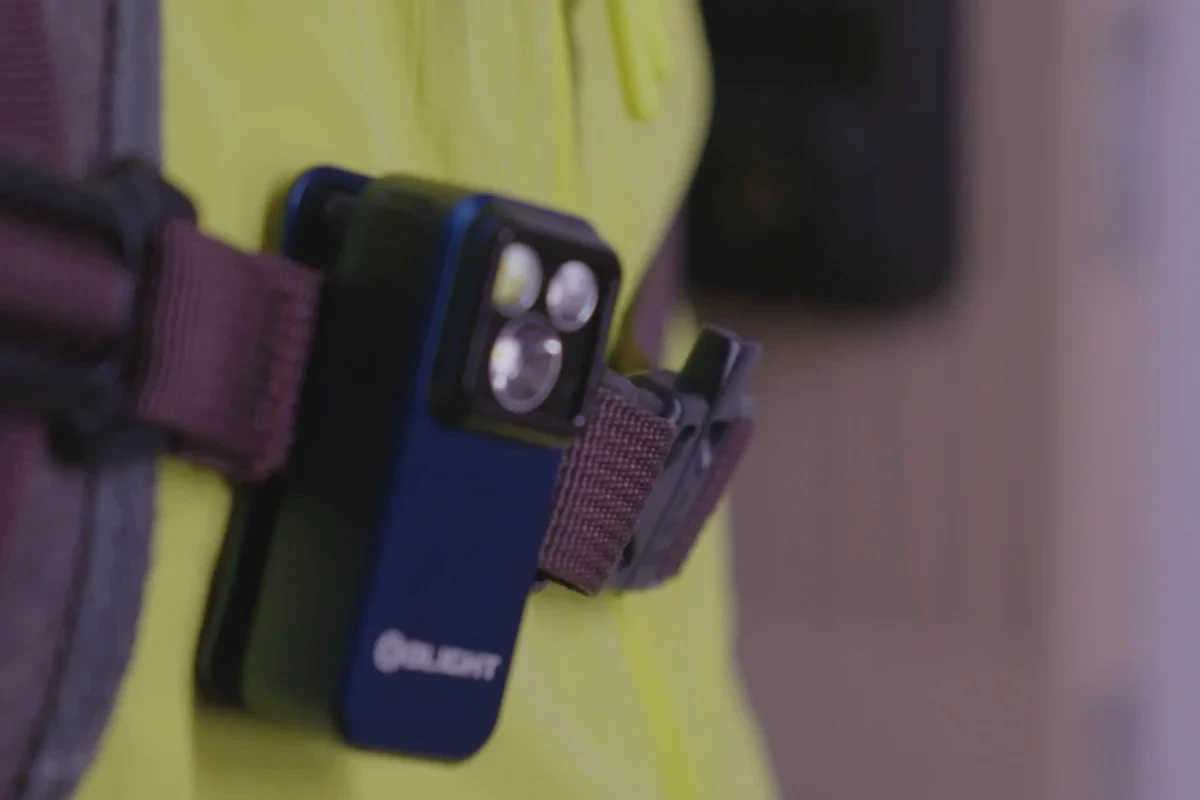
The image below is from ONCE's proprietary product visual content, used to discuss version and provenance management of brand assets. It does not contain the Adobe Content Credentials described in this article, nor is it an AI detection example.

Clearly define boundaries for external release
Brand release notes can specify whether assets were AI-generated or AI-assisted, who approved them, where credentials can be viewed, and which platforms may not display them. This provides consumers with verifiable process information rather than a context-free "AI label."
If you are establishing AI usage guidelines for brand visuals, start with ONCE AIGC Content and AI Workflow Discuss asset provenance, review checkpoints, and multi-platform delivery.
Material Verification
- Research Seed 0935 Adobe Photoshop AI Detector
- Adobe Content Credentials overview
- Adobe Use Content Credentials in Photoshop
- Adobe Export your work with Content Credentials
Production examples and next steps
Plan the real product actions and outdoor conditions together. The WISE TIGER inflatable-tent film provides a reference for setup and camping scenes.
Review Ecommerce product video production in China. and WISE TIGER: Day and Night Camping Experience with One-click Inflatable Tent. To discuss your project, send the product actions, locations, weather options and delivery versions through the English project enquiry form.