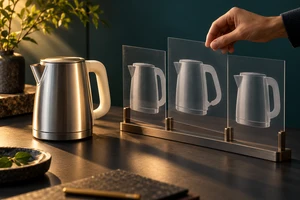
Imagine an AI concept deck with three polished moments: the camera travels through a transparent product, the product flips in midair, and a hand catches it as it falls. Every frame is presentation-ready. The problems appear when the frames are connected. Where does the camera enter and exit? Which side of the product faces up before and after the flip? Where does the hand wait, and how does the performer avoid the lens path?
A static keyframe proves that one instant can look good. AI ad previsualization must prove something else: that there is an executable route between those instants. It does not need finished-film polish at the start. It needs to put time, space, object state, and physical conditions into motion early enough to expose weak assumptions.
The hidden risk sits between the frames
Keyframes are useful for composition, color, casting, art direction, and the role of the product. They naturally omit what happens before and after. The same image of a hand catching a product could come from three very different shots: a product falling on a fixed path while the camera observes; a nearly static product with a fast camera tilt; or a live-action hand composited with a CG product. The image may be similar, but the timing, production method, and risk are not.
Autodesk Maya's Camera Sequencer represents a shot through its camera, frame range, position in the sequence, scale, and holds. Autodesk's documentation also describes indicators that show whether rendered media remains synchronized with the scene. The practical lesson is simple: a shot is more than a thumbnail. Camera, duration, and the relationship to neighboring shots turn an image into a sequence.
For an ad, four kinds of joins deserve attention:
- Time: How many frames does the action need, and does a transition have enough preparation and landing time?
- Space: Where do the camera and performer come from, and do direction, scale, and eyeline connect to the next shot?
- State: Does the product orientation, opening, liquid level, screen content, or surface condition change without cause?
- Reality: Can the performer, prop, light, rig, and camera occupy the same space and complete the action?
These questions do not require a photoreal preview. Simple geometry, flat colors, temporary sound, and an honest timeline are often better at revealing structural problems than a beautiful mock film.
Animate the riskiest five seconds first
Previs does not have to begin at shot one and continue in order. It is often more useful to start with the single transition most likely to change the production route.
Consider a portable speaker ad that begins inside the mesh at macro scale, travels into a music venue, then pulls back to reveal a real living room. All three keyframes may work. The five seconds between them combine a scale change, a camera move, material detail, a set transformation, and the product's return to a stable position. If that relationship cannot be read, a more spectacular ending will not repair it.
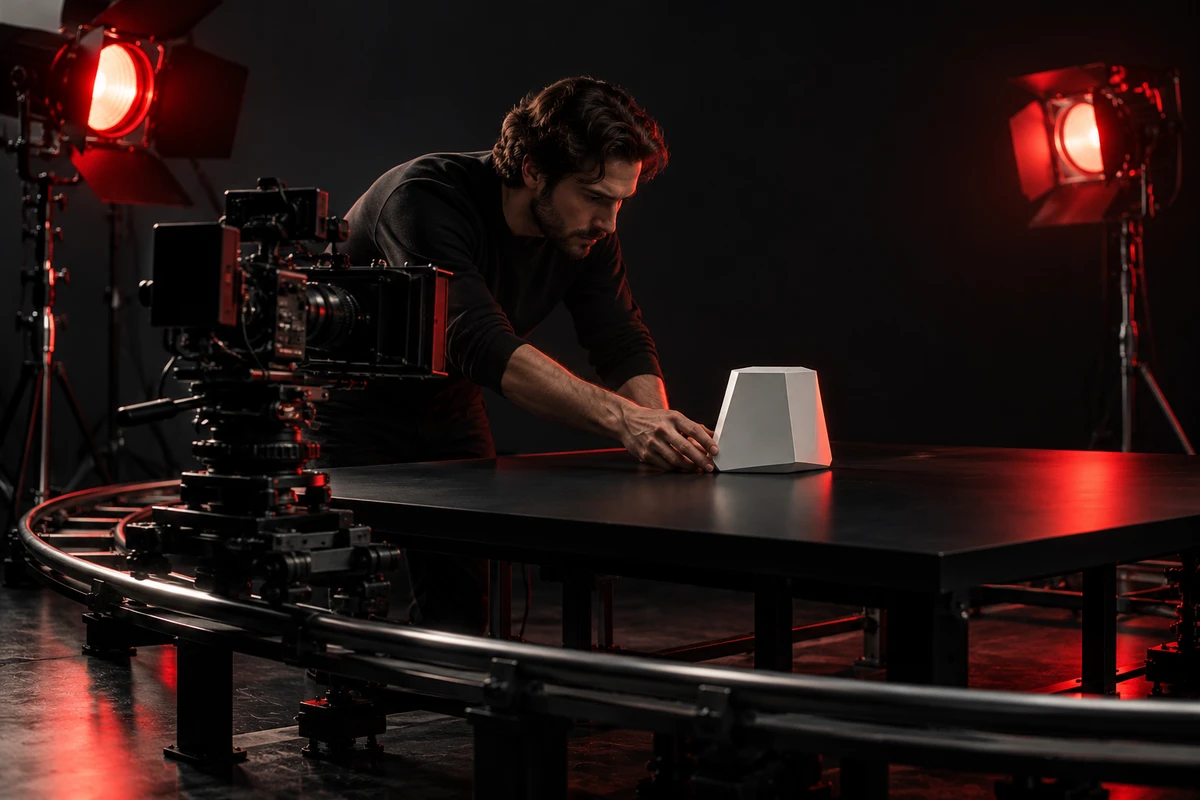
Start with a cube for the product, a plane for the performer, and a curve for the camera. Add a real duration, mark where each object is at each beat, and keep the intended frame boundary visible. This rough version quickly answers useful questions. Does the camera move too fast for the product to register? Does the product remain on the same axis after the reveal? Does a vertical crop destroy the spatial transition?
The 2026 PrevizWhiz paper combines rough 3D scenes, 2D motion references, and generative stylization. Its central tradeoff is valuable for commercial work: storyboards and moodboards communicate quickly but have limited temporal and spatial fidelity, while full 3D previs offers stronger control over blocking and continuity at a higher asset and skill cost. The research system uses proxy geometry to establish props, performers, and camera paths before generative tools add style and motion detail. That mechanism is useful; the study does not establish a universal efficiency result for every production.
Preserve constraints instead of letting the model repair the shot
Generative video is effective for turning a script or concept frame into a motion hypothesis. A director can compare camera speeds, compositional changes, and emotional beats. A brand team can also discover early that a transition imagined on paper feels confusing in time.
The output may still invent the missing relationships. Product geometry changes during movement. A camera passes through space that was never established. A hand reappears in a new pose after an occlusion. Visual fluency does not prove that the shot logic has been solved.
NVIDIA Research's Video Storyboarding project studies recurring character consistency across generated shots and describes a tradeoff between preserving identity and retaining natural motion. It is a research method, not a verdict on every commercial model. The production implication is more general: when a person, product, or set must preserve a state across shots, “it looks continuous” is insufficient. The invariants have to be written back into the shot design.
A useful previs pass should preserve constraints such as:
- product geometry, ports, labels, and functional actions cannot be reinvented;
- hand-product contact points must remain stable before and after occlusion;
- lens, camera position, and travel range must map to real equipment or a defined virtual camera;
- doors, surfaces, lights, and movement directions need fixed relationships within one space;
- shots intended for multiple aspect ratios need real reframing room.
This is why previsualization is not simply a more polished continuation of an AI ad concept deck. Concept development chooses the story and visual direction. Previs puts that choice into time and space to find out how it can happen.
Some unknowns must return to the product and camera
A rough animation can solve “from here to there,” but it cannot answer every physical question. Will the edge of a transparent object disappear? Will a display band under the selected shutter? Can a performer press a control without covering the feature? Will a macro lens reveal surface defects or model seams? These depend on material, optics, human movement, and the actual dimensions of the set.
Small physical tests become especially useful in three situations.
Precise contact between person and product
Picking up, pressing, opening, wearing, pouring, and catching turn a feature into a bodily action. Blocking the move with a stand-in product can reveal grip, force, and occlusion more reliably than generating ten more variants. The same principle appears in our discussion of performer blocking in brand films: movement should change a relationship, not merely place a performer in an attractive position.
Perspective is part of the product claim
Low camera heights, extreme proximity, long-lens compression, and rapid push-ins change perceived proportion. Previs can propose a camera position; a lens test must confirm that the result remains faithful to the product. Our article on camera height in product advertising explains how viewpoint changes the meaning of the same product fact.
The image depends on reflection, transparency, liquid, or speed
Light, material, and motion blur jointly determine whether the product feels credible. A team might use CG first to validate geometry and trajectory, then test real material for edge definition, reflection, and exposure. Or it might photograph the real product first and extend the environment with generative tools. The useful decision is to identify which part cannot be safely completed by the model.
A hypothetical shot through three previs passes
Return to the product that flips into a hand. The first pass is a gray-box animation: the product follows an arc, the camera tracks it, and a simple rig represents the arm. The team discovers that two seconds is too short for the front mark to register. The flip slows down, and the camera move becomes a shorter lateral follow.
The second pass adds real product photography and a hand-motion reference. Now it becomes clear that catching the product at center frame hides a port. The contact point moves to the side, changing the wrist's entry direction. Only the third pass explores metal reflections, background lighting, and a generated environment extension. Style arrives last because the first two passes have locked relationships that style must not conceal.
This is a hypothetical example, not an ONCE client case or a universal workflow. It illustrates an order of operations: solve problems that would overturn the shot before polishing details that would improve it. If the first pass is packaged as a high-fidelity mock film, a team may become attached to a beautiful version with a structural error.
When should previs stop?
Previs does not need to eliminate every unknown. It can stop when three conditions are met: a person unfamiliar with the project can read the action and eyeline between shots; high-risk contact, material, and camera assumptions have been tested physically; and the remaining changes affect style or precision without overturning the production route.
The useful deliverable is not a “fake finished film.” It is a set of relationships ready for production: shots arranged at real duration, key state frames, camera and performer paths, results from physical tests, and a clear allocation across live action, CG, and generated video. Version history matters because it tells the next team which decisions have been tested and which remain visual hypotheses.
AI can make previs imagery appear faster. Whether the ad works still depends on the frames sharing the same time, space, and product truth. Keyframes state the wish. Previsualization makes the wish move.
If you have a script or concept frames but are unsure how the highest-risk shots can be executed, bring ONCE the keyframes, product references, functional actions, and planned aspect ratios. Through our commercial AIGC and hybrid production service, we can previsualize the joins most likely to change the production route, then choose the right combination of live action, CG, and generative video.
Sources and scope
- Erzhen Hu et al., “PrevizWhiz: Combining Rough 3D Scenes and 2D Video to Guide Generative Video Previsualization,” CHI 2026. Used to distinguish static boards, 3D blocking, and generative stylization.
- Autodesk Maya documentation for Camera Sequencer and shot data. Used to verify camera, frame-range, sequence, and synchronization behavior.
- NVIDIA Research, “Video Storyboarding: Multi-Shot Character Consistency for Text-to-Video Generation.” Used for the stated identity-motion tradeoff in multi-shot generation.
These sources describe research prototypes and software functions. They do not show that any tool can automatically produce a shootable commercial, nor do they support a promise about schedule, cost, or campaign results. The article offers a creative and production method that must be adapted to the product, shot difficulty, and release formats.