A user presses a button and the device does not start as expected. A tutorial that only repeats “press the button” has not answered the problem in front of them. The viewer needs to know what state they are seeing, what they can check safely and when to stop and seek help.
A useful product tutorial does not need to replace the manual or a qualified repair. It can turn a common issue into observable images and a clear next step, helping the viewer decide whether the video applies to their device. The situations below are fictional creative exercises; actual actions must follow product-approved instructions.
Start with what the user can observe
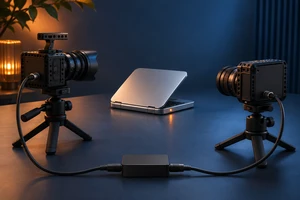
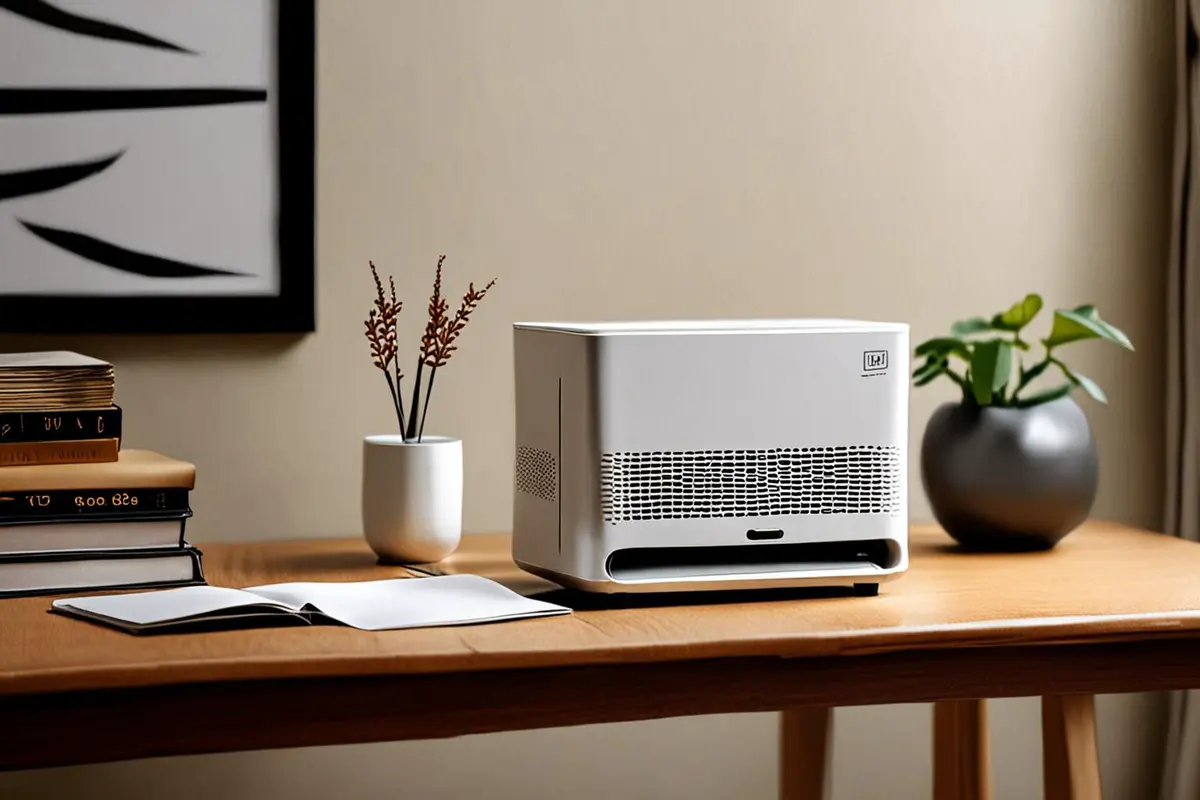
Imagine a device that does not respond when the start button is pressed. A user may not know the phrase “power issue,” but can see that an indicator is unlit, the display is blank or the usual startup sound is absent. The video can show the genuinely recognizable state and identify the applicable model and conditions.
Do not edit one symptom into a single certain cause. An unlit indicator can have more than one explanation. If the brand has approved only specific safe checks, show only those checks. See visual status cues in product video for ways to communicate state without depending on color alone.
Film the decision and action as a clear branch
Suppose the product team confirms that a user may check an external power connection. First show where to look, then the actual permitted action. Afterward present two possible outcomes: if the device starts normally, return to the relevant startup step; if it does not, direct the viewer to official support. Use the same state names in the image, captions and narration so the viewer does not have to reconcile different terms.
If a check involves electricity, heat or another hazard, the product team and appropriate specialists should decide whether it is suitable for users. Do not invent disassembly, shorting or repair instructions. When needed, stop the tutorial and direct the viewer to stop using the device and contact support instead of forcing a repaired ending.
Show a result the viewer can verify
After a check, do not cut immediately to a satisfied expression. Hold on the actual, brand-confirmed feedback: a recognizable indicator state, for example, or the ready screen the device truly displays. If the change is subtle, add accurate text and retain enough context for the viewer to locate it.
A signal can help, but it should not be the only way to understand the result. Avoid adding an effect that could be mistaken for the device's real signal. Installation orientation is a separate question; the ONCE production insights cover other aspects of product demonstrations.
Make asking for help a normal ending
When the user cannot proceed, say where to find support and what non-sensitive details may be useful, such as the model, observed state and checks already completed. Do not ask users to display personal or account information publicly; follow the brand's actual support process.
Show the edit to someone unfamiliar with the project. Ask how they would describe the issue, where they would pause and when they would seek help. A small review can reveal unclear language; it cannot establish that an action is safe or effective for everyone. Review the tutorial when the product version or official instructions change.
If you are planning product tutorials or support content for overseas audiences, contact ONCE to discuss the user journey and video.