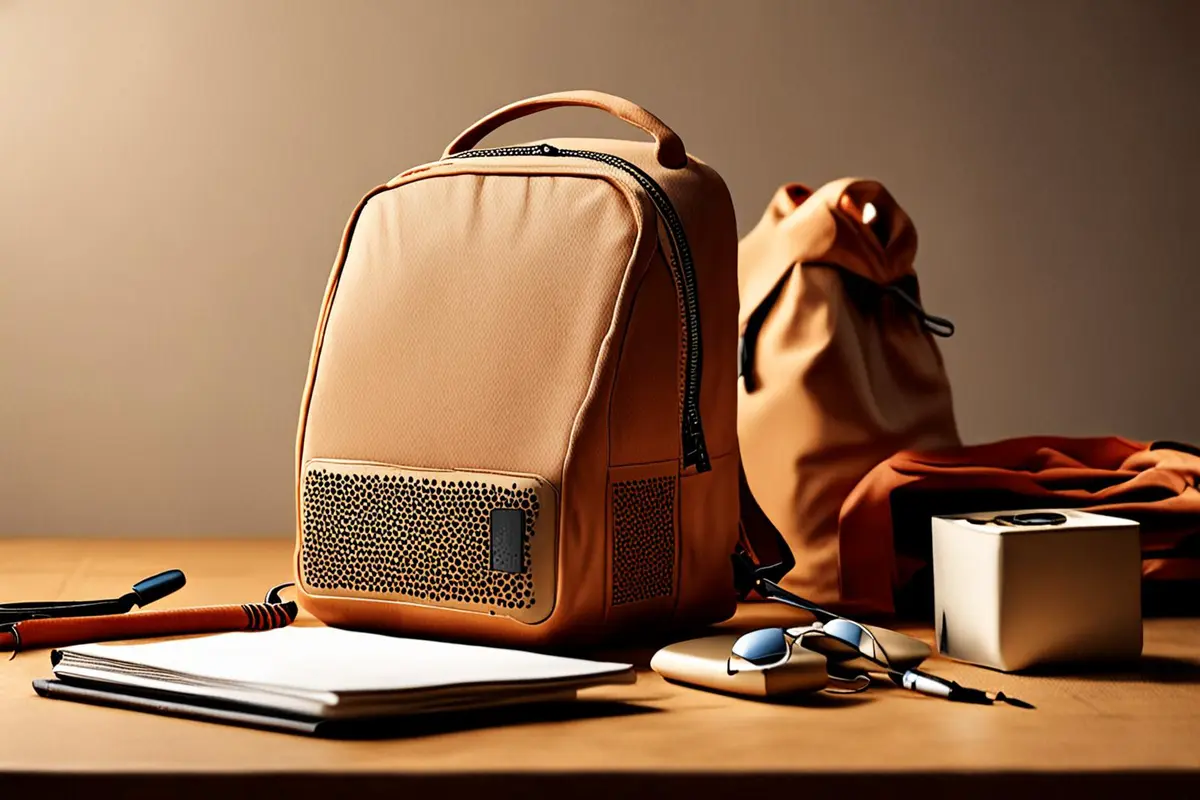
A portable speaker shown alone against a solid background could look like a small desktop object or something that takes two hands to carry. Even a polished image leaves viewers guessing where they could put it or whether they could take it with them.
In a product video, dimensions do not have to do all the work. A person's actions, familiar objects and a real setting can help establish a sense of scale, while numbers help those who need an exact comparison. The scenarios below are fictional creative exercises.
Connect size to a real task
Imagine a speaker that fits in the side pocket of a particular backpack. Instead of showing only a hand holding it, let the character take the speaker out of the pocket, place it on a table and use it. Viewers see a continuous relationship with the opening of the bag, the hand and the table, making portability meaningful in that setting.
Use the actual sample and bag. An unusually large bag should not imply that the product fits every backpack, and an edit should not skip a critical insertion step to hide the fit. If the example depends on a particular bag size, say so in the on-screen text.
Use familiar objects without treating them as standards
Hands, table edges, cups and laptops all offer cues, but they vary in size. Rather than claiming an item is palm-sized, show a natural grip and provide the confirmed dimensions. If the story is about placing a product on a desk corner, show its actual relationship to the keyboard or screen instead of relying only on a tight close-up to suggest a small footprint.
Keep the reference and product in comparable positions within the shot. A cup far behind a product placed close to the camera can create a misleading relationship. Establish scale from a relatively straightforward viewpoint, then move closer for texture. If the creative calls for exaggerated perspective, add a separate, clearer scale shot.
Move from the space to the action
One shot can locate the product in the room, another can move closer to the hand operating it, and a final shot can show it being stored or carried. A wider view helps explain the setting but may hide small controls. A close-up shows detail but removes context for comparison. Together they can do more than asking one shot to carry every task.
Preserve recognizable spatial cues between shots. A cup can stay on the same side of the desk, and the speaker can retain its orientation as the character picks it up. Cutting a little time can make the film more concise; it should not conceal a real size or operating limitation.
Use numbers for precision and images for context
On-screen dimensions can show the brand-confirmed length, width and height in the relevant units, with a note about whether protruding parts are included. The bag, hand and table show how the object enters everyday life. A video cannot measure the buyer's space: if fit determines the choice, provide clear dimensions and encourage viewers to compare their own space.
Review the cut on a phone with someone outside the project. Before showing the specification, ask how they think the item is carried or placed, then compare their understanding with the dimensions. A small review can reveal obvious misunderstandings, but it cannot represent all consumers. For another way to make visual information clearer, see status cues in product video.
If you are planning a product video or a cross-border launch, contact ONCE to discuss real use cases and visual storytelling.