Your supplier in China has sent the full range, the studio has delivered a beautiful group photograph, and the store team has connected the products. A shopper can still arrive at one product without understanding what the selected purchase includes.
For brands buying Shopify product photography, a useful brief starts with an arrival question: what must this gallery explain if the shopper has never seen the range? This evergreen analysis proposes ONCE’s three entry questions, connecting photography decisions to the product pages that will use the work.
Connected products still have distinct entrances
Shopify’s current Combined listings documentation describes a parent linking child products with their own titles, descriptions, URLs and galleries. Search & Discovery defaults to displaying child products, with settings for parents only or both. This concerns online-store search and recommendation configuration; it does not establish how every external channel will behave.
The app requires a Plus or enterprise commerce plan and a compatible theme. These conditions were checked November 3, 2026. The Help page did not show a clear revision date, so this article does not claim a new rollout.
Ordinary variants are a different structure. Shopify’s variant-image guidance permits one assigned image per variant and does not support directly assigning videos or 3D models to it. Ask the store owner which structure is actually in use before specifying a media handover.
ONCE’s inference is about content: a range page can help comparison, while each product entrance needs sufficient context of its own. A selector does not establish that a shopper saw the previous gallery. We have not tested any merchant’s theme, search results or media-switching behaviour for this article.
The ONCE three-question entry check
| Question | Required understanding | First inspect |
|---|---|---|
| Which item is this? | The visible product and key structure match the current item. | Does the lead image show this product rather than a more attractive sibling? |
| What comes with this purchase? | The sales unit and included items are clear. | Do the images, inclusion text and actual offer agree? |
| How does it enter use? | Any necessary assembly, placement or connection is understandable. | Can approved imagery or instructions explain it without a missing introduction from the parent page? |
This is not a three-photo rule. One image can answer more than one question, and accurate text can complete the explanation. If the existing material works, change selection, sequence or copy first. Commission new capture only where a real product relationship is missing. These are ONCE’s review questions, not a Shopify image-count requirement.
A hypothetical travel-organiser range
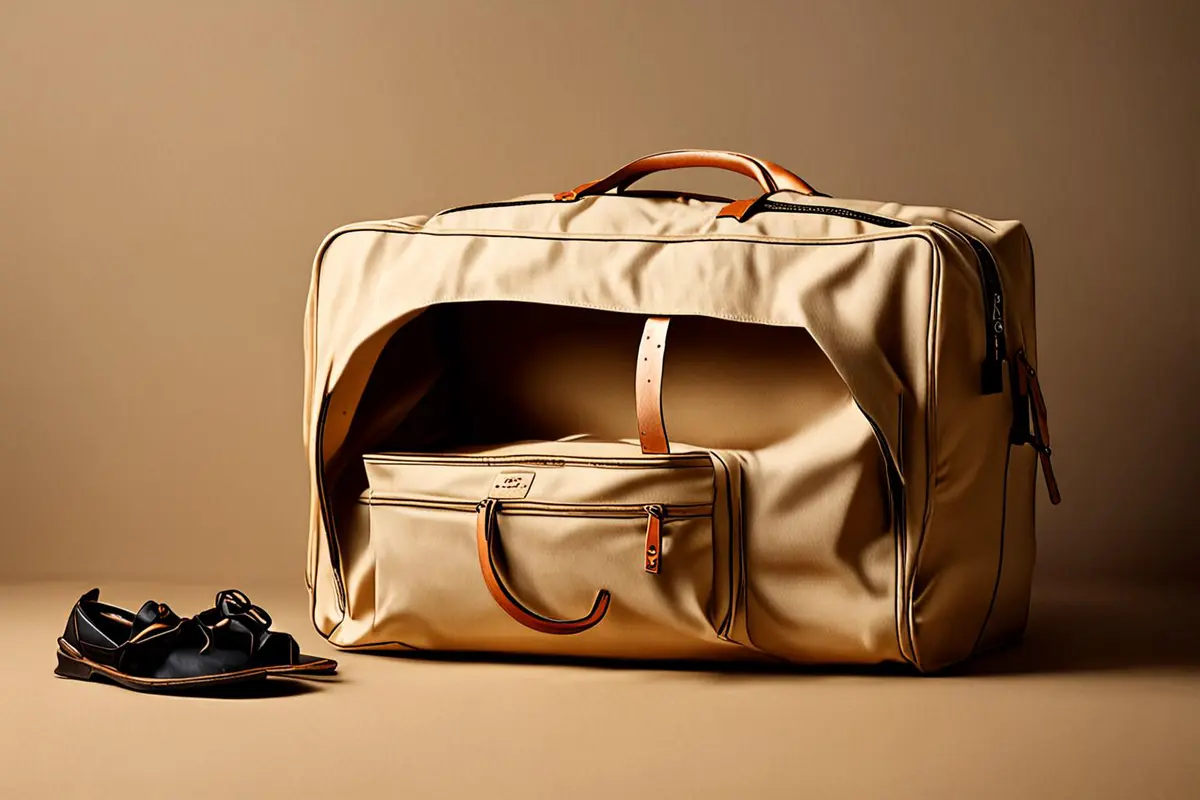
Imagine small, medium and large packing organisers supplied from Shenzhen and connected using Combined Listings. This example represents no ONCE client, real order or measured result.
The range image establishes the choice
A group photograph can show relative size and the available family. On a child product page, however, that image alone may leave the sales unit unclear: is the customer choosing one bag or buying the entire group? Confirm the real offer before designing the shot. The photographer should not infer the order contents from the way the samples arrived.
The individual image establishes identity
For the medium organiser, check the actual shape, zipper position and internal construction. Existing range footage or photography might supply a useful crop, provided resolution and structural detail remain adequate. If the crop hides the relevant features, capture the missing view. The criterion is accurate legibility, not a requirement to rebuild the lighting for every child product.
The use image explains the purchase
If clothing is only a demonstration prop, the page needs to distinguish that staging from included goods. Showing loading, closing and opening can explain use. It should not imply an unsupported capacity figure through an unrecorded assortment of objects. Explicit dimension or capacity claims need approved information and defined demonstration conditions.
Several items may share a setup or some approved actions. Reuse still requires checking the product facts. Renaming a file cannot make a demonstration of a different size applicable to the current offer.
Deliver an entrance map with the files
Ask the brand, studio and store team to maintain a mapping table: parent and child product identifiers, intended URLs or test entrances, sales unit, assigned assets, gallery order, explanatory text still needed, approver and open checks. One asset can serve several pages; one page can use several assets.
The brand confirms the product and included items. The studio confirms what was photographed and which crops remain usable. The store team confirms asset assignment and actual presentation. Scope these responsibilities separately. A delivered folder does not establish correct implementation, and an implementation problem does not automatically require a reshoot.
Our product production guidance can help develop the capture scope. Keep the entrance map alongside the approved product information so later work can start from a known item rather than somebody’s interpretation of an old image.
Review the child entrance before the range journey
Have a colleague who did not join the shoot open the intended child entrance first. Without showing the range page beforehand, ask them to identify the item, what the purchase includes and any necessary operating relationship. Record specific missing information. This is an internal project check, not consumer research or a conversion test.
Then have the store team check the parent-to-child selection path, the store-search and recommendation settings actually enabled, and the direct links planned for this project. Verify the agreed entrances that can be inspected; do not claim untested channels behave identically.
Classify each failure before ordering more photography: wrong selection, weak sequence, missing explanation, incorrect assignment or genuinely missing capture. The remedy follows the failure. Sometimes that is a new photograph; sometimes it is a different order or a corrected page configuration.
For ONCE’s move toward managed content services, the lasting asset is the relationship between products, images and entrances. Adding a new item should trigger a scoped review of that relationship. Whether it saves time depends on the real work involved; no saving is measured here.
When briefing ONCE VISUAL, send the sales units, product structure and planned entrances with the sample list. Agree how the range image and individual galleries will be assessed before deciding how much new capture to buy.
Sources and scope
Shopify Help Center, Combined listings and Adding images to product variants, reviewed November 3, 2026. Neither displayed a clear revision date. Actual plan, theme and account behaviour need store-specific confirmation. ONCE’s three questions, mapping table and organiser scenario are original recommendations, not platform requirements or demonstrated commercial results.