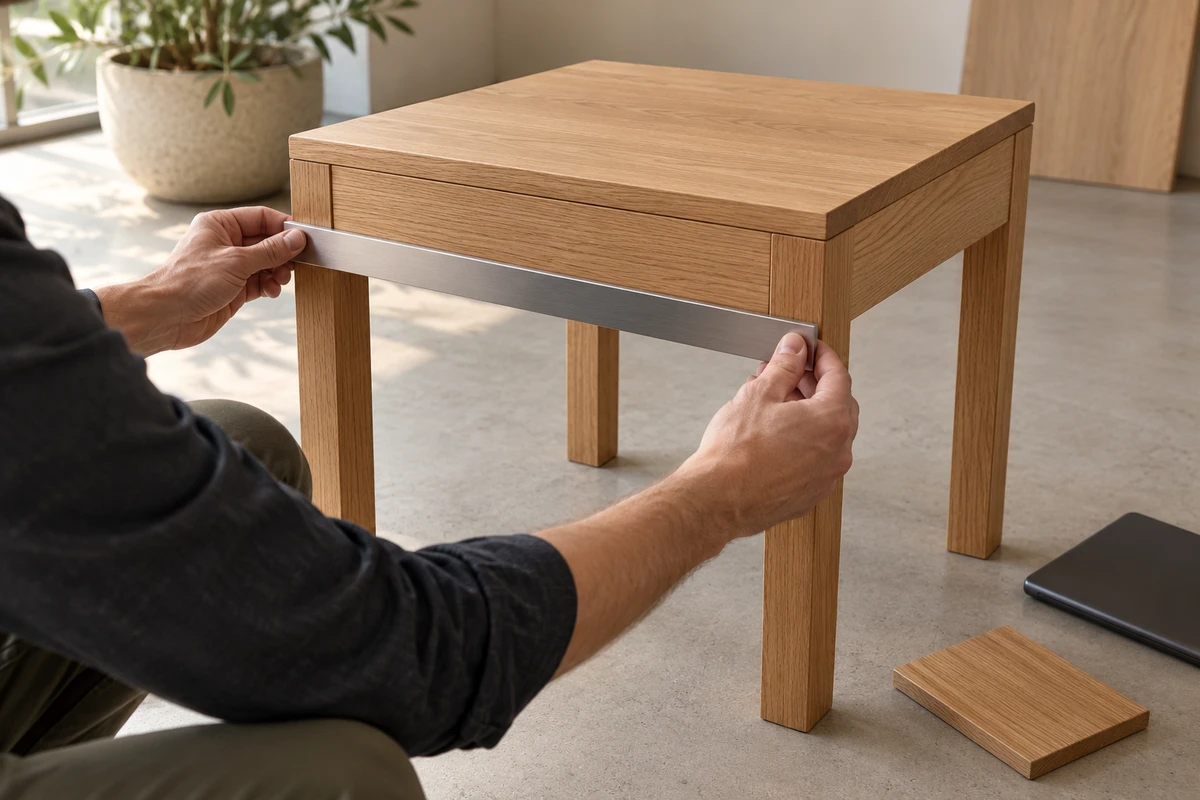
A furniture model can look convincing in a browser and still arrive at the wrong physical scale. For a brand sourcing products from China, this is a handoff problem spanning three teams: the people who know the manufactured item, the studio exporting the model, and the team implementing the product page.
ONCE recommends three separate checks: define the physical reference, inspect the effective dimensions of the exported asset, and review its behavior in the intended viewing environment. A good-looking screenshot cannot substitute for all three.
This is an evergreen production method grounded in official material checked October 23, 2026. It does not describe a newly released platform feature or a client audit we have performed.
Agree what the product dimensions actually mean
Shopify’s Creating 3D models for merchants calls for real-world scale and review with the merchant. It also identifies the accuracy of supplied dimensions as a factor affecting production time. The product owner therefore has a specific contribution to make before modeling begins.
Identify the SKU and product revision, then define the measurement state. Does a side table’s width include an overhanging top? Is the equipment folded or extended? Is a cushion measured under load or at rest? Equal numbers can describe different objects when their endpoints differ.
A useful reference states length, width, height, units, measurement endpoints, orientation and included components. Photographs can identify where a measurement starts and ends, but perspective photographs should not be treated as precise dimensional drawings. For flexible products, identify the particular state the static asset represents.
Share the approved exterior information necessary for this purpose. Dimensional verification does not require disclosing every internal engineering detail to the content studio.
Inspect the exported asset, including its hierarchy
The glTF 2.0 Specification defines linear distances in meters. In a hypothetical example, a 300 mm-wide table corresponds to 0.3 m. An effective exported width of 30 m would make it 100 times too large. This is an illustration of a unit error, not a measurement from an ONCE project.
If a viewer automatically frames each object to fill the same window, both versions can occupy a similar area of the screen. Appearance within the window cannot establish physical scale.
The Khronos Scenes and Nodes tutorial explains that a node’s transformation also applies to its children. Correct dimensions on one component are therefore insufficient if a parent changes the resulting scale. Ask the studio to report dimensions after the relevant hierarchy transformations, using the actual delivery file rather than an earlier working scene.
Specify the measured content as well. A presentation plinth, shadow plane, annotation or decorative object can enlarge the scene’s bounds without changing the product. Agree which product parts belong in the measurement. Align the model to the agreed product axes and pose: rotating it can change the axis-aligned bounding dimensions even when its underlying shape is unchanged.
ONCE’s proposed check records each axis separately:
Relative error for an axis = |exported dimension ÷ approved reference dimension − 1| × 100%.
Use matching units and a positive reference value. A correct width does not clear an incorrect depth. Agree acceptable tolerances around the intended use and the quality of the supplied reference; there is no universal threshold proposed here.
Khronos’ glTF Asset Auditor supports audit profiles, optional product dimensions and dimensional tolerances. It can assist repeatable checks, but cannot establish that the supplied reference describes the correct product revision or measurement state. We did not upload or audit a model for this article.
Check the target experience without silently correcting it
After the file check, review the intended product page or viewer. Record the file version, page, device and viewing mode. Distinguish the initial display from spatial placement and from any subsequent adjustment. If a viewer permits manual scaling, pinching an object until it looks plausible does not validate the original asset.
Ask the implementation team to retain an initial-state record and identify automatic or manual resizing. Inspect orientation and placement against the intended supporting surface, too. Floating table legs may indicate a placement-reference problem; a consistently oversized object may indicate a scale problem. Investigate them separately instead of applying an unexplained visual correction.
This remains a marketing-display review. Doorway clearance, installation gaps, structural suitability and other precise fit decisions require authoritative product dimensions and the appropriate professional measurements. An AR screenshot is not a substitute, and no device-level measurement accuracy is promised here.
Commission three records, with a clear repair route
The following is an ONCE commissioning proposal, not an extra platform form.
| Owner | Record to approve or deliver |
|---|---|
| Brand product owner | SKU and revision, dimensional source, endpoints, units, pose and agreed tolerances |
| Modeling studio | Delivery-file identifier, effective dimensions in matching units, measured components and differences |
| Page implementation team | Deployed file and page, target device, initial display, scaling behavior and placement issues |
If the reference is wrong, correct the source information. If the export is wrong, repair the modeling or conversion stage. If the file is correct but the page behaves unexpectedly, investigate the implementation. Following replacement, repeat the affected checks and identify any other pages still using the old file.
Ask quotes to distinguish reference preparation, export inspection, target-device review and the agreed rework scope. Texture changes, file-size optimization and geometry reconstruction are different tasks; a line called “scale correction” should not conceal all of them. Inspecting an existing model before commissioning a replacement can clarify the work required. It is not a guaranteed saving.
For an overseas team, a useful first brief to ONCE contains one SKU, approved shareable dimensions, the existing asset if available, and its intended product-page use. Decide whether the problem lies in the reference, file or presentation before buying a larger modeling package.
The reusable asset is the model together with the information that allows another team to understand and verify it. That makes future corrections and supplier handoffs more manageable; it does not by itself prove a conversion or returns benefit.
Sources checked October 23, 2026: Shopify Help Center, Creating 3D models for merchants; Khronos, glTF 2.0 Specification, Scenes and Nodes, and glTF Asset Auditor; Introducing Asset Creation Guidelines 2.0 for Commerce-Ready glTF Assets, August 7, 2025. The three-check method and numerical example are proposed guidance, not completed client work. The cover is an AI-generated editorial concept.