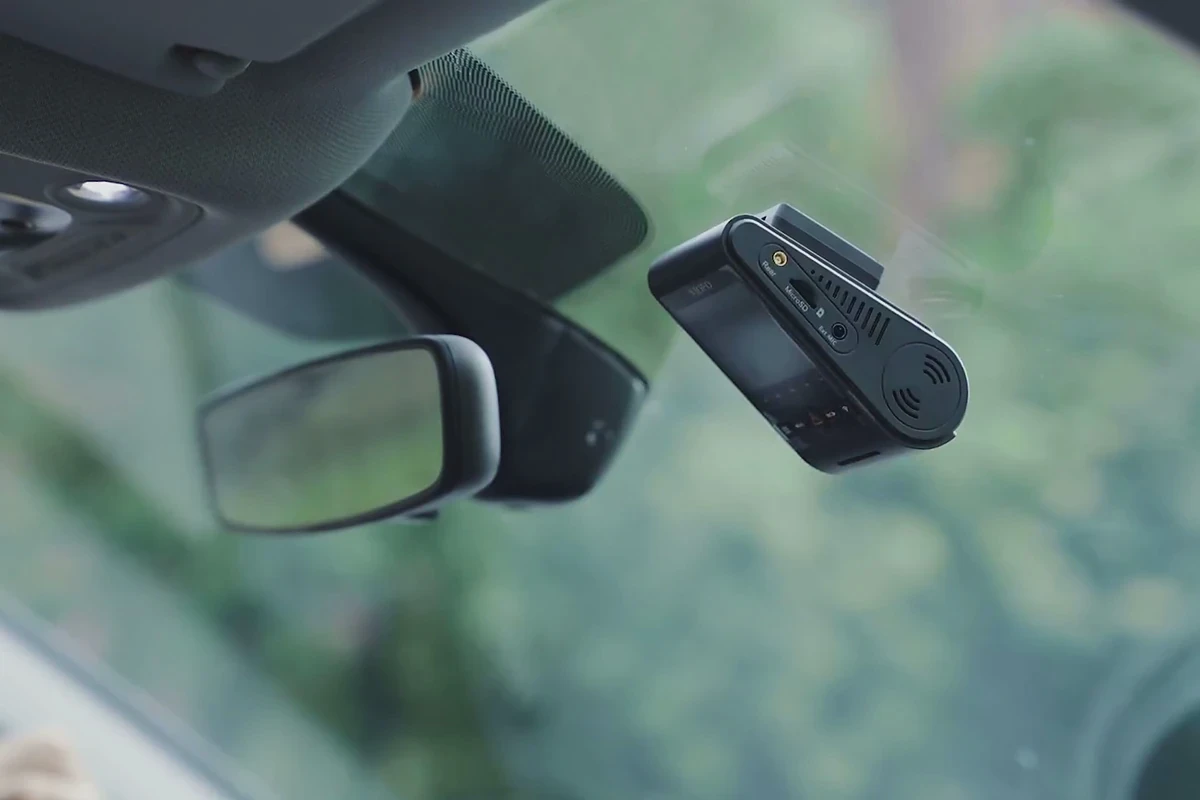
A dashcam video should show how the specified model installs and what its real recordings look like. Start by confirming the hardware, firmware, mounting kit and camera configuration. Features such as rear recording or parking monitoring belong in the film only when the supplied model and supporting information establish them.
Show dual recording as a complete sequence
Film the front and rear units, their positions and the connection that makes the demonstrated configuration work. Give the viewer an establishing view before moving into connectors or screens. If a rear camera or cable is an optional purchase, make that distinction clear in the approved product wording.
Use recorded samples from the tested device when explaining image quality. Label relevant recording conditions and retain the original files. A cinematic reconstruction can illustrate a situation, but it should not be presented as footage captured by the dashcam.
Make installation understandable
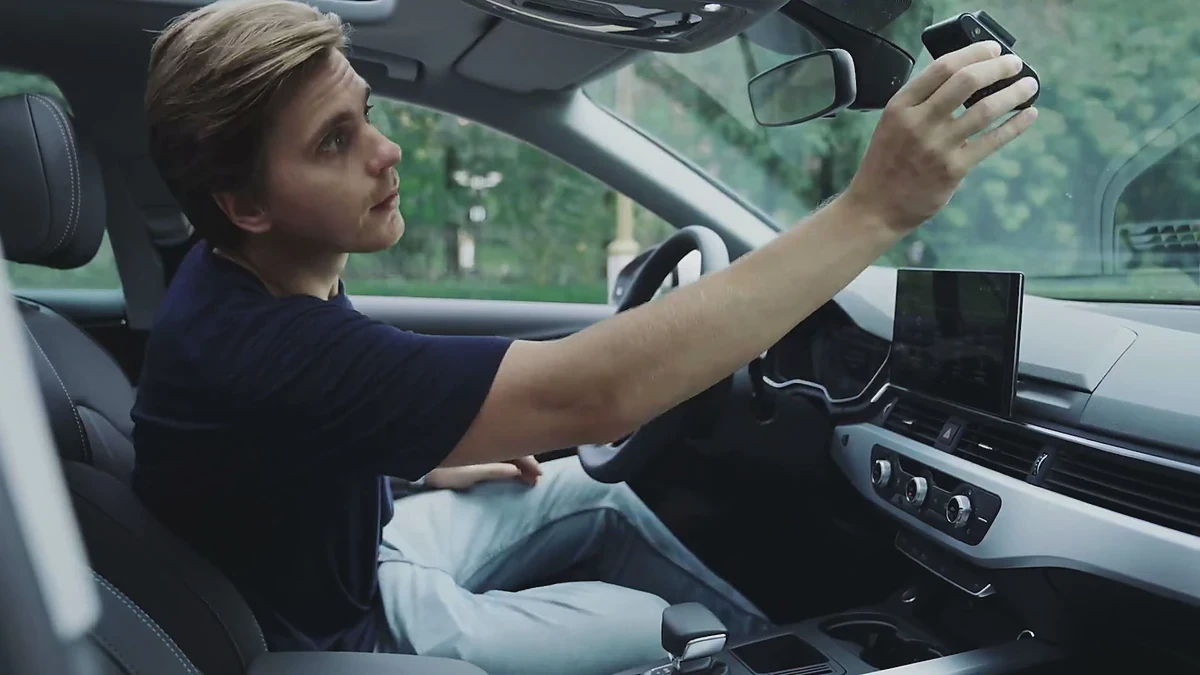
Show the mount, cable route and power connection in the intended vehicle setup. Where the installation depends on a separate kit or qualified installer, say so in the brief and have the product team review the scene. Do not imply that one filmed setup covers every vehicle.
Capture clear close-ups without skipping the action that joins them. A sequence of attractive connector shots can still leave the customer unsure where the cable goes. Film the app pairing or file transfer only after testing it with the approved device and software version.
Review night-use claims against actual footage
Record the conditions of a night sample: available light, weather and the relevant camera settings. Avoid an edit that turns an unusually bright scene into a general promise of night performance. Keep post-production treatment modest and disclose a simulation if one is used to explain a feature.
Plan the road filming so operating the camera does not distract the driver. Review visible faces, registration plates and private locations before publication. These are decisions about the particular shoot and intended use, not a universal legal clearance.
Build destination versions from the same demonstration
- A fuller product-page sequence can show setup and operation.
- A short feature clip can isolate one documented function.
- A mobile cutdown should preserve the screen or detail the viewer needs to inspect.
- Every version should identify the model and included configuration correctly.
See ONCE's ecommerce product video production, or share the dashcam sample, documentation and intended placements.