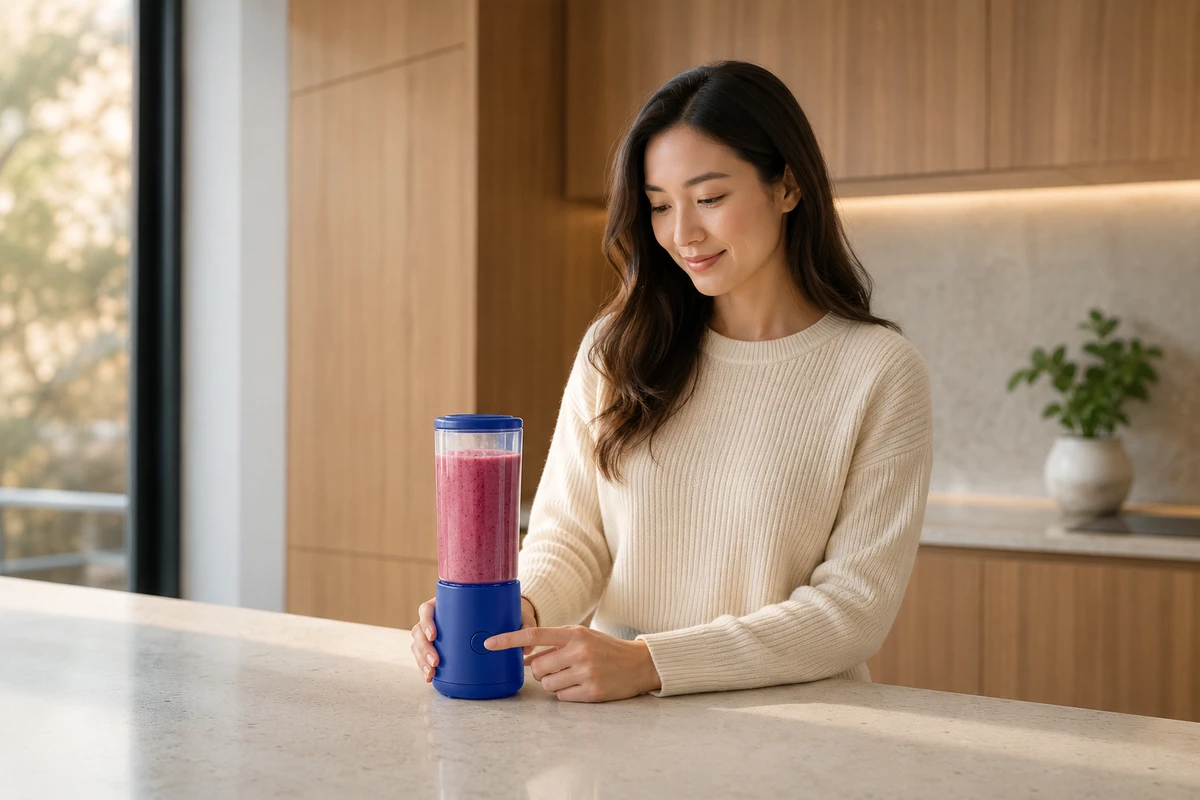
After a TikTok Shop video product link is opened, the video shows a blue two-piece bundle, but the product detail page leads to a black single-item pack. The editing rhythm, captions, and sound have all passed review, yet the video still cannot be considered complete: the product users see, the promise they hear, and the SKU they can actually buy do not match.
This article is for brands, e-commerce teams, and agencies producing shoppable TikTok Shop videos. Rather than walking sequentially from script to delivery, we work backward from the failure of opening the wrong product and examine seven areas of work. After reading, you can determine whether a production quote already includes SKU matching, link verification, review-status tracking, and replaying the real purchase path after launch.
Wrong Page | The Video Shows a Bundle, but the Landing Page Shows a Single Item
First pause the finished video where the product appears clearly for the first time, then open the product entry. The buyer needs to verify not whether the link opens, but whether the product name, primary image, color, capacity, bundle quantity, and availability status on the landing page match the shot item by item. A shot of a 500 ml blue blender cup must not link to a 350 ml black single cup from the same series; showing two filter cartridges on a table must not lead users to believe that the link price includes both.
TikTok's official guidance explains that, when publishing a video, you can select Products through Add Link. Once approved, the product link appears above the video and leads to the product detail page; linked videos also undergo additional review. In other words, the link is not an operations attachment outside the post-production file. It is part of the final product promise made by the shoppable video. See TikTok for Business product link guidance.
Before production, create a shot-to-product cross-reference dedicated to this video: record the visible variant against each shot number, save the product ID, variant ID, and detail-page link in the product column, and mark whether substitution is allowed in the final column. This is not a broad product list. It determines which purchase entry can be attached to each selling-point shot.
Wrong Item | Color, Capacity, and Bundle Must Be Distinguishable Under the Same Housing
Many incorrect links are not caused by an operations slip, but by insufficient variant-identification information captured during the shoot. Different capacities made from the same mold may differ only in the markings on the cup, while the standard and premium versions of the same earbuds may differ only in the charging-case port. If the editor receives only a note such as white sample, it is easy to mix up the two sets of footage.
On set, take three concrete steps. First, write the product ID and abbreviated variant name on both the sample bag and the continuity sheet, such as P103-BLUE-2PK, rather than using only an internal nickname. Second, show the complete bundle quantity in one verifiable shot instead of filling the gap with captions; for a two-piece bundle, both products and their respective contact shadows should be visible. Third, restore the accessories immediately after shooting each variant to prevent a blue main unit from appearing with a black proprietary base in the next shot.
File names should inherit the same matching logic, for example 07_P103_BLUE2PK_bundle_top_v03 rather than final product close-up. That way, a reviewer who was not on set can use the filename to trace the footage to the product page without guessing the SKU from appearance.
Inconsistent Claims | Voiceover, Captions, and the Product Page Must Describe the Same Purchase
Once the visuals match the SKU, check the purchase wording line by line. Claims such as two replacement heads included, one week of use on a single charge, and three colors available may be affected by the bundle, region, inventory batch, or conditions of use. A claim that works in the video must still be true for the product in the actual linked listing; the detail page for another premium variant cannot be used to explain the current entry-level variant.
We break the voiceover script into visible facts, product-page facts, and claims that require conditions. The shot proves visible facts, such as there actually being two accessories inside the package; the current SKU page verifies product-page facts; and conditional claims keep their qualifiers within the caption safe area rather than hiding them in tiny type near a button. During review, read all four together: audio, captions, visuals, and detail page. If any one conflicts, send the relevant shot or copy back for revision instead of merely changing the link name.
If the project also includes price displays, check promotional changes and regional presentation separately rather than mixing them into this article's SKU link acceptance. You can also read ONCE's TikTok Shop price-display review method to keep two checklists separate: which product the customer receives and what price is displayed at that moment.
Wrong Entry Point | Organic Publishing and the Advertising Product Source Are Different Work Orders
The same vertical asset may be published as organic content first and later used in an ad campaign, but the product source and account connection for the two entry points should not depend on verbal agreements. For organic publishing, confirm that the publishing account can select the target product. For the ad version, confirm the connection between Shop or Showcase and the advertising account, as well as the product identity ultimately selected by the media team.
TikTok's official Video Shopping Ads guide lists the product source, advertising-account connection, and product selection for shoppable ads as separate settings, and explains that different markets and features have corresponding campaign types and quantity limits. The production handoff package should therefore specify an organic publishing entry point and an advertising entry point separately, rather than delivering one vague product link.
For brands, this also determines the shooting plan. If an organic video corresponds to only one primary SKU, the opening can focus on a single product. If the advertising plan tests multiple products at the same time, the script must not present a variant-specific accessory as something shared by every version. When the work needs to be planned together from script and shooting through multi-version delivery, you can bring the brief to ONCE's TikTok shoppable short-video production service.
Wrong Timing | Adding the Link After Publishing Is Conditional, Not Standard Delivery
The idea of publishing the video first and adding the product link later may sound like a way to gain time, but it depends on conditions including the account, market, video publication date, audio source, and content relevance. TikTok Shop Academy's US materials explain that eligible short videos from the past 30 days may be able to have a product added after publication, provided the product is relevant to the content and requirements such as the Commercial Music Library are met. Feature availability and the exact interface should still be confirmed for the actual market and account. See TikTok Shop's post-publishing product-link guidance.
Adding a link later should therefore be treated as a conditional recovery option, not the default workflow. Standard delivery should lock the product identity before publishing and save two screenshots: one showing the selected product on the pre-publish page and one showing the visible product entry after publication. If the account cannot select the target product at that time, stop before publishing and investigate inventory, permissions, or invitation status. Do not let a video without a purchase entry consume its initial launch window.
Assign the music in advance as well. The production team should mark the music source and replacement version in the edit, while operations verifies availability within the actual publishing account. Do not wait until after publication to discover that the audio conditions invalidate the link-later plan and force an emergency rhythm recut.
Wrong Status | Under Review, Out of Stock, and Action Required All Belong in the Launch Record
Submitting a link does not mean the product is already available to buy. Official product-link status guidance divides results into statuses such as approved, under review, and action required; an expired invitation, seller rejection, out-of-stock status, or content-quality issue can all prevent the entry from working properly. The team can check the relevant entry in the TikTok Shop product-link status guidance, but the current display in the market-specific backend remains authoritative.
The delivery log should record at least the video publication time, video ID, product ID, variant, link status, check time, and owner. If the status is under review, write submitted and pending review, not launch complete. If the product is out of stock, operations must decide whether to wait for replenishment, replace the video, or rematch it; the production team must not switch the link to a visually similar variant without authorization.
There is another often-overlooked visual issue: when the link status is abnormal, the product entry may temporarily be invisible in screenshots. Final acceptance should retain both a mobile screenshot of the public video page and one of the product detail page, rather than accepting only a successful backend notification. To review how products in different industries are presented, you can also browse ONCE video case studies before deciding which product features must be made clear in the first round of footage.
Replay | Walk Through a Real Purchase Path from the First Frame to the Product Detail Page
The final acceptance check does not happen in the editing software. It happens on a real phone. Open the video from the recommendation feed or account homepage, confirming that the first frame and captions are not covered by the interface. Then tap the product entry and verify the variant on the detail page; return to the video and listen through the voiceover and captions; finally check that inventory, bundle quantity, and purchase button still match the original plan. Walk through the organic version and the ad preview separately; one path cannot stand in for the other.
We recommend having someone who did not participate in the edit perform the replay, because they will not automatically fill in the assumption that this should be the blue variant. Name acceptance records using device, account, market, video ID, product ID, and time, and assign each anomaly directly to one of the seven error types. When a problem appears, the team will know whether to reselect the product, revise the copy, replace the shot, or wait for review instead of vaguely saying that the link is wrong.
The core of this method is simple: a finished video is not an isolated MP4, but a purchase path from the promise made on screen to the real product page. If you are preparing a shoppable short video, send ONCE your product sheet, sample photos, target account, and advertising purpose. We will first verify the SKU and entry point, then provide a matching shooting and versioning plan.