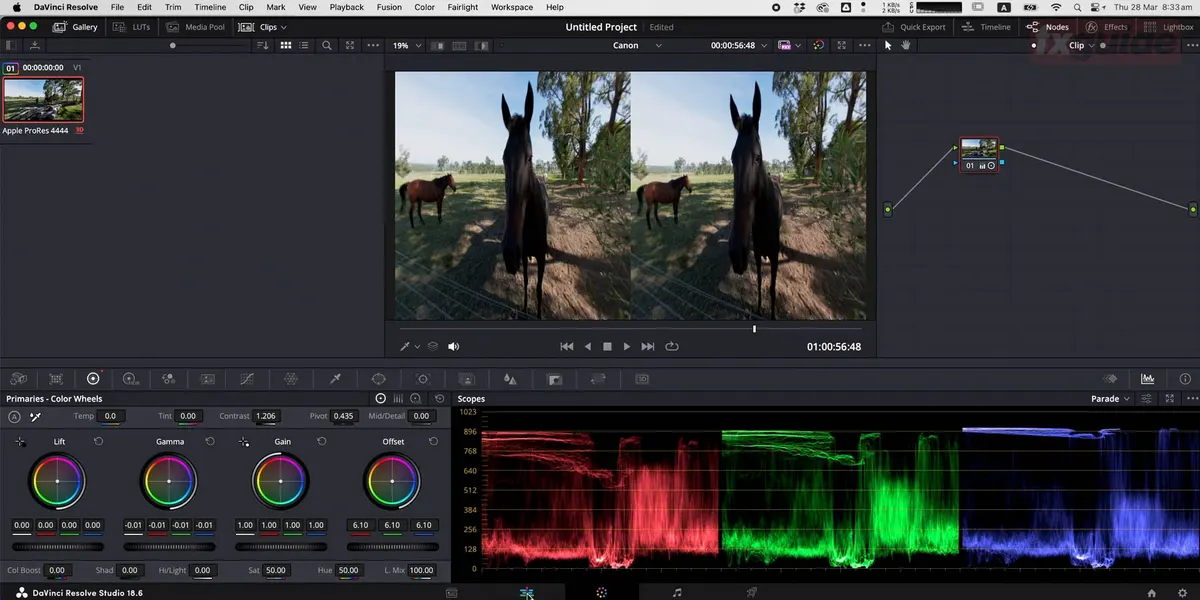
Real-time digital humans may seem like a technical pipeline, but implementation still follows a shot-based workflow. Without properly assembled character assets, face capture data has nowhere to go. If performance solving isn't verified, the real-time preview seen on set cannot be used directly as the final deliverable.
Step 1: Assemble the character into the project
Brands must first confirm the character's body proportions, facial topology, clothing, hair, and material versions. Epic's current MetaHuman workflow separates character creation, assembly, and placement in Unreal scenes into distinct stages. This sequence is critical, ensuring that issues identified during testing can be traced back to either the asset or the performance input.
Step 2: Define face capture and audio inputs
MetaHuman Animator can generate animation from video, audio, or depth data. Real-time previews can use sources like Live Link Face, while offline processing preserves more complete raw data. Projects should clearly specify input devices, network setup, capture methods, frame rates, and backup locations in the test sheet.
Step 3: Perform animation solving and manual review
Solving produces animation data, not automatically approved performances. Mouth opening, eye closure, profile views, rapid head turns, and hand occlusions must each be checked individually. In close-ups, a slight gaze shift can be more noticeable than a material flaw, so reviewers need to compare the original performance against solved results shot by shot.
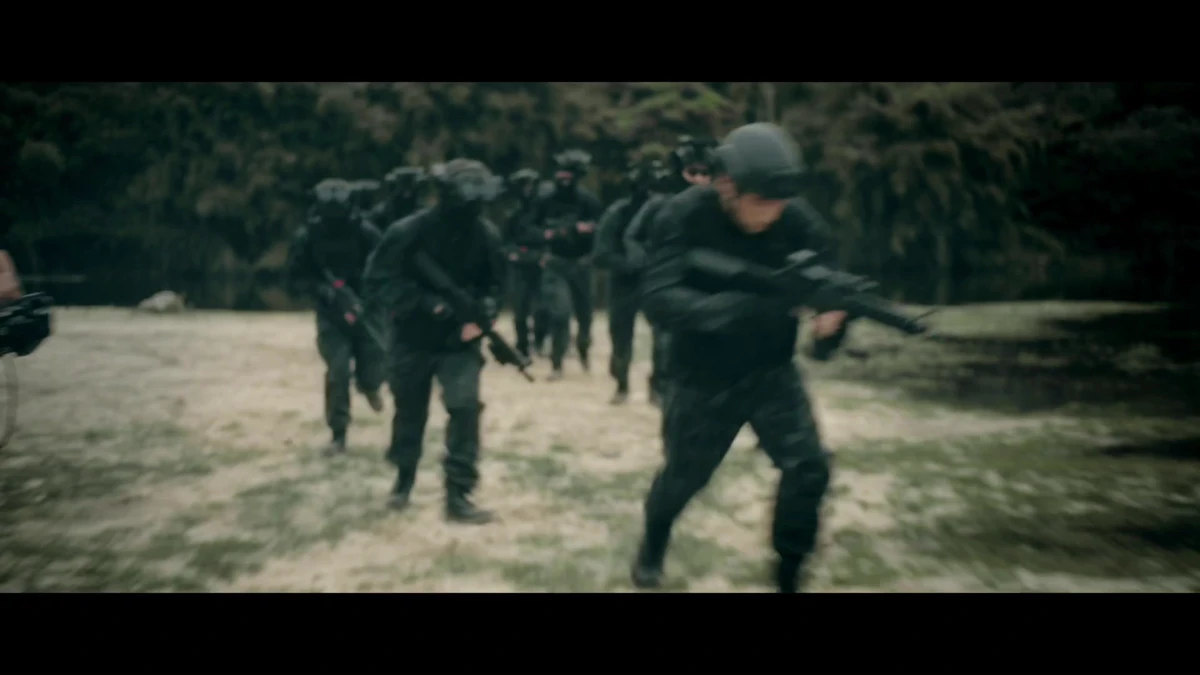
The image below is from an ONCE studio communication video, illustrating how directors, producers, and technical staff collaborate around on-set footage. It does not imply that this project used motion capture, MetaHuman, or real-time digital humans.
Step 4: Submit lighting and camera work for on-set review.
Once the character is placed in the scene, verify facial lighting, eye direction, camera distance, motion blur, and background reflections. Real-time footage primarily supports composition and performance decisions, while final rendering may still require higher-quality hair, skin, and compositing.
Step 5: Prepare reversible deliverable versions.
- Archive raw video, audio, depth data, and solve projects.
- Lock versions for characters, rigs, scenes, and plugins.
- Export separate real-time review, offline high-quality, and subtitled versions.
- Document the correspondence between manual corrections, locked shots, and the final master.
- Predefine alternative shooting or post-production plans for real-time system instability.
Epic's Live Link Face User GuideSuitable for connection testing only; it cannot replace performance and delivery acceptance for the full commercial. If planning a digital human demo, start from the ONCE Project Brief Portal .
Material Verification
- Research Seed 0929 VP with Digital Humans
- Epic Games MetaHuman Animator
- Epic Games Realtime Animation Using Live Link
Production examples and next steps
Use the TVC brief to connect the selling point, performance and product presentation. The Red Devils × Tencent Games commercial is a finished-film reference.
Review TVC and commercial production and Red Devils × Tencent Games: A Passionate Competitive TVC for Young Players. To discuss your project, send the script, storyboard, required formats and approval dates through the English project enquiry form.