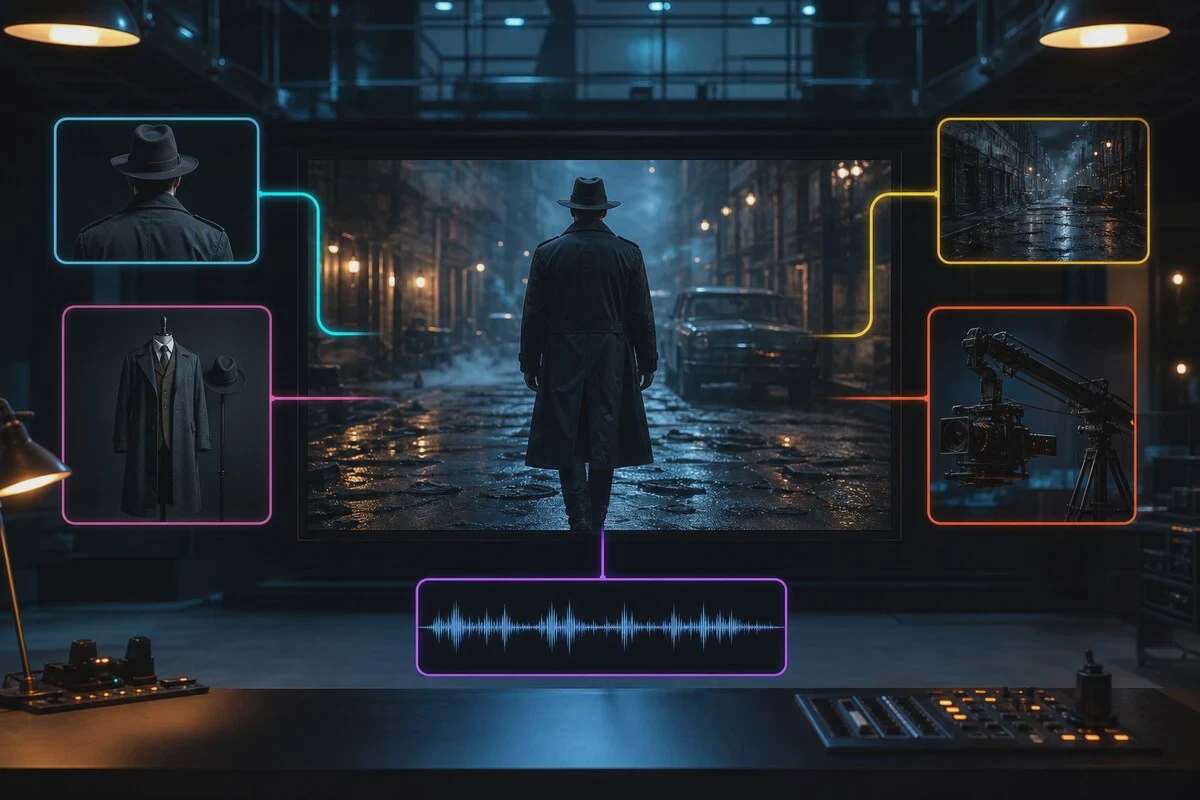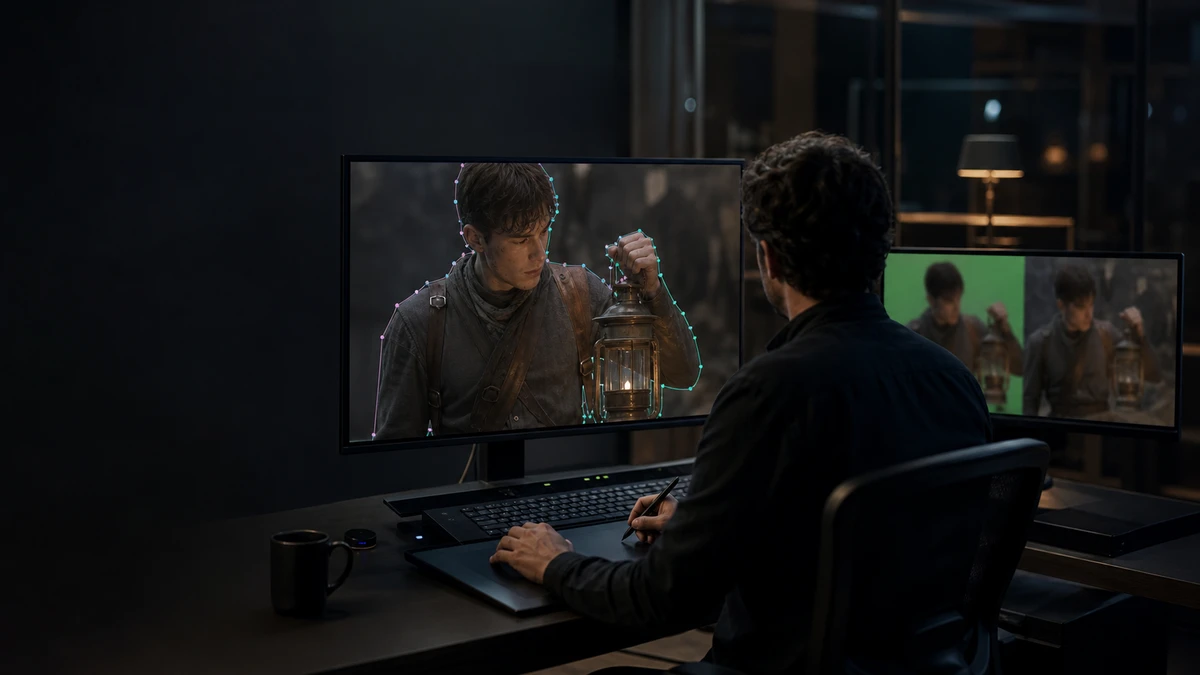
When many people talk about AI rotoscoping, they imagine automatically extracting subjects from backgrounds. In commercial post-production, roto is usually more specific: artists break subjects into manageable shapes, handle edges, motion, occlusion, and frame-to-frame changes, and deliver editable splines and mattes.
AI can reduce repetitive keyframing but cannot yet replace team judgment on shots. Take Foundry’s currently available SmartRoto as an example: as a plugin for the Nuke family, it propagates splines from a few input frames, allowing artists to lock, correct, and continue iterating. This approach helps clarify the boundaries of AI-assisted roto.If you are comparing LED, green screen, and post-production workflows, start by reviewing the four cost factors of virtual production versus green screen.This article focuses solely on the roto stage.
First, distinguish between keying, segmentation, and roto.
Green screen keying relies on color differences; segmentation models attempt to predict subject regions; roto converts subject edges into editable shapes. Commercials often require splitting a person into hair, face, arms, clothing, props, and other parts, each with different motion and occlusion relationships.
A result with only an alpha channel may not meet a compositor’s needs. Compositors must also adjust edge softness, motion blur, shape lifecycles, and local hierarchies. If AI tools preserve splines and keyframes, subsequent edits will align more closely with traditional roto workflows.
AI-Assisted Workflow
In practice, work typically begins with a clear frame where the subject is unobstructed. The artist first draws accurate shapes, then jumps to frames with significant changes to add keyframes. The model propagates these shapes based on image features, and the artist reviews the results, corrects deviations, and uses the corrected frames as new constraints to continue processing.
A key feature of this workflow is that manual corrections feed back into subsequent propagation. Artists do not need to accept a completely incorrect mask and redraw it from scratch. The tool handles repetitive motion, while the artist decides how to decompose shapes, which edges require precision, and when to end a shape.
Which Shots Are Worth Testing First
The first category includes shots with clear outlines and continuous motion. People walking, products moving along tracks, or objects maintaining similar shapes across multiple frames are all suitable for comparing manual versus AI processing time.
The second category includes shots with partial occlusion. Partial occlusion can usually be managed through keyframe hints to maintain shape relationships, but once the subject is fully obscured, the tool must wait for it to reappear, and the artist must still define the shape's lifecycle.
The third category consists of shots with motion blur. The model may place edges in the middle of the blur zone, requiring adjustment during final compositing to match creative intent. The heavier the blur, the greater the value of manual review.
Test clips should also include similar subjects, fine hair, transparent materials, fast rotation, and strong reflections. These quickly reveal how well the tool handles features and edges.
Do not evaluate based solely on automatic generation speed.
When creating test samples for commercial projects, record at least four metrics. First, the total time from footage organization to the first usable roto pass. Second, the number of frames and shapes requiring artist correction. Third, whether splines remain editable for further edge and motion blur adjustments. Fourth, whether revision counts decrease after handoff to compositing.
Vendor benchmark speeds help understand product direction but should not be used directly to schedule all projects. Shot length, subject count, resolution, occlusion, and artist proficiency all affect results. The most reliable reference comes from three to five clips similar to actual production work.
Clarify versioning, licensing, and data handling as well.
Current public information places SmartRoto within the Nuke plugin suite; verify the specific Nuke version, plugin version, and licensing method before use. When purchasing, confirm that render nodes can use the same tools to prevent splines from losing editability during handoff.
Projects should also confirm whether footage is processed locally, where caches and logs are stored, and whether external collaborators can open scripts containing AI keyframes. When dealing with unreleased ads, actor likenesses, or client products, data boundaries and permission records must be documented in project files rather than relying solely on verbal agreements.
Acceptance Checklist for Production Teams
- Select short clips similar to actual production work, featuring clear details, occlusion, blur, and fine edges.
- Retain a manual baseline and record processing times for the same artist.
- Inspect contours on the first frame, changing frames, and before and after occlusions.
- Zoom in to examine hair, translucent objects, fingers, and product edges.
- Pass splines to the compositing pipeline to confirm they remain editable and renderable.
- Factor revision time into total costs before deciding whether to expand usage.
The value of AI roto often lies in repetitive tasks. It frees artists from numerous similar keyframes, while they remain responsible for shape design, edge judgment, and final delivery. For commercial video, creating test samples, retaining editable outputs, and evaluating based on total revision time are far more reliable than citing an impressive speedup figure.