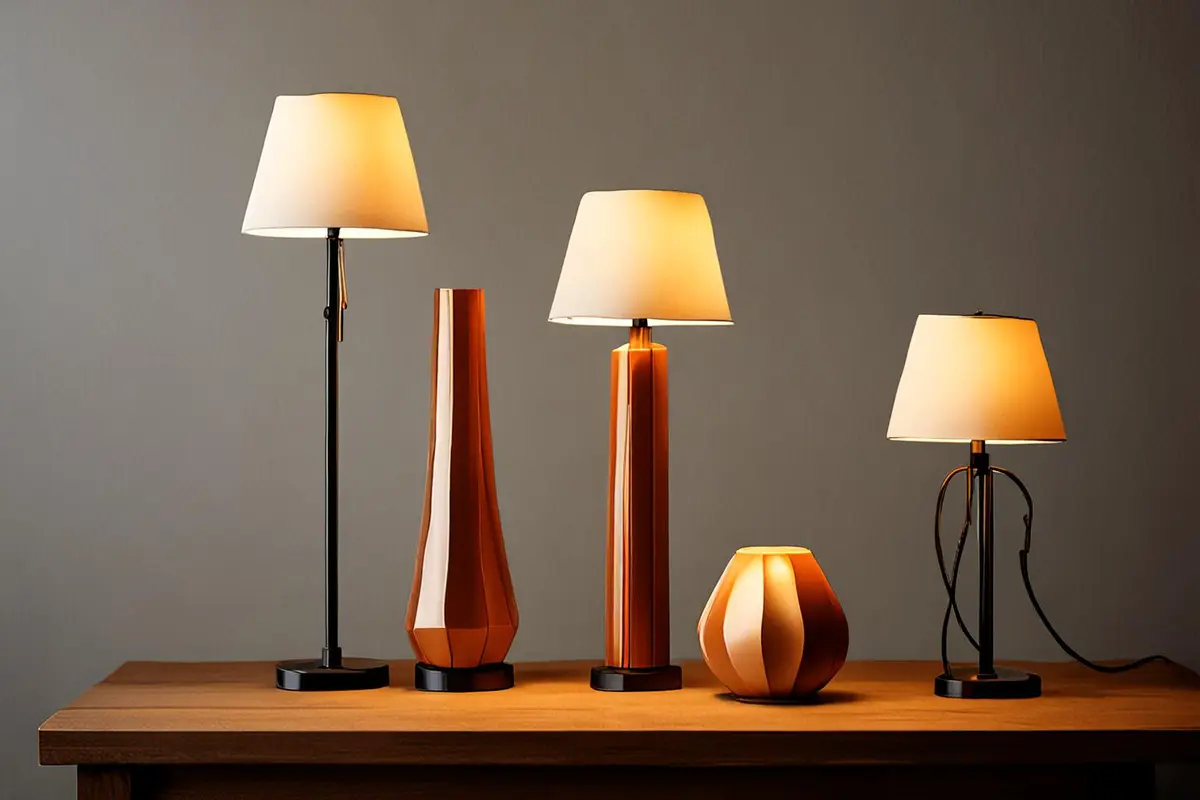
Three products stand in a row as the camera moves closer. The image is beautiful, but viewers finish without understanding how the models relate or which one might suit them. A product family video has two jobs: reveal a shared brand language and connect each difference to a real use.
Begin with the choice a buyer is making
Before giving every model the same rotating close-up, ask what a buyer is comparing. Is the difference how it is carried, where it fits, its accessories, capacity or the task it performs? The answer helps determine whether the models should appear side by side or in separate situations. Only confirmed product differences should become explicit visual or written claims.
Imagine three portable lights: one for a desk, one for travel and another for a larger workspace. A film might first show them from a related angle, then follow each to a desk, a backpack or a workbench. These models and uses are hypothetical; a real project needs to follow the actual specifications and intended conditions.
Build family resemblance through a shared action
Common ground need not be a background color. A repeated switch-on gesture, recognizable silhouette, consistent angle or sound rhythm can connect different models. Each sequence might begin with a hand touching the switch, then move into a different setting. Viewers first learn that the products belong together and then see the job each performs.
The shared element should come from the real products and brand rather than forcing everything to look identical. If one model has a different structure or operation, show it honestly. A consistent lighting mood and composition can provide continuity without erasing differences in size, color or function.
Make differences comparable
To communicate size, establish a credible scale relationship in the same setting. To show portability, film a real packing and unpacking action. Where models support different uses, connect each action to its corresponding result. Avoid changing distance and angle in ways that suggest a size or performance advantage the product may not have.
Images do not replace specifications or tests. Lighting, environment and treatment can affect how brightness, color and texture appear. When a film makes a performance comparison, the brand needs verifiable information and the conditions under which it applies. Film can explain a difference; attractive footage alone cannot establish an unsupported result.
Give the family film and individual films different jobs
A family film can answer what kind of life or work the range serves, without explaining every specification. An individual product film can answer a specific question through a complete action and its necessary conditions. A family film consisting only of model names may leave no memorable relationship; an individual film made solely from atmospheric footage may not help someone choose.
Plan consistent identifying shots for each model, then capture dedicated operations and use situations. In every intended aspect ratio, check that the model, action and product outline remain readable.
Ask viewers what they understood
After a rough cut, ask people outside the project to explain what connects the models and whom or what situation each one serves. They need not memorize every model name, but they should be able to describe a difference relevant to their choice. If they recall only the lineup, add a meaningful action. If they understand the differences but miss the family relationship, revisit the consistency of the shared cues.
When a range is complex or its differences need substantial technical explanation, a family overview plus separate model videos may be clearer. One film need not answer every question, but it should make the next step easy to find.
Planning a launch or product family video? Contact ONCE to turn your shared brand language and product differences into clear images.