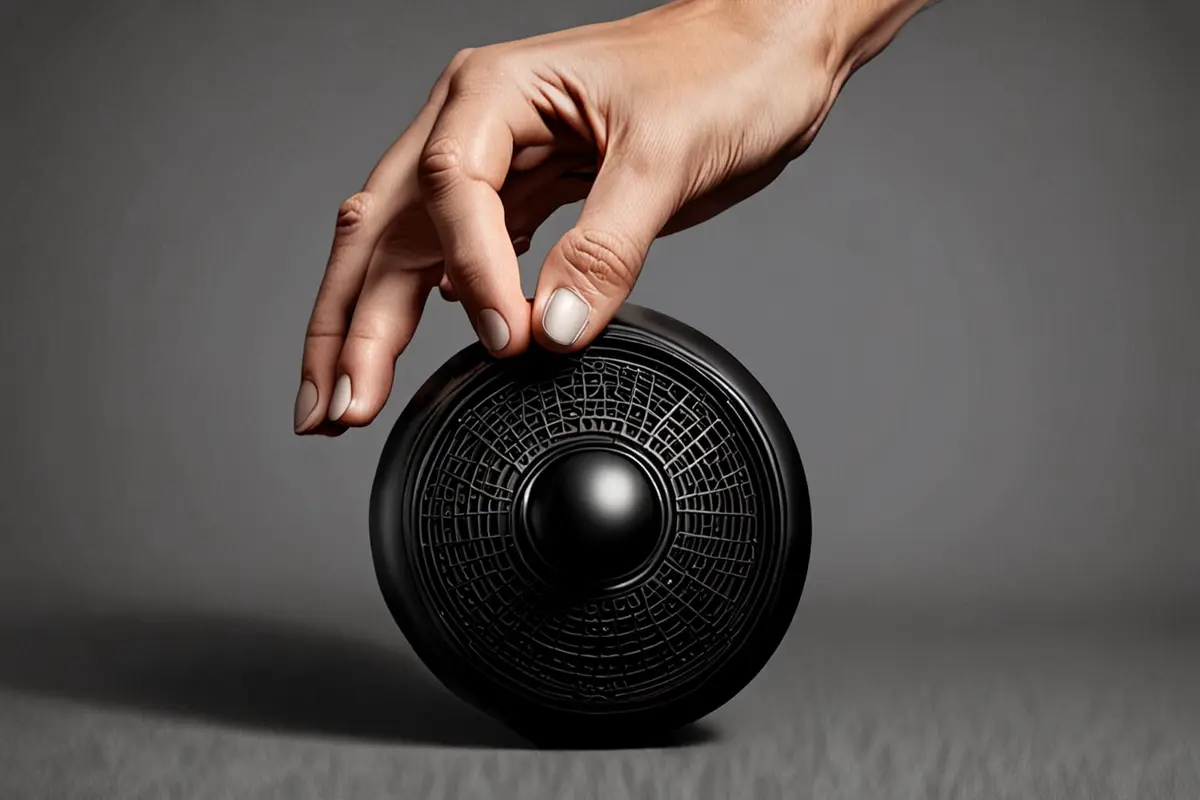
A knob settles precisely at a position. A hinge stays open instead of dropping. A drawer slows quietly near the end of its travel. In person, one touch tells a user whether a product feels loose, sticky, weightless, controlled, or supportive. On screen, the viewer cannot touch it. A simple open-and-close shot may prove that the mechanism moves, but it rarely communicates the quality of its resistance.
Damping feel does not live in a single beauty shot, and it is not the same as slow motion. It comes from how force begins, how movement continues, how the product stops, and how the hand responds along the way. When that chain is visible, knobs, hinges, sliders, buttons, and folding structures can feel tactile through a video.
Damping happens during the movement, not only at the end
Many product videos keep only two states: closed and open. The edit feels efficient, but it removes the part that carries the tactile value. Damping appears in the transition. Does the mechanism require a small initial force? Does it travel evenly? Does it catch in the middle? Does it hit the end abruptly or settle gradually?
Before filming, divide the action into four phases: force, start, travel, and stop. Every product does not need equal emphasis on all four. A knob may communicate precision through its initial resistance and detents. A soft-close hinge concentrates its value in the stop. A slider needs the audience to see both continuous travel and deceleration. Find the phase that defines the feel before choosing a macro lens.
Show force through the hand without hiding the product
The hand is the most immediate reference for damping, but pinching a knob and turning it is not enough. Viewers need to see where the force begins and where it ends.
Fingers show detail, while the wrist shows scale
Finger pads and joints reveal small resistance in knobs and levers. The wrist and forearm communicate the larger motion of hinges, handles, and drawers. An extreme close-up of a fingertip can show material contact while removing the scale of the effort. A useful combination is a medium close shot that establishes the complete grip, followed by a detail of pressure, joint movement, and the stopping moment.
Do not let the performer manufacture a premium feel
To make an action look controlled, a performer may slow down, lift the fingers, or add a deliberate pause at the end. The result shows restraint in the performance, not necessarily damping in the product. A better approach is to record several normal-use actions first, observe the real force points, and then select the action that works for camera. If the movement needs to be slower, preserve the product's true start and stop rather than turning the whole operation into a ritual.
When more than one person handles the product, our guide to staging shared product use helps keep the initiating force, the response, and the benefit assigned to the right person.
Align the camera with the force and keep contact readable
A camera parallel to the motion can compress the travel. A camera directly in front of it may reduce the action to a change in shape. Knobs often benefit from a slightly off-axis front angle that reveals circular travel and finger pressure. Hinges need a clear angle between the pivot and the opening plane. Sliders need enough space for the audience to read the start, travel, and end.
A long lens isolates detail but can make the movement feel smaller. A macro lens shows skin and surface contact, but a shallow depth of field can lose the decisive detent. Record one complete action from a more inclusive angle before adding close details. The close-up carries the sensation; the wider view shows that the action has not been replaced by an edit.
Lighting does not need to expose every surface. Damping depends on contact edges, changing gaps, and movement paths. Metal knobs benefit from a stable silhouette and moving highlight. Matte hinges often need side light to reveal angle changes. Dark sliders need separation from the background so that the structure does not merge into one shape.
Speed determines whether motion feels controlled or loose
The same mechanism creates different impressions at different speeds. Too fast, and the viewer registers only an impact. Too slow, and natural motion begins to feel sticky. Smoothness is not simply slower movement. The change in speed has to fit the mechanism.
Always preserve at least one take at a normal operating speed. Add a slightly slower version when the content needs it. Slow motion can reveal a detent, return, or soft close, but it cannot replace real-time movement because it changes the viewer's sense of force. If the edit uses high-frame-rate footage, place a real-time action nearby so the audience understands the actual operating rhythm.
Motion blur also changes tactile perception. A controlled amount makes rotation continuous, while too much erases markings, gaps, and the stop. Our guide to motion blur in product advertising explains how to preserve shape while keeping speed.
Sound is the other half of damping
A knob detent, slider friction, or the quiet end of a hinge tells the audience how the product absorbs force. Smooth visuals paired with a sharp, hollow sound can make the object feel light. An exaggerated low-frequency sound can suggest a weight that a small mechanism does not have.
Record the operation and the room separately when possible, so finger friction, clothing, or table vibration does not cover the mechanism. Post-production can reduce noise and clarify layers, but it should not replace the real structure with an unrelated mechanical sound. Sound should enlarge an action logic that already exists rather than invent performance for the image.
Let one action answer one question
If a knob turns while a light appears, an interface changes, a performer reacts, and a functional result arrives, the viewer cannot tell which detail creates the tactile impression. When filming damping, let one action answer one question: how it starts, how it passes a detent, or how it stops. Show the functional response in the next shot.
This does not require every film to look like a product test. Advertising can still have pace and style, but its cause and effect should remain legible. A practical sequence is: a complete action establishes real speed, a detail reveals the force point, a sound close-up emphasizes the stop, and the next shot shows the use result. The structure protects both aesthetics and meaning.
Perceived quality is not a performance test
A product video can make an action feel stable, smooth, or supported. One attractive shot cannot prove torque, service life, load capacity, or safety performance. Quantified claims require real test conditions, units, and an explainable method. The beauty shot helps the audience understand the experience.
This distinction also affects sample choice. If an engineering sample does not yet match production feel, performance, high-frame-rate footage, and sound design should not present it as final. Film structure and use context first, then capture the exact damping behavior when a production sample is ready. Honest production judgment protects the brand better than a short-term illusion.
Keep the force point inside every format
A horizontal frame can hold the wrist, product, and full travel. A vertical crop can easily remove the start or stop. Keep the decisive contact point inside the safe area and capture a tighter vertical action. A short cut does not need the entire mechanism, but it should preserve a complete cause-and-effect unit across force, movement, and stop.
If the value of your product lives in the feel of a knob, hinge, slider, or folding structure, bring the real sample, normal-use action, and the intended tactile words into a camera test. Then talk with ONCE about using camera position, performance, light, and sound to make that quality accurate, attractive, and adaptable across content formats.