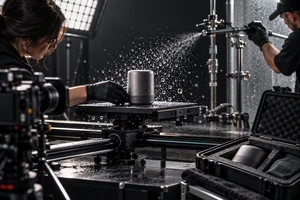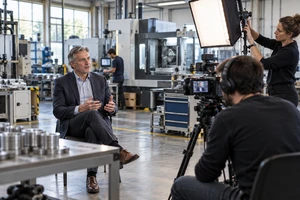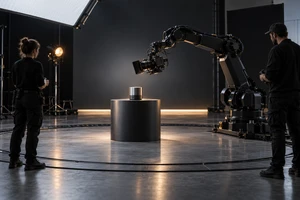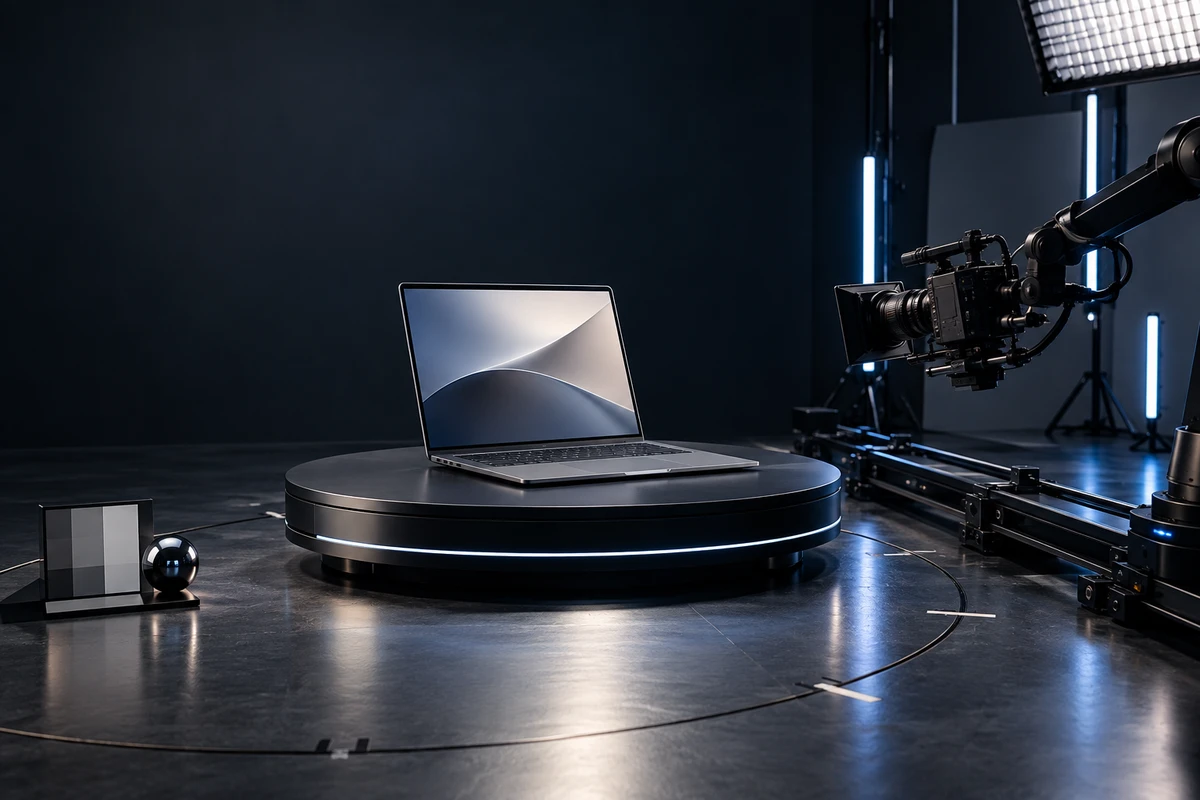
One of the easiest mistakes in an AI PC product video is to treat constant camera movement as a sign of budget and a robot arm as proof of premium production. The most useful shot is not the one that travels the farthest. It is the one that makes the product claim understandable while preserving the cause and effect of the interaction.
These projects often need to communicate industrial design, ports and structure, productivity tasks, on-device AI, and cross-device collaboration in one campaign. Microsoft describes Copilot+ PCs as Windows 11 PCs equipped with a dedicated neural processing unit, or NPU. Intel likewise explains an AI PC as a system in which the CPU, GPU, and NPU handle different workloads. For a production team, that means “AI” should not be represented only by particles, light trails, or abstract graphics. The action, device response, and outcome need to form one credible task chain. See the official Microsoft Copilot+ PC overview and Intel AI PC explanation for the terminology behind those claims.
Start with what the viewer must understand, not the rig
Camera movement is part of the sentence, not a production shopping list. Booting, waking, local inference, document summarization, image generation, call enhancement, and dragging a file across devices may all sit under the AI PC umbrella, but each requires different visual proof. Before the shot list is built, rewrite every feature as a testable statement: who performs the action, what state the computer is in, what result appears, and which intermediate steps the viewer must see.
If the critical information is on the display, at a port, or in a before-and-after state, stability and continuity usually come first. If the message is mobility or the relationship between a person and the computer, a controlled follow can add value. If the same move must be repeated across colors, SKUs, or multiple compositing passes, repeatability becomes a core requirement. Reversing that order can produce an expensive film that looks polished but does not prove the product.
Locked-off shots protect cause and effect
A locked camera is effective for real screens, port demonstrations, keyboard interactions, comparisons, and task sequences that require precise edit points. It reduces variables: the product position stays fixed, the viewing direction is clear, screen content can be matched to physical input, and regional or software versions are easier to replace later.
On-device AI claims benefit from that restraint. If a brand intends to say that a feature runs locally, works offline, or keeps data on the device, the production needs an approved feature build and a record of the operating system, application version, network state, and demo files. Without approved proof, the film should describe an AI-assisted task or a demonstrated workflow rather than infer privacy, speed, or offline capability from the image alone.
The risk is that a locked shot can resemble a screen recording. Lighting transitions, depth, foreground layers, the direction of a hand entering frame, and sound design should create the rhythm. The camera does not need to drift simply to signal energy.
Handheld or gimbal movement is strongest for human context
Handheld or gimbal work can place the computer inside a real workday: an employee moves from a meeting room to a desk, a creator changes spaces, or colleagues gather around a shared screen. A modest follow shot makes the task feel active rather than staged as a static product display.
The trade-off is repeatability. Paths and framing are harder to reproduce, screen reflections change continuously, and subtle breathing can weaken macro shots of materials or ports. When a campaign covers several colors, configurations, or composited versions, the apparent simplicity of a handheld shot can move costs into tracking, masking, and stabilization.
A useful principle is to let movement follow a transfer of attention, not every gesture. The camera may move from a face toward the computer and then settle before the critical action. In a cross-device workflow, use a moving master to establish spatial relationships, then locked inserts to show the actual file, window, notification, or result.
A slider creates controlled parallax for structure and materials
Sliders are well suited to the chassis, hinge, ports, keyboard layers, and material reflections. A short lateral move creates enough parallax for the viewer to understand thickness and construction without the loss of information that can come with a wide orbit. In many product beauty shots, five to twenty centimeters of useful travel is enough.
A slider is also easier to repeat than handheld work, which helps when matching lighting states, chassis colors, or focal lengths. “Repeatable,” however, does not automatically mean pixel-perfect. If the shot requires multiple lighting passes, separation of screen and body, or a precise match between open and closed states, record the start and end positions, focal length, lens height, product coordinates, and move speed.
Motion control buys repeatability, not simply a bigger move
The production value of motion control is the ability to repeat a path, speed, and timing. MRMC describes precision and absolute repeatability as core advantages of its motion-control systems. That capability is valuable for multiple exposure or lighting passes, screen replacements, identical paths across SKUs, matched transitions between closed and open laptop states, and shots synchronized with a turntable or high-speed action. The MRMC introduction to motion control gives a useful description of that capability.
The cost is preparation and space. A robot or motion-control arm needs a safety zone, calibration, path testing, lens and cable management, and time to reset every product state. Complex movement should be rehearsed with a stand-in and checked for clearance before the hero unit is placed on set. If the claim only requires a clear view of one port or one screen response, motion control does not automatically improve the communication.
It is usually justified when two conditions are true: the move must repeat precisely, and that repeatability creates enough value in compositing, localization, or multi-SKU production to offset the setup. The logic is similar to building a backup sampling plan for high-speed product shots: technology should protect an observable result rather than become the subject of the shot.
Decide between a real display and screen replacement before production
A real screen is appropriate when the interface is stable, the interaction is authentic, and exposure can be controlled. It preserves the natural relationship between fingers, keyboard input, reflections, and display brightness. Test refresh behavior, shutter settings, color temperature, and luminance before the shoot to avoid banding, rolling artifacts, or clipped highlights.
Screen replacement makes sense when the UI is not final, several languages are required, regional features differ, or the display brightness cannot be balanced with the finish of the device. The camera team then needs tracking references, a clean screen plate, correct occlusion, and reflection material where required. Replacement is not permission to invent functionality: the final interface, wording, and sequence still need product-owner approval.
For a range with several models, plan the display strategy together with the shot layering for a multi-SKU production day. Actions that genuinely carry across models can share a setup; port layouts, aspect ratios, and signature features should receive their own inserts.
Multiple formats and SKUs define how far the camera may travel
A wide lateral move that works in a 16:9 master may become an unrecognizable crop in 9:16. An orbit that suits one laptop may not transfer to a model with a different display ratio or port layout. Every moving shot should therefore specify safe composition, start and end frames, crop zones, and the product information that must never leave frame.
Record product position, turntable angle, focal length and camera height, motion-path version, speed, focus point, screen-content version, and lighting state. Capture a locked safety frame and a clean plate. If the concept combines live action with generated visuals, the division of labor between AI visuals and live action is useful: keep verifiable product behavior in the photographed layer and use generated or post-produced material for controlled atmosphere and extensions.
Seven questions to answer before the shoot
- Which exact product fact must this shot communicate?
- Does the information come from the product, the person, or the camera movement?
- Must the viewer see the before state, the action, and the result?
- Does the same path need to repeat across lighting passes, screens, colors, or SKUs?
- Is the interface final, and are localized or regional versions required?
- Will critical structures remain inside the safe area in horizontal, vertical, and square crops?
- Does the schedule include setup, calibration, reset time, and a safe operating zone?
A mature AI PC product film does not move every shot and it does not lock every shot. It reserves movement for spatial relationships, material changes, and shifts in attention. It reserves stability for feature proof and interaction logic. It uses repeatable paths when versions and compositing make that precision valuable.
If you are planning a product video for an AI laptop, workstation, or intelligent device, share the product materials with ONCE. We can map feature proof, SKU count, and delivery formats into a camera-movement and versioning plan before deciding which shots truly benefit from a slider or motion-control system.