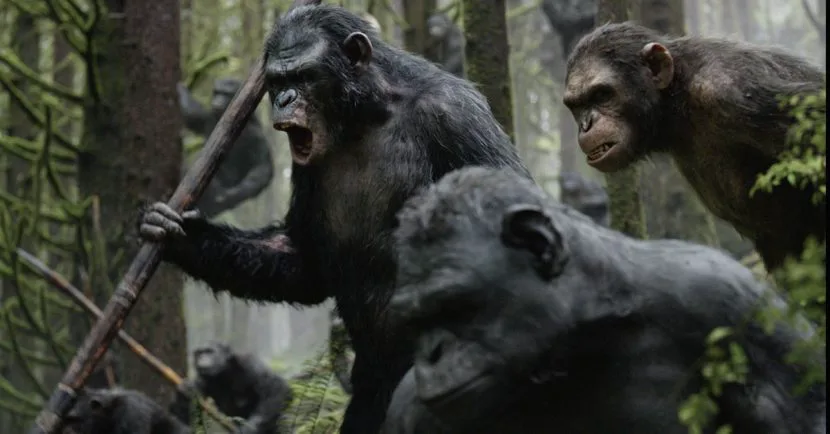
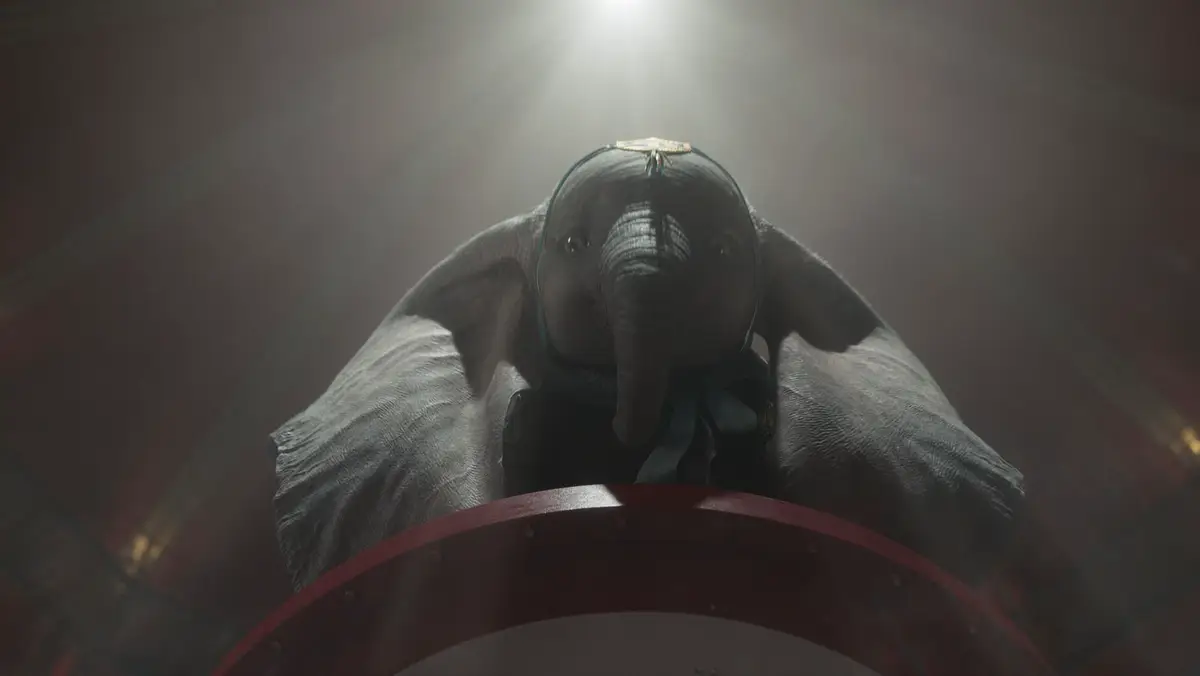
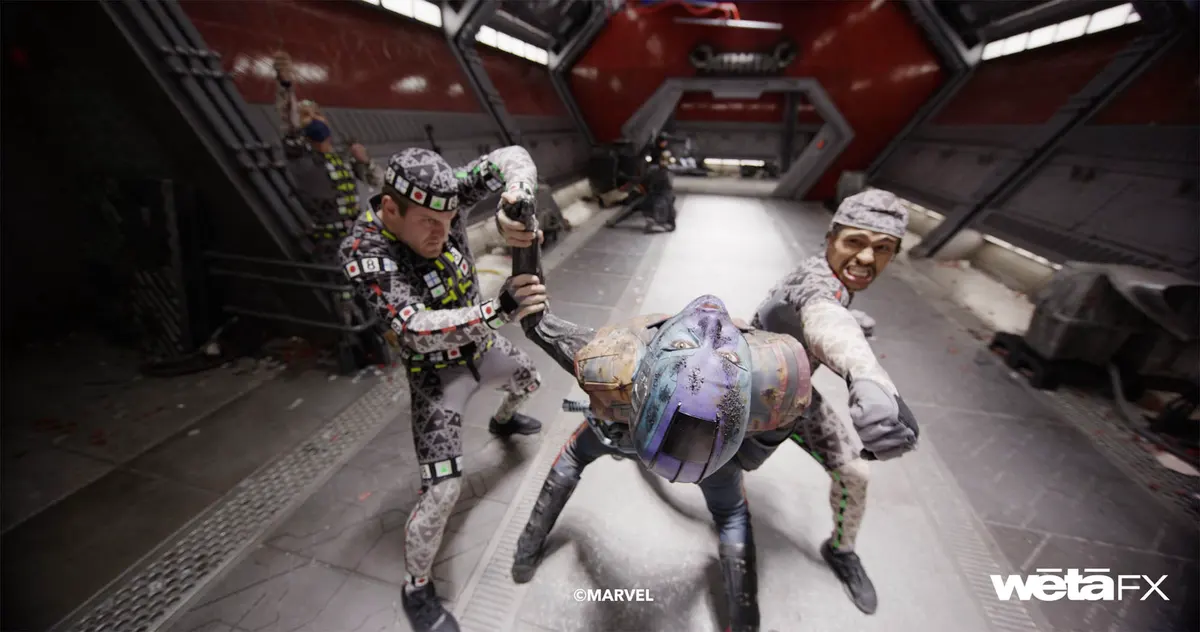
Define Communication Goals Before Choosing a Technical Approach
Live-action and CGI are essentially two expressive tools for the same product under different communication objectives. During project initiation, brands must answer three questions: first, on which platform will the video be published; second, what product information does the audience need to see; and third, is the product itself suitable for filming? The answers directly determine the weighting of each technical approach.

For example, Amazon main image videos emphasize functional demonstrations, requiring viewers to see authentic textures, scale, and usage; live-action provides credibility here. Conversely, Shopify brand story pages demand atmosphere and emotional resonance, where CGI can construct impossible real-world scenes such as floating products, material deconstruction, or environmental transitions. If the product involves liquids, powders, transparent materials, or micro-electronic components, live-action struggles to capture fine details, making CGI the more efficient choice.
The criterion is simple: if product selling points rely on real physical feedback, such as waterproof tests, load-bearing demos, or tactile displays, prioritize live-action filming. If the focus is visual impact, abstract concepts, or futuristic aesthetics, CGI is more suitable. The risk is that brands are often drawn to CGI's technical flair while overlooking product credibility, leaving viewers unsure what the actual product looks like. An exception applies when a product is not yet in mass production or requires multiple color variants; CGI can generate assets early but must be labeled as a render to avoid misleading viewers.
Core Advantages and Irreplaceable Scenarios for Live-Action Filming
Live-action filming provides authentic lighting, material textures, and physical interactions that are critical for e-commerce conversion. Unable to touch the product, consumers rely on video details to judge quality, such as leather grain, brushed metal, or fabric folds, all of which are preserved by live-action shots.
Specifically, prepare at least three high-precision product samples before shooting: one for the main shot, one for close-ups, and one spare. Also prepare contextual props for usage scenarios, such as coffee cups, phones, or tabletops, to ensure a lifestyle feel. The crew must verify on-site lighting conditions, prioritizing natural light with diffusers to avoid hard shadows.
Irreplaceable scenarios include products requiring human interaction, such as apparel, beauty, or food items, where a model's gestures, expressions, and movements convey the user experience. Another scenario involves demonstrating true scale, such as furniture or appliances, where reference objects in live shots help viewers gauge size. The risk is that live filming is constrained by location, weather, and talent availability, making schedules unpredictable and necessitating buffer time. An exception is purely functional components like screws or chips, where live action struggles to highlight features and CGI offers greater clarity.
Applicable Conditions and Production Boundaries for CGI
CGI is ideal for products that are difficult to film, require multi-angle views, or need dynamic exploded diagrams. For example, smartwatch internals, drone flight paths, or automotive aerodynamics can be rendered as 3D models, allowing viewers to observe them from any angle.
There are three prerequisites: first, precise CAD data or orthographic views must be available; second, the brand must accept minor discrepancies between renders and physical products; third, the budget must cover modeling and rendering costs. The production team must confirm material parameters like reflectivity, roughness, and translucency, as these determine realism. Missing parameters may result in renders that look like plastic toys.
A key boundary is that CGI cannot replicate physical interactions found in live footage, such as liquid splashes, flowing fabric, or smoke diffusion; these require fluid simulations that are computationally expensive and prone to errors. Additionally, CGI cannot convey tactile sensations, limiting its effectiveness if the selling point is skin-friendliness or softness, as viewers can only judge visually. The risk is that CGI involves long production cycles and iterative feedback, so brands should allow for at least two revision rounds. An exception is concept or pre-launch products, where CGI is the only option but must be clearly labeled as a conceptual render.
Required Materials Checklist for Project Initiation
Brands must prepare five types of materials during project initiation. First, basic product information, including name, model, material, dimensions, weight, color, and packaging, is required for scriptwriting and storyboarding. Second, target platform specifications, such as aspect ratios, duration limits, and file size requirements for Amazon, Shopify, TikTok, and Facebook, must follow the latest official guidelines before publishing.
Third, collect competitor reference footage from at least three similar product videos, noting which shots to emulate and which to avoid. Fourth, provide a prioritized list of the top three selling points, specifying the demonstration method for each. Fifth, supply brand visual guidelines, including logos, fonts, color codes, and supporting graphics, to ensure video consistency with brand identity.
The production team must verify the completeness of these materials and request missing items during the scripting phase. If the brand cannot provide competitor references, the team should research and offer recommendations, though final decisions rest with the brand. A risk is that excessive materials may overload the script, requiring the team to filter core information. Exceptionally, for entirely new categories lacking competitors, the team can design demonstration scenarios based on user pain points.
Key Decision Points During Filming and Post-Production
During filming, the crew must confirm a shot list comprising hero, detail, lifestyle, and transition shots, each with a clear purpose. Lighting setups must distinguish key, fill, and rim lights to ensure defined product contours. For audio, if voiceover is included, use directional microphones to minimize ambient noise.
In post-production, editing should follow a narrative logic: overview first, then details, followed by usage scenarios. Color grading must maintain accurate product colors and avoid oversaturation. Sound design should balance background music, sound effects, and voiceover levels. Subtitles must meet platform standards; for example, Amazon requires legible text, while TikTok favors brevity.
CGI post-production must address render resolution and frame rate to ensure master outputs meet platform requirements. After rendering, inspect material details, such as natural metal reflections and correct glass refraction. If errors occur, revise the model rather than attempting fixes during compositing. Post-production changes risk introducing issues like color shifts or scaling errors, necessitating version control. For static displays, single-frame rendering with compositing may be used to reduce render time.
Acceptance Checklist and Delivery Standards
Acceptance reviews must occur in phases: scripting, filming, rough cut, fine cut, and final delivery, each with specific criteria. The scripting phase verifies narrative logic, selling point coverage, and duration. Filming confirms footage completeness, stability, and exposure accuracy. The rough cut assesses structure, pacing, and transitions. The fine cut validates color grading, audio, subtitles, and VFX.
Final delivery must include the master file, platform-adapted versions, subtitle files, audio files, project source files, and font and asset licenses. Master formats must meet platform requirements, such as MP4 or MOV with H.264 or H.265 encoding. Adapted versions must match specific platform aspect ratios and durations; for instance, Amazon main image videos recommend 1:1 or 16:9, while TikTok recommends 9:16.
Acceptance criteria include whether the final video accurately conveys core selling points, plays fully on the platform, and is free of technical errors such as audio-video sync issues, subtitle misalignment, or compression artifacts. A risk is that brands may focus solely on the final output while neglecting source and licensing files, preventing future revisions. An exception applies to one-off campaigns where source files may be waived, provided copyright scope is confirmed.
Strategies for Combining Live Action and CGI
Combining live action and CGI is a common strategy; live action provides realism while CGI adds visual impact. For example, CGI can overlay dynamic annotations, data charts, or environmental effects onto live-action product shots. This approach suits complex products requiring detailed explanation.
Key execution points include unifying lighting direction between live action and CGI to ensure consistent compositing. Teams must define during pre-production which shots use live action versus CGI and schedule compositing milestones accordingly. Brands should provide original live-action assets, including RAW formats or high-bitrate video, to facilitate post-production compositing.
Risks include increased production complexity in matching perspective, color, and motion blur, requiring experienced compositors. An exception applies to digital products like software interfaces or virtual services, where full CGI may be preferable, though adding real-world usage shots—such as fingers tapping a screen—enhances credibility.
Scenarios Unsuitable for Live Action or CGI and Alternative Solutions
Live action is unsuitable when products are not yet mass-produced, are excessively large or small, involve hazardous environments, or require frequent color or version changes. CGI is unsuitable when products require authentic physical feedback, feature hard-to-simulate materials, have limited budgets, or face extremely tight deadlines.
Three alternatives exist: first, using stock footage libraries like Shutterstock or Artgrid for generic product shots, subject to licensing verification; second, generating concept videos with AIGC tools, which must be labeled as AI-generated and avoid commercial misleading; third, applying motion effects to still images—such as creating product photos in Photoshop and adding zooms and pans in Premiere—for low-budget projects.
If time-to-market is tight and both live action and CGI modeling are too slow, consider animating still images. For food products, prioritize live action to showcase freshness, as CGI struggles to replicate it. Risks include potential quality reduction with alternatives, requiring brands to balance effectiveness against cost. An exception applies to service-based offerings like courses or consulting, where presenter-led content makes production method secondary to content structure.
Recommended Next Steps
Before launching a project, brands should clarify product selling points and target platforms, then hold an alignment meeting with the production team. Define the technical approach, deliverables, and acceptance criteria during this session. If the team has live-action and CGI hybrid experience, request past case studies but avoid relying on specific metrics from them. Final decisions should be based on product characteristics and communication goals, not technical preferences.
If you are preparing a product video shoot, gather your brief, visual references, product or company materials, delivery platforms, and licensing scope before reviewing theE-commerce Product Video Services pageto translate abstract preferences into actionable production parameters.