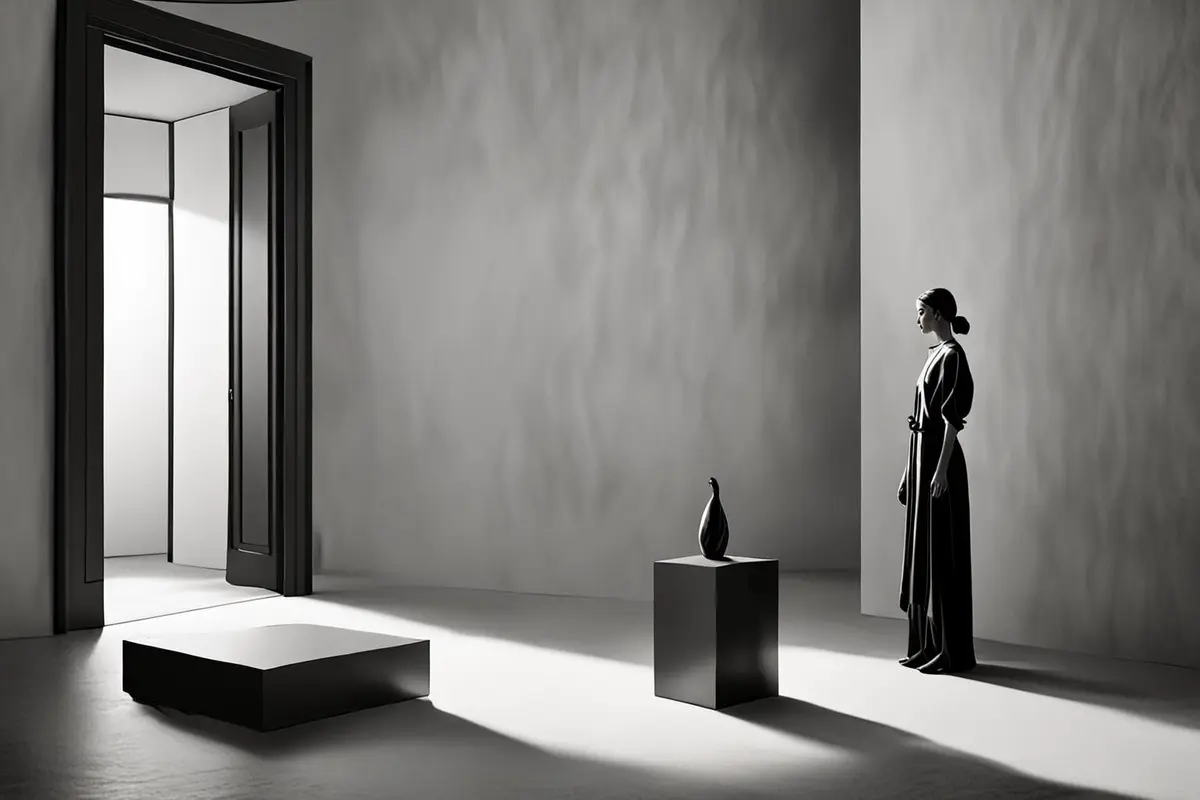
An AI commercial can contain four shots that look excellent on their own: a performer enters through a door, a product turns on a table, a finger touches a control, and light changes as the feature activates. Once those shots are edited together, however, something feels wrong. The performer moves right in one frame and seems to return from the right in the next. Their eyeline points off-screen left while the product appears on the other side. A hand reaches for a control, then changes position before contact.
The problem is often neither resolution nor visual style. The shots do not share the same spatial map. A generation model can complete each image as a self-contained composition, while editing asks several images to complete one event. To turn a collection of beautiful AI shots into a believable scene, direction must be designed before decoration.
Continuity is prediction, not just a matching look
When a performer walks from left to right, viewers assume the destination lies to the right. When someone looks off-screen, viewers wait for a reverse shot to reveal the object of attention. When a hand reaches toward a product, they expect the next shot to continue the same action. Continuity works because the edit fulfils those predictions.
Matching color, wardrobe, and product geometry can prove that shots belong to the same brand world. It cannot prove that they occupy the same space. Every frame may share a cool palette and cinematic light, yet the room will still feel rebuilt if the door, performer, product, and eyeline keep changing their relative positions.
Draw a scene map before writing prompts
Before generating the first shot, make a simple overhead map with three decisions: where the performer enters, where the product sits, and which side of the action the camera may occupy. It does not need polished storyboards. A sketch with arrows is enough if it gives the scene one stable direction of movement and one axis that cannot change accidentally.
If a performer moves from a doorway toward a table, an establishing shot might define the journey as left to right. Medium shots and close-ups should preserve that screen direction. To move to the other side, show the camera or performer crossing visibly, or use a neutral frontal shot to reset the relationship. A shared map is more useful than repeating the same list of cinematic adjectives in every prompt.
An establishing shot is a spatial promise
Many AI films use an establishing shot as an atmospheric cover: the room is large, the light is attractive, and the person is small. The edit then jumps to an unrelated product close-up. A useful establishing shot shows how the entrance, performer, product, and main light source relate. Later shots may omit information, but they should not contradict that promise.
The shot does not need to last long. It only needs one recognisable anchor such as a doorway, window, table edge, or floor lamp. If a close-up retains one anchor, viewers can believe that the camera moved closer rather than teleported to another room.
Screen direction tells viewers whether action advances
Left-to-right movement has no universal meaning, but one action needs one consistent direction. If a performer approaches the product moving right, a hand entering the close-up should come from a compatible side. Airflow, light, or mechanical feedback can continue along the same direction. The action then feels progressive.
A sudden reversal may suggest that the performer turned back, failed, or moved backward in time. Viewers may never describe the error consciously, yet it weakens the sense of effortless product use. Direction is therefore not an academic rule. It determines whether product information can be understood in one or two seconds.
Eyelines must point toward the same off-screen object
When a performer looks at a product, eye direction, head angle, and the product reverse shot must form one line. A common generated error places the performer on the left looking right, then shows the product composed as if it also faces right. Each image is plausible, but the relationship disappears.
Instead of writing only that the performer looks at the product, record which side the person occupies, where the gaze travels, and which side the product should occupy in the reverse angle. Dialogue works the same way. One person looking off-screen right should be answered from the relative opposite direction. Eyeline matching lets subjects generated separately share a believable room.
A cut on action needs a shared middle state
Editing can connect two separately generated actions when they share a recognisable middle state. A wide shot can end as the palm touches a dial, and the close-up can begin with the palm already in contact but before it turns. A lid can be half open at the end of one shot and begin near the same position in the next. That overlap gives the editor a choice of cut points.
If the first shot ends while the hand is still in the air and the next begins after the indicator has lit, the cause disappears. Viewers may suspect that editing created the product response. Designing a start, contact, and result for every important action is more reliable than asking one generation to perform a long, complex movement.
Background, light, and sound also carry direction
Performers do not create spatial continuity alone. If window light enters from off-screen left, highlights and shadows should keep roughly the same logic in close-ups. A table edge receding to the right cannot keep the identical perspective in a reverse shot without making the camera position contradictory.
Sound can bridge visible change. A door closes behind the performer, footsteps approach the table, and a product activation sound arrives from the direction of the gaze. Those cues preserve the room in the viewer's mind. Continuous music may hide an unstable cut, but it cannot repair a broken relationship.
Reference images lock identity; the scene map locks relationships
Character, product, and style references help preserve faces, structure, and visual language. They do not automatically tell each shot which side of the axis to occupy. The broader ONCE AIGC journal covers reference control and generated production methods; spatial continuity adds a separate layer of shot relationships.
Four fields beside each shot are often enough: camera side of the axis, performer screen direction, eyeline target, and action in-point and out-point. These relationships are more direct than adding more reference images. The scene must first exist as one space; each generation then becomes a view taken from that space.
When crossing the axis can be intentional
The axis is not an absolute prohibition. A performer can walk around the product, the camera can pass through a frontal position in one visible move, or a product state change can motivate a new direction. Viewers simply need to see how the relationship resets. A frontal, overhead, or along-the-axis neutral angle can temporarily remove left and right before the next group of shots establishes a new rule.
An intentional crossing can create unease, conflict, or discovery. A direction reversal when the product malfunctions can make order feel disrupted; returning to the original direction after the problem is solved restores stability. An accidental jump confuses. A deliberate crossing has a dramatic reason.
Live action and previs can provide the spatial skeleton
A hybrid production does not need every frame to begin from nothing. A team can record simple blocking in the real location or use a low-detail 3D scene to establish the door, table, performer, and camera positions before sending keyframes into the generation process. The value of this material is not final image quality. It gives every shot the same coordinates.
For product operation and human interaction, live-action hands, turns, and eyelines can remain as the motion skeleton while AI extends the environment, atmosphere, or difficult visual transitions. Generation retains creative freedom, but editing gains dependable direction and contact points.
A good shot that cannot connect can serve another role
Not every beautiful result should be forced into a continuous scene. If direction, eyeline, and action cannot be repaired, the shot can become parallel montage, an emotional insert, or a product metaphor. Once the edit clearly signals that the image belongs to another time or mode, spatial discontinuity no longer pretends to be continuous action.
The real waste is forcing contradictory shots together and using faster pacing to hide the problem. The maturity of an AI commercial is not measured by how many generations survive. It appears in the team's ability to decide which images form one event and which should remain independent.
Make every shot belong to the same event
Multi-shot AI continuity comes from a stable scene map, consistent screen direction, matching eyelines, and overlapping action states. Style makes shots look related. Spatial relationships make them live inside the same scene.
If you are planning a brand film, product commercial, or international social campaign that combines live action and generation, ONCE can design the scene map, blocking, shot structure, and motion masters before multi-shot production begins. Explore our AI and AIGC video production solution to create generated footage that can become a real edit.